Environment Setup
We will use Vite to quickly build the projectTaskHubVite content reference:Vite Tutorial。
1. Create Project
Open the terminal and run the following command to create a Vite + Vue3 project (select the Script Setup syntax):
# npm 命令
npm create vite@latest task-hub -- --template vue

# yarn 命令
yarn create vite task-hub --template vue

# pnpm 命令(推荐,速度更快)
pnpm create vite task-hub -- --template vue
After successful execution, the output is as follows:

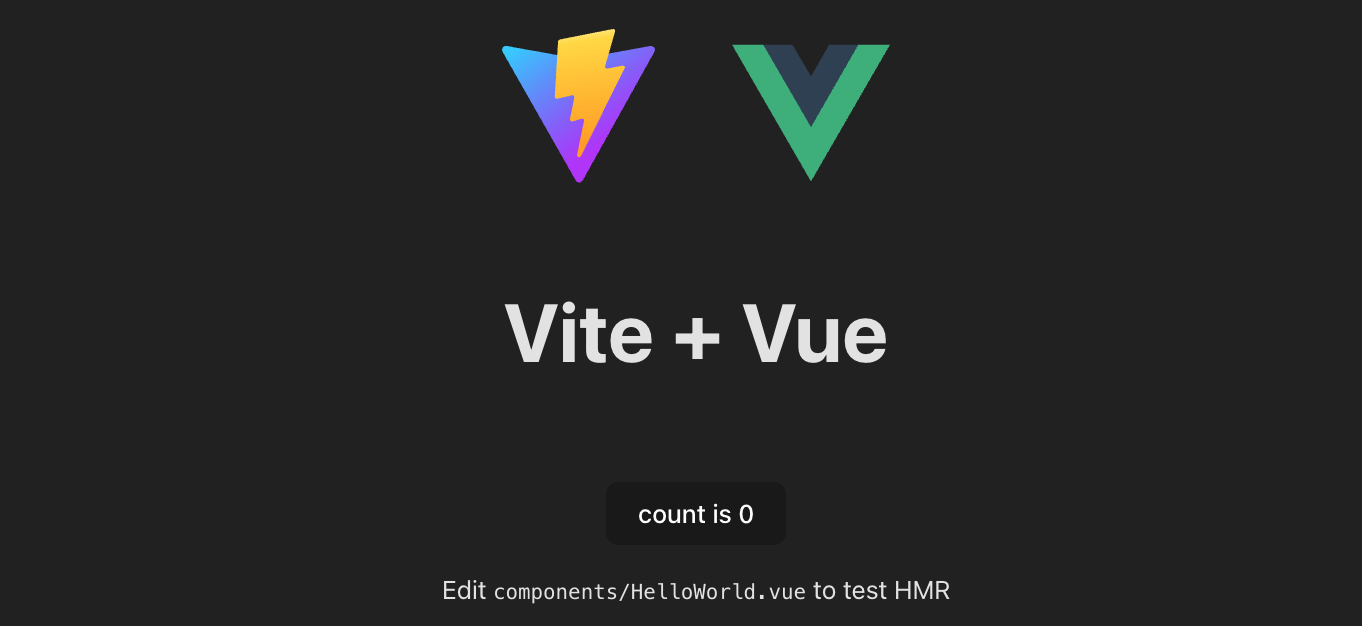
After startup succeeds, visit the local address shown in the terminal (default http://localhost:5173/), and you will see the Vue3 initial page.
2. Project Directory
We can enter the directory:
cd task-hub
If VS Code is installed, you can use VS Code's `code` command to open the directory. VS Code content reference:VS Code Tutorial。
code .
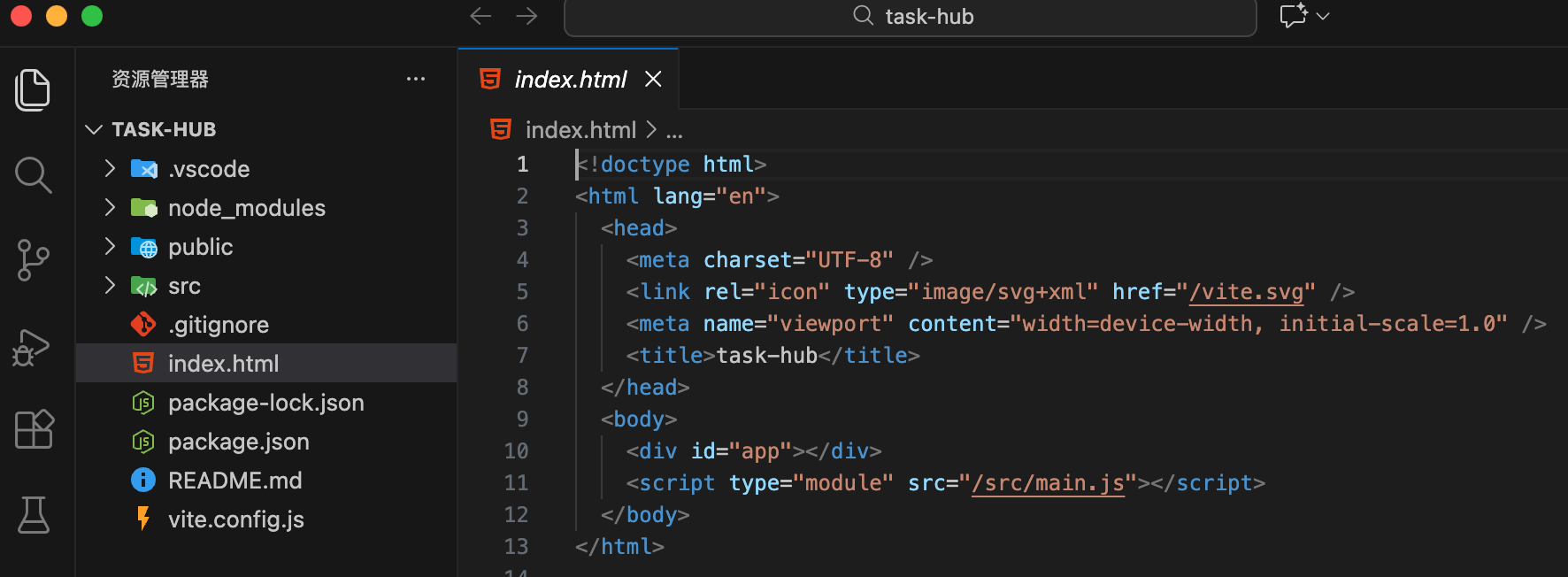
After startup, the directory structure is as follows:
Other related commands:
# 安装依赖
npm install

# 启动
npm run dev
# 清理默认代码
2. Clean Up Default Code
Delete src/components/HelloWorld.vue.
Clear src/style.css.
Modify src/App.vue, the code is as follows:
Example
// JS logic
</script>
<template>
<div>
<h1>TaskHub</h1>
</div>
</template>
Import Tailwind CSS
Install and configure the atomic CSS framework.
npm install tailwindcss @tailwindcss/vite
Modify vite.config.js:
Example
import vue from '@vitejs/plugin-vue'
import tailwindcss from '@tailwindcss/vite'
import path from 'path'
export default defineConfig({
plugins: [
vue(),
tailwindcss(), // Activate the Tailwind v4 engine
],
resolve: {
alias: {
'@': path.resolve(__dirname, './src'), // Configure path alias
},
},
})
In v4, Tailwind runs as a Vite plugin and automatically scans your .vue files.
Import it in src/style.css:
In Tailwind v4, all configuration (themes, variables) is written directly in CSS. Reset src/style.css as follows:
Example
/* The way v4 defines theme variables */
@theme {
--color-brand: #3b82f6;
--radius-xl: 1rem;
}
/* Global base styles */
@layer base {
body {
@apply bg-slate-50 text-slate-900 antialiased;
}
}