Using iOS Sliders
A slider is used to select a value from a range of values.
Important Properties
- continuous
- maximumValue
- minimumValue
- value
Important Methods
- (void)setValue:(float)value animated:(BOOL)animated
Add custom methods addSlider and sliderChanged
-(IBAction)sliderChanged:(id)sender{
    NSLog(@"SliderValue %f",mySlider.value);
}
-(void)addSlider{
    mySlider = [[UISlider alloc] initWithFrame:CGRectMake(50, 200, 200, 23)];
    [self.view addSubview:mySlider];
    mySlider.minimumValue = 10.0;
    mySlider.maximumValue = 99.0;
    mySlider.continuous = NO;
    [mySlider addTarget:self action:@selector(sliderChanged:)
    forControlEvents:UIControlEventValueChanged];
}
Modify viewDidLoad in ViewController.m as follows
(void)viewDidLoad
{
   [super viewDidLoad];
   [self addSlider];
}
Output
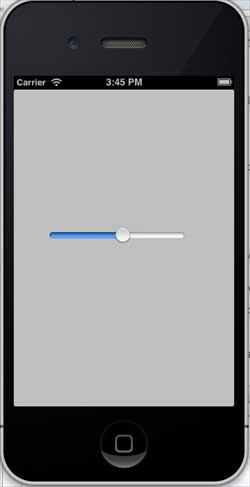
Now when we run the application we will see the following output:
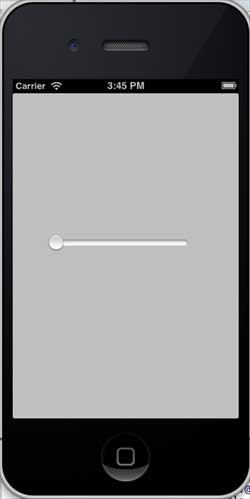
When dragging the slider, the effect is as follows: