Claude Code Introduction
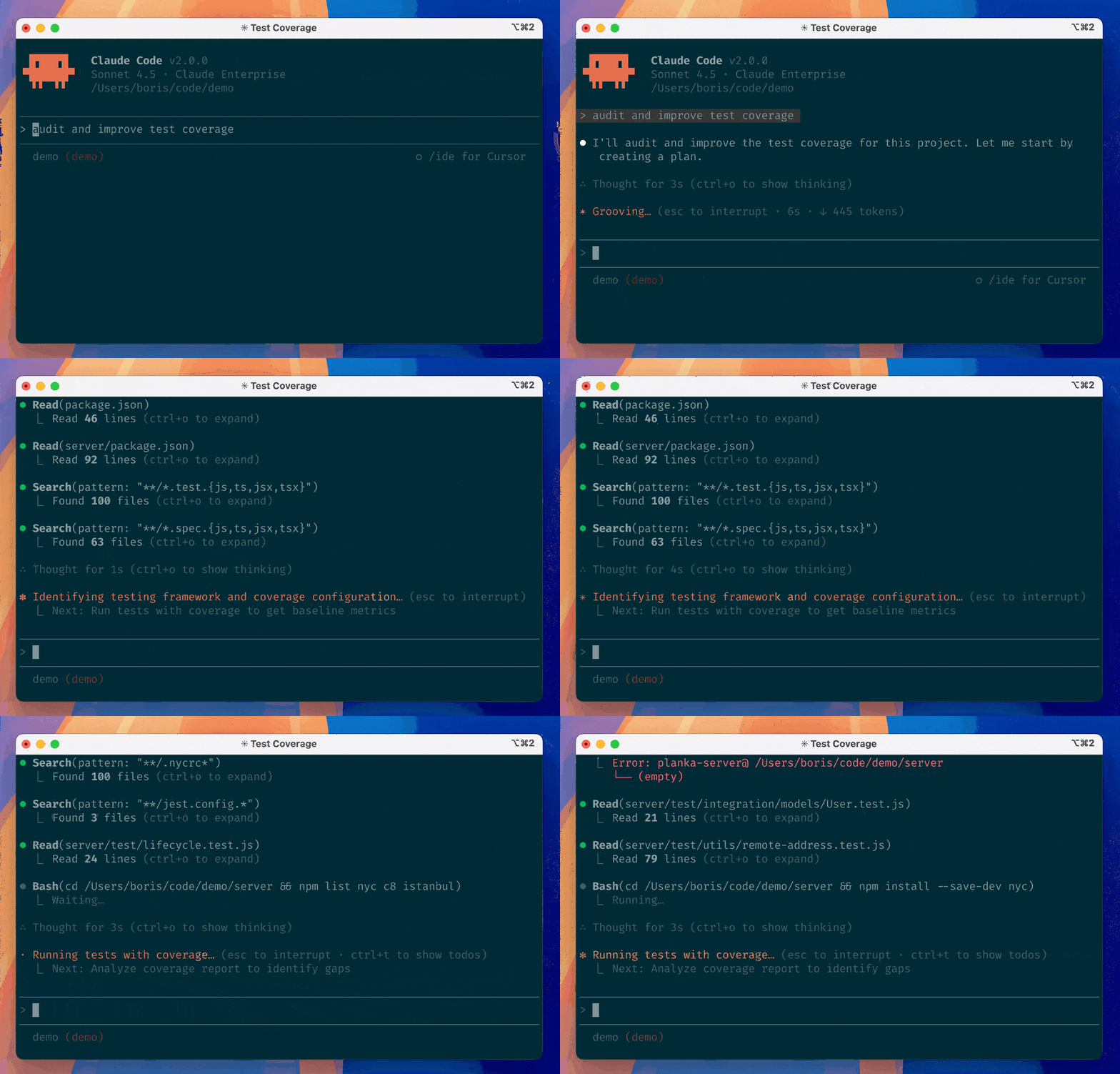
Claude Code is an AI programming collaboration tool launched by Anthropic for developers. Unlike writing a few pieces of code in a chat window, Claude Code's core goal is to understand your entire project and participate in the real coding, modification, and refactoring process.
Claude Code is not a code generator, but an AI programming partner that can read projects, understand context, and follow constraints.
In short:Claude Code is the command-line version of Claude, specifically designed for programming scenarios.。
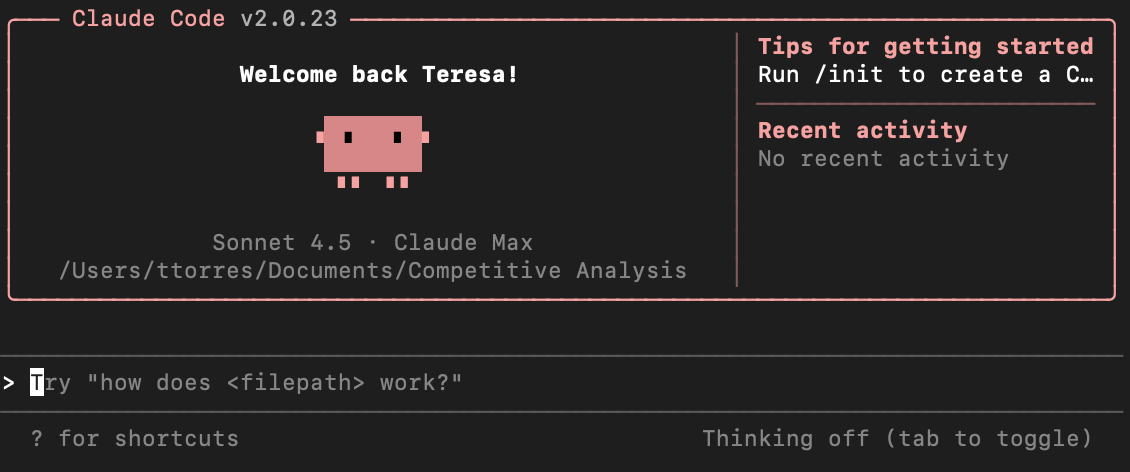
It is not a chat box in a web page, but runs directly in your terminal. It can:
- Read the code of your entire project
- Understand the relationships between files
- Directly modify code files
- Execute your instructions and give suggestions
From a capability perspective, Claude Code mainly has three characteristics:
- Context awareness: it understands not just a single file, but the entire project structure
- Engineering-oriented: it focuses on maintainability, standards, and testing, rather than one-off code
- Customizable behavior: it uses Skills (skill packs) to make the AI follow your rules
As an analogy:
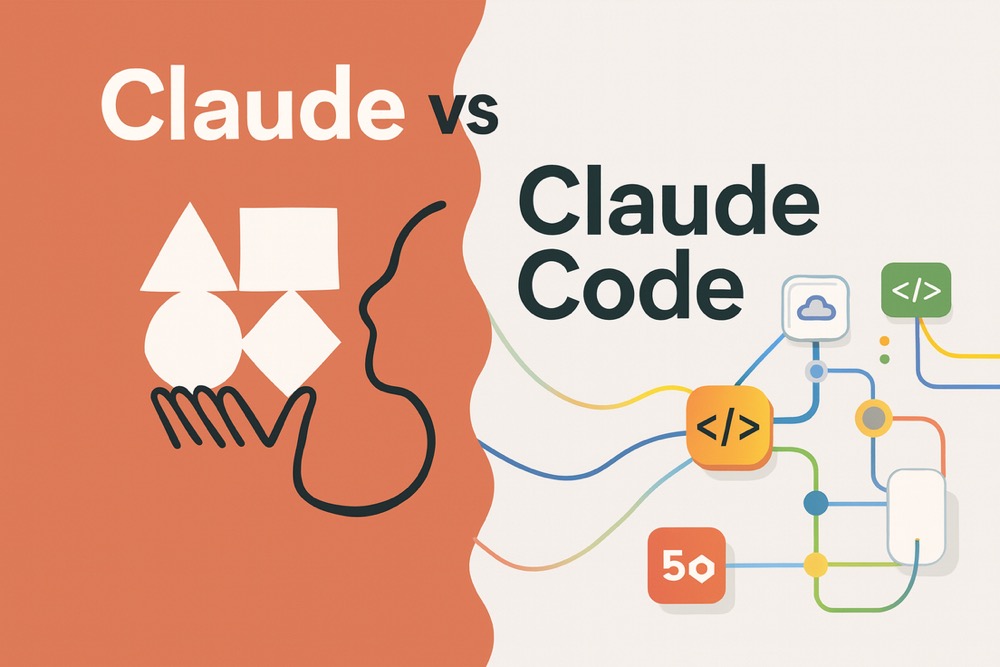
- Claude (web version)is like a consultant: you screenshot or copy code to it, it gives you advice, but you have to make the changes yourself.
- Claude Codeis like a partner sitting next to you: it can see your entire project, help you modify code, and even help you write tests and refactor functions.
What can Claude Code do?
Claude Code's core capabilities can be summarized as follows:
1. Code understanding and explanation
We can ask it:
- What does this function do?
- Why is there an error here?
- Where is the performance bottleneck of this code?
It will provide explanations based on your project context.
2. Multi-file context analysis
Unlike simple code completion tools, Claude Code can understand:
- Where this function is called
- Which other files this module depends on
- What the architecture of the entire project is
3. Engineering-level code modification
We can say:
- Change all places using var to let
- Split this function into three smaller functions
- Add error handling to all interfaces
It will actually modify the code for you, not just give suggestions.
4. Extending capabilities through Skills (skill packs)
Skills are the most powerful part of Claude Code — we canteach it your coding habits and team standards, letting it work the way we do.
For example:
- Our team requires all functions to have comments
- API responses must conform to a specific format
- Test cases need to cover edge cases
You can write these requirements into Skills, and Claude Code will automatically follow them.
Claude Code CannotWhat can it do?
Things Claude Code is not good at:
- It cannot make the final judgment on technical decisions for you.
- Cannot guarantee generated code is 100% bug-free
- Cannot understand business semantics you haven't explicitly specified
- Not suitable for fully automatic project takeover when you have zero understanding of the project
A mature usage mindset is: let Claude Code provide high-quality candidate solutions, not absolute correct answers.
The core value of Claude Code
Claude Code's core philosophy: collaboration, not replacement
Claude Code isn't trying to push developers out of the game; its design philosophy is very clear:
- Humans are responsible for:Goals, constraints, judgment, aesthetics
- AI is responsible for:Execution, analysis, comparison, repetitive work
For programming beginners: lowering the learning barrier
If you're a beginner, the most painful things might be:
- Not understanding other people's code
- Not understanding why errors occur
- Not knowing what good code looks like
Claude Code can:
- Explain code in plain language: This code first checks whether the user is logged in; if not, redirects to the login page
- Help you debug: The error here is because the variable name is misspelled. It should be
usernamenotusrname - Teach you to write better code: This function is too long; you can split it into three smaller functions responsible for validation, processing, and returning respectively
For independent developers: improving development efficiency
If you're an indie developer, you might:
- Handle both frontend and backend alone
- Have no one to help you with code review
- Need to quickly experiment and iterate
Claude Code can:
- Help you quickly understand how to use third-party libraries
- Automatically generate test cases
- Help you refactor messy code
For teams: unifying standards and reducing collaboration costs
If you work in a team, you might encounter:
- Everyone has a different code style
- New members are slow to get up to speed and keep asking the same questions
- Code review takes time
Claude Code can:
- Unify team standards through Skills(Everyone uses the same set of rules)
- Help new members quickly understand the project
- Automatically check code quality before committing
Who is Claude Code suitable for?
I recommend the following types of people try Claude Code:
Programming beginners
- Want to learn programming but always get stuck on not understanding code
- Need a teacher available to answer questions anytime
Indie developers / entrepreneurs
- Build projects alone and need to experiment quickly
- Want to spend time on core features, not get stuck on trivial issues
Backend / frontend / full-stack engineers
- Want to improve development efficiency
- Want to learn better coding practices
- Need to quickly understand complex projects
Tech leads / architects
- Want to use AI to help implement team standards
- Want to reduce the cost of onboarding new members
Scenarios where Claude Code isn't suitable
- You have no desire to learn programming; you just want to input requirements and have a project generated automatically (AI can't do this yet)
- Your work involves highly sensitive code and you cannot use external AI services
What is the difference between Claude Code and other AI programming tools?
You may have also heard of ChatGPT, Cursor, and GitHub Copilot. How are they different from Claude Code?
Claude Code vs ChatGPT
| Dimension | ChatGPT | Claude Code |
|---|---|---|
| Usage | Web chat | Command-line tool |
| Code understanding | Requires manual pasting | Automatically reads the entire project |
| File modification | Provides suggestions, you make changes manually | Can directly modify files |
| Suitable scenarios | Asking questions, learning concepts | Real project development |
Claude Code vs Cursor / Copilot
| Dimension | Cursor / Copilot | Claude Code |
|---|---|---|
| Working method | In-editor auto-completion | Command-line conversational |
| Suitable scenarios | Real-time hints while writing code | Understanding, refactoring, architecture-level modifications |
| Learning cost | Low, ready to use out of the box | Medium, requires learning commands |
Brief summary:
- Copilot/Cursor: Autocomplete while typing, like a smart input method
- Claude Code: Conversational collaboration, like a senior partner
- ChatGPT: General-purpose assistant, like a consultant
Claude Code's advantages:
- Stronger understanding of the entire project
- Behavior can be customized through Skills
- More suitable for scenarios like understanding legacy code and large-scale refactoring
Claude Code's limitations:
- Not as seamless as Copilot (requires manual invocation)
- Slightly higher learning curve