SFTP Protocol
SFTP (SSH File Transfer Protocol) is a file transfer protocol based on SSH (Secure Shell), used to securely transfer files between a client and a server.
Unlike traditionalFTPSFTP protects data transmission through encrypted communication, making it suitable for transferring sensitive information.
How SFTP Works
SFTP uses a client-server model and transfers files through an encrypted SSH channel. Its core function is to securely transfer files.
1. Establishing an SFTP Connection
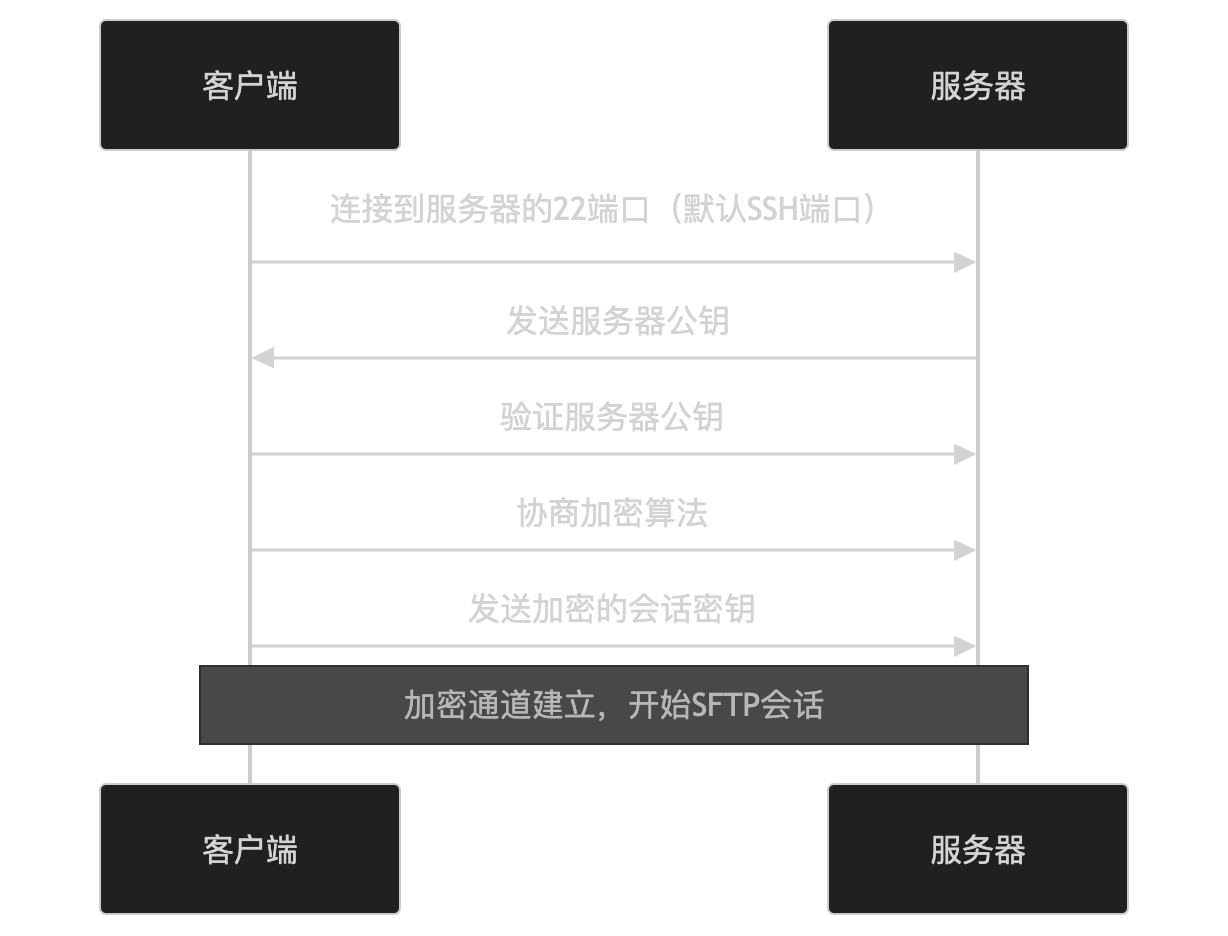
- The client connects to port 22 on the server (the default SSH port).
- The server sends its public key to the client.
- The client verifies the server's public key.
- The client and server negotiate encryption algorithms.
- The client generates a session key, encrypts it with the server's public key, and sends it.
- Both parties use the session key to encrypt subsequent communication.
2. File Transfer
After the connection is established, the client can transfer files over SFTP. The following is a typical file transfer process:
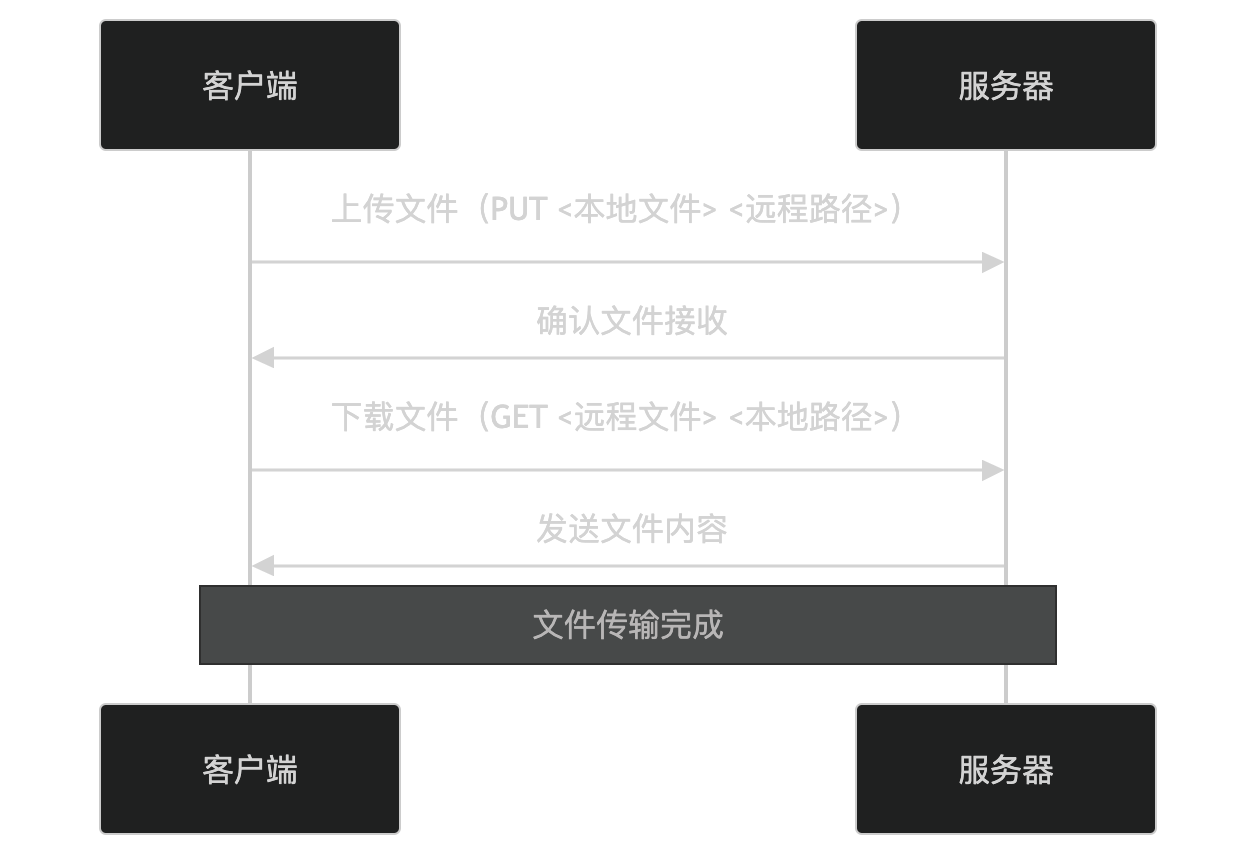
- Upload file: The client uploads a local file to the server.
- Download file: The client downloads a file from the server to the local machine.
3. Closing the Connection
After the file transfer is complete, the client can close the connection:
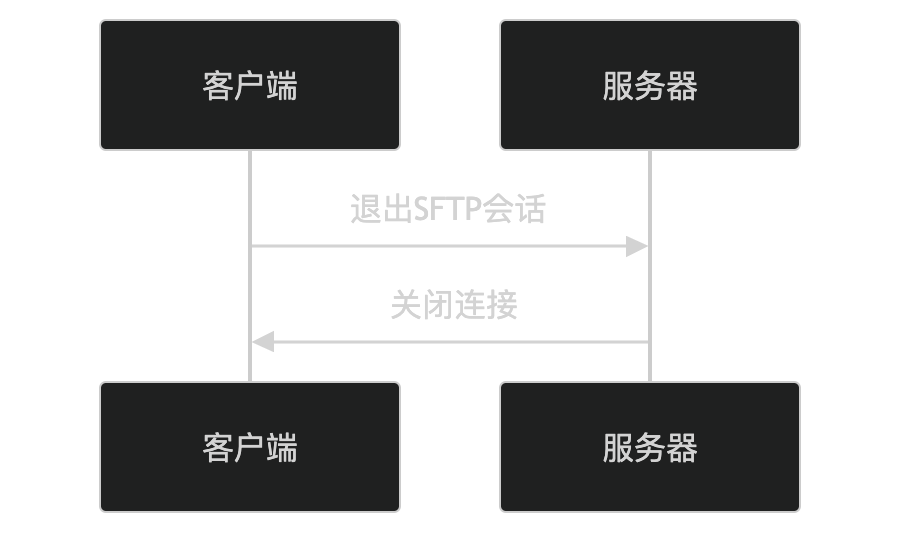
- The client requests to exit the SFTP session.
- The server closes the connection.
Key Features of SFTP
-
Encrypted Communication:
- Uses the SSH encrypted channel to protect the security of data transmission.
-
Authentication:
- Supports password authentication and public key authentication.
-
File Operations:
- Supports uploading, downloading, deleting, renaming files, etc.
-
Directory Operations:
- Supports listing directory contents, creating directories, deleting directories, etc.
-
Cross-platform Support:
- Supports multiple operating systems (e.g., Windows, Linux, Mac).
Application Scenarios of SFTP
SFTP is widely used in the following scenarios:
- File transfer: Securely transfer sensitive files.
- Backup and recovery: Transfer backup files to a remote server.
- Software distribution: Securely distribute software and updates.
- Data exchange: Exchange data within or outside an organization.
Security of SFTP
SFTP enhances security through the following mechanisms:
- Encrypted transmission: Prevents data from being eavesdropped.
- Authentication: Verifies user identity via password or public key.
- Data integrity: Uses hash algorithms to ensure data has not been tampered with.
Alternatives to SFTP
In some scenarios, the following alternatives can be used:
- FTP: Traditional file transfer protocol, but not secure.
- FTPS: FTP based on SSL/TLS, encrypts data transmission.
- SCP: File transfer protocol based on SSH, but does not support directory operations.
In summary, SFTP is a secure file transfer protocol based on SSH, which protects data transmission through encrypted communication and authentication mechanisms. It is widely used in scenarios such as file transfer, backup and recovery, making it an ideal choice for transmitting sensitive information. If you are interested in a specific feature or application scenario of SFTP, feel free to explore further!
Other Extensions