RDP Protocol
RDP (Remote Desktop Protocol) is a protocol developed by Microsoft for remotely accessing and controlling the desktop of another computer.
RDP allows users to operate a remote computer on a local device over a network, just as if they were sitting in front of the remote computer.
How RDP Works
RDP uses a client-server model, transmitting the remote desktop's images, input, and sound over an encrypted communication channel. Its core function is remote access and control.
1. Establishing an RDP Connection
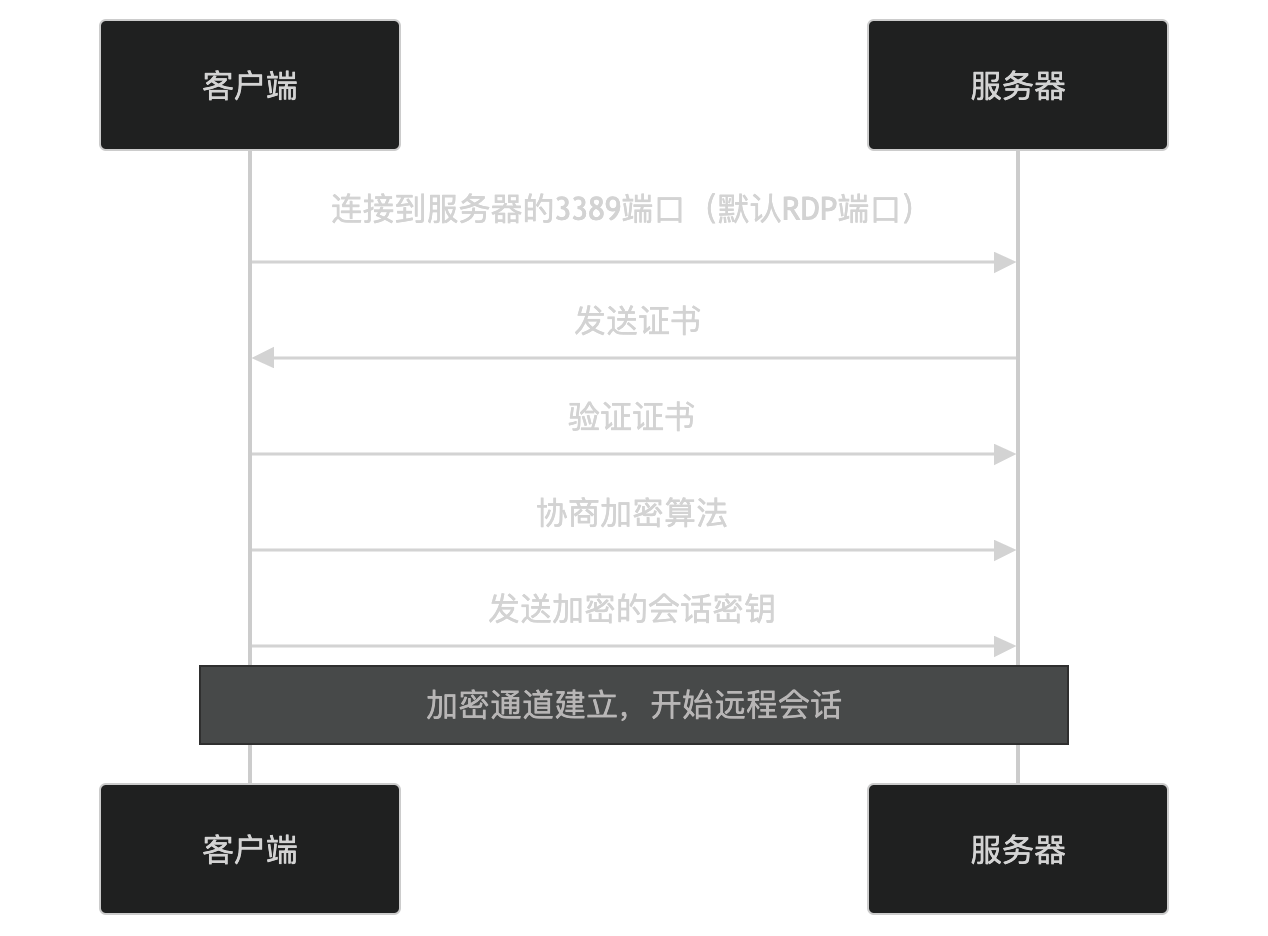
- The client connects to port 3389 on the server (the default RDP port).
- The server sends a certificate to the client.
- The client verifies the server's certificate.
- The client and server negotiate an encryption algorithm.
- The client generates a session key, encrypts it with the server's public key, and sends it.
- Both parties use the session key to encrypt subsequent communication.
2. Remote Desktop Session
After the connection is established, the client can remotely access and control the server:
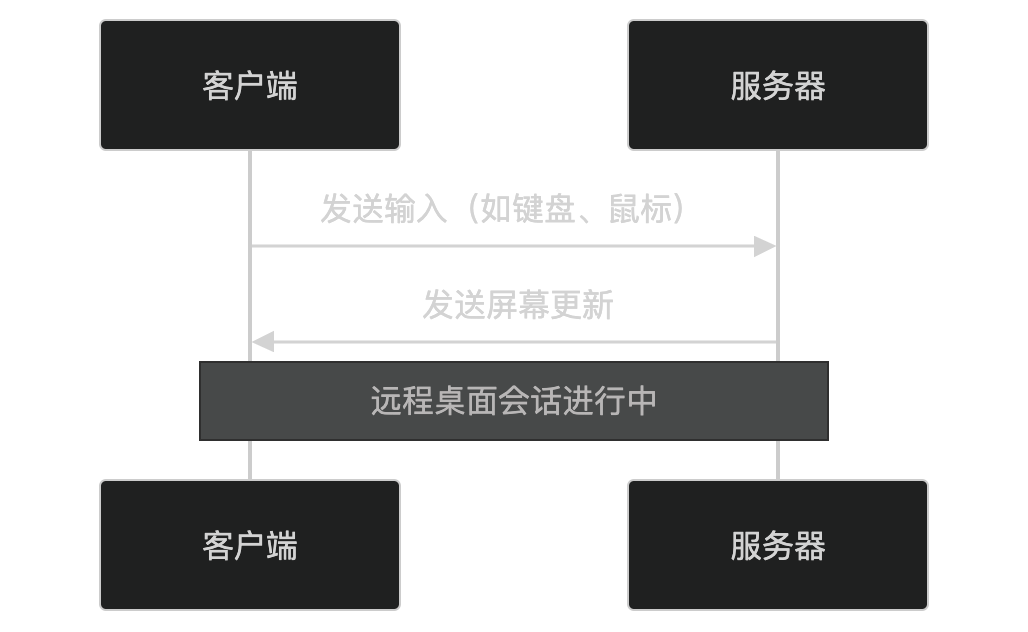
- The client sends input (such as keyboard and mouse) to the server.
- The server sends screen updates to the client.
3. Closing the Connection
After the remote session is completed, the client can close the connection:
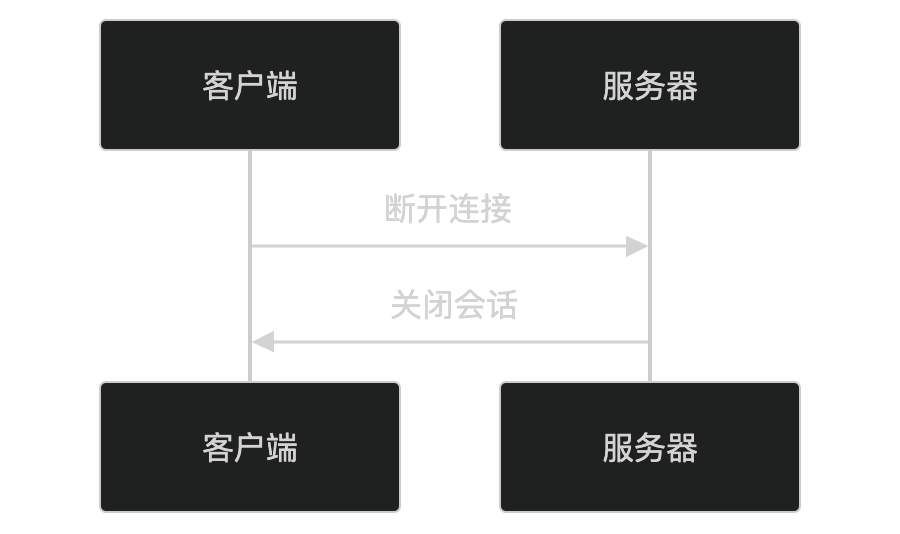
- The client requests to disconnect.
- The server closes the session.
Key Features of RDP
-
Remote Access and Control:
- Allows users to remotely access and control the desktop of another computer.
-
Encrypted Communication:
- Uses TLS/SSL to encrypt communication, protecting the security of data transmission.
-
Multi-device Support:
- Supports multiple client devices (such as Windows, Mac, Linux, Android, iOS).
-
Efficient Transmission:
- Uses compression and optimization techniques to reduce bandwidth usage.
-
Multi-user Support:
- Supports multiple users connecting to the same server simultaneously (requires the Windows Server version).
Application Scenarios of RDP
RDP is widely used in the following scenarios:
- Remote Work: Employees can remotely access company computers.
- Technical Support: IT staff can remotely assist users in solving problems.
- Server Management: Administrators can remotely manage servers.
- Education and Training: Teachers can remotely demonstrate and guide students.
RDP Security
RDP improves security through the following mechanisms:
- Encrypted Communication: Prevents data from being eavesdropped.
- Authentication: Verifies user identity through usernames and passwords or smart cards.
- Network Level Authentication (NLA): Verifies user identity before establishing a session to prevent brute-force attacks.
RDP Alternatives
In certain scenarios, the following alternatives can be used:
- VNC(Virtual Network Computing): A cross-platform remote desktop protocol.
- SSH: Used for remote command-line access.
- TeamViewer: Commercial remote desktop software that supports multiple platforms.
In summary, RDP is a protocol for remotely accessing and controlling computer desktops, providing secure remote sessions through encrypted communication and efficient transmission technologies. It is widely used in scenarios such as remote work, technical support, and server management. If you are interested in a specific feature or application scenario of RDP, you can explore it further!
Other Extensions