PyCharm Introduction
PyCharm is an integrated development environment (IDE) developed by JetBrains, designed specifically for Python developers.
Known for its powerful features, friendly user interface, and efficient development tools, PyCharm is one of the preferred tools among Python developers.
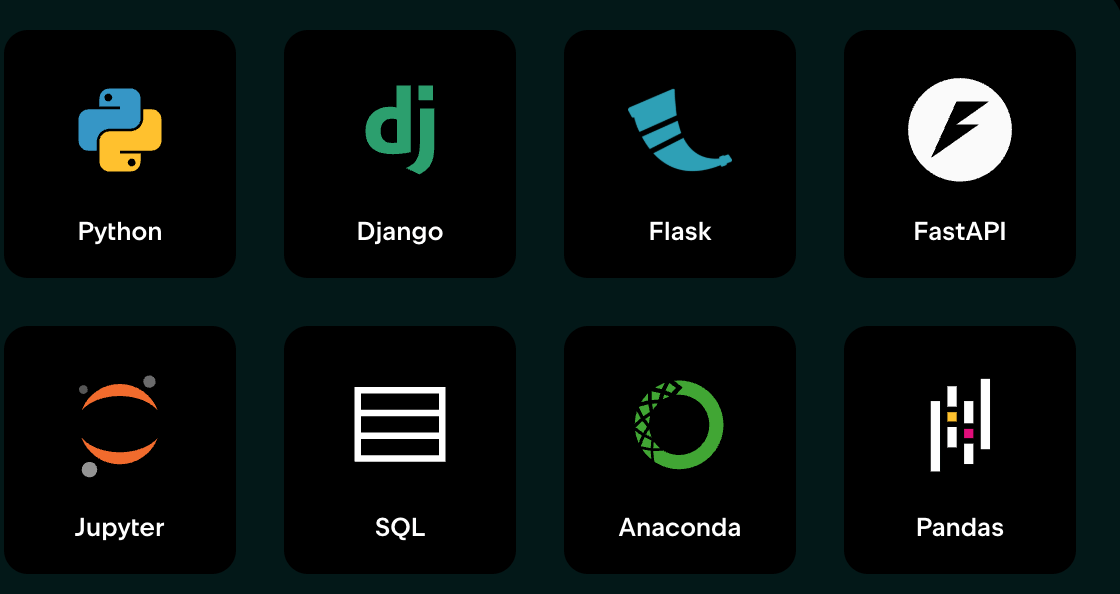
PyCharm provides out-of-the-box support for Python, databases, Jupyter, Git, Conda, PyTorch, TensorFlow, Hugging Face, Django, Flask, FastAPI, and more.
With the seamless integration of PyCharm's context-aware AI assistant, you can quickly start working and make progress more efficiently.
PyCharm provides everything you need for various projects, ranging from web development and data pipelines to machine learning model prototyping and data analysis.
Features of PyCharm
PyCharm offers many powerful features that help developers improve programming efficiency. Here are its main features:
- Intelligent Code Completion: PyCharm can automatically complete code based on context, reducing input errors.
- Code Analysis and Debugging: Built-in code analysis tools help developers quickly find and fix errors.
- Version Control Integration: Supports version control systems such as Git and SVN, facilitating team collaboration.
- Plugin Extensions: A rich plugin library allows users to extend functionality as needed.
- Cross-platform Support: Supports Windows, macOS, and Linux operating systems.
- Database Tools: Built-in database tools make it convenient for developers to directly operate on databases.
- Scientific Computing Support: Supports Jupyter Notebook and scientific computing libraries, suitable for the data science field.
Why Choose PyCharm?
PyCharm has become the first choice for Python developers mainly for the following reasons:
- Efficient Development: Intelligent code completion, code refactoring, and debugging tools greatly improve development efficiency.
- Comprehensive Support: Whether it is web development, data science, or automation scripts, PyCharm provides comprehensive support.
- Active Community: PyCharm has a large user community, so developers can easily find solutions and resources.
- Free Version: PyCharm offers a free Community Edition, suitable for beginners and small projects.
Use Cases for PyCharm
PyCharm is suitable for a variety of development scenarios, including but not limited to:
- Web Development: Supports mainstream web frameworks such as Django and Flask.
- Data Science and Machine Learning: Integrates Jupyter Notebook and scientific computing libraries, suitable for data analysis and machine learning projects.
- Automation Scripts: Provides powerful debugging and testing tools, suitable for writing automation scripts.
- Education and Learning: A friendly interface and rich features make it suitable for programming beginners to learn and practice.
PyCharm Version Types
PyCharm offers two main versions:
Community Edition:
- Free and open source, suitable for Python beginners and small projects.
- Supports basic Python development features.
Professional Edition:
- A paid version, suitable for enterprise-level development and professional developers.
- Supports advanced features such as web development, database tools, and scientific computing.
Currently, the Community and Professional editions of PyCharm IDE will be merged into a unified version.
Comparison of PyCharm with Other IDEs
The following is a comparison between PyCharm and other mainstream Python IDEs:
| Feature | PyCharm | VS Code | Jupyter Notebook | Spyder |
|---|---|---|---|---|
| Intelligent code completion | Supported | Supported (plugin required) | Not supported | Supported |
| Debugging tools | Built-in | Supported (plugin required) | Not supported | Built-in |
| Version control integration | Built-in | Supported (plugin required) | Not supported | Not supported |
| Scientific computing support | Supported | Supported (plugin required) | Supported | Supported |
| Web development support | Supported | Supported (plugin required) | Not supported | Not supported |
| Cross-platform support | Supported | Supported | Supported | Supported |
| Free version | Community Edition | Free | Free | Free |