OpenCode Theme
OpenCode supports multiple theme systems. You can choose a built-in theme, auto-adapt to the terminal theme, or fully customize the theme, for a consistent and comfortable terminal experience.
The simplest way is to enter the /themes command in the TUI input box:
/themes
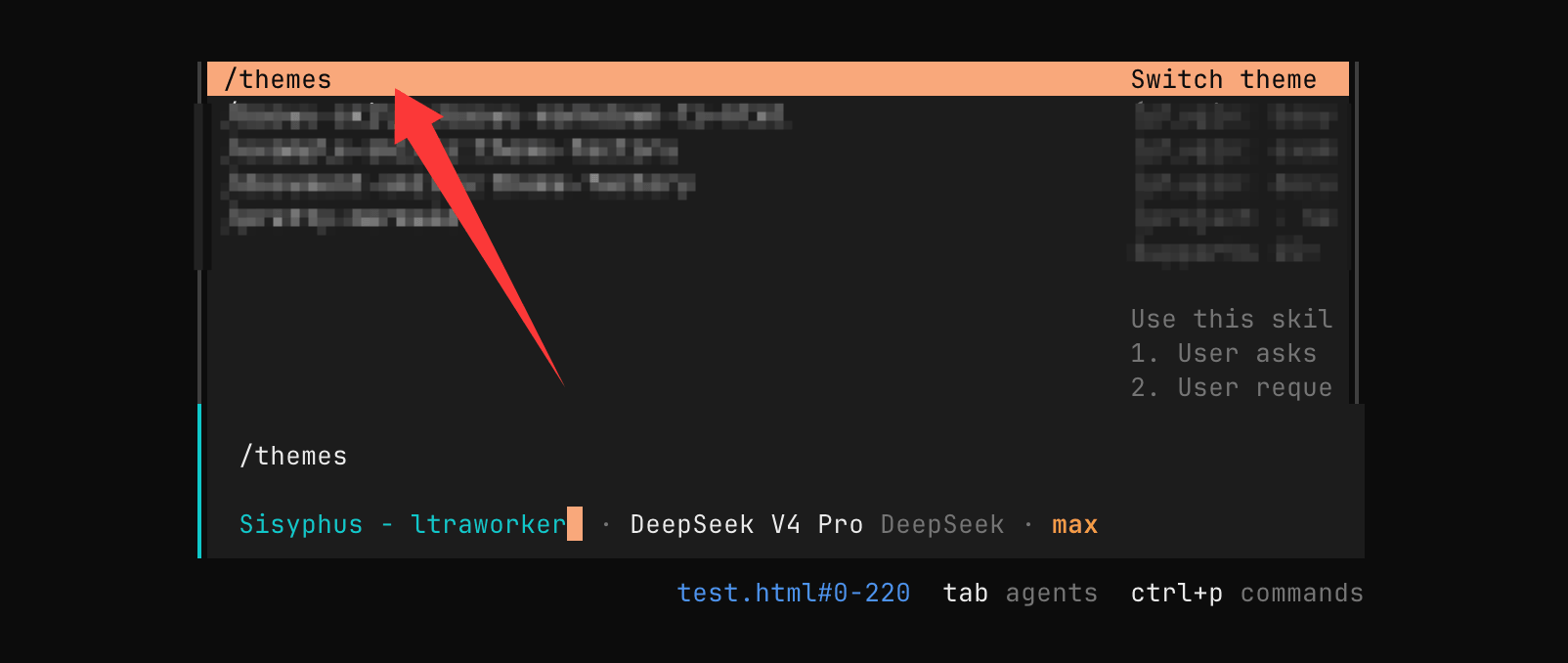
Then choose your preferred theme in the pop-up window:
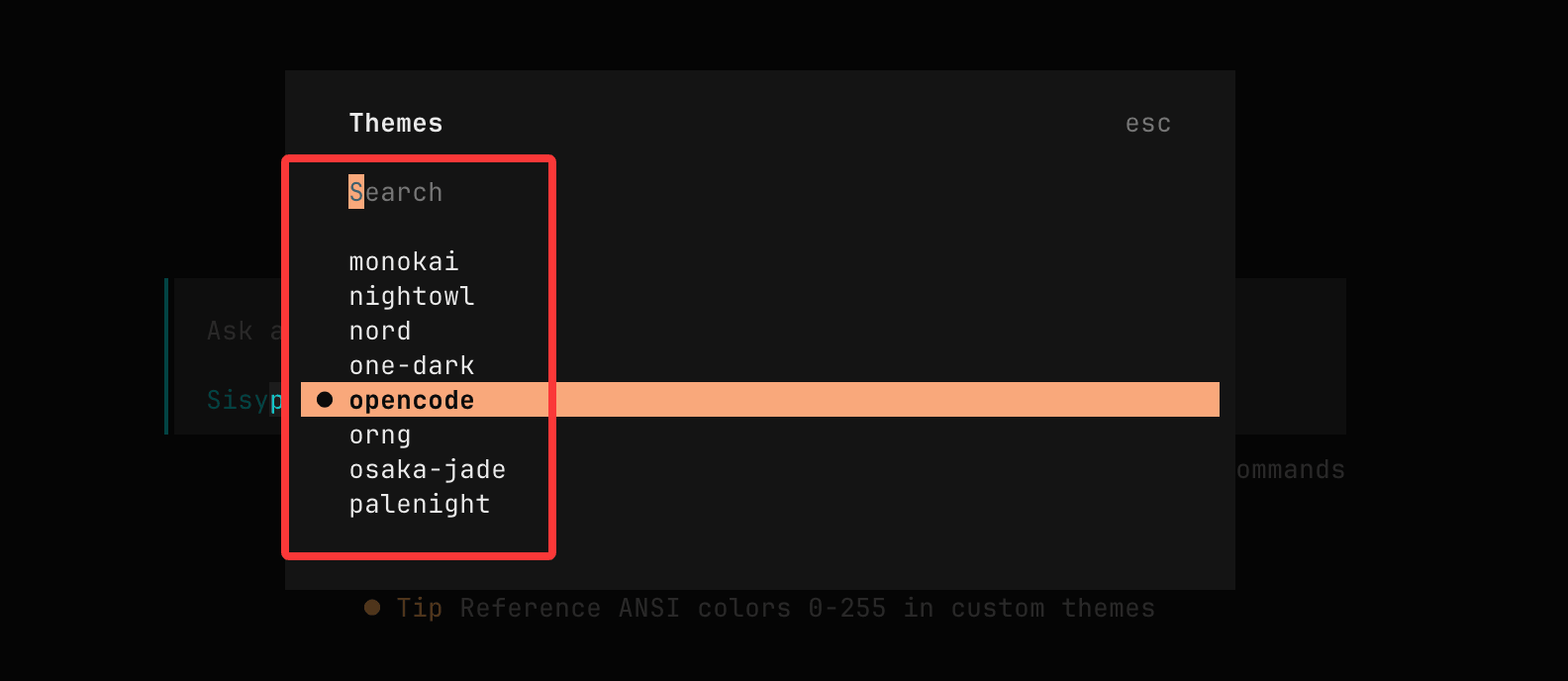
Terminal Requirements
To ensure themes can display full colors correctly, your terminal must supportTrue color (24-bit color)。
- Check support:
echo $COLORTERM
The output should be:
truecolor
或
24bit
- Enabling true color:
export COLORTERM=truecolor
- Common supported terminals:
- iTerm2
- Alacritty
- Kitty
- Windows Terminal
- GNOME Terminal (new version)
If the terminal does not support true color, the theme will fall back to 256 colors, which may cause color distortion.
Built-in Themes
OpenCode includes multiple built-in themes, ready to use:
| Theme Name | Description |
|---|---|
| system | Auto-adapt to terminal theme |
| tokyonight | Tokyonight style |
| everforest | Everforest style |
| ayu | Ayu dark theme |
| catppuccin | Catppuccin theme |
| catppuccin-macchiato | Catppuccin variant |
| gruvbox | Gruvbox style |
| kanagawa | Kanagawa style |
| nord | Nord style |
| matrix | Hacker style (black background with green text) |
| one-dark | Atom One Dark |
system Theme (Recommended)
systemThe theme automatically adapts to your terminal color scheme:
- Generates grayscale levels based on the terminal background
- Uses ANSI standard colors
- Preserves the terminal's default text and background
Suitable for:
- Users with custom terminal themes
- Users who want a consistent style across all terminal tools
Using Themes
Method 1: Select a theme in the TUI
/themes
Method 2: Set via configuration file
tui.json
{
  "$schema": "https://opencode.ai/tui.json",
  "theme": "tokyonight"
}
Custom Themes
OpenCode supports fully custom themes defined via JSON.
Theme Loading Priority
- Built-in themes
- User directory: ~/.config/opencode/themes/
- Project directory: .opencode/themes/
- Current directory: ./.opencode/themes/
Later-loaded themes will override earlier ones.
Creating Themes
User-level themes:
mkdir -p ~/.config/opencode/themes
vim ~/.config/opencode/themes/my-theme.json
Project-level themes:
mkdir -p .opencode/themes
vim .opencode/themes/my-theme.json
Theme Format Explanation
Supports the following formats:
- Hex color: #ffffff
- ANSI colors: 0-255
- Color reference: primary
- Light/dark mode:
{
  "dark": "#000000",
  "light": "#FFFFFF"
}
- Inherit terminal default:
"text": "none"
Complete Example
my-theme.json
{
  "$schema": "https://opencode.ai/theme.json",
  "defs": {
    "bg": "#1E1E2E",
    "fg": "#CDD6F4",
    "primary": "#89B4FA",
    "accent": "#F38BA8",
    "success": "#7DB0E3",
    "warning": "#F9E2AF"
  },
  "theme": {
    "primary": {
      "dark": "primary",
      "light": "#005F87"
    },
    "accent": {
      "dark": "accent",
      "light": "#D7005F"
    },
    "background": {
      "dark": "bg",
      "light": "#FFFFFF"
    },
    "text": {
      "dark": "fg",
      "light": "#000000"
    },
    "border": {
      "dark": "#313244",
      "light": "#CCCCCC"
    },
    "syntaxKeyword": {
      "dark": "primary",
      "light": "#0000FF"
    },
    "syntaxString": {
      "dark": "success",
      "light": "#0053A6"
    },
    "syntaxComment": {
      "dark": "#6C7086",
      "light": "#999999"
    }
  }
}
Summary
The OpenCode theme system has the following features:
- Supports built-in themes, ready out of the box
- Supports system auto-adaptation to the terminal
- Supports JSON custom themes
- Supports multi-level override mechanism
If you pursue the ultimate experience, it is recommended that:
- Enable truecolor in your terminal
- Prefer the system theme or a custom theme