OpenCode Web Usage (Browser Interface)
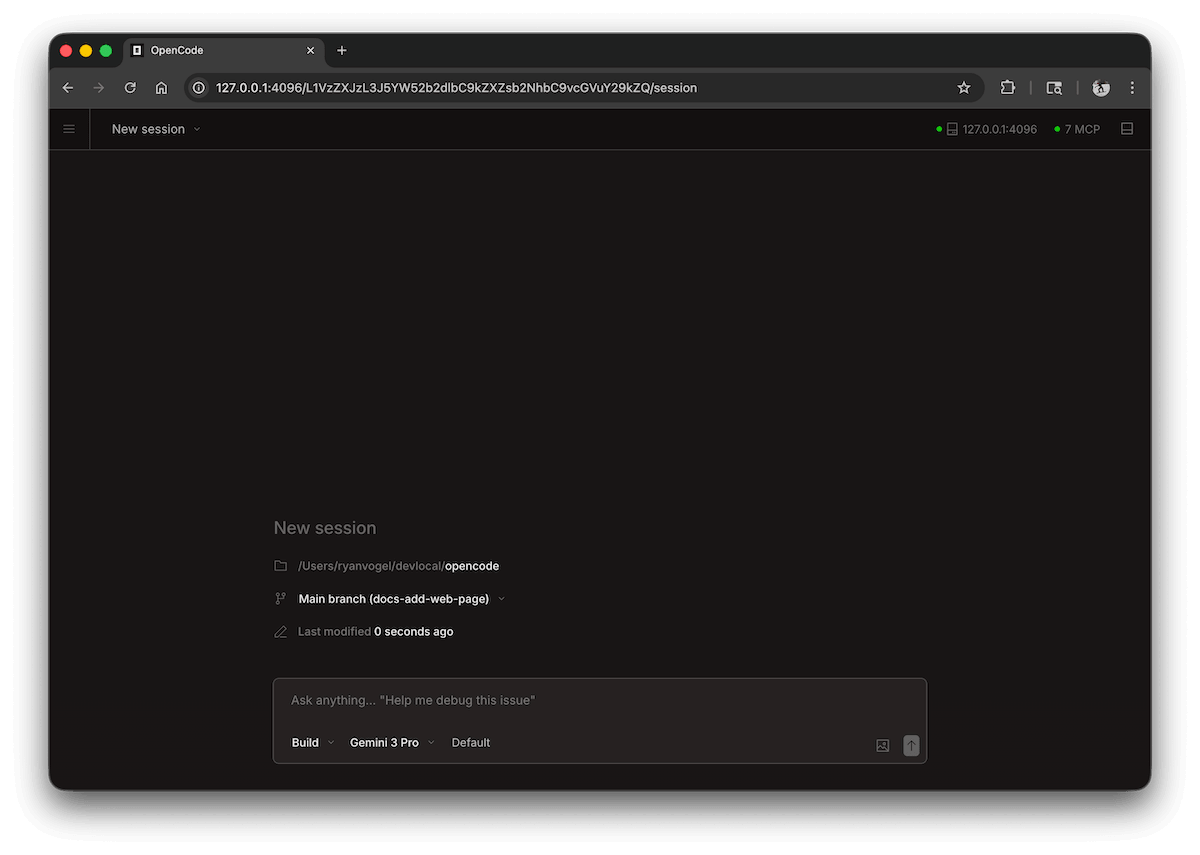
In addition to the terminal (TUI), OpenCode also provides a Web interface that lets you use AI coding capabilities directly from a browser.
Web mode is suitable for: remote access, team collaboration, and visual operations.
OpenCode Web is the graphical version of the TUI, upgrading AI coding from a terminal tool to a visual collaboration platform.
1. What is OpenCode Web?
OpenCode Web is a graphical interface version based on an HTTP service. Essentially:
- Backend: OpenCode service (started via CLI)
- Frontend: Browser interface
It can be understood as:A visual version of the TUI
2. Starting the Web Service
1. Basic Startup
opencode web
By default, it will:
- Start a local HTTP service
- Automatically open the browser
2. Custom Port
opencode web --port 4096
3. Allow External Access (Important)
opencode web --hostname 0.0.0.0 --port 4096
Can be accessed on the LAN or remotely
3. Access Method
After startup, visit in the browser:
http://localhost:4096
Or:
http://你的IP:4096
4. Interface Description
The OpenCode Web interface usually includes:
- Input area:Enter a prompt (similar to ChatGPT)
- Chat area:Displays AI output results
- File context:Automatically reads project code
- Operation history:Command execution and modification logs
Essentially the same as TUI, but more intuitive
5. Basic Usage
1. Asking Questions
Help me analyze the structure of this project
2. Referencing Files
这个函数是做什么的?@src/index.js
3. Executing Changes
Split this function into three functions, and add error handling
Note:
- The commands in Web and TUI are exactly the same
- It also supports contextual understanding
4. Sessions
View and manage your sessions on the homepage. You can view active sessions and create new ones.

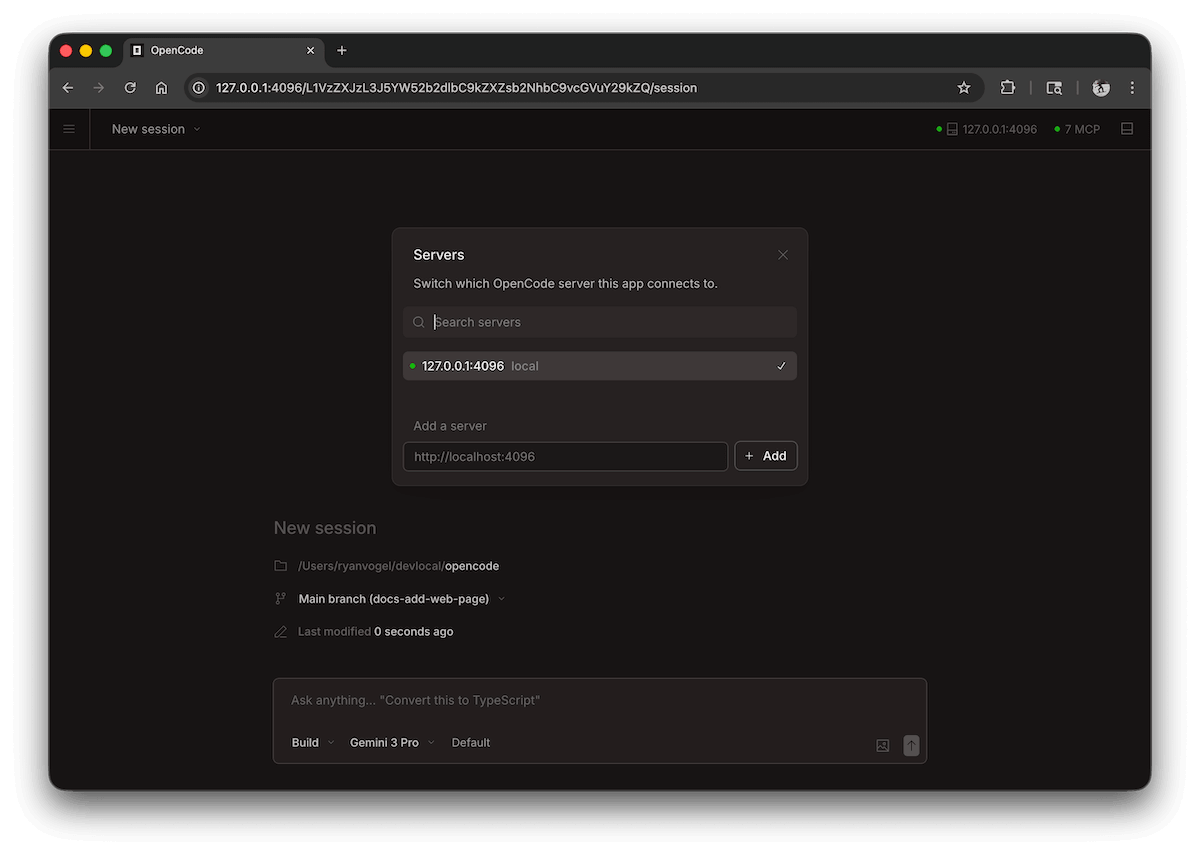
5. Server Status
ClickSee Serversto view connected servers and their status.
6. Authentication (Security Settings)
If you use it on a public network or in a team environment, it is recommended to enable authentication:
export OPENCODE_SERVER_PASSWORD=123456
opencode web
Note:
- Default username: opencode
- Password: The value you set
7. Common Use Cases
1. Remote Development
- Run OpenCode on the server
- Access remotely from the browser
2. Team Sharing
- Multiple people view AI modification results
- Share conversation context
3. Demonstration / Teaching
- More intuitive than the terminal
- Suitable for screen recording and presentations
8. Web vs TUI
| Dimension | TUI (Terminal) | Web (Browser) |
|---|---|---|
| Usage method | Command line | Graphical interface |
| Operational efficiency | High (many shortcuts) | Medium |
| Visualization | Weaker | More intuitive |
| Remote access | More complex | Simple |
| Suitable for | Developers | Beginners / Teams |
9. Frequently Asked Questions
1. Cannot Access the Page
Check:
- Whether the port is open
- Whether the correct address is used (localhost / IP)
2. Cannot Access Remotely
Make sure to use:
--hostname 0.0.0.0
3. Port Already in Use
Change the port:
opencode web --port 5000Other extensions