HTML Introduction
HTML Example
Try It »
Example Explanation
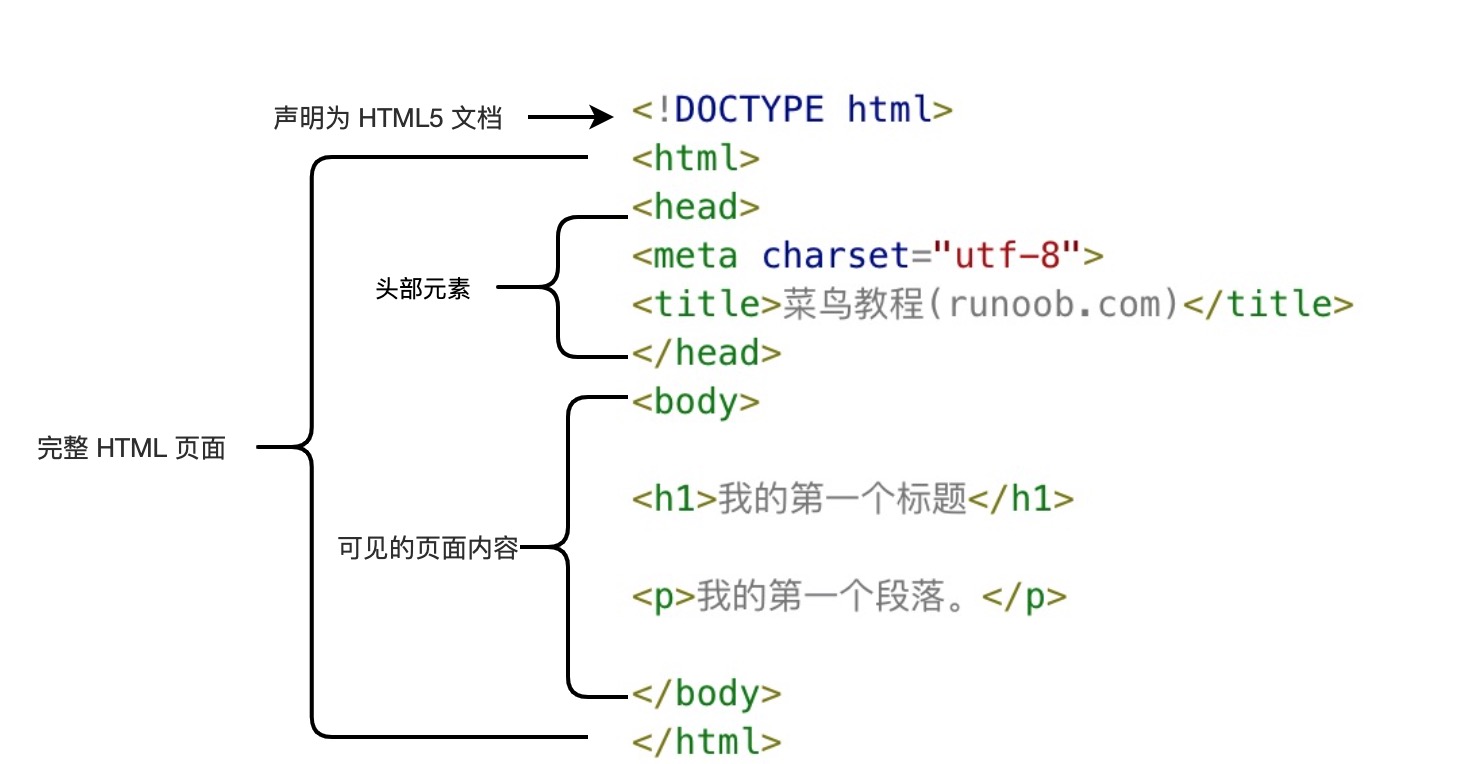
- <!DOCTYPE html>Declaration as HTML5 Document
- <html>Element is the root element of an HTML page
- <head>Element contains document metadata such as<meta charset="utf-8">Defines the character encoding of the webpageutf-8。
- <title>Element describes the title of the document
- <body>Element contains visible page content
- <h1>Element defines a large title
- <p>Element defines a paragraph
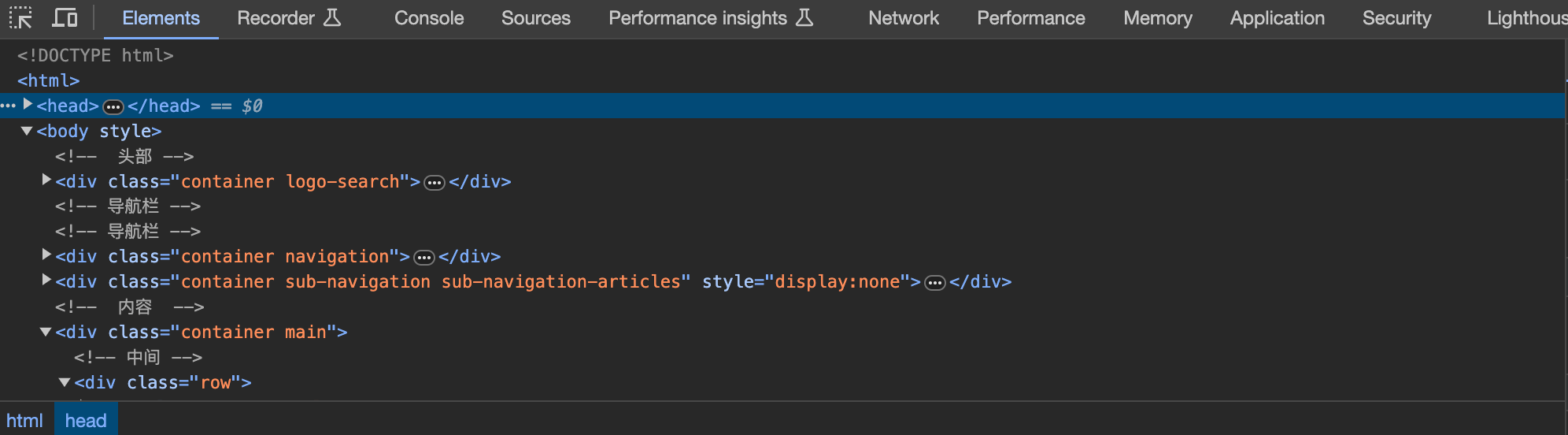
Note:Use the keyboard on the browser's page to open the debugging mode, and you can see the composition of the tags.F12What is HTML?
What is HTML?
HTML is a language used to describe web pages.
- HTML is the HyperText Markup Language:HyperText Markup Language
- HTML is not a programming language, but a languageTagLanguage
- Tag language is a set ofTag Label (markup tag)
- HTML uses tag labels todescribeWebpage
- HTML document contains HTMLTagandTextContent
- HTML document is also calledWeb page
HTML Tag
HTML Tag Label is usually called HTML Tag (HTML tag).
- HTML Tag is enclosed byCurly BracketsEnclosed by keywords, such as <html>
- HTML Tag is usuallyPairs, such as <b> and </b>The first tag in a pair is the
- Start Tag, the second tag is theEnd TagThe first and second tags are also called
- Open TagClosed Tagand<tag>
HTML Element
However, strictly speaking, an HTML element consists of a start tag and an end tag, as shown in the following example:
HTML Element:
This is a paragraph.
Web Browser
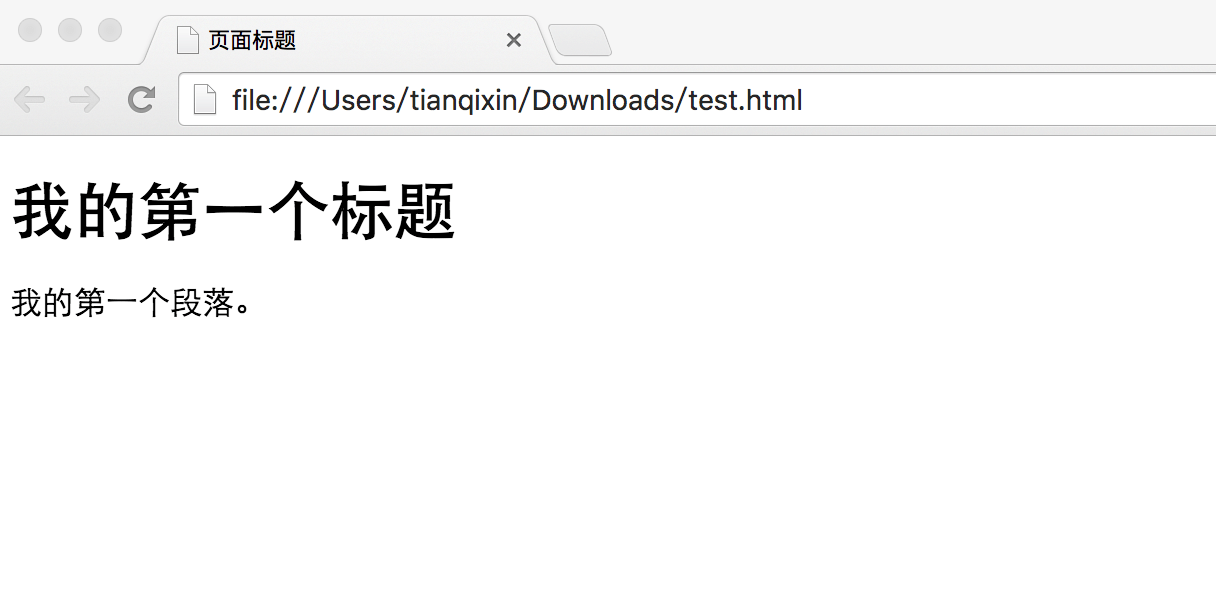
The browser is not directly displayed with HTML tags, but can be used to decide how to display the content of an HTML page to the user:
HTML Webpage Structure
HTML Webpage Structure
<title>Page Title</title>
 |
HTML Version |
|---|
HTML Version
Version
| Release Date | <!DOCTYPE> Declaration |
|---|---|
| HTML | 1991 |
| HTML+ | 1993 |
| HTML 2.0 | 1995 |
| HTML 3.2 | 1997 |
| HTML 4.01 | 1999 |
| XHTML 1.0 | 2000 |
| HTML5 | 2012 |
| XHTML5 | 2013 |
<!DOCTYPE> Declaration
There are many different files on the internet, if you can correctly declare the version of HTML, the browser can correctly display the webpage content.
doctype declaration is not case-sensitive, and the following ways can be used:
General Declaration
<!DOCTYPE HTML>
<!doctype html>
<!Doctype Html>
General Declaration
HTML5
HTML 4.01
"http://www.w3.org/TR/html4/loose.dtd">
XHTML 1.0
"http://www.w3.org/TR/xhtml1/DTD/xhtml1-transitional.dtd">
Reference Manual for DOCTYPEReference Manual for DOCTYPE。
Chinese Encoding
Currently, in most browsers, direct output of Chinese will result in Chinese garbled characters, at which point you need to declare the character encoding as UTF-8 or GBK in the header.
HTML Example
Try It »