MongoDB Monitoring
After you have installed, deployed, and started the MongoDB service, you must understand how MongoDB is running and check MongoDB's performance. This way, you can handle high traffic well and ensure MongoDB operates normally.
MongoDB provides two commands, mongostat and mongotop, to monitor the running status of MongoDB.
mongostat command
mongostat is a status monitoring tool that comes with MongoDB and is used from the command line. It retrieves and outputs the current running status of MongoDB at fixed intervals. If you find that the database suddenly becomes slow or has other problems, your first step should be to use mongostat to check MongoDB's status.
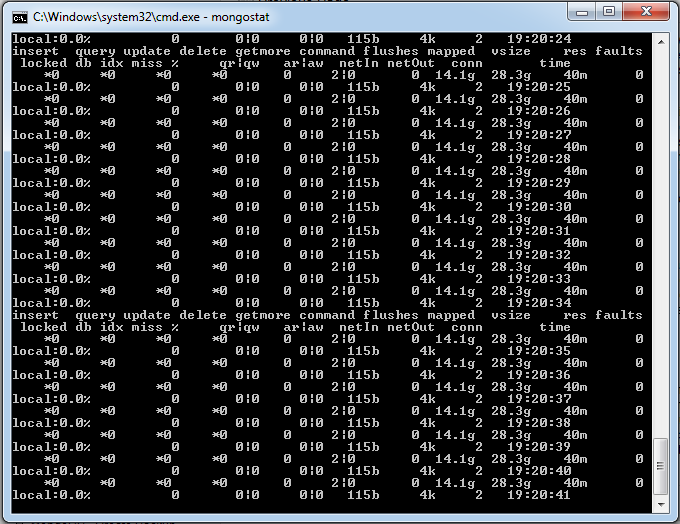
Start your mongod service, go to the bin directory under the MongoDB directory you installed, and then enter the mongostat command, as shown below:
D:\set up\mongodb\bin>mongostat
The output of the above command is as follows:
mongotop command
mongotop is also a built-in tool of MongoDB. mongotop provides a method to track a MongoDB instance and see how much time is spent reading and writing data. mongotop provides statistics at the level of each collection. By default, mongotop returns data every second.
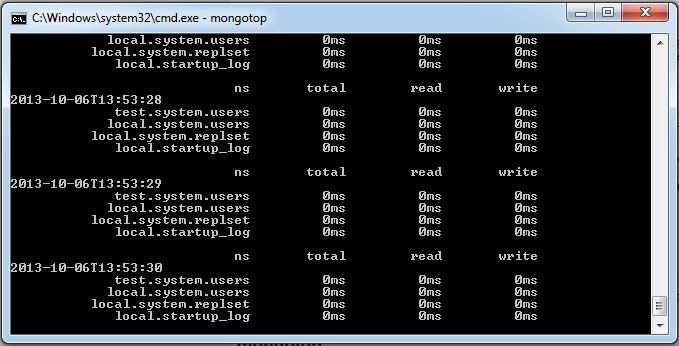
Start your mongod service, go to the bin directory under the MongoDB directory you installed, and then enter the mongotop command, as shown below:
D:\set up\mongodb\bin>mongotop
The output of the above command execution is as follows:
Example with parameters
E:\mongodb-win32-x86_64-2.2.1\bin>mongotop 10
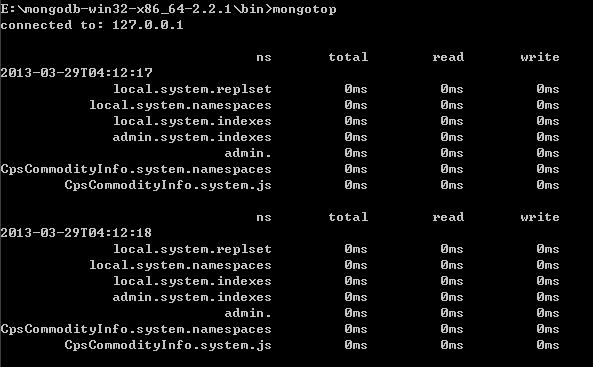
The 10 after it is the<sleeptime>parameter, which can be omitted. It is the length of time, in seconds, mongotop waits between calls. By default, mongotop returns data every second.
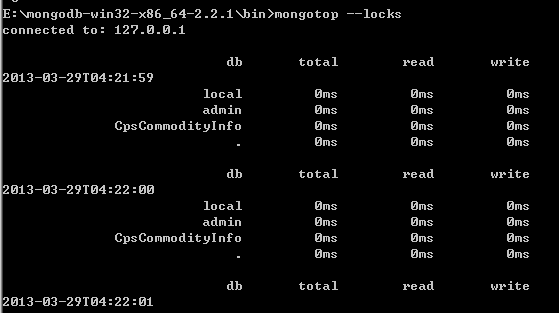
E:\mongodb-win32-x86_64-2.2.1\bin>mongotop --locks
To report the lock usage of each database, use mongotop --locks, which will produce the following output:
Description of output fields:
-
ns:
Contains the database namespace, which combines the database name and collection.
db:
Contains the name of the database. A database named . is for global locking, not a specific database.
total:
Provides the total amount of time mongod spent working in this namespace.
read:
Provides the amount of time mongod spent performing read operations in this namespace.
write:
Provides the amount of time mongod spent performing write operations in this namespace.