Install PostgreSQL on Linux
Open the PostgreSQL official websitehttps://www.postgresql.org/, click [Download] on the menu barDownload, you can see that it contains installation packages for many platforms, including Linux, Windows, Mac OS, etc.
For Linux, we can see it supports various platforms such as Ubuntu and Red Hat. Click the specific platform link to view the installation method:
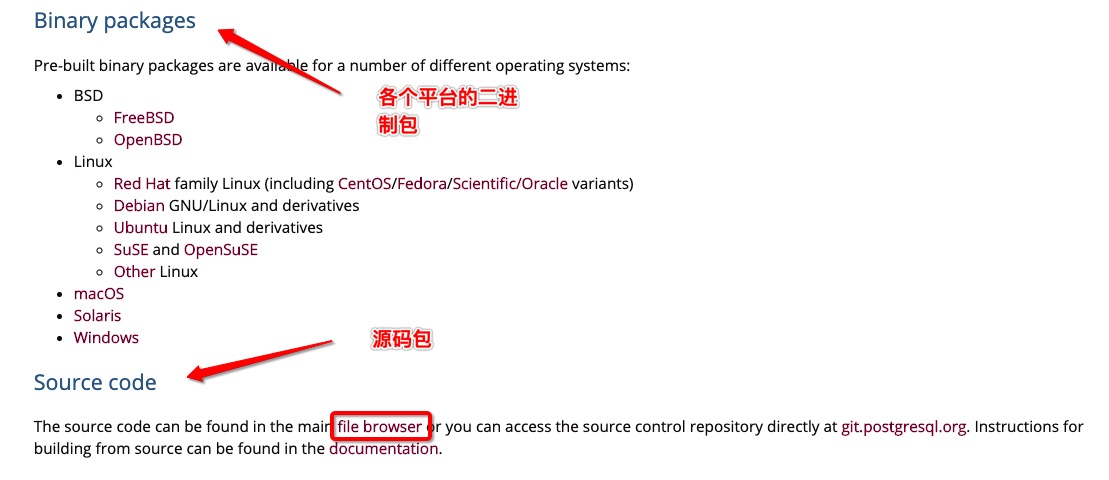
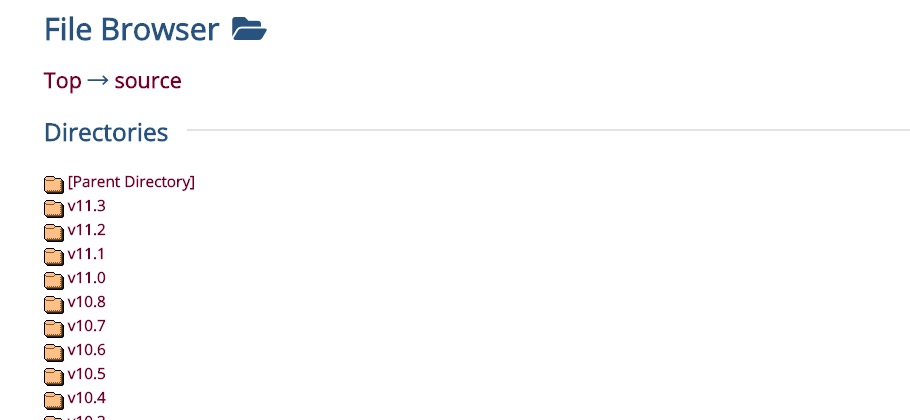
Click the [source code] in the above figurefile browser, we can also download the latest PostgreSQL source code.
This chapter takes Ubuntu as an example.
Install PostgreSQL on Ubuntu
Ubuntu can use apt-get to install PostgreSQL:
sudo apt-get update
sudo apt-get install postgresql postgresql-client
After the installation is complete, the system will create a database superuser postgres with an empty password.
# sudo -i -u postgres
At this point, use the following command to enter postgres, and the following information will be output, indicating that the installation was successful:
~$ psql
psql (9.5.17)
Type "help" for help.

postgres=#
Enter the following command to exit the PostgreSQL prompt:
\q
After PostgreSQL installation is complete, it is already started by default, but you can also manually start the service in the following ways.
sudo /etc/init.d/postgresql start   # 开启
sudo /etc/init.d/postgresql stop    # 关闭
sudo /etc/init.d/postgresql restart # 重启
Other extensions