MySQL Connection
After installing MySQL, you can connect to the MySQL server in the following ways:- 1. Connect using the command-line client
- 2. Connect using a graphical tool
Common MySQL graphical management tools:
MySQL Workbench (official tool):https://www.mysql.com/cn/products/workbench/
Navicat (paid):https://www.navicat.com/
DBeaver:https://dbeaver.io/
phpMyAdmin (web-based):https://www.phpmyadmin.net/
Connecting Using the MySQL Binary Method
You can use the MySQL binary method to enter the mysql command prompt to connect to the MySQL database. The format is as follows:
mysql -u your_username -p
Parameter description:
-uThe parameter is used to specify the username.-pThe parameter indicates that a password is required.
Specify host and port connection (applicable to remote connections):
mysql -h 主机名或IP地址 -P 端口号 -u 用户名 -p
For example:
mysql -h 127.0.0.1 -P 3306 -u root -p
Example
The following is a simple example of connecting to the MySQL server from the command line:
[root@host]# mysql -u root -p
Enter password:******
Enter the password as prompted and press the Enter key.
After successful login, amysql>command prompt window will appear, where you can execute any SQL statements.
After executing the above commands, the successful login output is as follows:
Welcome to the MySQL monitor.  Commands end with ; or \g.
Your MySQL connection id is 2854760 to server version: 5.0.9

Type 'help;' or '\h' for help. Type '\c' to clear the buffer.
In the above example, we used the root user to log in to the MySQL server. Of course, you can also log in with other MySQL users.
If the user has sufficient permissions, any user can perform SQL operations in the MySQL command prompt window.
After successfully connecting to MySQL, you can directly execute SQL queries on the command line.
List all available databases:
SHOW DATABASES;
Select the database to use:
USE your_database;
List all tables in the selected database:
SHOW TABLES;
Exitmysql>The command prompt window can use theexitcommand, as shown below:
mysql> EXIT;
Bye
Or use:
mysql> QUIT;
Or pressCtrl + D(on Unix/Linux systems).
Database Management Tools
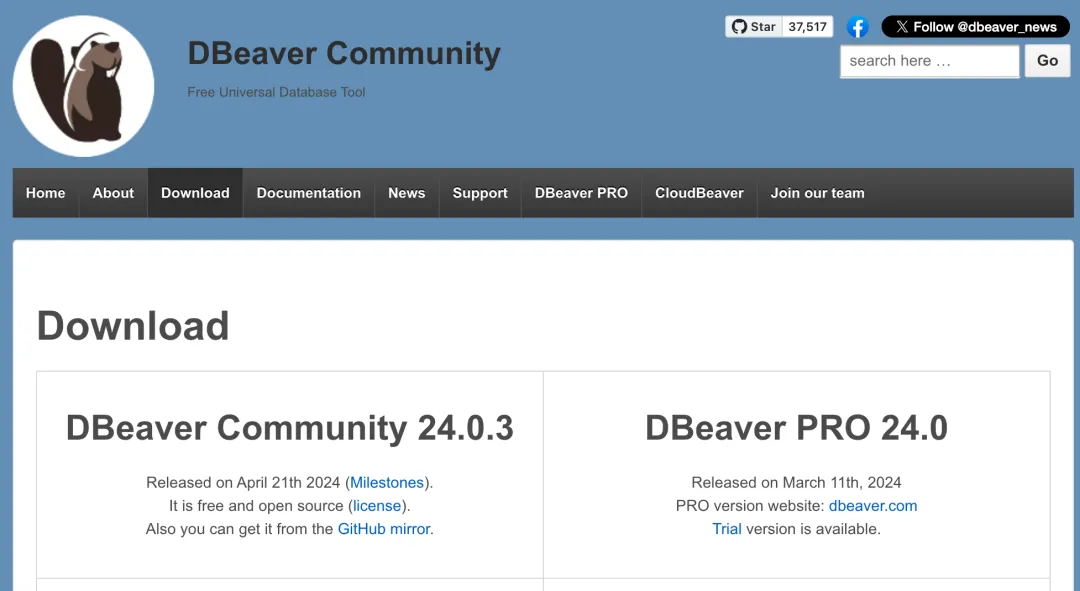
1. DBeaver
DBeaver is a free, open-source, cross-platform database management tool.
DBeaver supports a variety of database systems, including MySQL, PostgreSQL, MariaDB, SQLite, Oracle, DB2, SQL Server, Sybase, MS Access, Teradata, Firebird, Derby, etc.
Download address:https://dbeaver.io/download/
2. DbGate
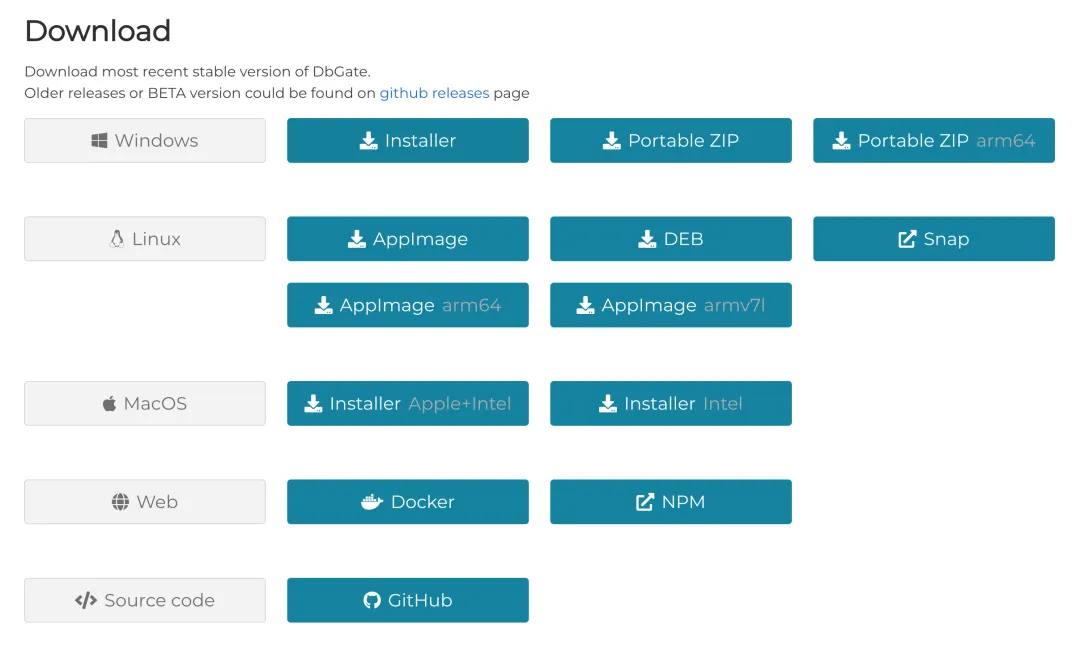
DbGate is a cross-platform database management tool that supports multiple database systems, including MySQL, PostgreSQL, Microsoft SQL Server, SQLite, MongoDB, etc.
DbGate supports running on Windows, Linux, and Mac operating systems, providing users with cross-platform flexibility.
DbGate is not only a local application but can also run as a web application, allowing users to easily access and manage databases through a browser.
Download address:https://dbgate.org/download/