PHP Complete Form Example
This chapter will introduce how to ensure that the user fills in all fields correctly before clicking the "Submit" button to submit data.
PHP - Ensuring Input Values in Forms
After the user clicks the submit button, to ensure whether the field values are entered correctly, we insert PHP scripts into the HTML input elements. The field names are: name, email, and website. In the textarea field for remarks, we place the script between the <textarea> and </textarea> tags.
The PHP script outputs values: the $name, $email, $website, and $comment variables.
Then, we also need to check the selected radio button. For this, we must set the checked attribute (not the value attribute of the radio button):
<form method="post" action="<?php echo htmlspecialchars($_SERVER["PHP_SELF"]);?>">
   名字: <input type="text" name="name" value="<?php echo $name;?>">
   <span class="error">* <?php echo $nameErr;?></span>
   <br><br>
   E-mail: <input type="text" name="email" value="<?php echo $email;?>">
   <span class="error">* <?php echo $emailErr;?></span>
   <br><br>
   网址: <input type="text" name="website" value="<?php echo $website;?>">
   <span class="error"><?php echo $websiteErr;?></span>
   <br><br>
   备注: <textarea name="comment" rows="5" cols="40"><?php echo $comment;?></textarea>
   <br><br>
   性别:
   <input type="radio" name="gender" <?php if (isset($gender) && $gender=="female") echo "checked";?>  value="female">女
   <input type="radio" name="gender" <?php if (isset($gender) && $gender=="male") echo "checked";?>  value="male">男
   <span class="error">* <?php echo $genderErr;?></span>
   <br><br>
   <input type="submit" name="submit" value="Submit">
</form>
PHP - Complete Form Example
Below is the complete PHP form validation example code:
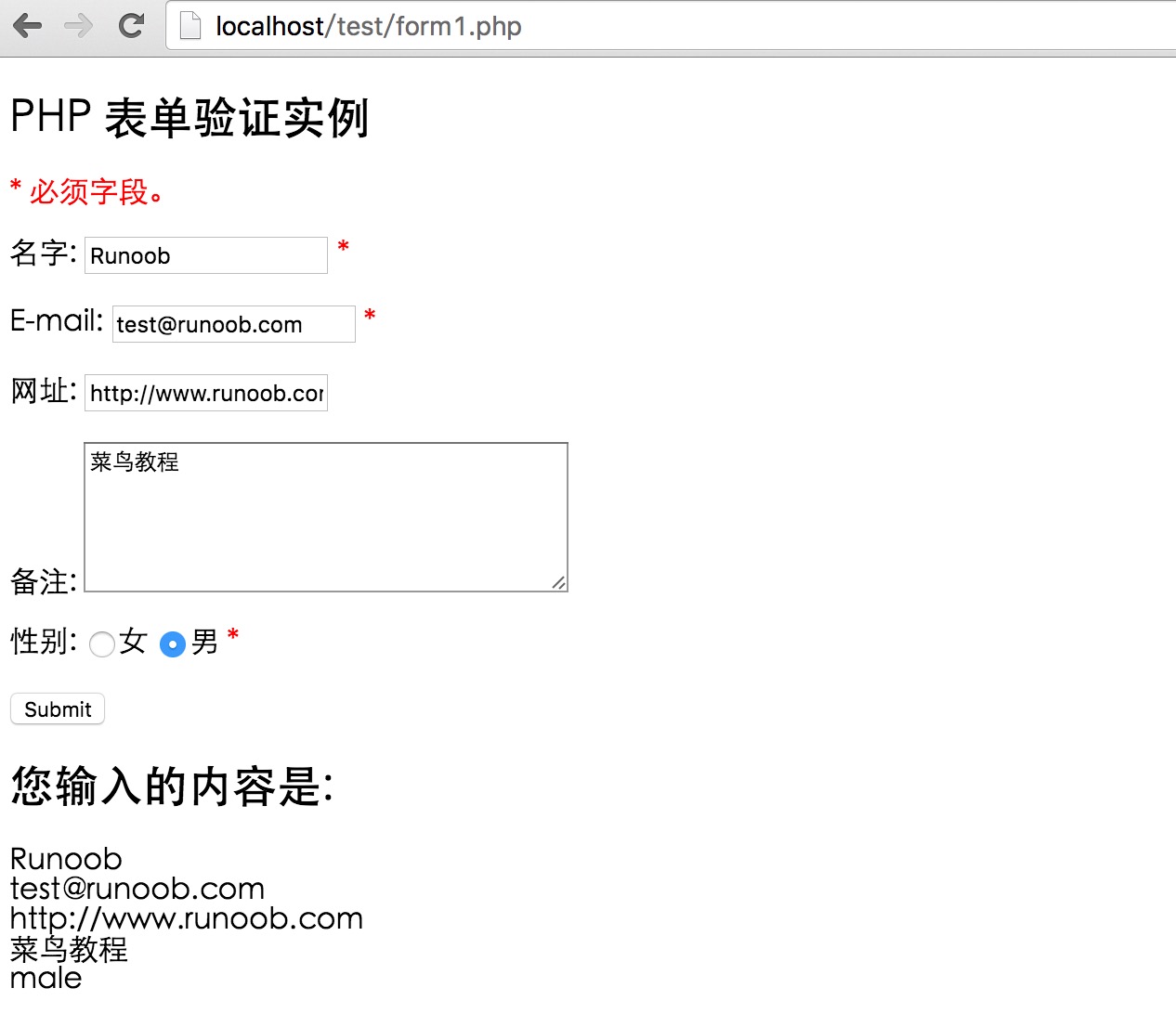
The result of executing the example is similar to the following figure: