Ionic Backdrop
We often need to show or hide the backdrop layer on the UI, for example, in pop-up boxes, loading boxes, and other pop-up layers.
In components, you can use $ionicBackdrop.retain() to show the backdrop, and $ionicBackdrop.release() to hide the backdrop.
Each time retain is called, the backdrop stays visible until release is called to dismiss the backdrop layer.
Example
HTML Code
<body ng-app="starter" ng-controller="actionsheetCtl" >
    <ion-pane>
        <ion-content >
            <h2 ng-click="action()">$ionicBackdrop</h2>
        </ion-content>
    </ion-pane>
</body>
JavaScript Code
angular.module('starter', ['ionic'])

.run(function($ionicPlatform) {
  $ionicPlatform.ready(function() {
    // Hide the accessory bar by default (remove this to show the accessory bar above the keyboard
    // for form inputs)
    if(window.cordova && window.cordova.plugins.Keyboard) {
      cordova.plugins.Keyboard.hideKeyboardAccessoryBar(true);
    }
    if(window.StatusBar) {
      StatusBar.styleDefault();
    }
  });
})

.controller( 'actionsheetCtl',['$scope','$timeout' ,'$ionicBackdrop',function($scope,$timeout,$ionicBackdrop){

    $scope.action = function() {
       $ionicBackdrop.retain();
       $timeout(function() {    //默认让它1秒后消失
         $ionicBackdrop.release();
       }, 1000);
    };
}])
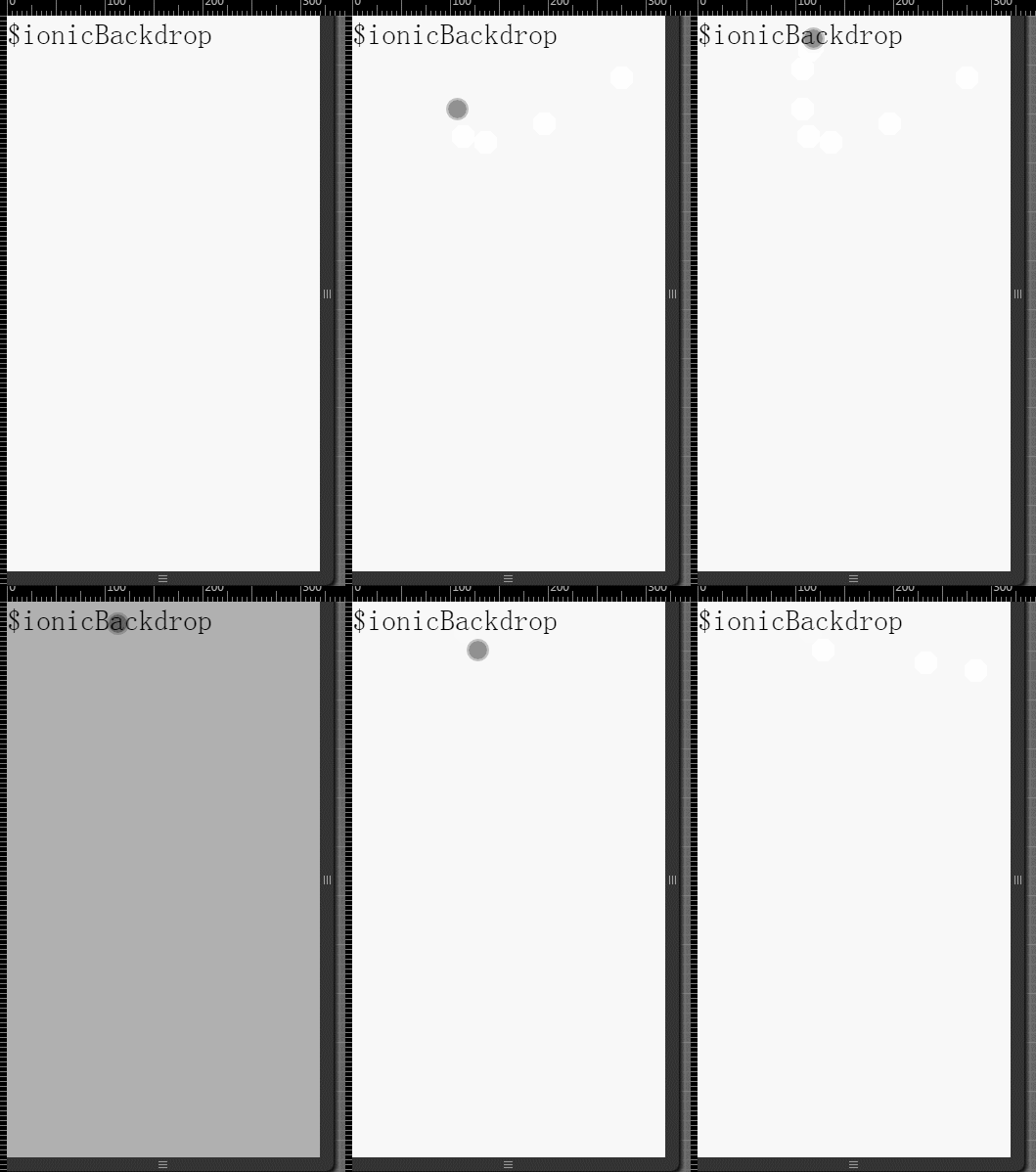
The display effect is shown in the figure below:
 Other Extensions