Selenium Introduction
Selenium is a widely used automated testing tool, mainly for automated testing of Web applications.
Selenium supports multiple programming languages (such as Java, Python, C#, Ruby, JavaScript, etc.) and allows users to control browsers to perform automated tasks, such as clicking buttons, filling forms, verifying page content, etc.
Selenium can run on multiple browsers (such as Chrome, Firefox, Edge, Safari, etc.) and operating systems (such as Windows, macOS, Linux).
Selenium Features
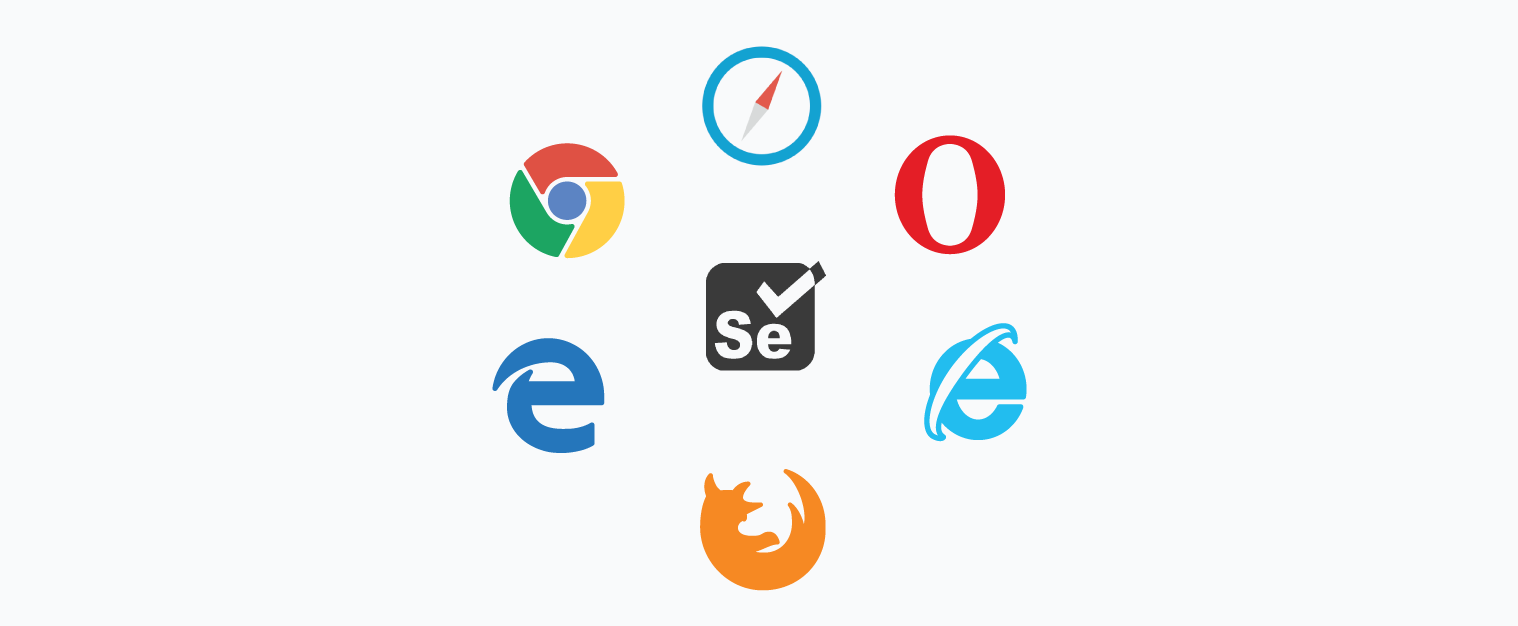
- Cross-browser support: Selenium supports multiple mainstream browsers, such as Chrome, Firefox, Safari, Internet Explorer, etc., and can run the same test scripts in different browsers.
- Multi-language support: Selenium supports multiple programming languages, and developers can write test scripts in a language they are familiar with.
- Flexibility: Selenium can be used in combination with various testing frameworks, such as TestNG, JUnit, PyTest, etc., providing rich testing capabilities.
- Integration with CI/CD: Selenium can integrate with continuous integration tools such as Jenkins, helping to achieve automated testing and continuous delivery.
- Automated Web Interaction: Selenium can simulate real user operations, such as clicking, scrolling, keyboard input, etc.
Selenium Components
Selenium consists of multiple components, each with its specific purpose. The following are the main components of Selenium:
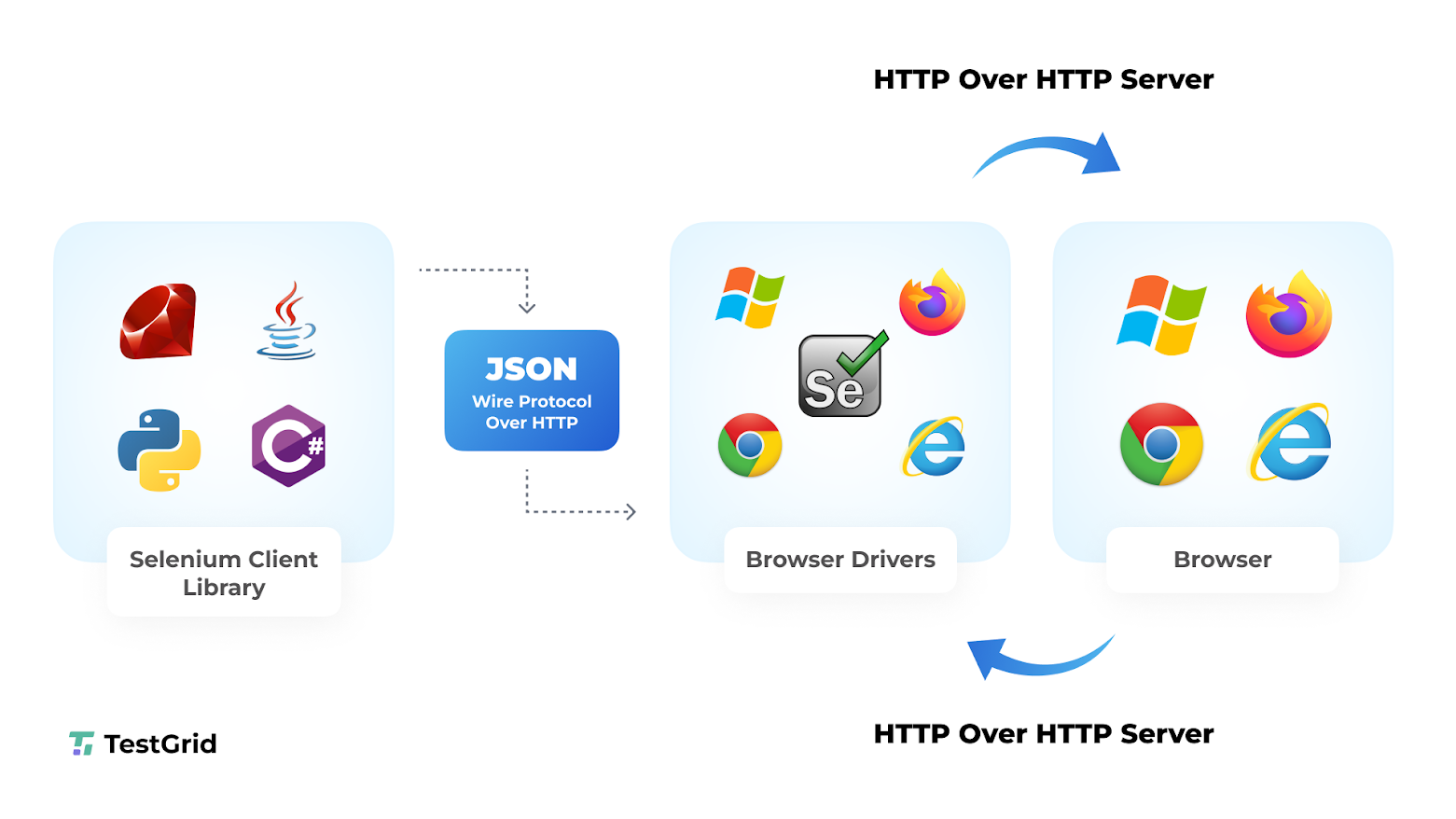
Selenium WebDriver: This is the core component of Selenium, used to interact directly with the browser. WebDriver provides rich APIs that allow developers to control browser behavior through code, such as opening web pages, clicking buttons, filling forms, etc.
Selenium IDE: This is a browser plugin, mainly used for recording and replaying user operations. Selenium IDE is suitable for beginners to quickly create simple test scripts, but it does not support complex logic and conditional judgments.
Selenium Grid: This is a tool for running tests in parallel. With Selenium Grid, you can run tests simultaneously on multiple browsers and operating systems, thereby speeding up testing and increasing test coverage.
Selenium Use Cases
Automated Testing
Used for functional testing, regression testing, compatibility testing, etc. of Web applications.
Can simulate user operations to verify whether page functions work correctly.
Web Scraping
-
Used to extract data from web pages, such as product information, news content, etc.
-
Can handle dynamically loaded content (such as data loaded via JavaScript).
Automation Tasks
-
Used to perform repetitive web operations, such as automatically filling forms, automatic login, etc.
Cross-browser Testing
-
Used to verify the compatibility of Web applications on different browsers and operating systems.
Selenium Limitations
Cannot handle non-browser operations: Selenium can only control browsers, and cannot directly operate desktop applications or mobile applications.
Complex dynamic content handling: For highly dynamic web pages (such as single-page applications), additional waiting mechanisms or JavaScript execution may be required.
Performance overhead: Because browser instances need to be launched, Selenium's execution speed is relatively slow.
Comparison of Selenium with Other Tools
| Tool | Advantages | Disadvantages |
|---|---|---|
| Selenium | Open source, cross-platform, supports multiple browsers and programming languages | Requires coding, steep learning curve |
| Puppeteer | Designed specifically for Chrome, better performance | Only supports Chrome/Chromium |
| Playwright | Supports multiple browsers, powerful features | Relatively new, fewer community resources |
| Cypress | Designed specifically for testing, easy to use | Only supports modern browsers, does not support cross-browser testing |