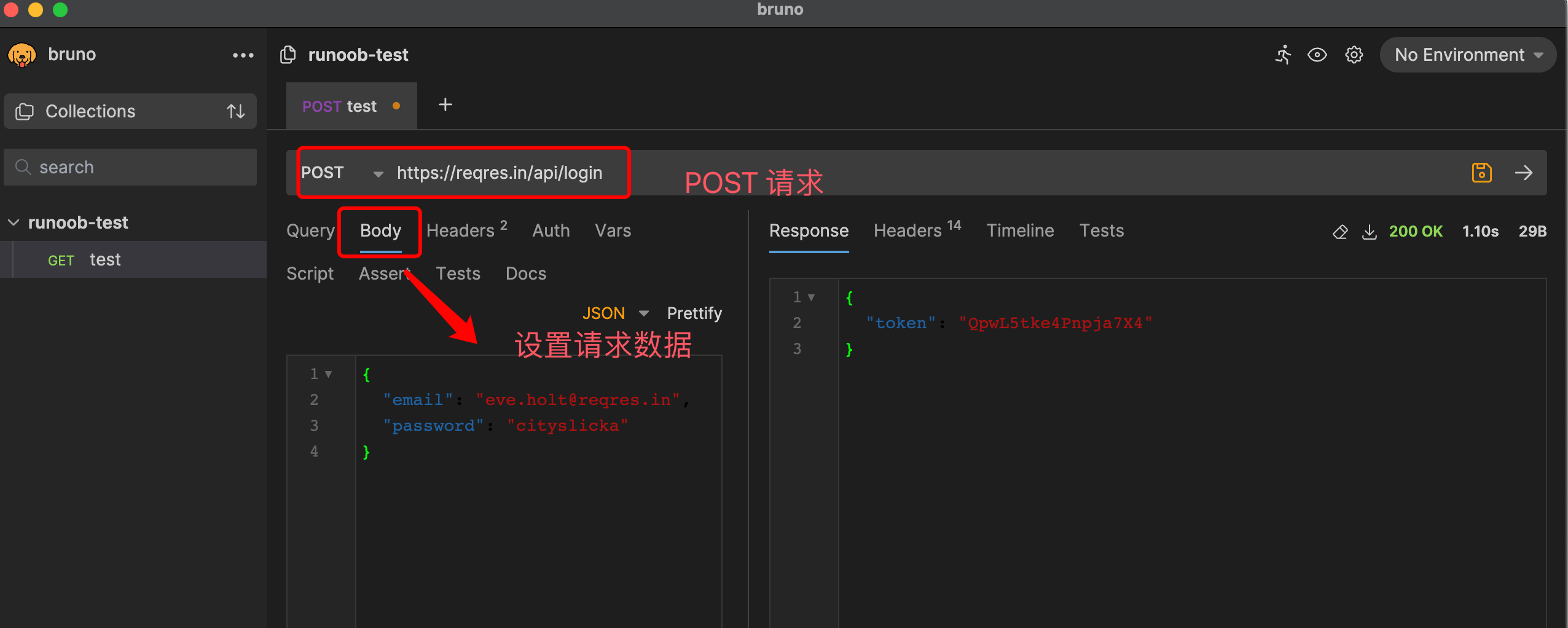
Project name: bruno -- open-source IDE for testing APIs
GitHub open-source address: https://github.com/usebruno/bruno
Official website address: https://www.usebruno.com/
Download address: https://www.usebruno.com/downloads
Usage documentation: https://docs.usebruno.com/
Bruno is a fast, friendly open-source API client designed to change the status quo represented by tools like Postman and Insomnia.
Storage method:Bruno stores your collections directly in folders on your file system, using the plain-text markup language Bru to save API request-related information.
Version control:You can use Git or any version control tool of your choice to collaborate on your API collections.
Offline use:Bruno only supports offline use. According to the author, there are never plans to add cloud sync, in order to protect data privacy and ensure data security.
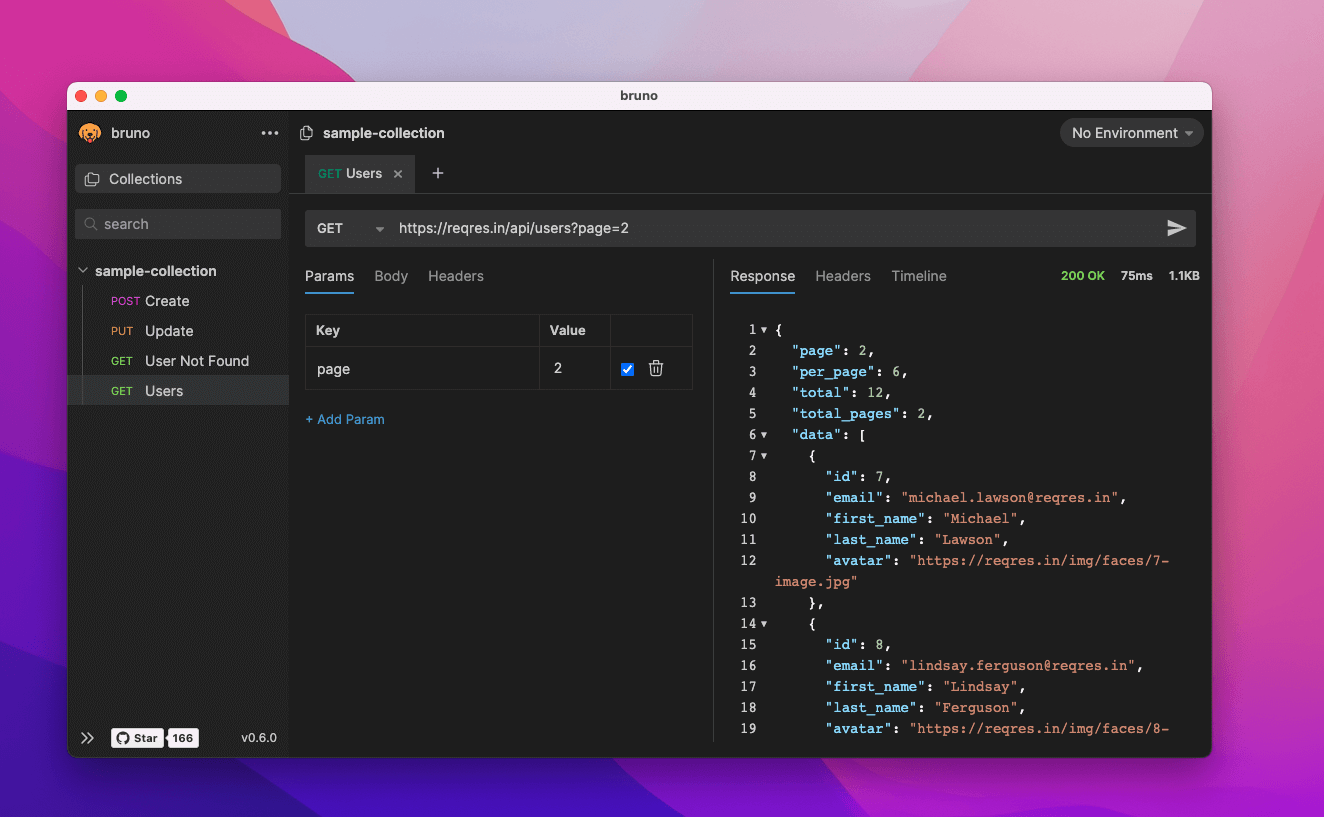
Bruno client download address https://www.usebruno.com/downloads, supports Mac, Windows, and Linux:
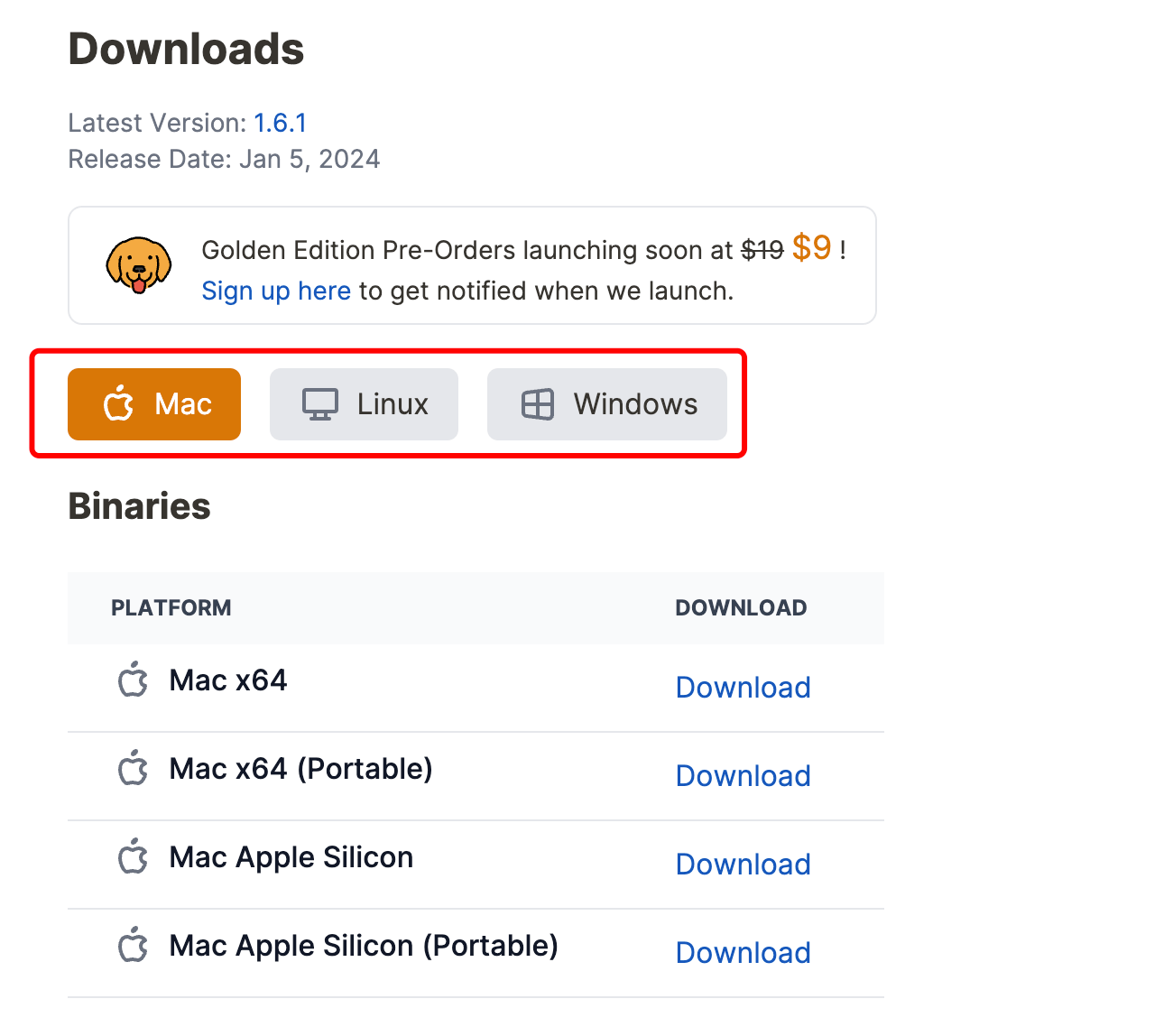
Of course, we can also install Bruno via package managers such as Homebrew, Chocolatey, Scoop, Snap, and Apt:
# 在 Mac 电脑上用 Homebrew 安装
brew install bruno

# 在 Windows 上用 Chocolatey 安装
choco install bruno

# 在 Windows 上用 Scoop 安装
scoop bucket add extras
scoop install bruno

# 在 Linux 上用 Snap 安装
snap install bruno

# 在 Linux 上用 Apt 安装
sudo mkdir -p /etc/apt/keyrings
sudo gpg --no-default-keyring --keyring /etc/apt/keyrings/bruno.gpg --keyserver keyserver.ubuntu.com --recv-keys 9FA6017ECABE0266

echo "deb [signed-by=/etc/apt/keyrings/bruno.gpg] http://debian.usebruno.com/ bruno stable" | sudo tee /etc/apt/sources.list.d/bruno.list

sudo apt update
sudo apt install bruno
Usage instructions
Send a simple GET request:
get {
  url: https://api.github.com/users/usebruno
}
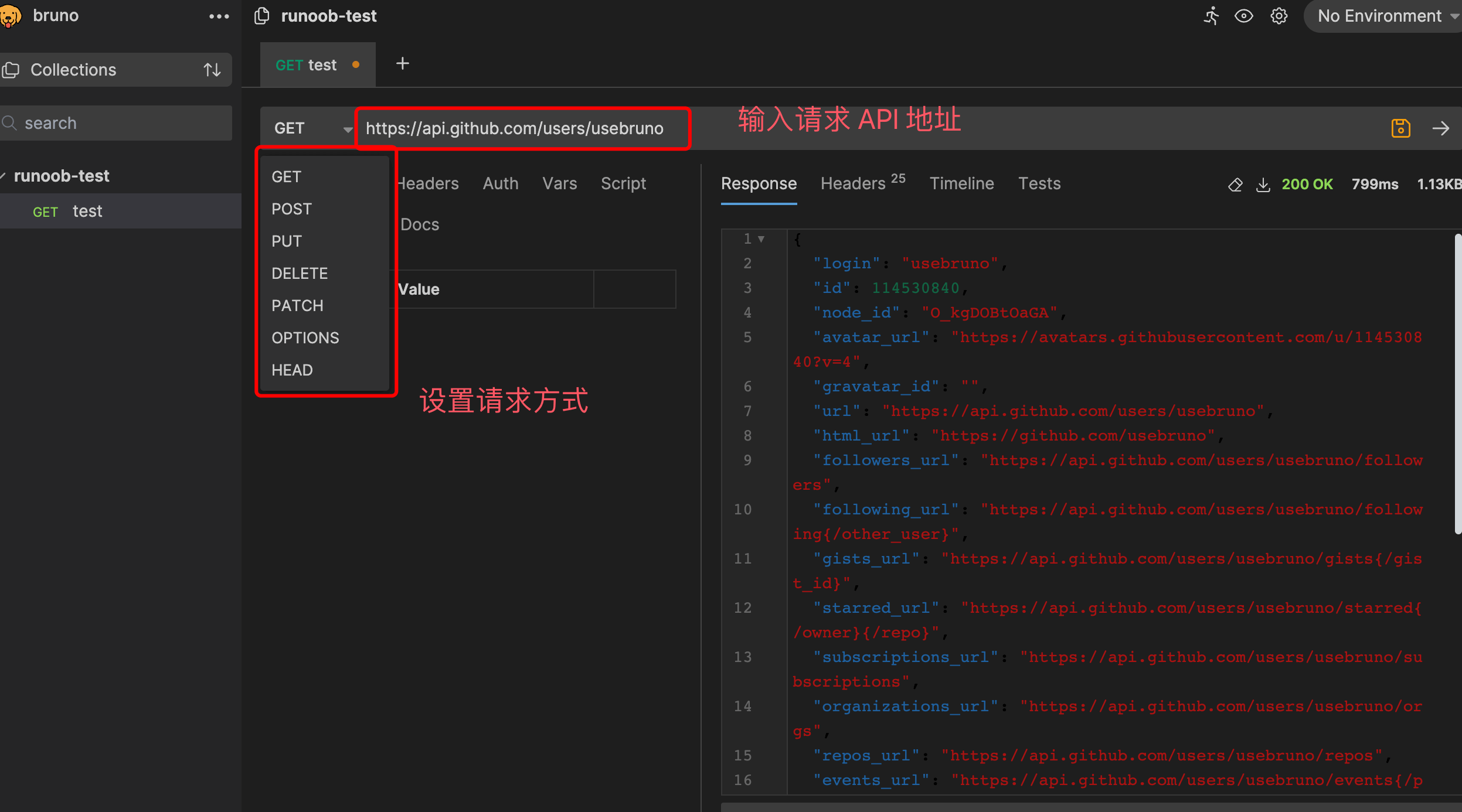
Send a simple POST request:
post {
  url: https://reqres.in/api/login
}
body {
  {
    "username": "johnnash",
    "password": "governingdynamics"
  }
}