Project name: Dev Home -- One-Stop Development Assistant for the Microsoft Platform
GitHub open-source address: https://github.com/microsoft/devhome
Official website address: https://apps.microsoft.com/detail/9N8MHTPHNGVV?hl=zh-cn≷=US
Official documentation: https://learn.microsoft.com/zh-cn/windows/dev-home/
Dev Home is a visual control panel provided by Microsoft for developers, somewhat like a one-stop development assistant. It is a control center that centrally manages workflows and coding tasks, making it convenient to install applications and packages in one place.
In addition, there are extensions that make it easy to connect to your developer accounts, such as GitHub.
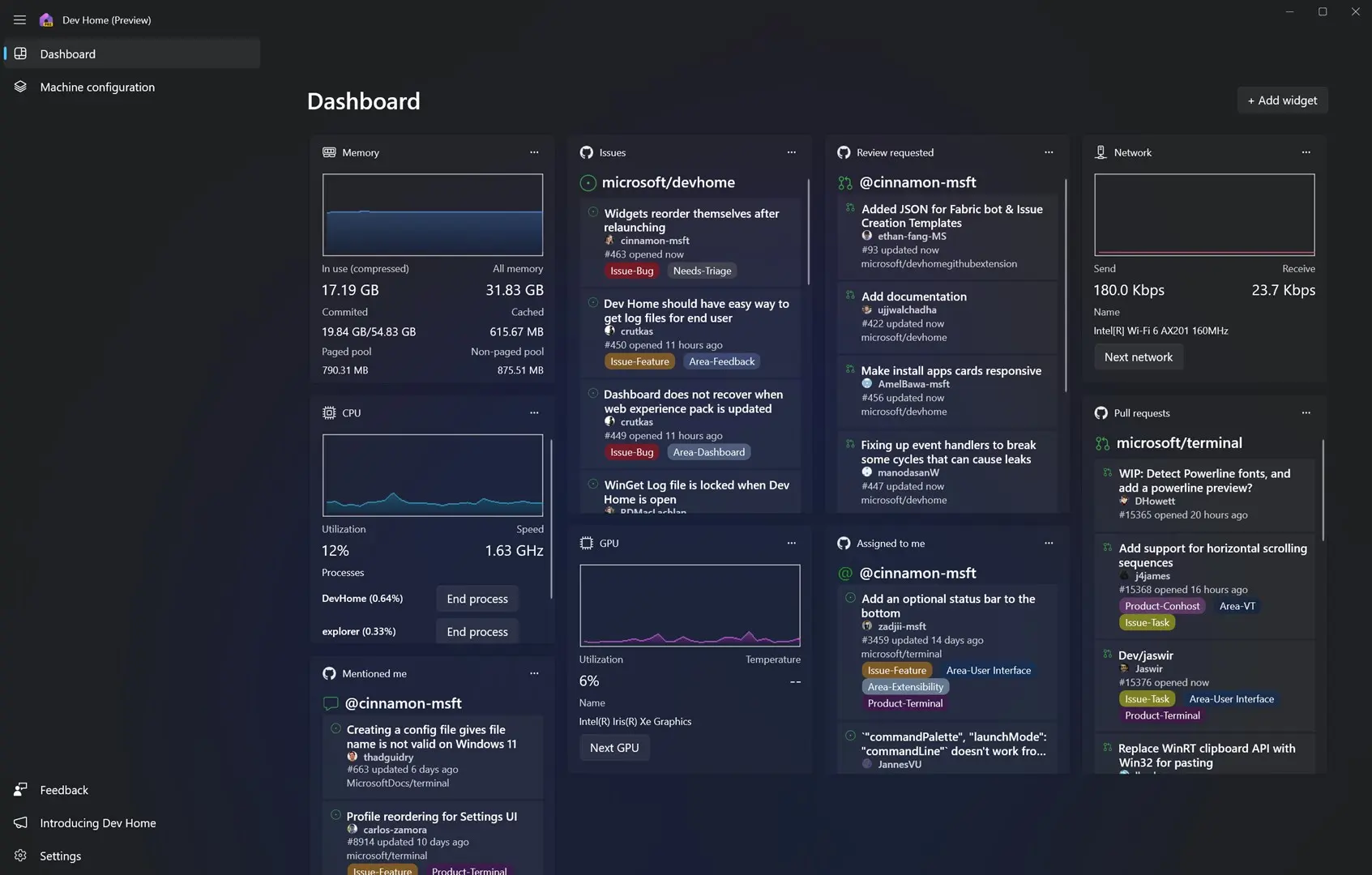
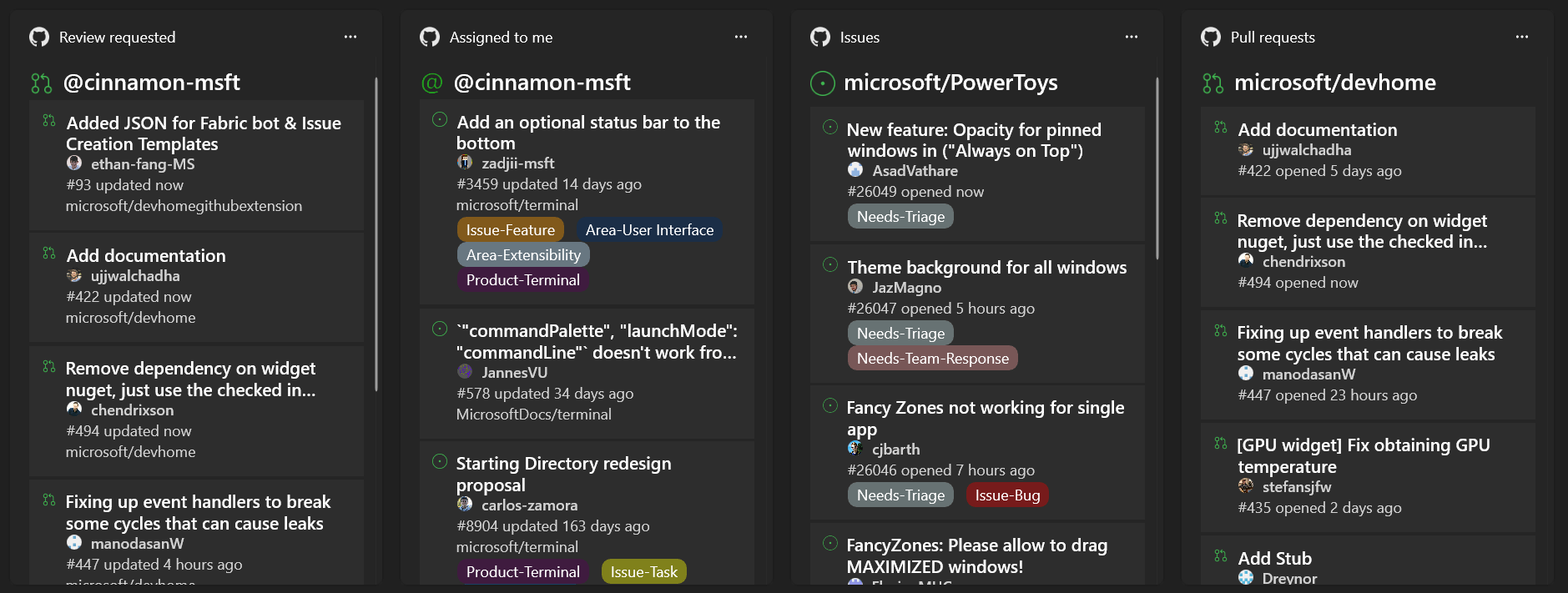
The Dev Home interface is a customizable dashboard containing a variety of developer-oriented widgets, allowing you to get the information you need at any time.
Developer Home:
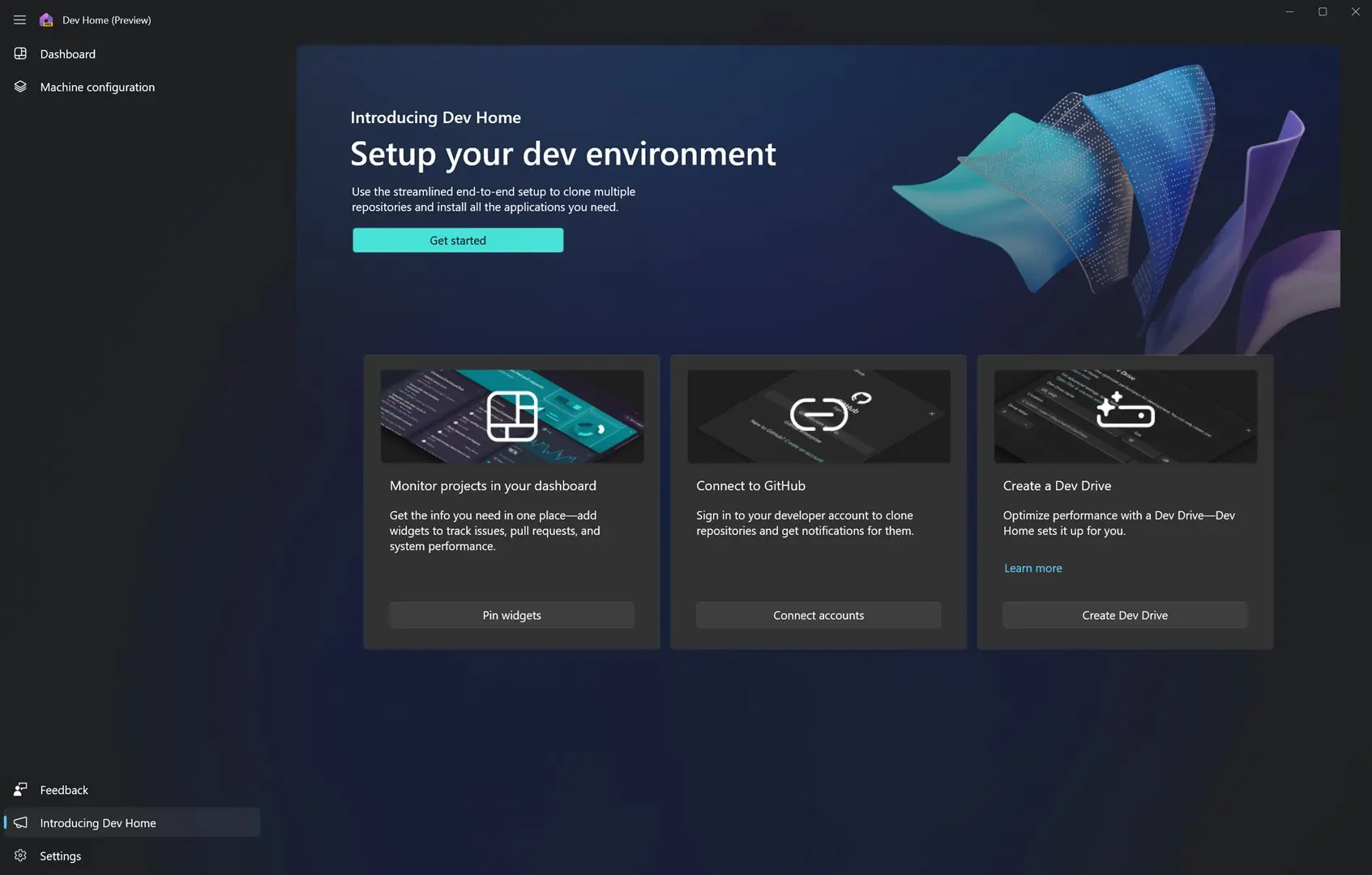
Customize widgets to monitor workflows:
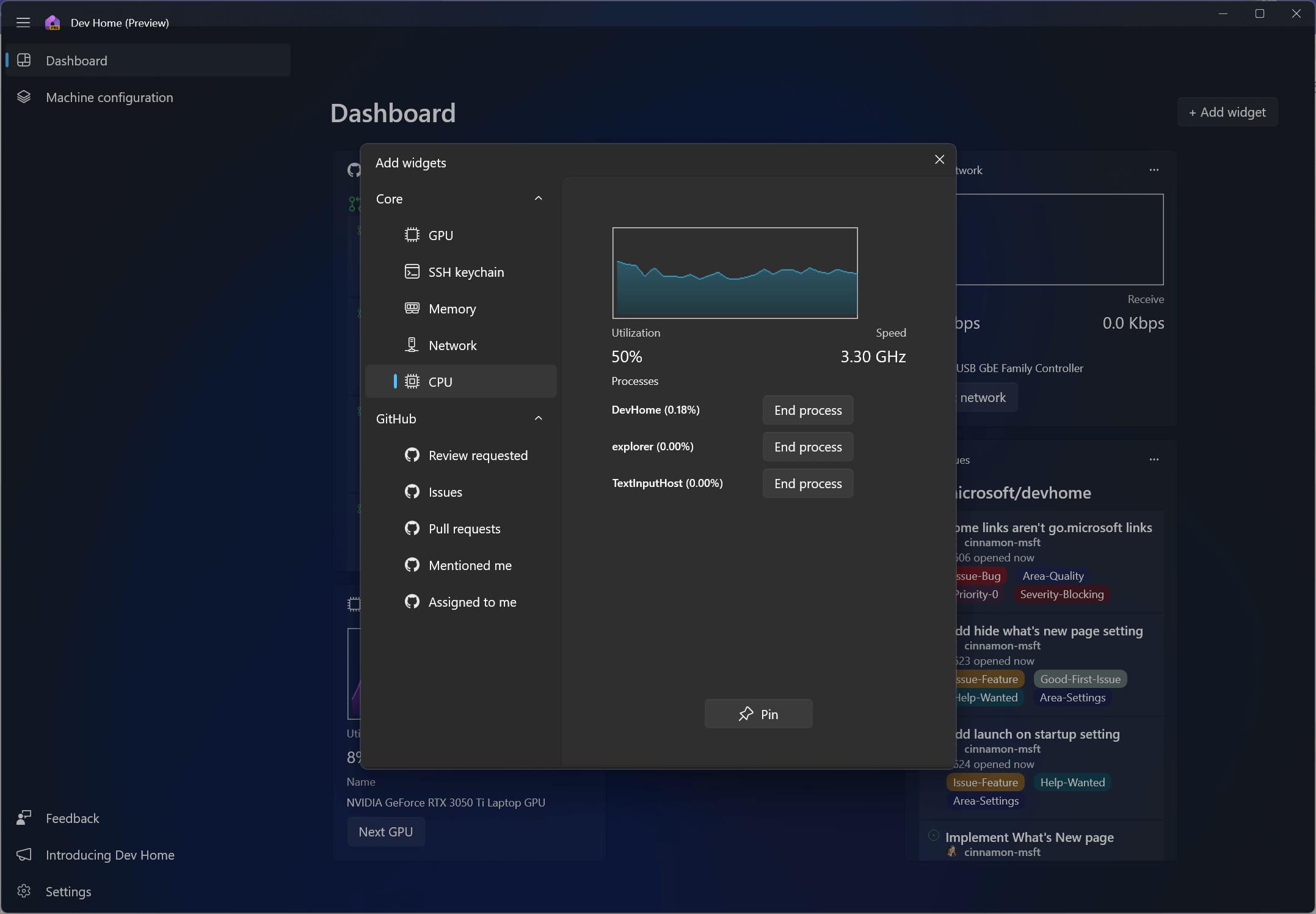
View GPU performance:
 System widgets let you view memory, network, CPU, and GPU usage: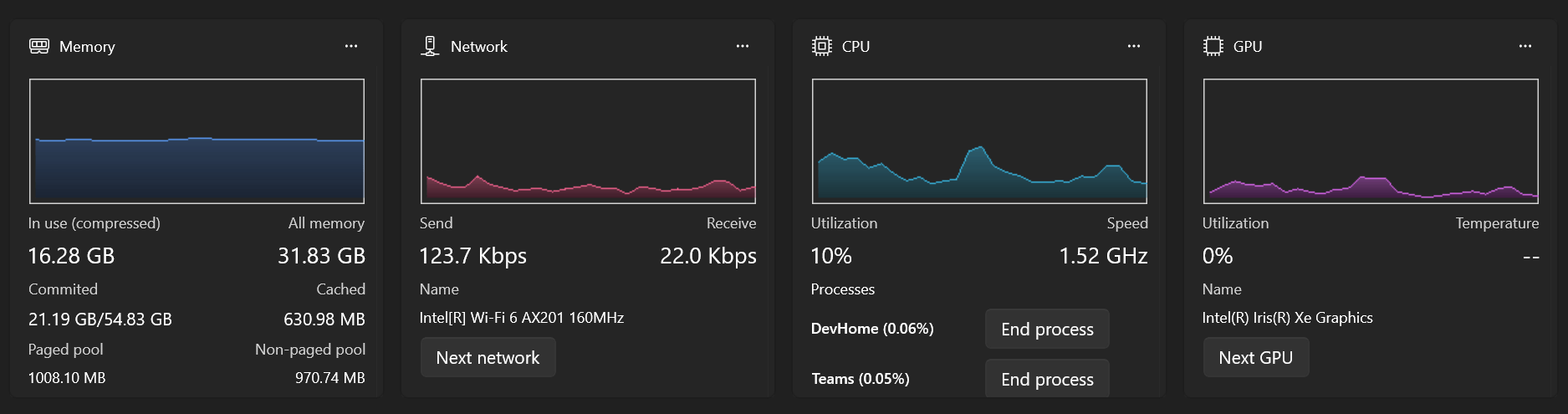
Install configuration tools:
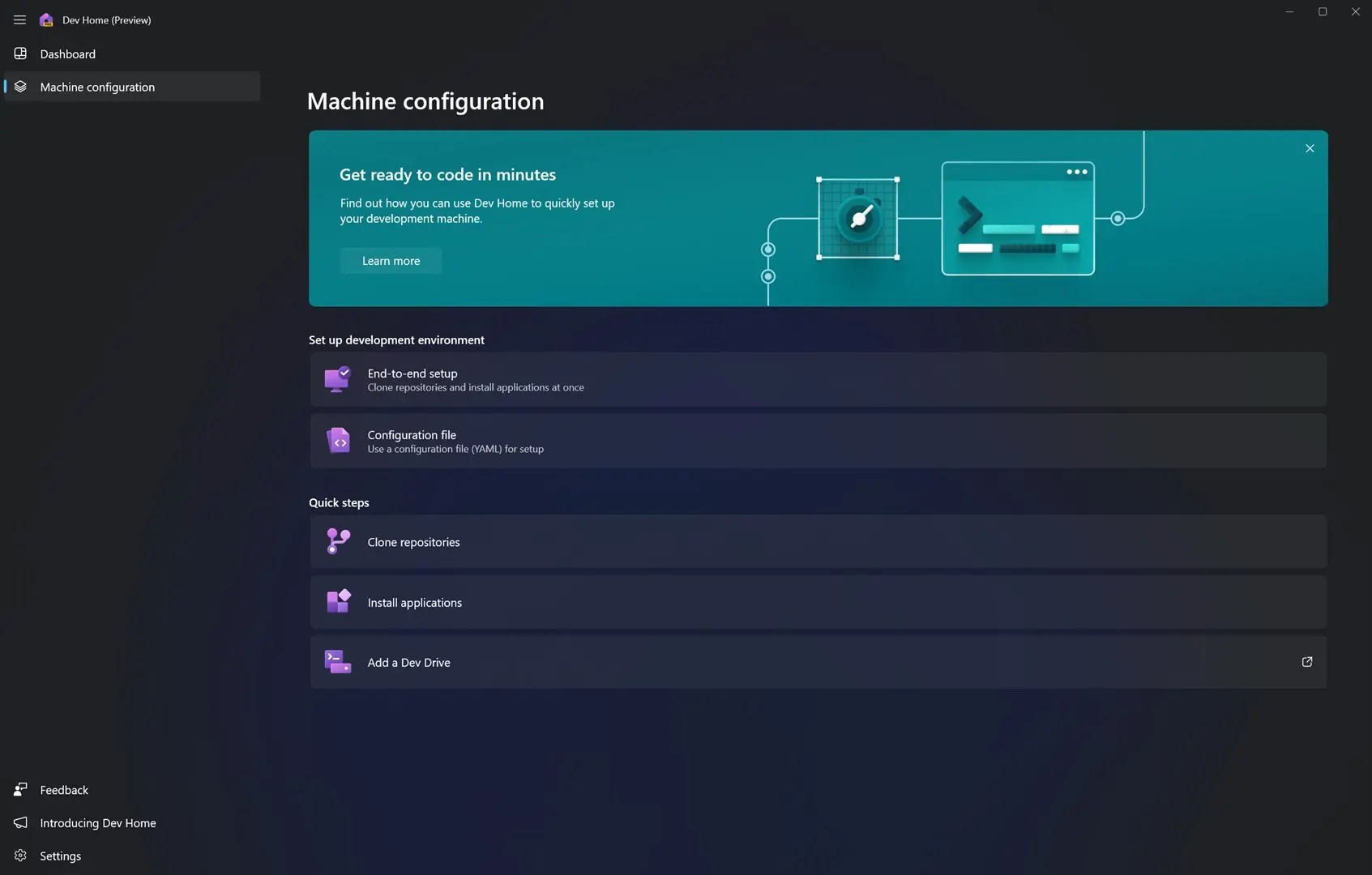
Install the GitHub extension to connect your GitHub account to Developer Home (the GitHub extension is available by default after installing Developer Home):
Install
Note:Dev Home requires Windows 11 21H2 (build 22000) or later.
If you are running Windows 11 23H2 (build 22621.2361) or later, simply find it in the Start menu to install and run Dev Home.
You can also install Dev Home from the Microsoft Store. Installation address: https://apps.microsoft.com/detail/9N8MHTPHNGVV?hl=zh-cn≷=US.
GitHub installation package download address:https://github.com/microsoft/devhome/releases
Through the Windows Package Manager CLI (also known as winget), winget users can download and install the latest version of Dev Home by installing the Microsoft.DevHome package:
winget install --id Microsoft.DevHome -e