Project name: dbgate -- free open-source cross-platform database management tool
GitHub open source address: https://github.com/dbgate/dbgate
Official website: https://dbgate.org/
Download address: https://dbgate.org/download/
dbgate is a manager for databases such as MySQL, PostgreSQL, SQL Server, MongoDB, SQLite, etc.
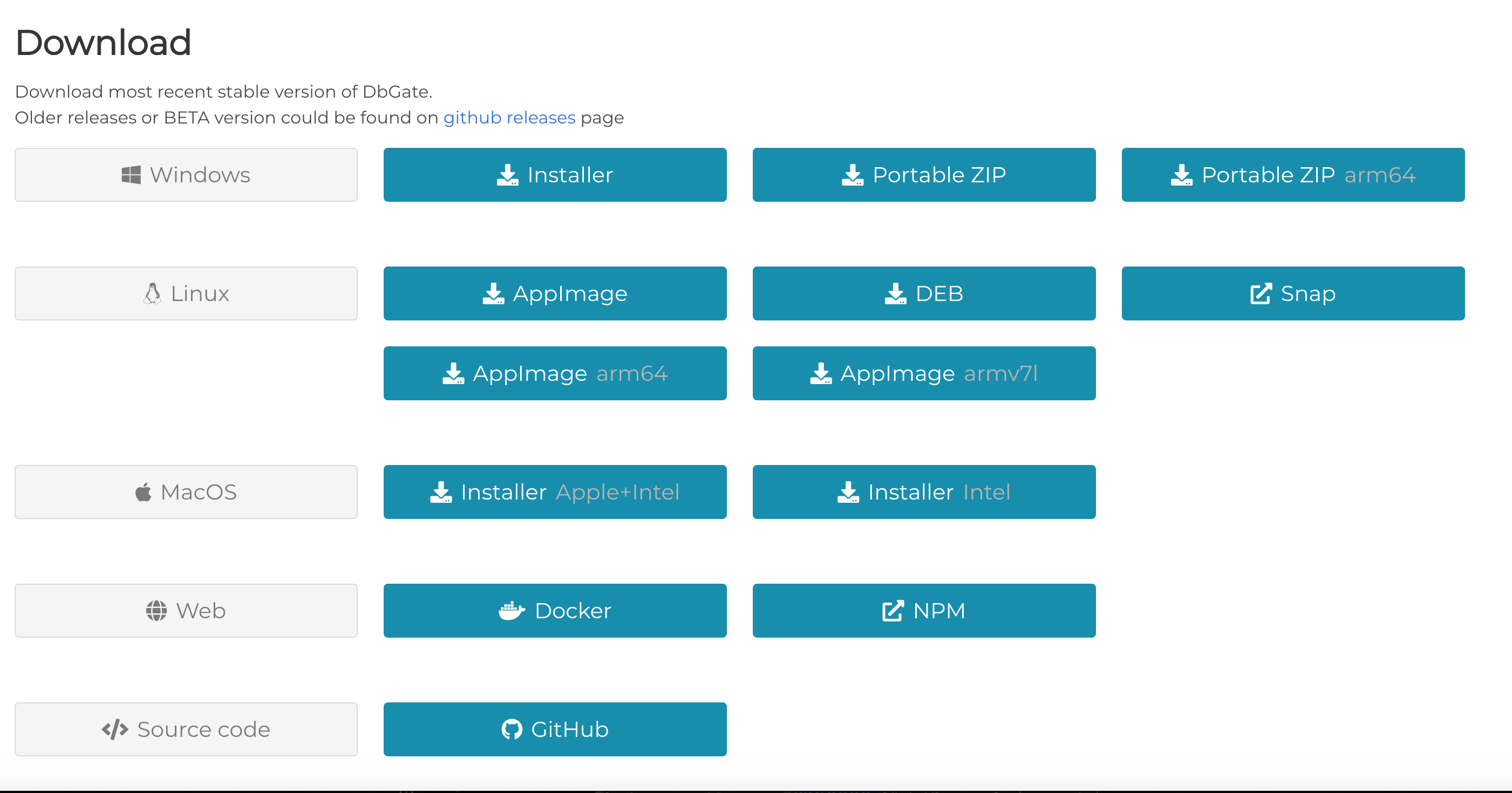
dbgate supports running on Windows, Linux, and Mac operating systems, providing users with cross-platform flexibility.
dbgate is not just a local application; it can also run as a web application, allowing users to easily access and manage databases through a browser.
Supports the following databases:
- MySQL
- PostgreSQL
- SQL Server
- Oracle (experimental)
- MongoDB
- Redis
- SQLite
- Amazon Redshift
- CockroachDB
- MariaDB

dbgate features:
Table data editing with SQL change script preview:Supports editing table data and provides a preview of SQL change scripts.
Edit table schema, indexes, primary keys, and foreign keys:Allows users to edit table structure, indexes, and define primary and foreign keys.
Compare and synchronize database structures:Provides functionality to compare and synchronize database structures, ensuring consistency of database schemas.
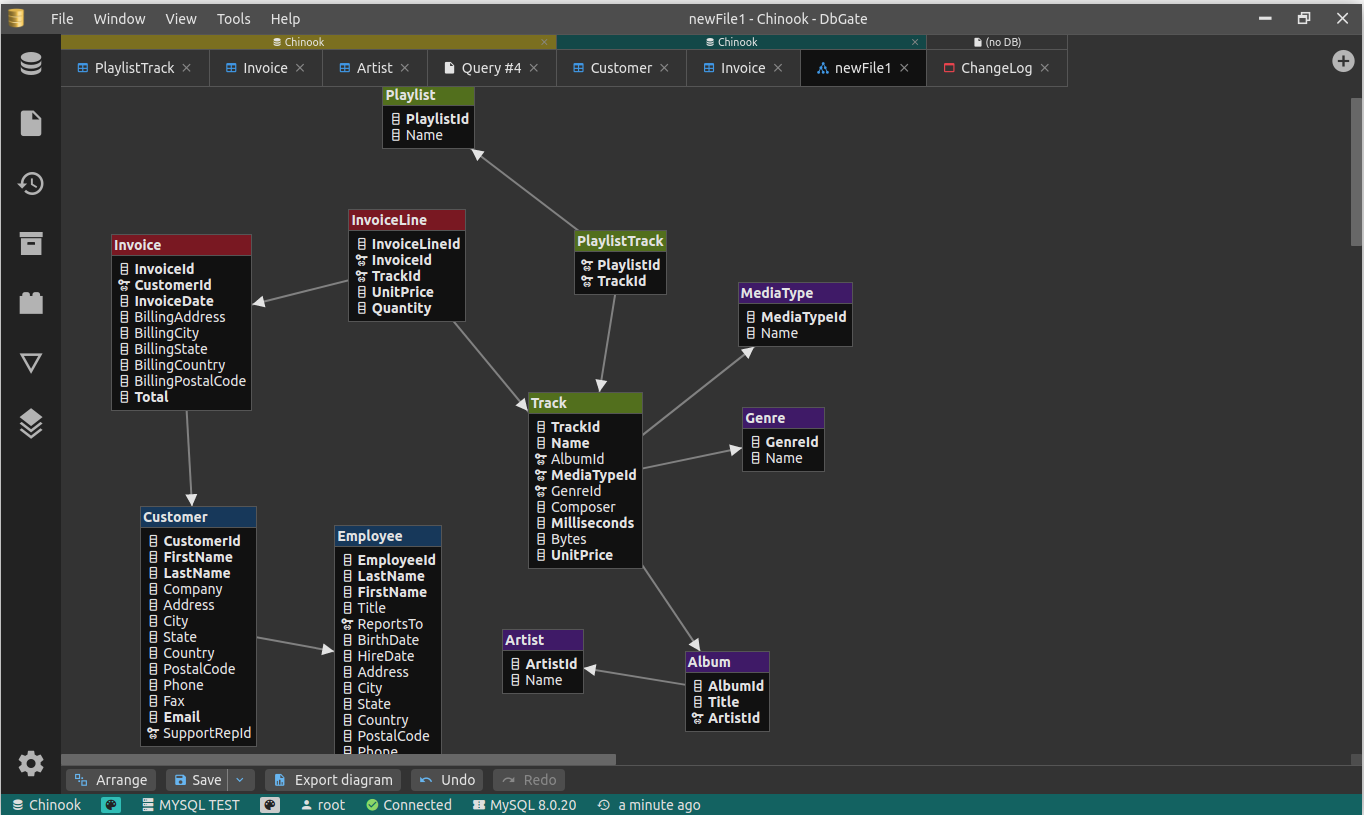
ER diagram:Provides entity-relationship (ER) diagrams to visualize relationships between database tables.
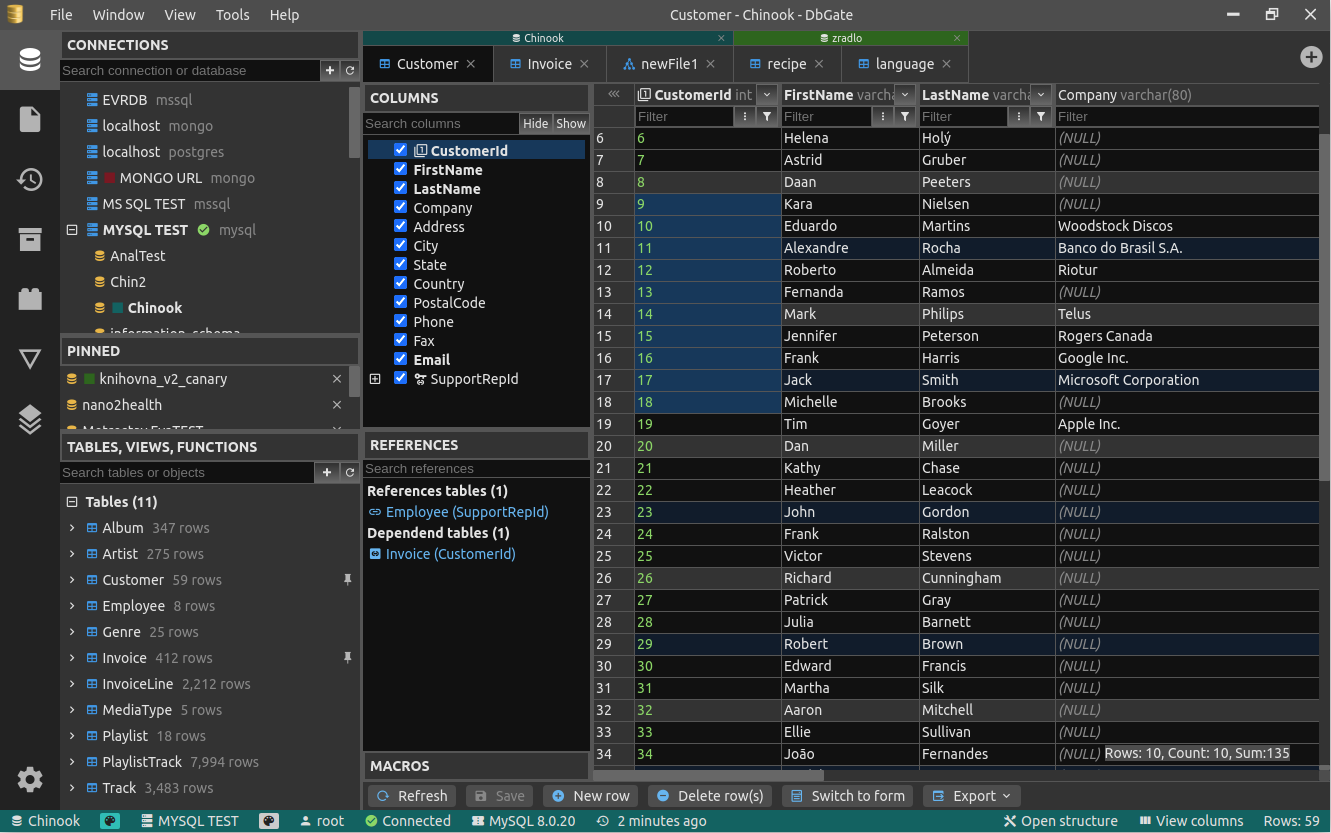
Light and dark themes:Provides both light and dark themes to meet users' personal preferences.
Master/detail view, foreign key lookup:Supports master/detail views and foreign key lookup.
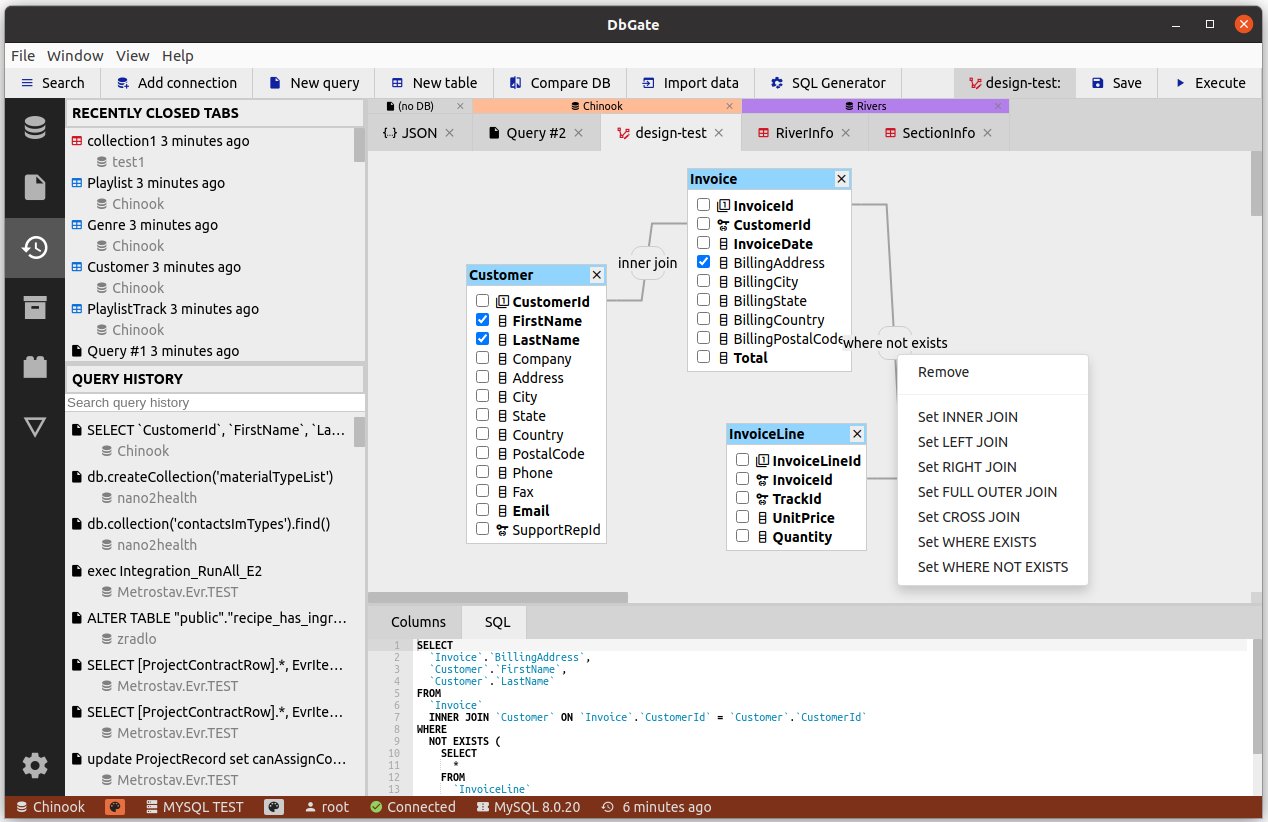
Query designer:Provides a query designer that allows users to easily design queries.
Form view:Provides a form view for tables with many columns to facilitate operation.
JSON view for MongoDB collections:Supports a JSON view for MongoDB collections.
Browse tables, views, stored procedures, functions, MongoDB collections:Provides browsing functionality for various database objects.
SQL editor:Includes an SQL editor that supports executing SQL scripts.
SQL code formatting, code completion:Provides SQL code formatting and code completion.
Add SQL LEFT/INNER/RIGHT join utilities:Supports adding SQL LEFT, INNER, and RIGHT join utilities.
Mongo JavaScript editor:Includes a Mongo JavaScript editor that supports executing Mongo scripts (using Node.js syntax).
Redis tree view, generate scripts from keys, run Redis scripts:Provides a Redis tree view, can generate scripts from keys, and run Redis scripts.
Run as an application on Windows, Linux, and Mac, or as a Docker container on a server, with the client running in a web browser:It is cross-platform, allowing users to choose to run in different environments, including local applications, Docker containers on servers, and web browsers.
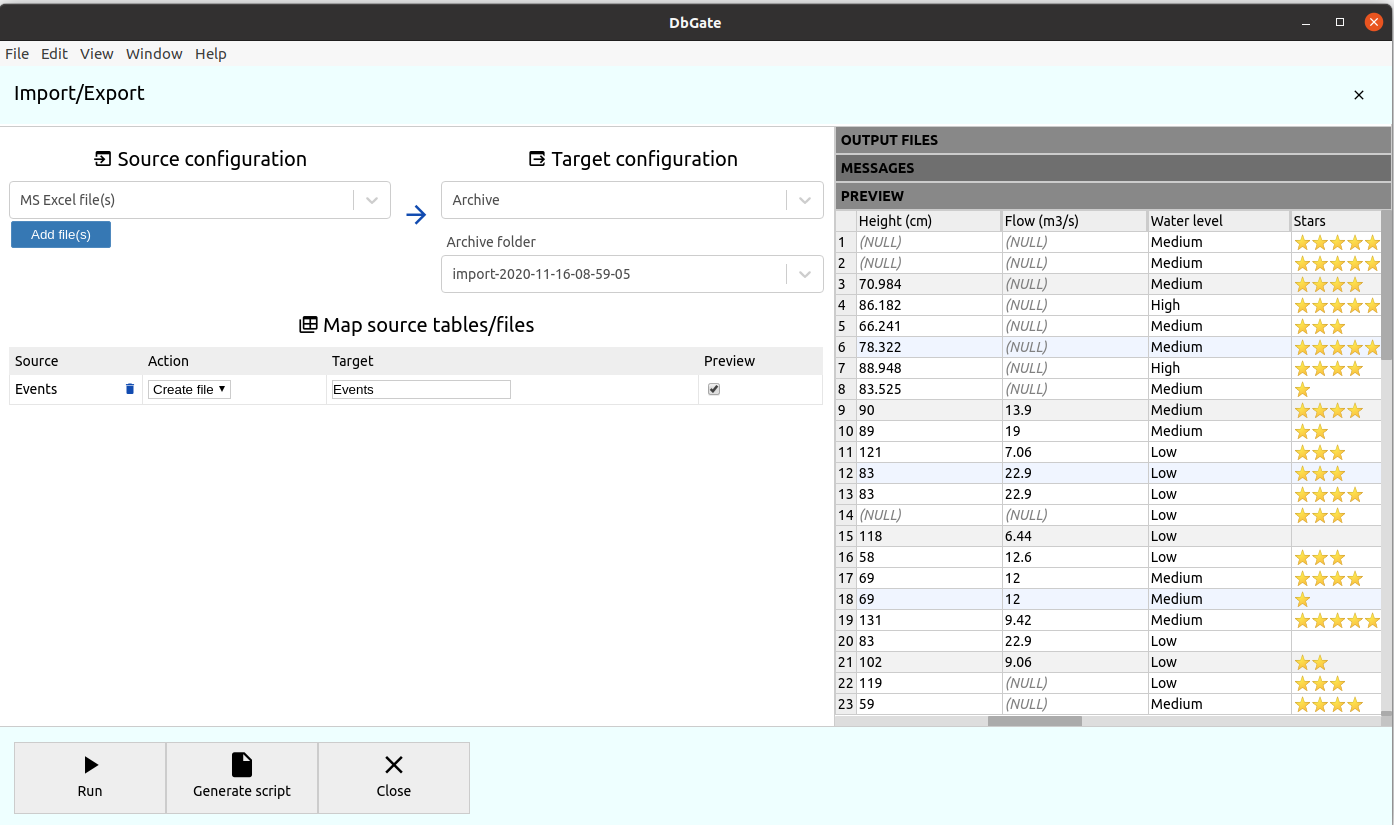
Import and export CSV, Excel, JSON, NDJSON, XML:Supports importing and exporting data in various formats.
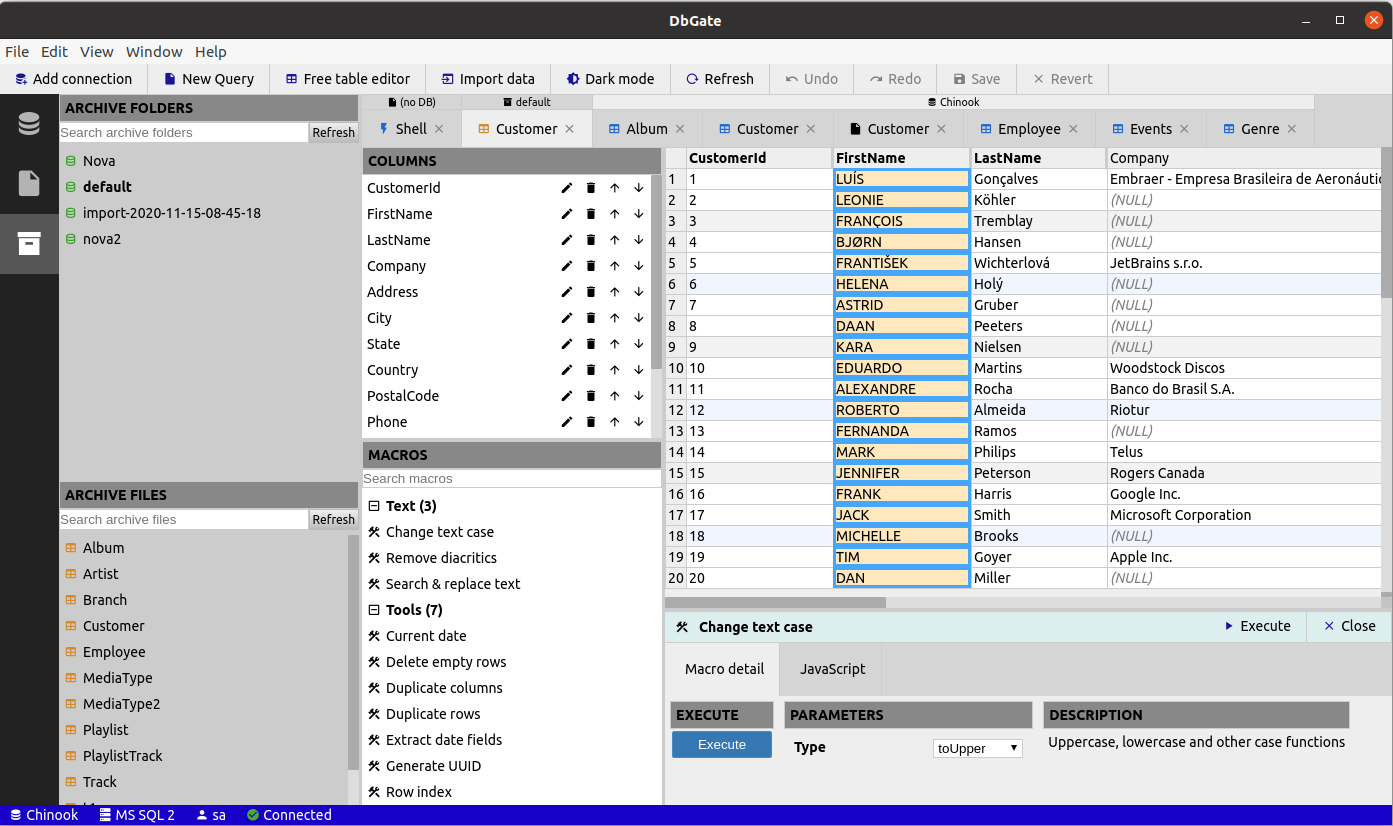
Free table editor:Provides a free table editor for quickly editing table data, such as data cleaning or prototyping tables after import/export.
Archive:Supports backing up data to NDJSON files on the local file system (or on the DbGate server when using the web application).
Charts, export charts as HTML pages:Supports creating charts and exporting them as HTML pages.
For more details on running DbGate in a Docker container, visit Docker Hub:Provides detailed information about running DbGate in a Docker container.
Extensible plugin architecture:Has an extensible plugin architecture that allows users to add new features as needed.
Perspective:Provides a perspective for nested table viewing of complex relational data and query design on MongoDB databases.
Main view:
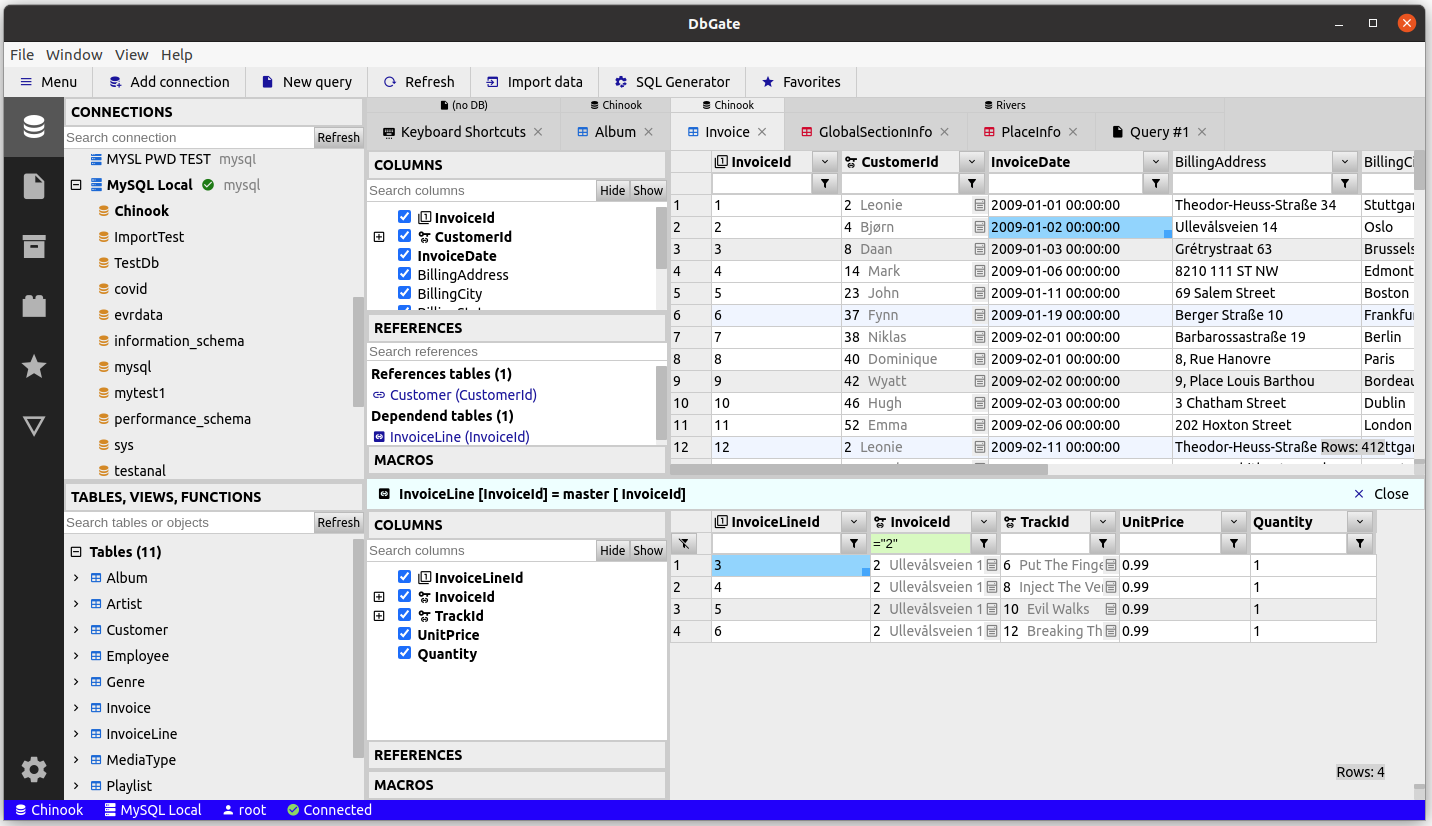
Table editor:
Query designer:
Import CSV, Excel:
ER diagram: