FirebugTutorial
Firebug's official website announced that it has ceased further development, updates, and maintenance of Firebug, inviting everyone to use Firefox's built-in tools.DevTools。
What is Firebug?
FirebugIs an open-source web development tool.
In this chapter of the tutorial, we will discuss the following:
- How to install Firebug.
- Use Firebug to inspect and edit HTML.
- Use Firebug to inspect and edit CSS.
- Use Firebug to debug JavaScript.
- Dynamically execute JavaScript in Firebug.
- Use Firebug to log JavaScript.
- Use Firebug to monitor the network.
Install Firebug
Firebug download address: https://addons.mozilla.org/en-US/firefox/addon/1843/
Use the Firefox browser to visit the above download address. After the page opens, click the download button, and a popup window will appear prompting for the installation directory. After installation, restart your Firefox browser.
After restarting, you can see the Firebug icon in the Firefox browser. Click the Firebug icon (located in the upper right corner of the Firefox browser) to activate the Firebug plugin.
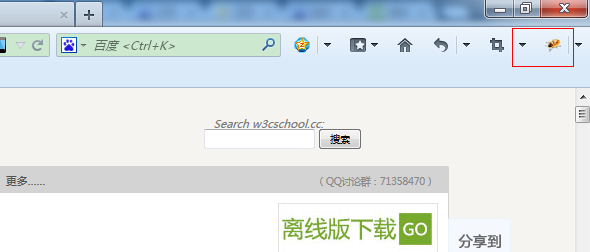
Firebug Components
Firebug Options
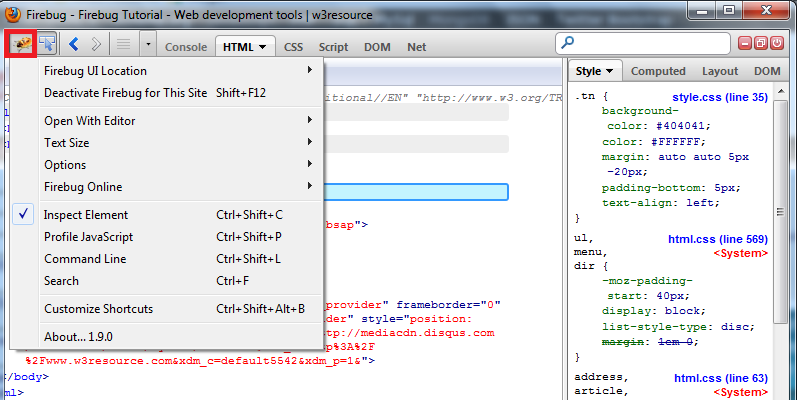
Click Inspect Element on the page.
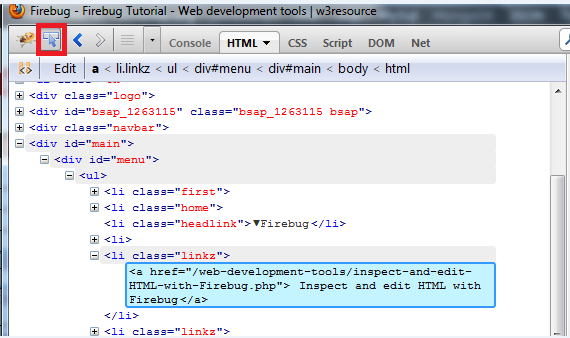
Undo and Redo

Show Command Line

Panel Selection
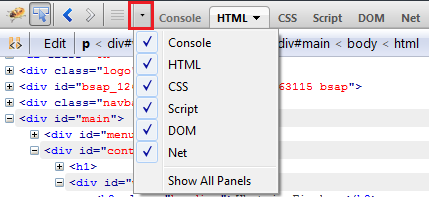
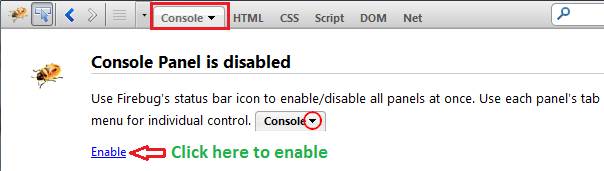
Console
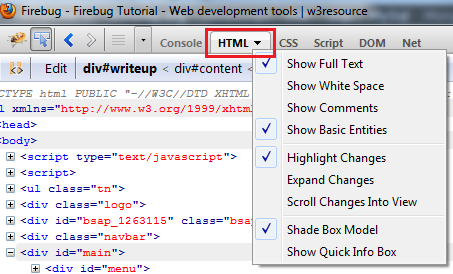
HTML Panel
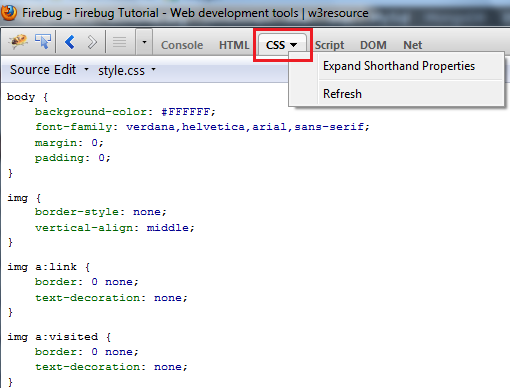
CSS Panel
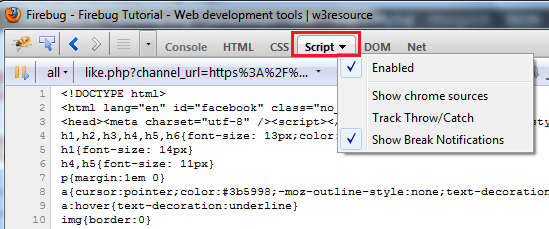
Script Panel
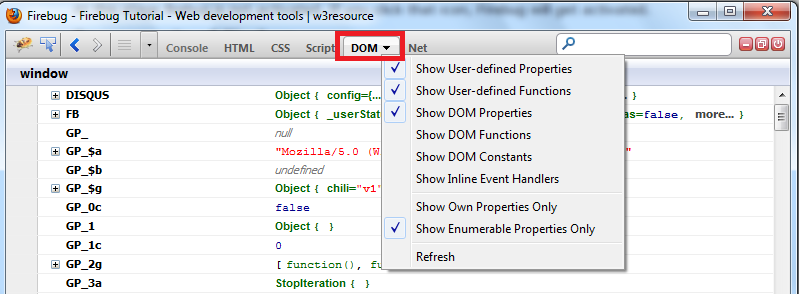
DOM Panel
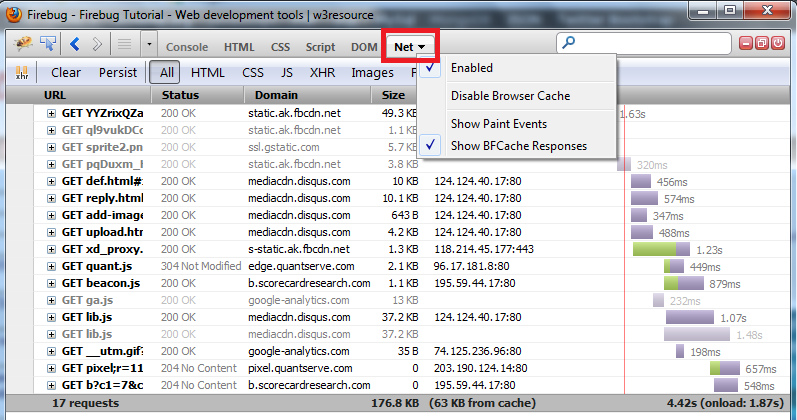
Network panel (used for webpage speed testing and optimization)
Other Buttons
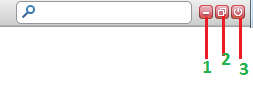
- 1 - Minimize Firebug.
- 2 - Install Firebug in the browser window.
- 3 - Disable Firebug.