Project name: screenshot-to-code -- Convert screenshots to HTML code
GitHub open source address: https://github.com/abi/screenshot-to-code
Online test address: https://screenshottocode.com/
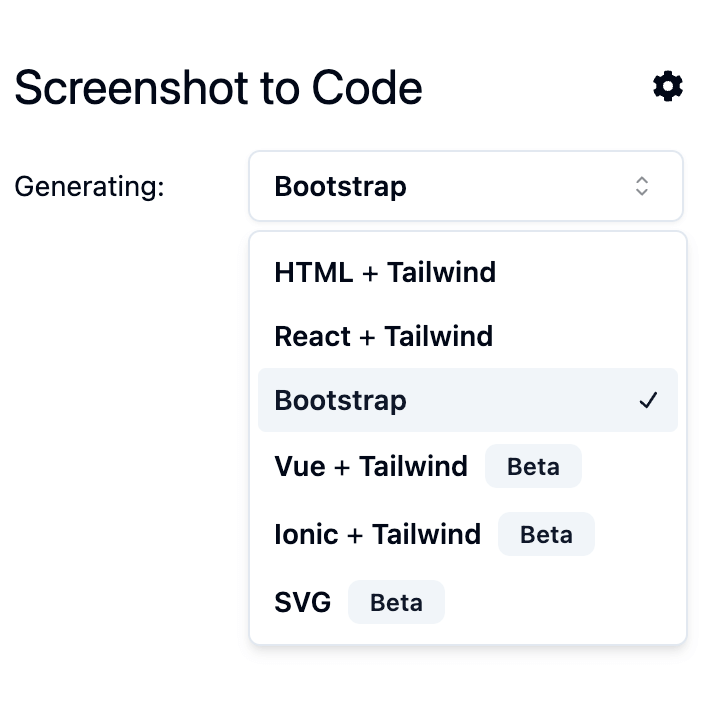
The screenshot-to-code application can convert screenshots to code (HTML/Tailwind CSS, React, Bootstrap, or Vue).
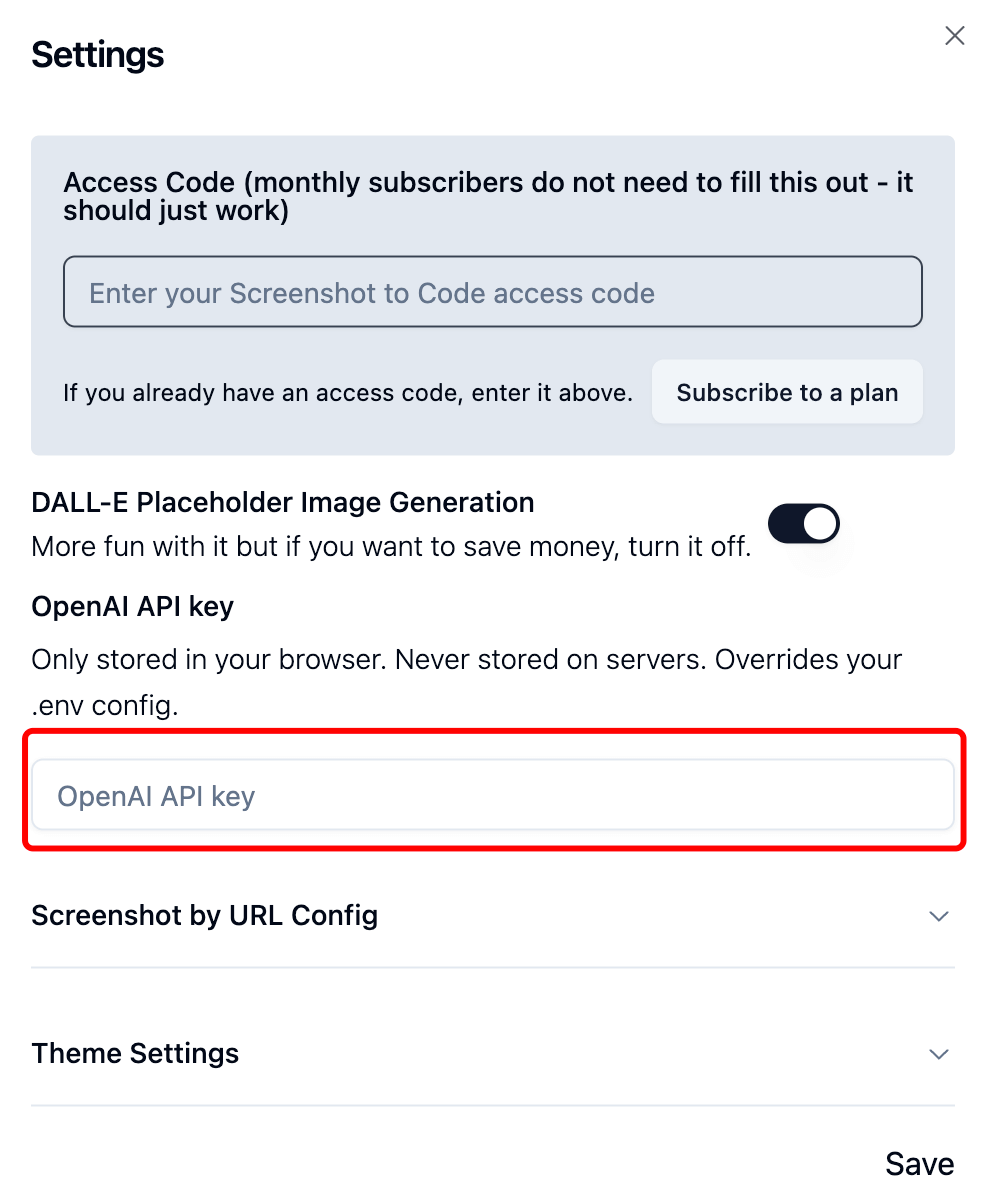
It uses GPT-4 Vision to generate code and DALL-E 3 to generate similar images, so you need to set the OPENAI_API_KEY.
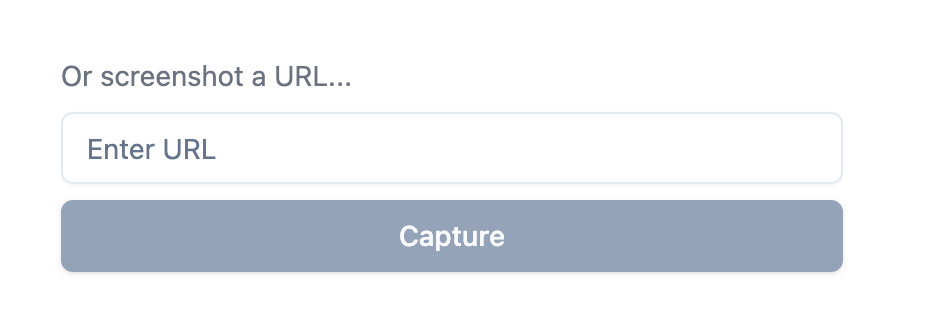
You can also clone an online website by entering its URL.
The app uses React/Vite for the frontend and Python's FastAPI backend, and also requires an OpenAI API key.
Getting Started
Load the code:
git clone https://github.com/abi/screenshot-to-code.git
Set up the backend (using Poetry for package management):
pip install poetry # 安装 poetry
cd backend    # 进入后端目录
echo "OPENAI_API_KEY=sk-****" > .env # 设置 OPENAI_API_KEY,需要去官网获取
poetry install
poetry shell
poetry run uvicorn main:app --reload --port 7001
You can also run the following commands directly in the backend:
poetry run pyright
Frontend setup:
cd frontend   # 进入前端目录
yarn
yarn dev
Then open http://localhost:5173 in your browser to access the app.