Project name: excalidraw -- A virtual whiteboard for drawing hand-drawn sketches
GitHub open-source address: https://github.com/excalidraw/excalidraw
Online testing address: https://excalidraw.com/
excalidraw is an open-source and free virtual whiteboard that provides an online real-time collaborative whiteboard tool, allowing users to create simple shapes and diagrams.
excalidraw's design goal is to provide an easy-to-use drawing tool that supports team collaboration, while also featuring cross-platform and real-time collaboration capabilities.
Simple and easy to use:excalidraw provides a simple and intuitive interface, allowing users to easily draw various shapes on the whiteboard, including basic shapes, lines, and text.
Real-time collaboration:The project supports real-time collaboration. Multiple users can work on the same whiteboard simultaneously, and each user's changes are immediately reflected on all collaborators' screens, making team collaboration more convenient.
Export and sharing:Users can export the graphics they create as image files, and the whiteboard can be shared with others via a link.
Cross-platform:excalidraw is a web application that can run on different operating systems and devices, and can be used simply through a modern web browser.
Open source:excalidraw is free and open-source, hosted on GitHub. Anyone can view, use, modify, and contribute to the code.
Localization (i18n) support: Supports multiple languages.
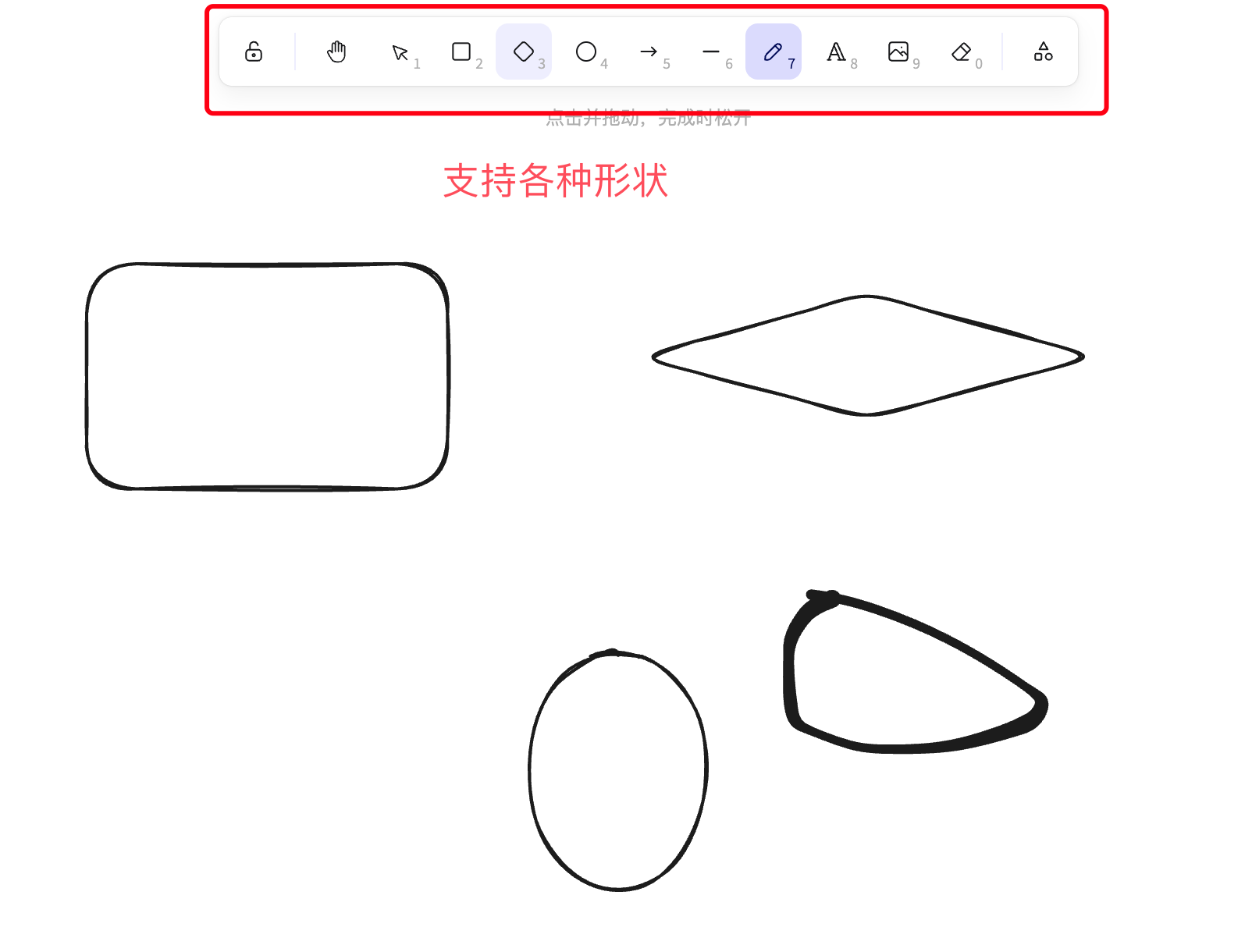
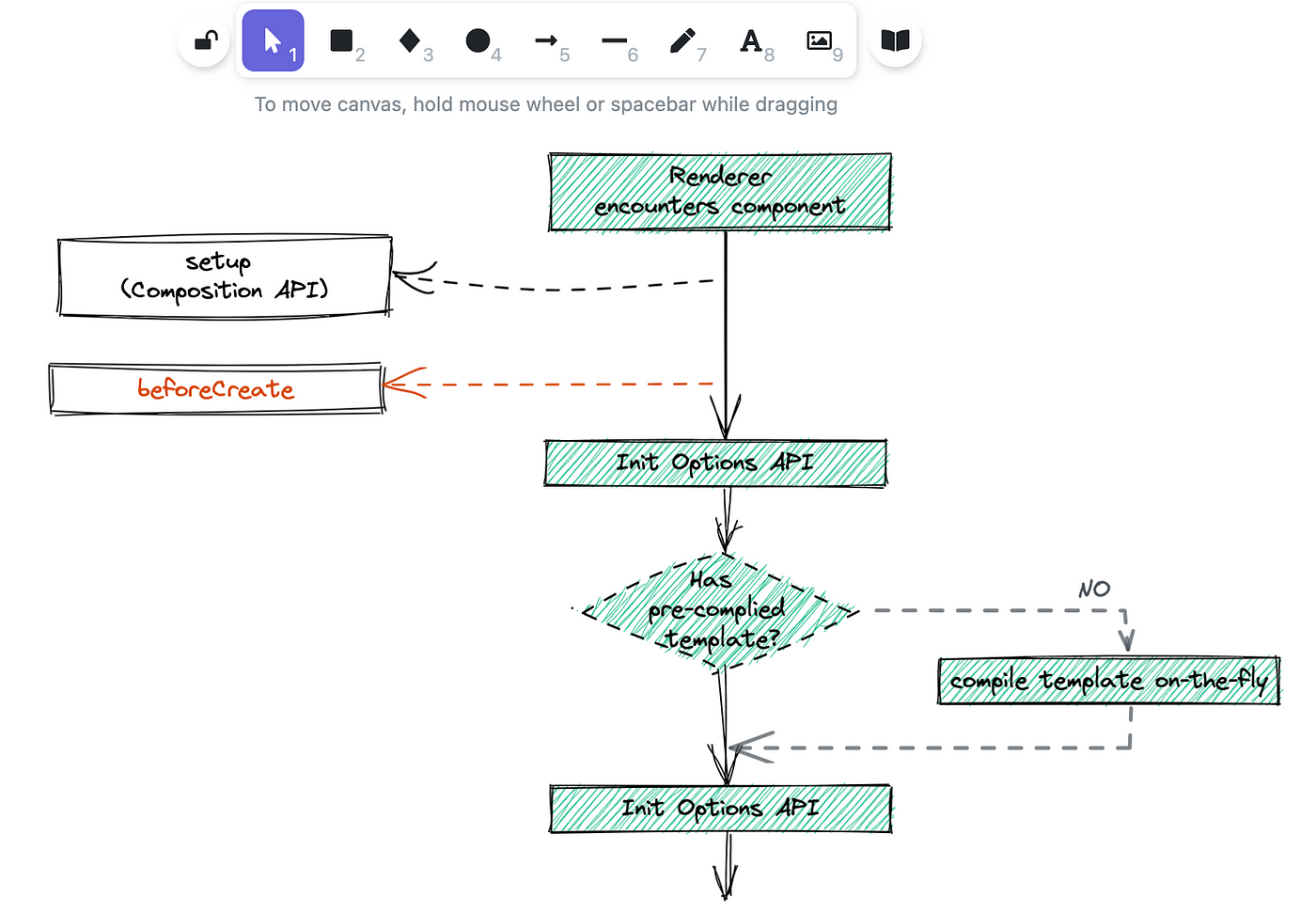
Hand-drawn style: excalidraw's drawing style is hand-drawn graphics.
Element library and custom elements: excalidraw provides some commonly used graphic elements, such as rectangles, circles, arrows, etc. Users can select from the element library and drag-and-drop them onto the canvas, and they can also customize the appearance and style of elements.
Installation
The installation method is also simple. First, clone excalidraw:
git clone https://github.com/excalidraw/excalidraw.git
Then enter the excalidraw directory:
cd excalidraw
Execute the following command:
yarn
Start:
yarn start
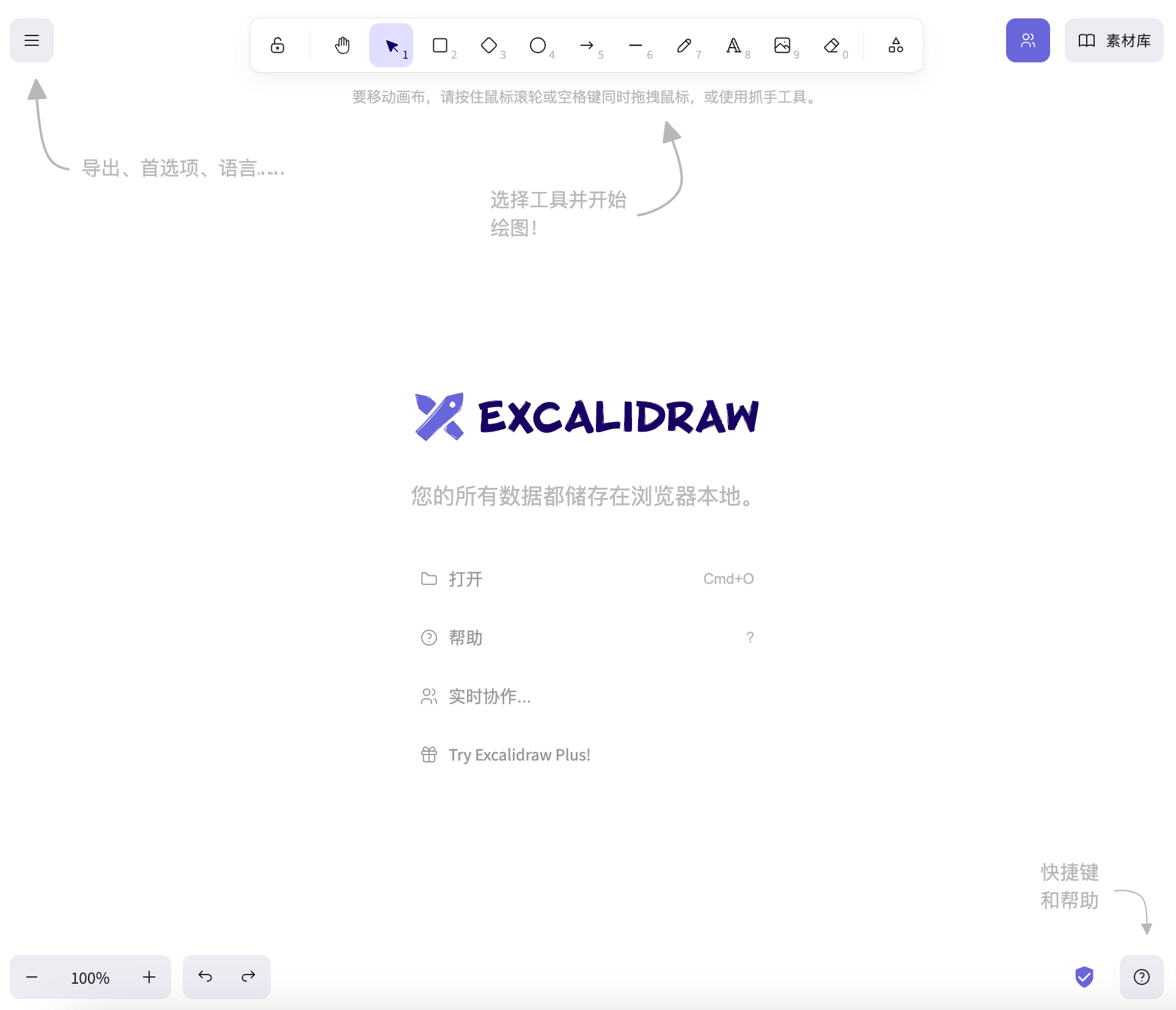
Once completed, open in the browserhttp://localhost:3000/The interface is as follows:
After that, we can easily draw various types of hand-drawn style graphics: