Eclipse Task Management
Management tasks
In Eclipse, use TODO tags to manage tasks. This feature makes it convenient to record tasks that need to be handled in a project.
We can add the TODO word in comments in Java code to mark a task, and tasks can be viewed through the Tasks view.
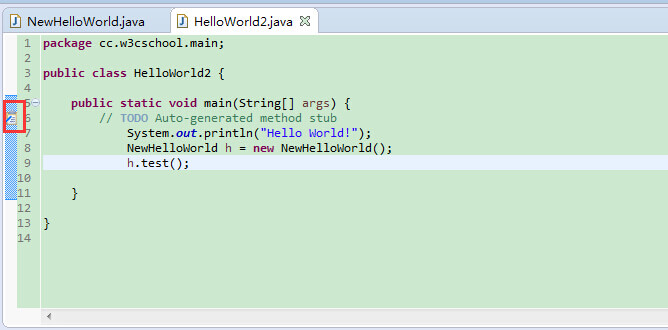
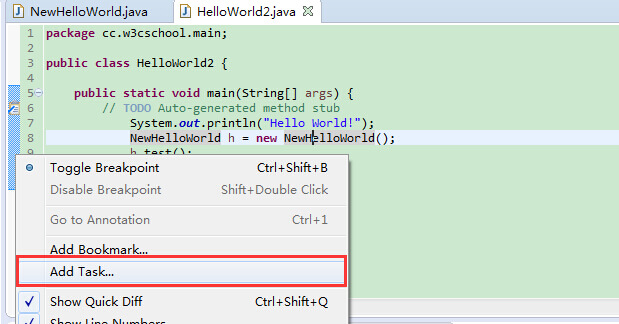
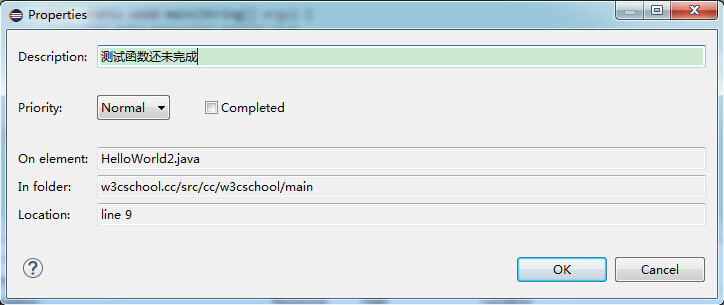
In Eclipse, we can add a task by right-clicking the vertical ruler and selecting the Add Task menu, then enter the task description in the pop-up dialog.
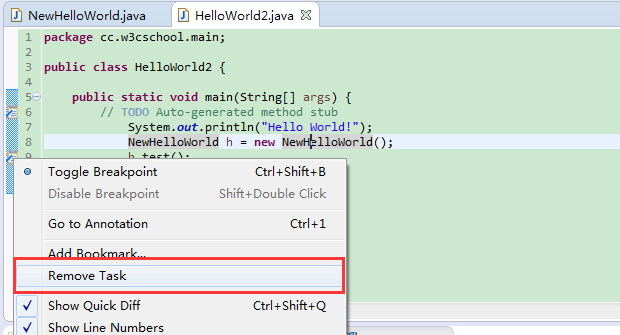
To delete a task, simply right-click the task icon and select the Remove Task menu item.
Open the Task view
To open the Tasks view:
- In the Window menu, select Show View > Other
- Enter Tasks in the search box
- Under General, select Tasks
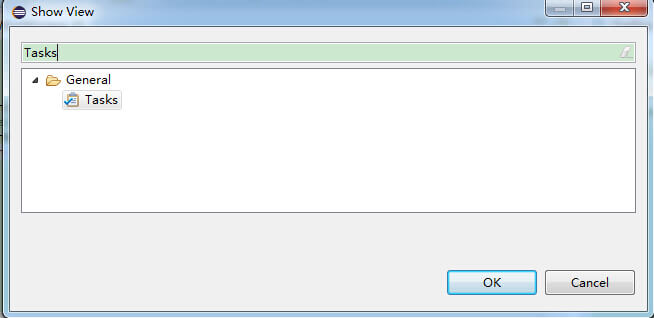
- Finally click the OK button
Use the Task view
The Tasks view displays all pending tasks in the project.
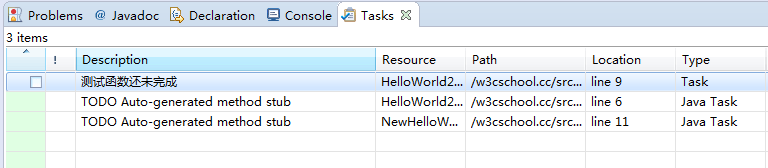
The Tasks view also allows the following operations:
- Modify the task's bottom-right corner
- Mark task as completed
- Delete a task or delete all completed tasks