Installing Plugins in Eclipse
Search and Install Plugins
As an integrated IDE development tool, Eclipse provides convenience for our software development. In addition to its own powerful features, Eclipse also supports feature-rich plugins.
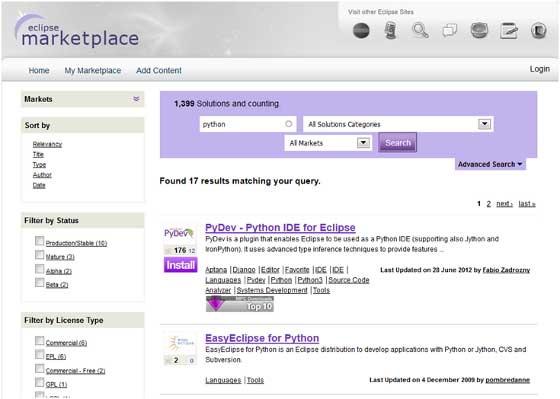
We can use the Eclipse official marketplace (https://marketplace.eclipse.org/)Find and download the plugins we need.
For example, we can search for plugins that support the Python IDE, as shown in the figure below:
In the Eclipse IDE, we can also find plugins by clicking the Eclipse Marketplace option in the Help menu:
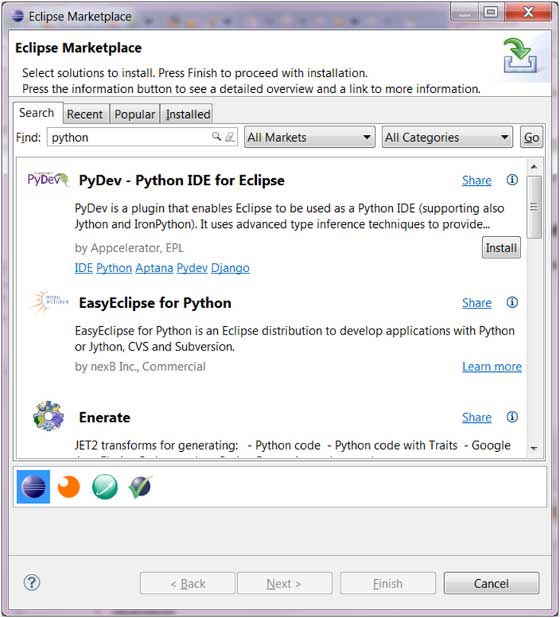
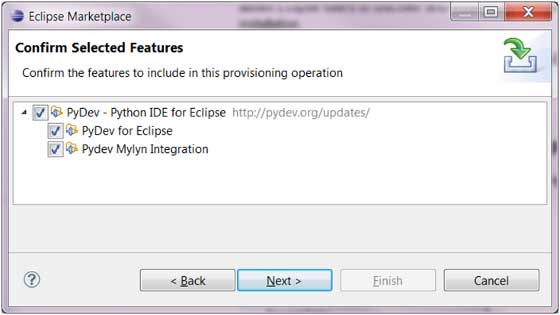
In the figure above, we select PyDev to let Eclipse support Python development. We only need to click the Install button. The following dialog box is for selecting the plugin to install.
You can also install plugins by clicking the Install New Software menu item on the Help menu: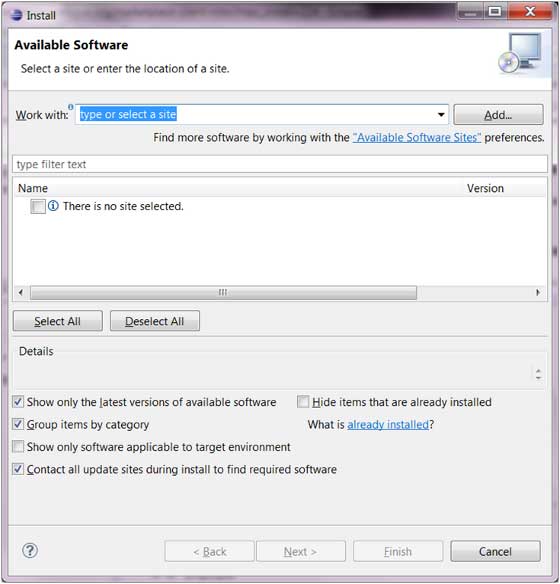
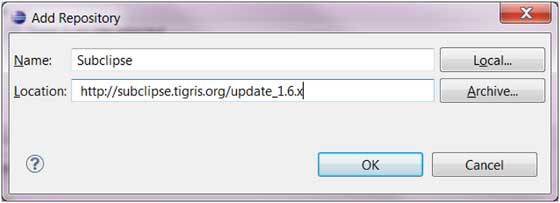
In this way, we need to know the remote installation address of the plugin. You can submit the URL by clicking the Add button.
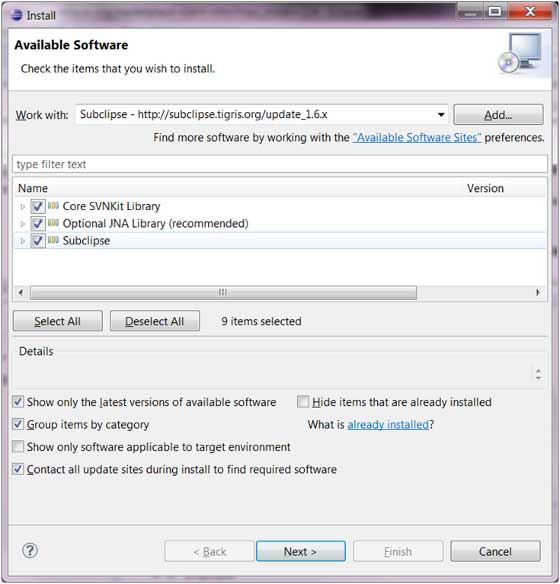
The installation dialog box lists the remotely installable plugins:
 other extensions