Eclipse Preferences
Set Preferences
This dialog can be managed through the framework, but other plugins can set other pages to manage preference configuration.
We can open this dialog by selecting the Preferences menu item from the Window menu.
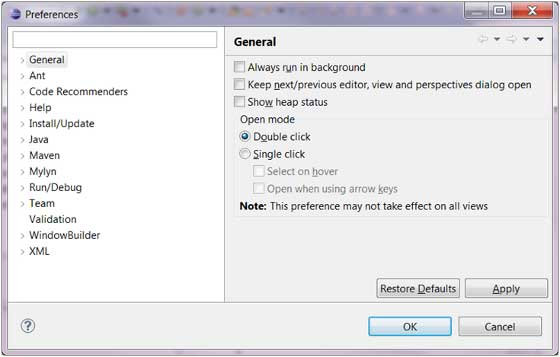
The Preferences page consists of multiple categories. You can expand each node in the left menu to view the preference configuration.
The input box in the upper-left corner can quickly search for a Preferences page. You only need to enter the letters of the Preferences page you want to find in the input box to quickly locate the corresponding Preferences page. For example, entering "font" will find the Font Preferences page.
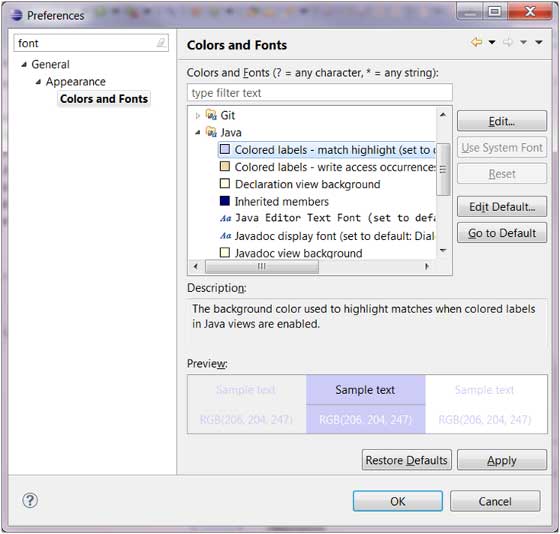
After you finish configuring the Preferences page, click the OK button to save the configuration, and click the Cancel button to discard the changes.
other extensions