Eclipse content assistance
Use Content Assistance
In Eclipse, we can use code hints to speed up development. By default, typing"."brings up automatic suggestions, which are used for auto-completion of class members.
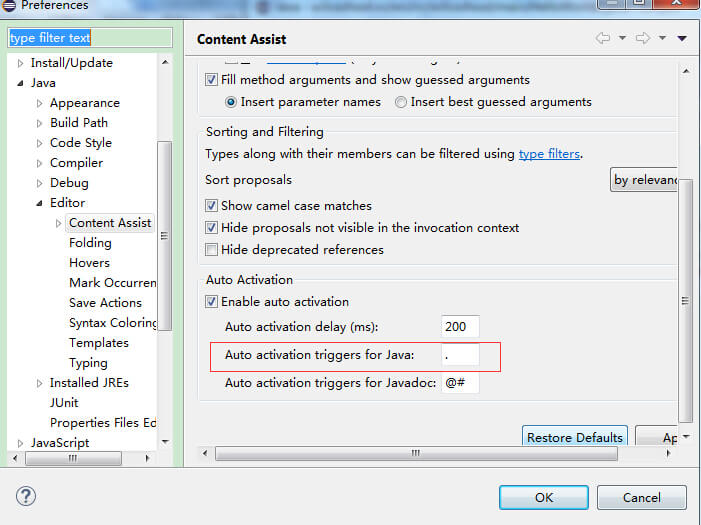
The configuration for auto-suggest is at: window->Preferences->Java->Editor->Content Assist:
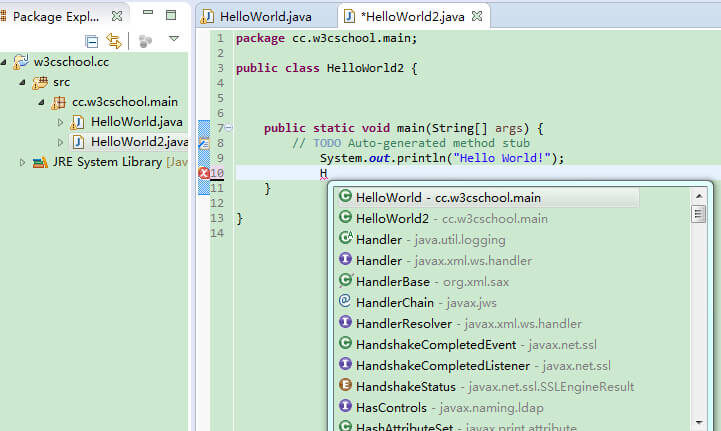
If we could press after typing the first letter of a classalt + /and then automatic prompts would appear,.
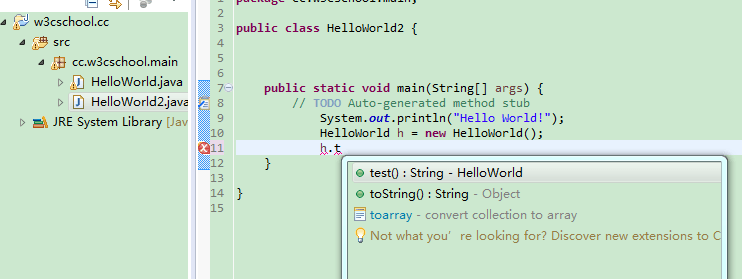
Input"."The content of the automatic prompts that appear includes:
- Class variables
- Class methods
- Superclass methods
- Other related classes
 other extensions