Eclipse Debug Configuration
Create and use Debug configurations
Eclipse Debug configurations are similar to run configurations, but they are used to launch applications in debug mode.
The steps to open the Debug configuration dialog are: Run > Debug Configurations.
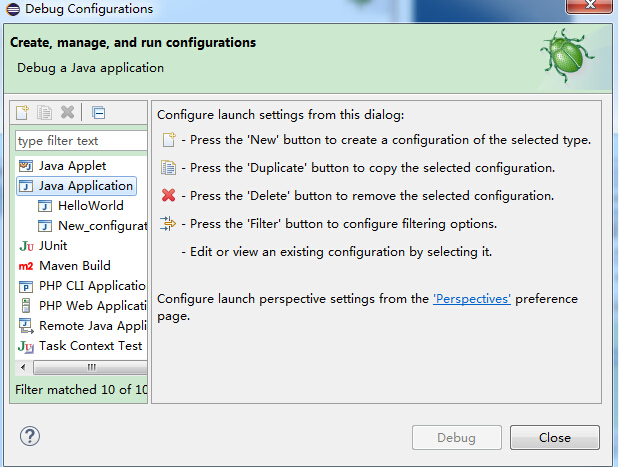
Select the "Java Application" option from the left list to choose the Java code to debug.
The description information in the dialog box includes:
- Name of the debug configuration
- Project Name
- Main Class Name
The description information for the arguments (parameters) tab is:
- Zero or more program arguments
- Zero or more VM arguments.
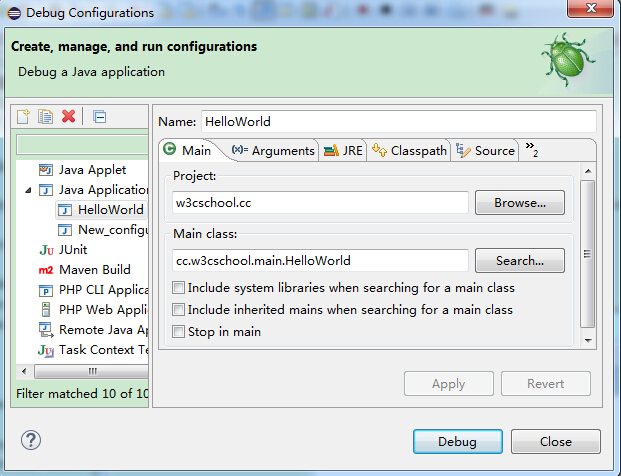
Save the run configuration information and click the Apply button, then click the Debug button to launch the application in debug mode.
other extensions