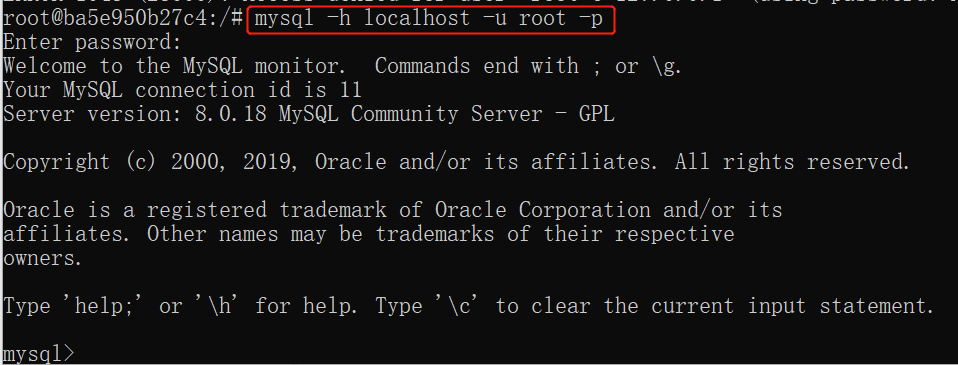
Docker Install MySQL
MySQL is the world's most popular open-source database. With its reliability, ease of use, and performance, MySQL has become the preferred database for web applications.
1. View available MySQL versions
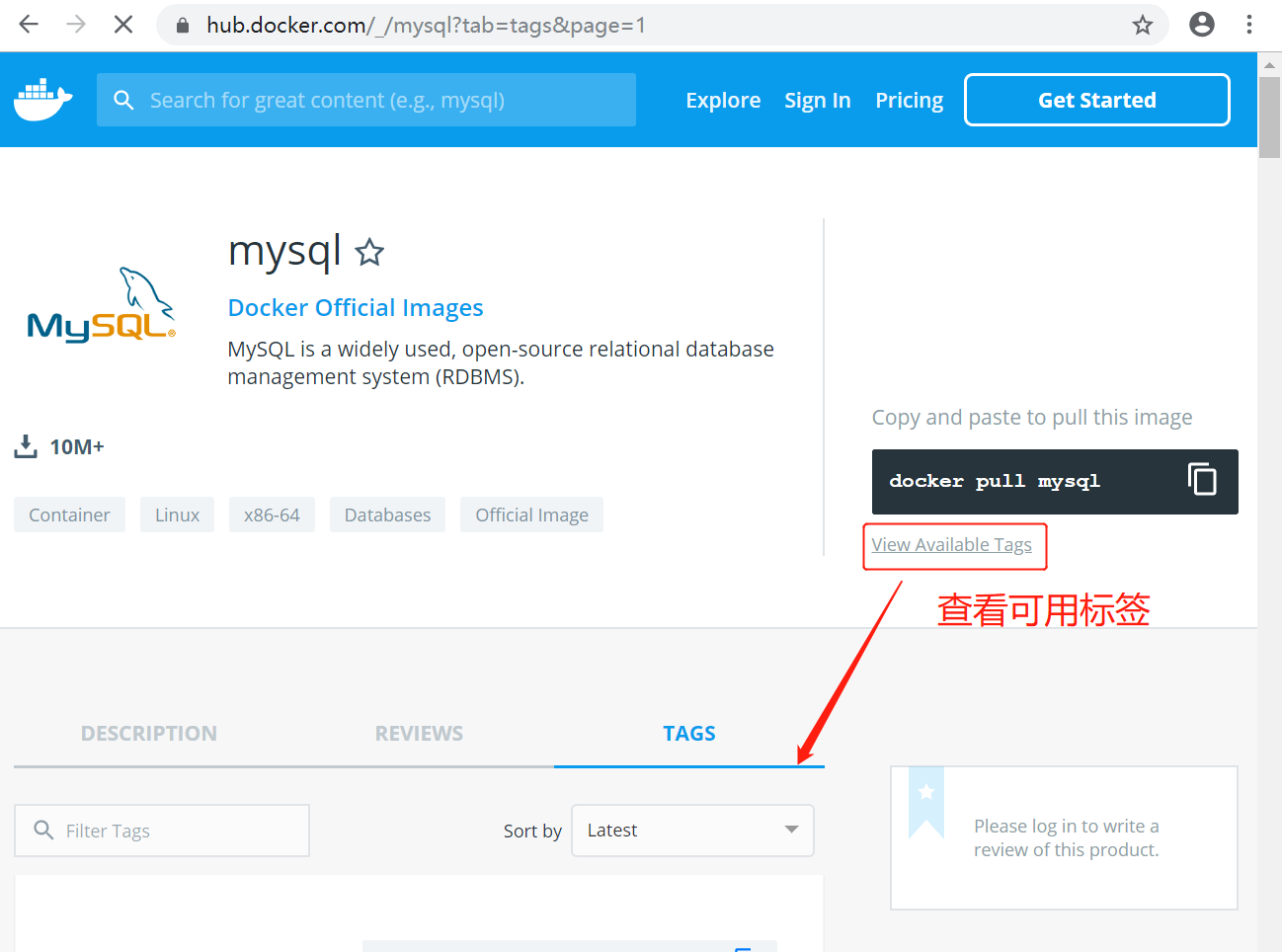
Visit the MySQL mirror repository address:https://hub.docker.com/_/mysql?tab=tags 。
You can view other versions of MySQL via Sort by, with the latest version as the default.mysql:latest 。
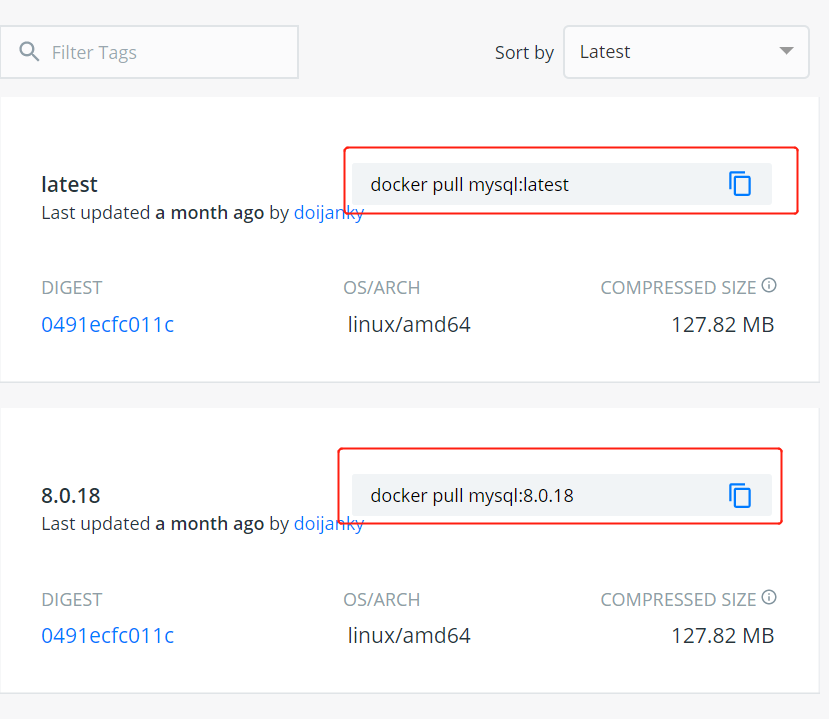
In addition, we can also usedocker search mysqlthe command to view available versions:
$ docker search mysql
NAME                     DESCRIPTION                                     STARS     OFFICIAL   AUTOMATED
mysql                    MySQL is a widely used, open-source relati...   2529      [OK]
mysql/mysql-server       Optimized MySQL Server Docker images. Crea...   161                  [OK]
centurylink/mysql        Image containing mysql. Optimized to be li...   45                   [OK]
sameersbn/mysql                                                          36                   [OK]
google/mysql             MySQL server for Google Compute Engine          16                   [OK]
appcontainers/mysql      Centos/Debian Based Customizable MySQL Con...   8                    [OK]
marvambass/mysql         MySQL Server based on Ubuntu 14.04              6                    [OK]
drupaldocker/mysql       MySQL for Drupal                                2                    [OK]
azukiapp/mysql           Docker image to run MySQL by Azuki - http:...   2                    [OK]
...
2. Pull the MySQL image
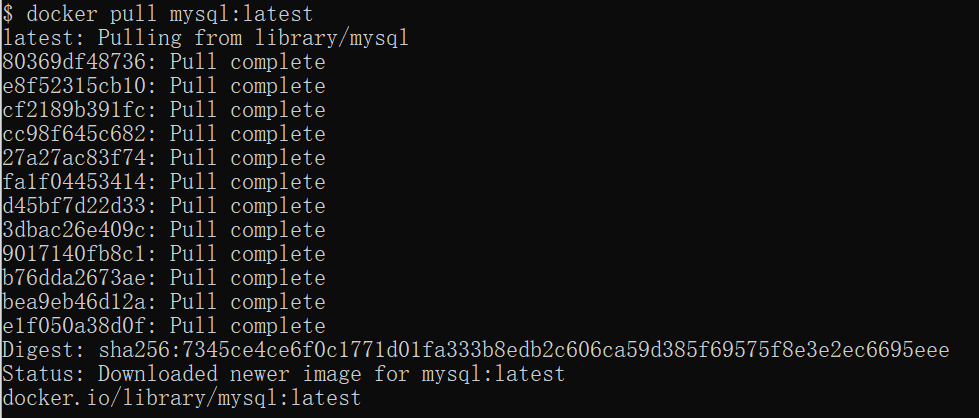
Here we pull the official latest version of the image:
$ docker pull mysql:latest
3. View local images
Use the following command to check if mysql is installed:$ docker images

In the figure above, we can see that we have installed the latest version (latest) of the mysql image.
4. Run the container
After the installation is complete, we can use the following command to run the mysql container:
$ docker run -itd --name mysql-test -p 3306:3306 -e MYSQL_ROOT_PASSWORD=123456 mysql
Parameter description:
- -p 3306:3306: Map the container service's port 3306 to the host machine's port 3306, allowing external hosts to directly connect through.Host IP:3306Access the MySQL service.
- MYSQL_ROOT_PASSWORD=123456: Set the password for the MySQL service's root user.

5. Installation successful
Throughdocker psCommand to check whether the installation was successful:

The local machine can access the MySQL service with root and password 123456.