Docker Install Nginx
Nginx is a high-performance HTTP and reverse proxy web server, and also provides IMAP/POP3/SMTP services.
1. Check available Nginx versions
Visit the Nginx image repository address:https://hub.docker.com/_/nginx?tab=tags。
You can view other versions of Nginx via Sort by; the default is the latest version.nginx:latest。
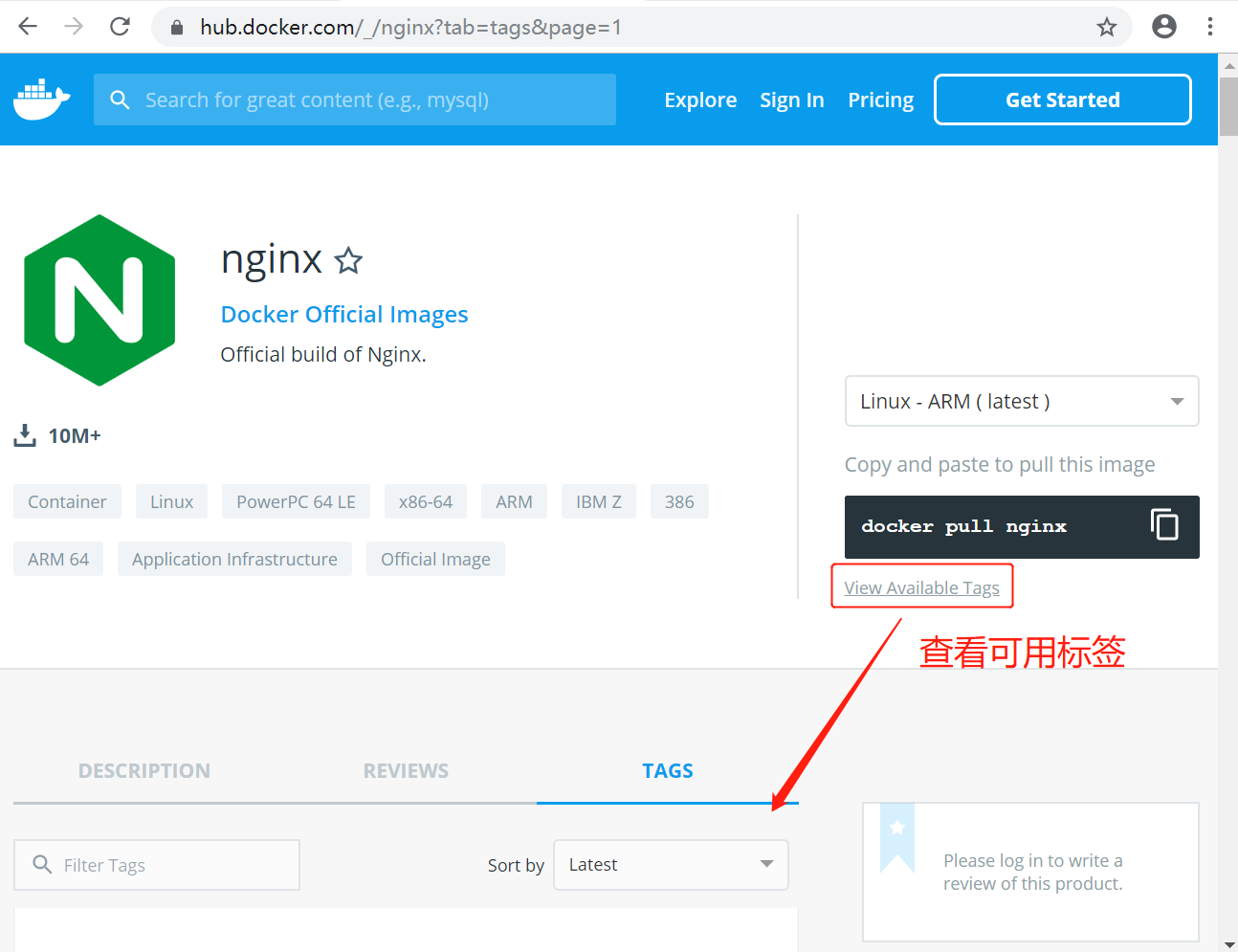
You can also find other versions you want in the dropdown list:
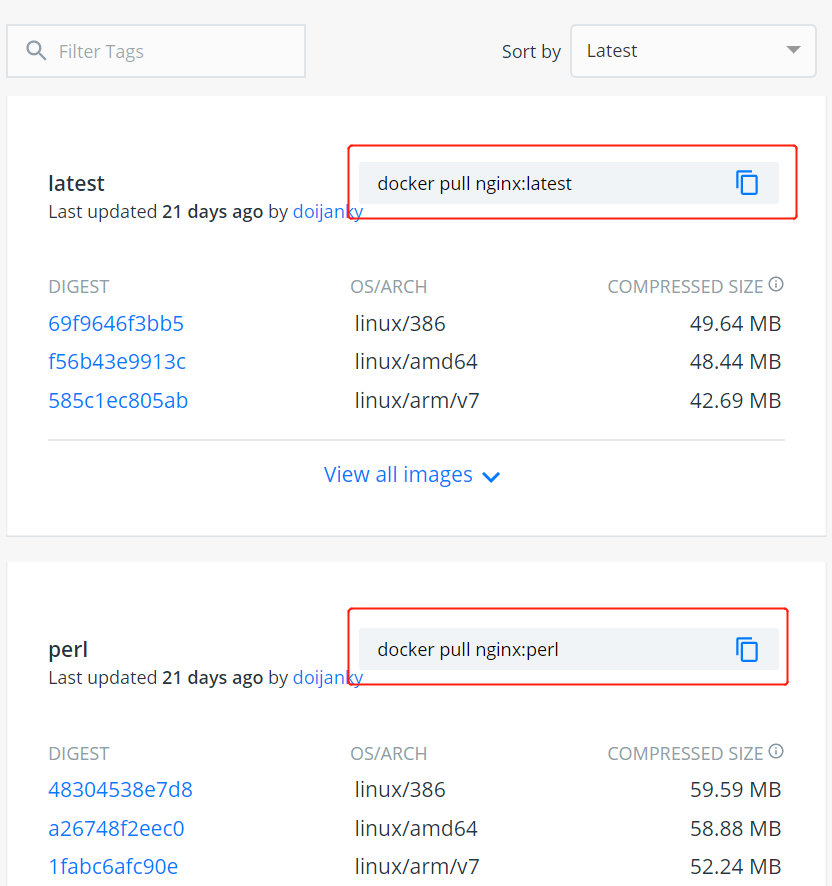
In addition, we can also usedocker search nginxthe command to view available versions:
$ docker search nginx
NAME                      DESCRIPTION                                     STARS     OFFICIAL   AUTOMATED
nginx                     Official build of Nginx.                        3260      [OK]
jwilder/nginx-proxy       Automated Nginx reverse proxy for docker c...   674                  [OK]
richarvey/nginx-php-fpm   Container running Nginx + PHP-FPM capable ...   207                  [OK]
million12/nginx-php       Nginx + PHP-FPM 5.5, 5.6, 7.0 (NG), CentOS...   67                   [OK]
maxexcloo/nginx-php       Docker framework container with Nginx and ...   57                   [OK]
...
2. Pull the latest Nginx image
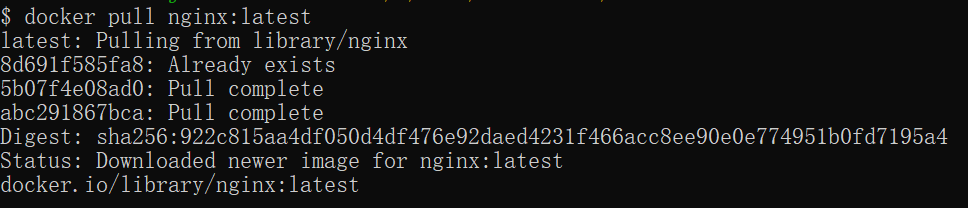
Here we pull the official latest version image:
$ docker pull nginx:latest
3. View local images
Use the following command to check whether nginx is already installed:
$ docker images

In the above figure, we can see that we have installed the latest version (latest) nginx image.
4. Run the container
After installation is complete, we can use the following command to run the nginx container:
$ docker run --name nginx-test -p 8080:80 -d nginx
Parameter description:
- --name nginx-test: Container name.
- -p 8080:80: Port mapping: map the local port 8080 to the container's internal port 80.
- -d nginx: Set the container to keep running in the background.

5. Installation successful
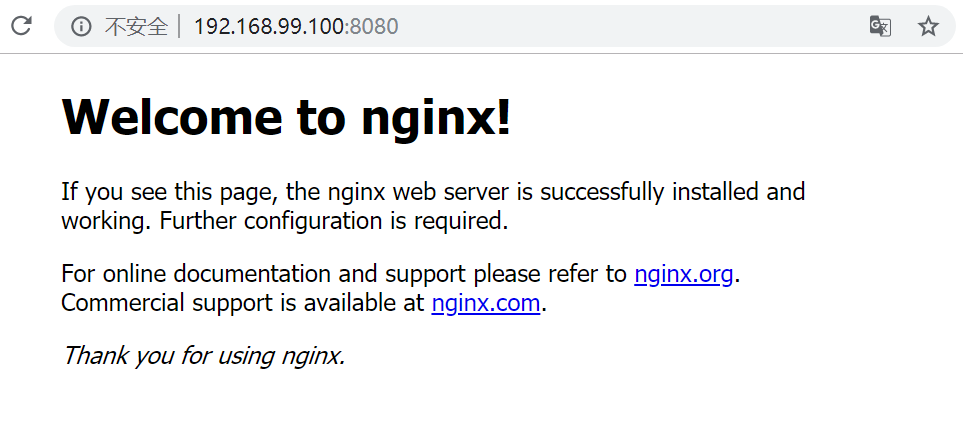
Finally, we can directly access the nginx service on port 8080 through the browser: