Django ORM – Multi-table Examples
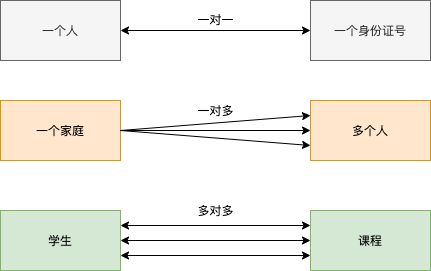
The relationships between tables can be divided into the following three types:
- one-to-one: One person corresponds to one ID number, set the data field to unique.
- one-to-many: One family has multiple people, generally implemented through a foreign key.
- many-to-many: One student has multiple courses, and one course has many students, generally the association is implemented through a third table.
Create Model
Next, let's look at multi-table, multi-instance scenarios.
Example
title = models.CharField(max_length=32)
price = models.DecimalField(max_digits=5, decimal_places=2)
pub_date = models.DateField()
publish = models.ForeignKey("Publish", on_delete=models.CASCADE)
authors = models.ManyToManyField("Author")
class Publish(models.Model):
name = models.CharField(max_length=32)
city = models.CharField(max_length=64)
email = models.EmailField()
class Author(models.Model):
name = models.CharField(max_length=32)
age = models.SmallIntegerField()
au_detail = models.OneToOneField("AuthorDetail", on_delete=models.CASCADE)
class AuthorDetail(models.Model):
gender_choices = (
(0, "Female"),
(1, "Male"),
(2, "Confidential"),
)
gender = models.SmallIntegerField(choices=gender_choices)
tel = models.CharField(max_length=32)
addr = models.CharField(max_length=64)
birthday = models.DateField()
Description:
- 1. The EmailField data type is an email format, inherits CharField at the bottom layer, and is encapsulated, equivalent to varchar in MySQL.
- 2、Django1.1 VersionNot RequiredunitelevelDelete:on_delete=models.CASCADE,Django2.2 requires。
- 3. Generally, there is no need to set up cascade updates.
- 4. Set the foreign key on the many side of one-to-many:models.ForeignKey("related class name", on_delete=models.CASCADE)。
- 5. OneToOneField = ForeignKey(..., unique=True) sets up a one-to-one relationship.
- 6. If a model class has a foreign key, when creating data, you must first create data for the model class associated with the foreign key; otherwise, when creating data for the model class containing the foreign key, the data of the model class associated with the foreign key will not be found.
table structure
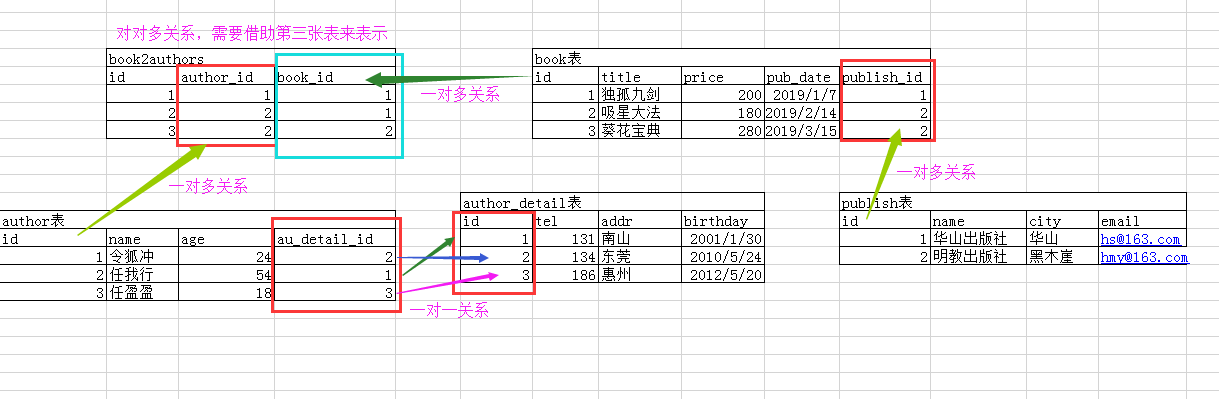
Book table: Book:title 、 price 、 pub_date 、 publish(Foreign key,manyPairone) 、 authors(many-to-many)
Publisher table Publish:name 、 city 、 email
Author table: Author: name, age, au_detail (one-to-one)
Author details table AuthorDetail:gender 、 tel 、 addr 、 birthday
The following is a description of the table relationships:
Insert Data
We execute the following SQL insert operation in MySQL:
insert into app01_publish(name,city,email) values ("华山出版社", "华山", "hs@163.com"), ("明教出版社", "黑木崖", "mj@163.com")

# 先插入 authordetail 表中多数据
insert into app01_authordetail(gender,tel,addr,birthday) values (1,13432335433,"华山","1994-5-23"), (1,13943454554,"黑木崖","1961-8-13"), (0,13878934322,"黑木崖","1996-5-20")

# 再将数据插入 author,这样 author 才能找到 authordetail
insert into app01_author(name,age,au_detail_id) values ("令狐冲",25,1), ("任我行",58,2), ("任盈盈",23,3)

ORM - Adding Data
One-to-many (foreign key ForeignKey)
Method 1:In the form of passing an object, the return value's data type is an object, a book object.
Steps:
- a. Get the publisher object
- b. Pass the publisher object to the book's publisher attribute pulish
app01/views.py file code:
# Get publisher object
pub_obj = models.Publish.objects.filter(pk=1).first()
# Pass the publisher object to the book's publisher attribute publish
book = models.Book.objects.create(title="Example", price=200, pub_date="2010-10-10", publish=pub_obj)
print(book, type(book))
return HttpResponse(book)
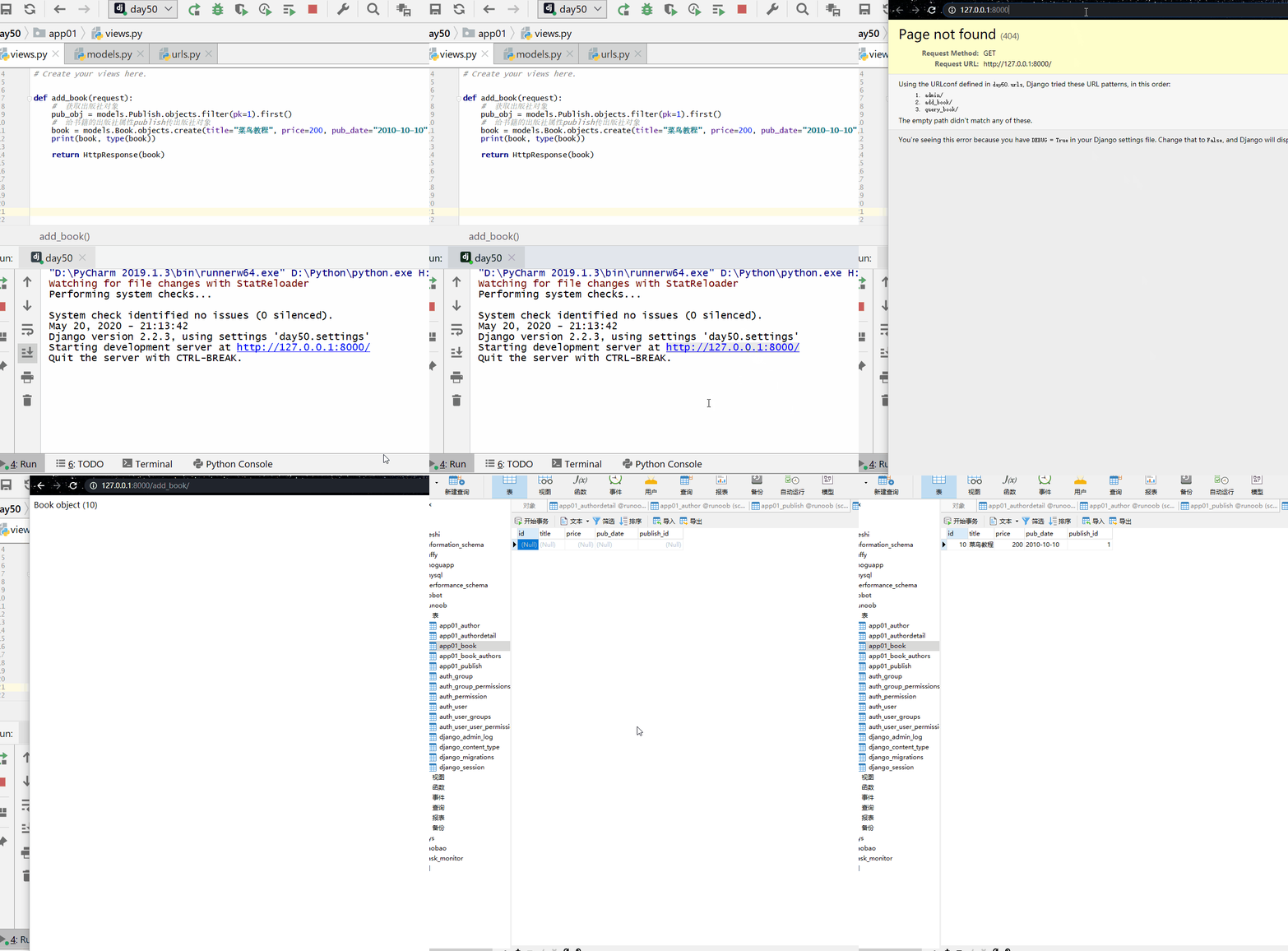
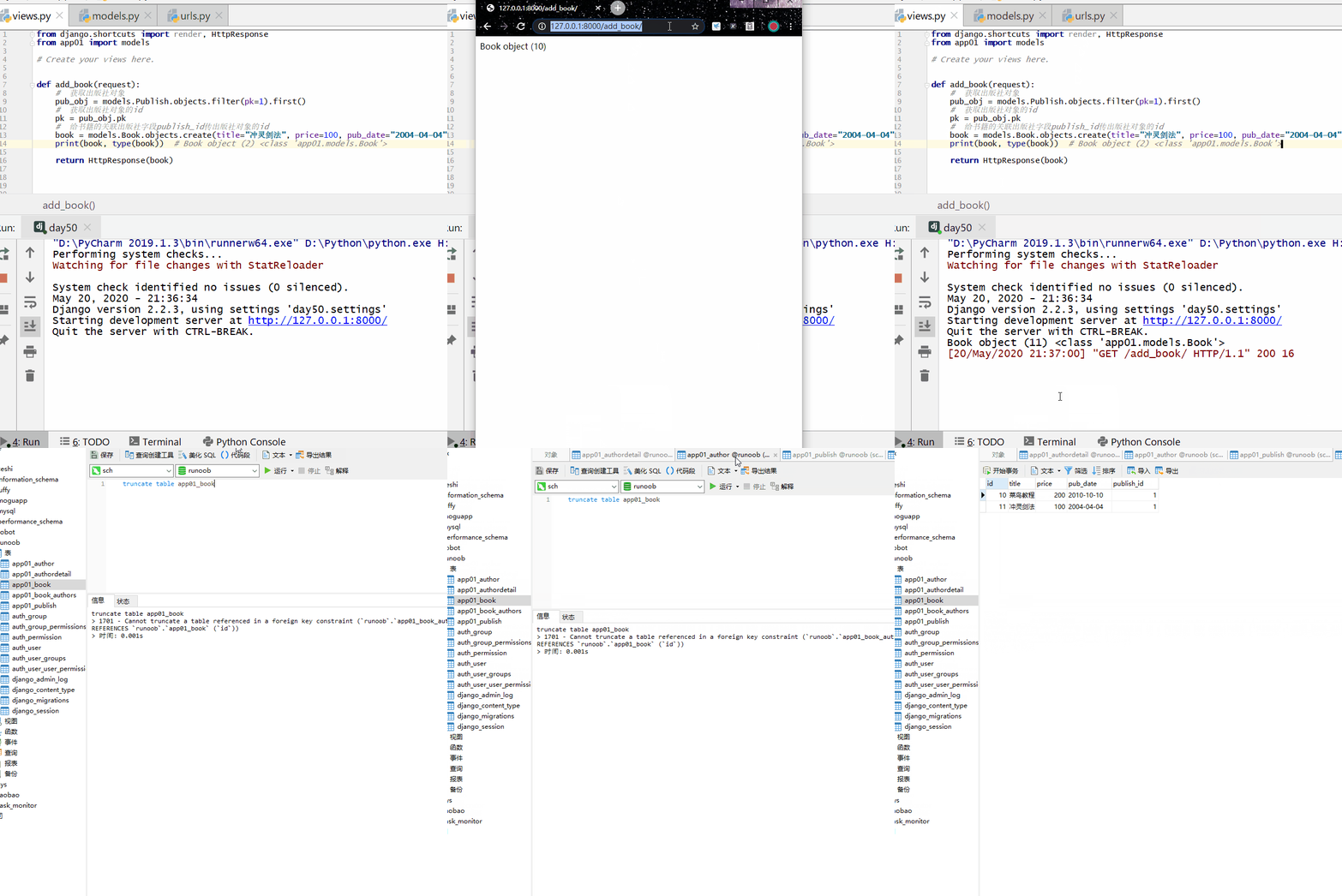
Method 2: Passing the object id (since the data passed in is generally an id, passing the object id is commonly used).
In a one-to-many relationship, in the class (the 'many' table) that sets the foreign key property, the field name displayed in MySQL is:Foreign key attribute name _id。
The return value's data type is an object, a book object.
Steps:
- a. Get the id of the publisher object
- b. Pass the publisher object's id to the book's associated publisher field pulish_id
app01/views.py file code:
# Get publisher object
pub_obj = models.Publish.objects.filter(pk=1).first()
# Get the publisher object's id
pk = pub_obj.pk
# Pass the publisher object's id to the book's associated publisher field publish_id
book = models.Book.objects.create(title=Chongling Sword Technique, price=100, pub_date="2004-04-04", publish_id=pk)
print(book, type(book))
return HttpResponse(book)
Many-to-many (ManyToManyField): Add data in the third relationship table
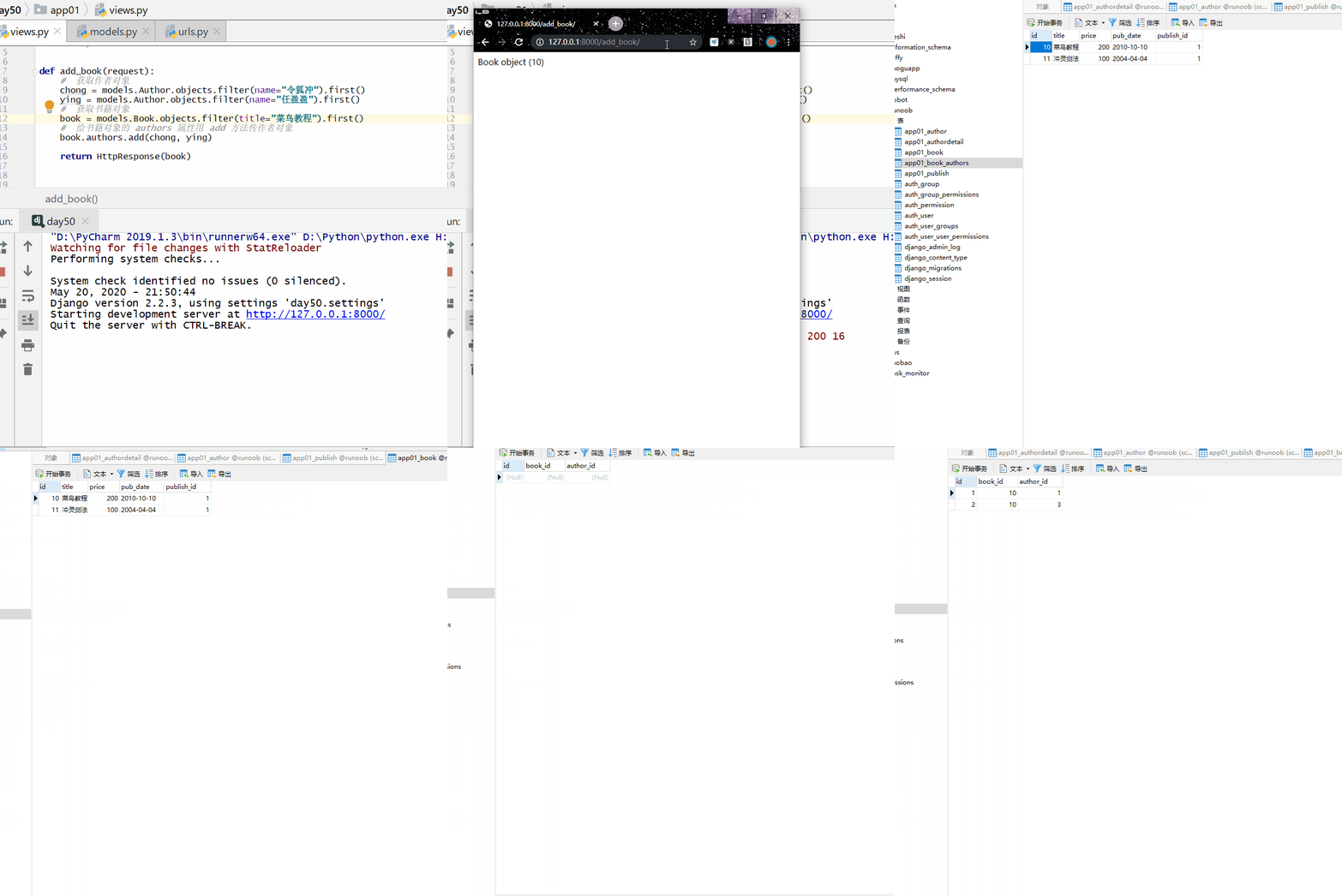
Method 1:Passing the object form; no return value.
Steps:
- a. Get the author object
- b. Get the book object
- c. Use the add method to pass the author object to the authors attribute of the book object
app01/views.py file code:
# Get the author object
chong = models.Author.objects.filter(name="Linghu Chong").first()
ying = models.Author.objects.filter(name="Ren Yingying").first()
# Get the book object
book = models.Book.objects.filter(title="Example").first()
# Pass author objects to the authors attribute of the book object using the add method.
book.authors.add(chong, ying)
return HttpResponse(book)
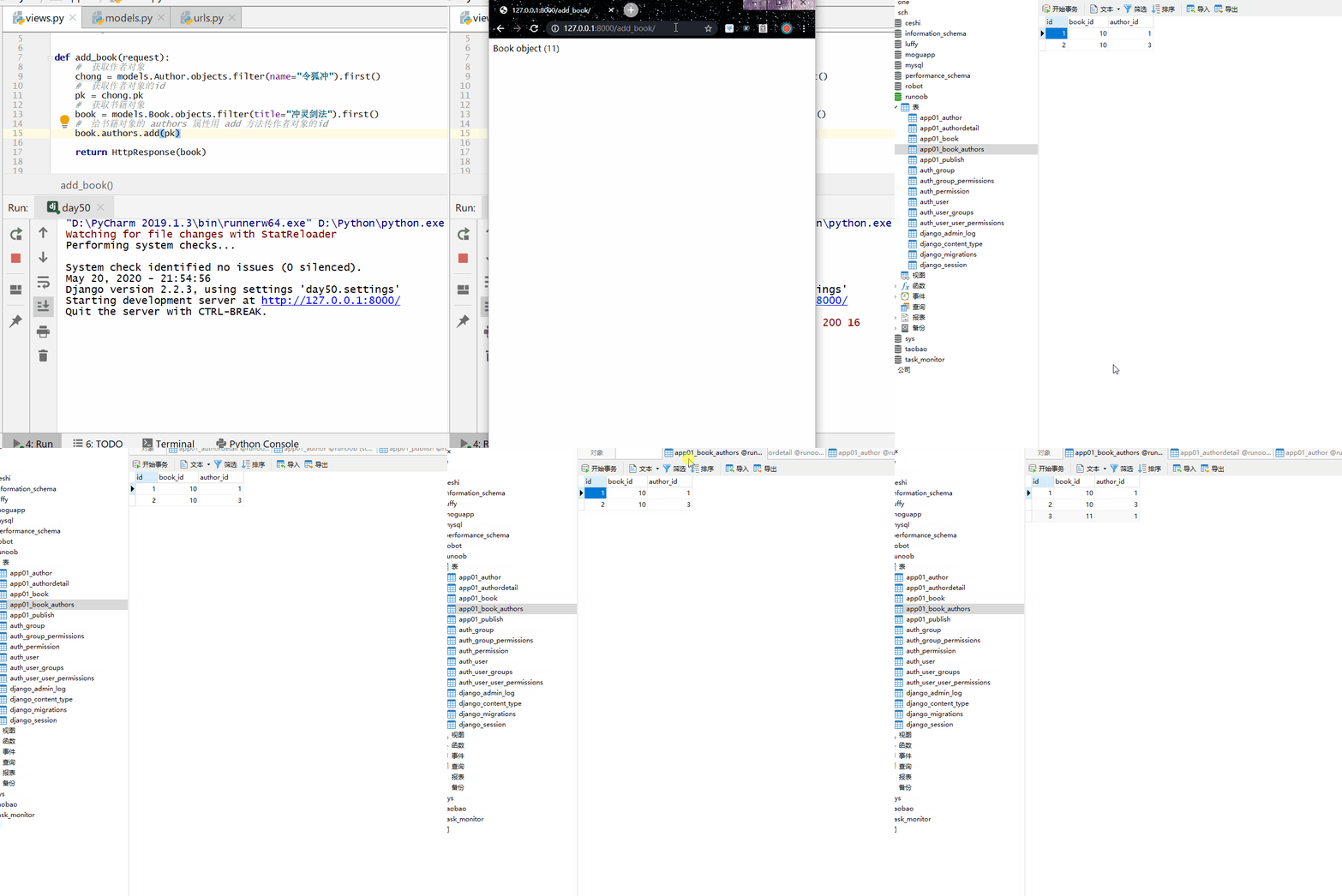
Method 2:Passing the object id form; no return value.
Steps:
- a. Get the id of the author object
- b. Get the book object
- c. Use the add method to pass the author object's id to the authors attribute of the book object
app01/views.py file code:
# Get the author object
chong = models.Author.objects.filter(name="Linghu Chong").first()
# Get the id of the author object
pk = chong.pk
# Get the book object
book = models.Book.objects.filter(title=Chongling Sword Technique).first()
# Use the add method to pass the author object's id to the authors attribute of the book object
book.authors.add(pk)
Related manager (object call)
Prerequisite:
- Many-to-many (both directions have related managers)
- One-to-many (only the object of the 'many' class has a related manager, i.e., only in the reverse direction)
Syntax:
正向:属性名
反向:小写类名加 _set
Note:One-to-many can only be done in reverse.
Common methods:
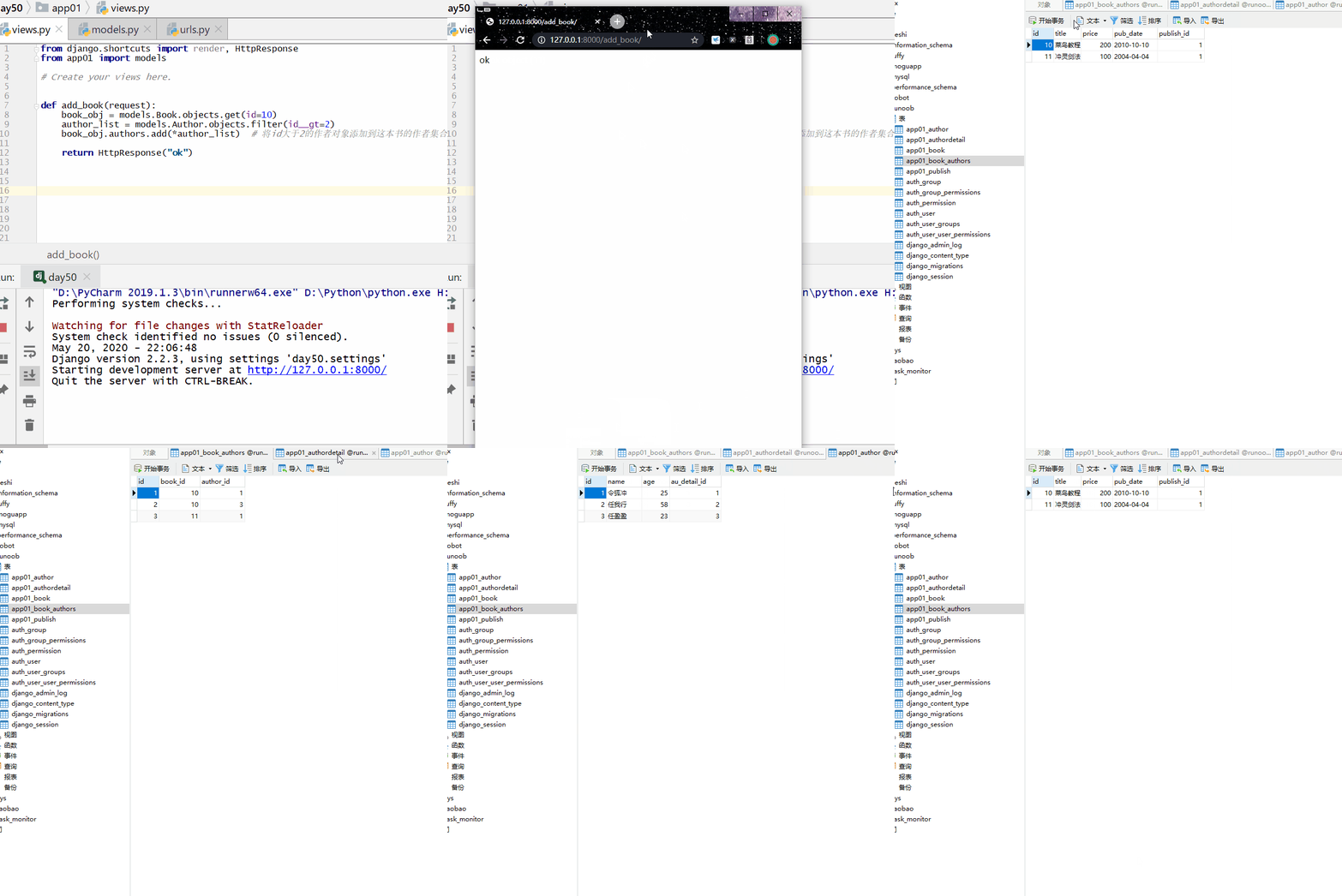
add(): Used for many-to-many relationships, adds the specified model object to the related object set (relationship table).
Note:In a one-to-many (i.e., foreign key) relationship, add() can only pass objects (*QuerySet data type), not ids (*[id table]).
*[ ]Usage:
# Method 1: Pass the objectauthor_list = models.Author.objects.filter(id__gt=2)
book_obj.authors.add(*author_list) # Add author objects with id greater than 2 to this book's author set
# Method 2: Pass object id
book_obj.authors.add(*[1,3]) # Add the author objects with id=1 and id=3 to this book's author set.
return HttpResponse("ok")
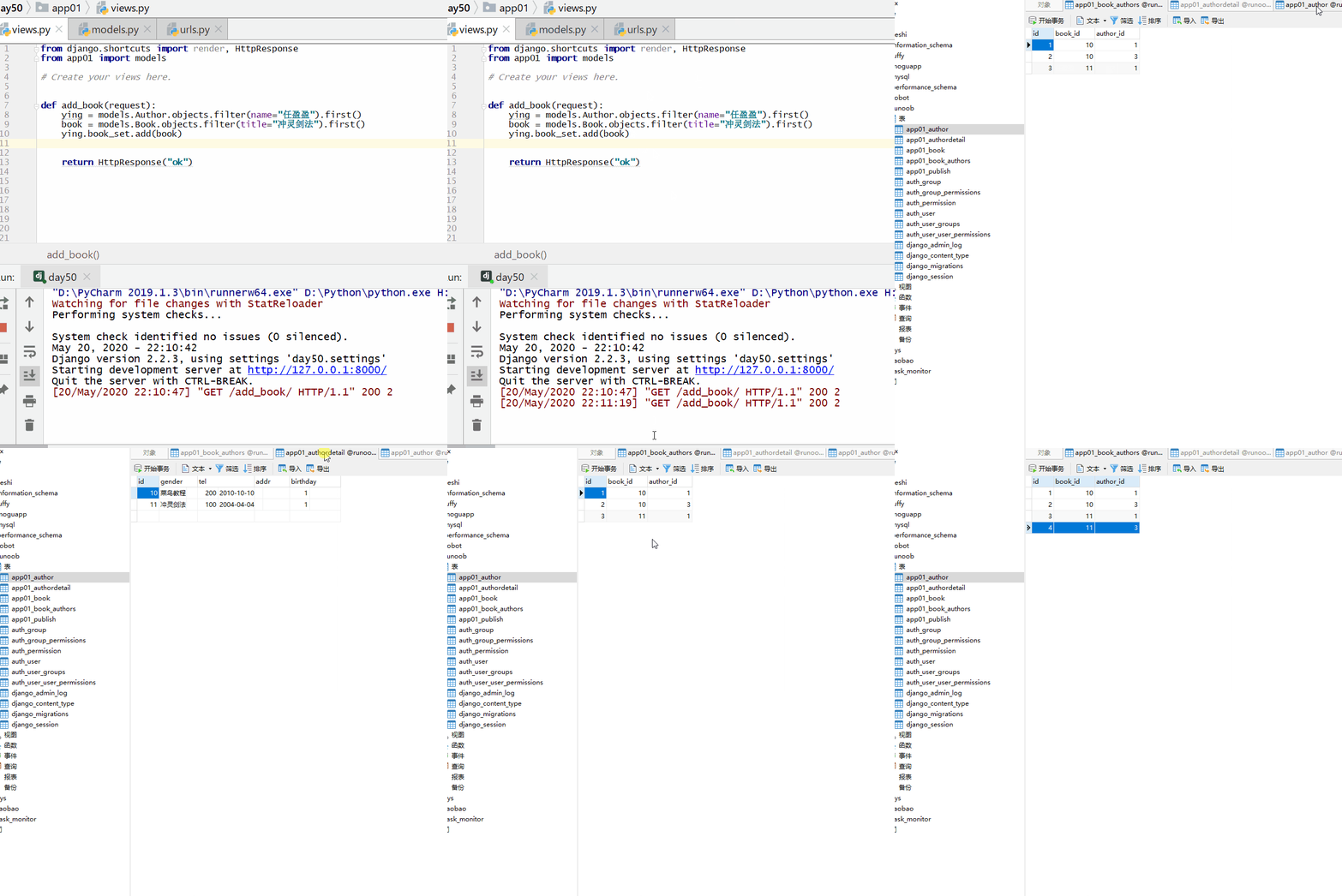
Reverse:lowercase table name_set
book = models.Book.objects.filter(title=Chongling Sword Technique).first()
ying.book_set.add(book)
return HttpResponse("ok")
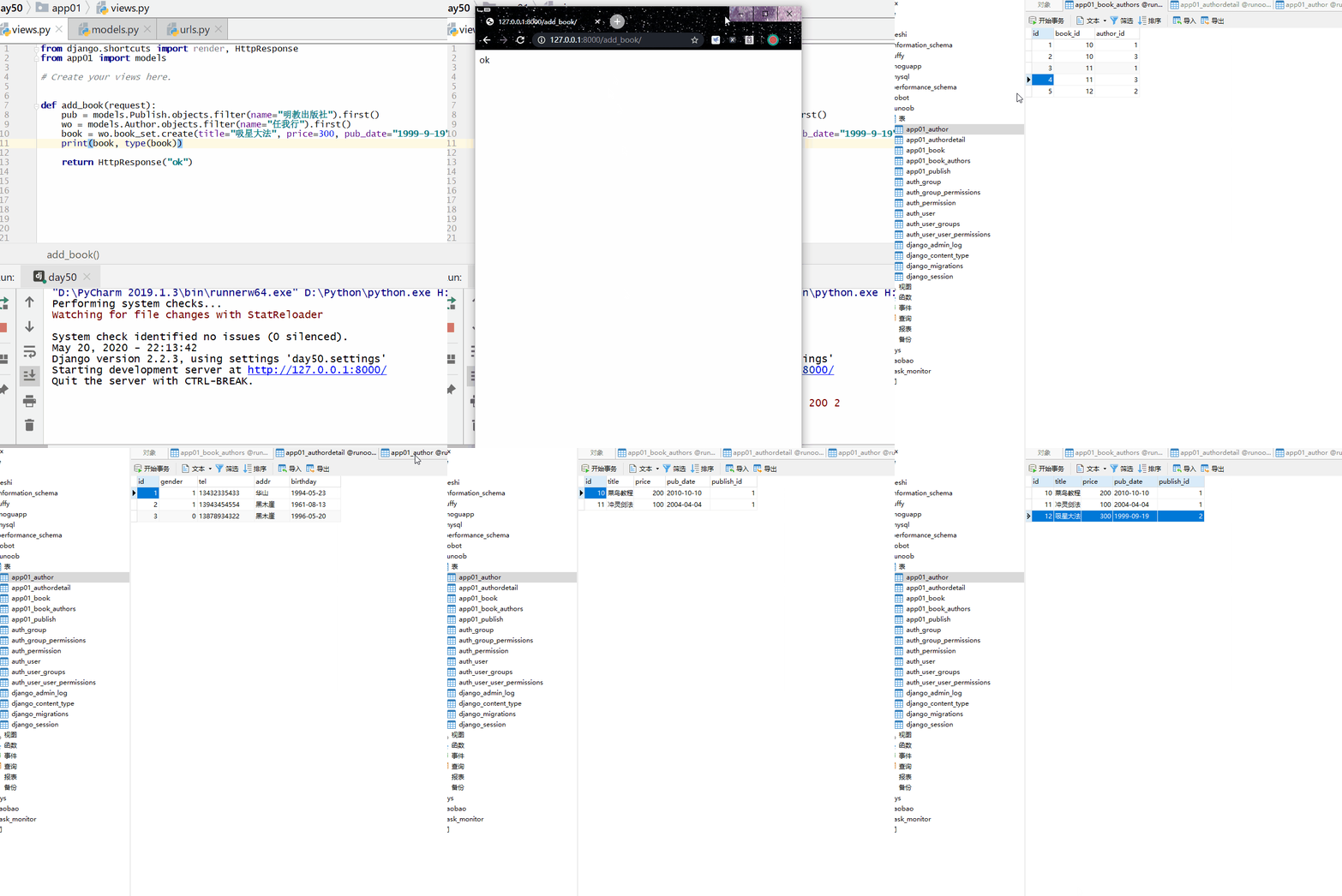
create(): Creates a new object and adds it to the related object set at the same time.
Returns the newly created object.
wo = models.Author.objects.filter(name="Ren Woxing").first()
book = wo.book_set.create(title=Star Absorption Technique, price=300, pub_date="1999-9-19", publish=pub)
print(book, type(book))
return HttpResponse("ok")
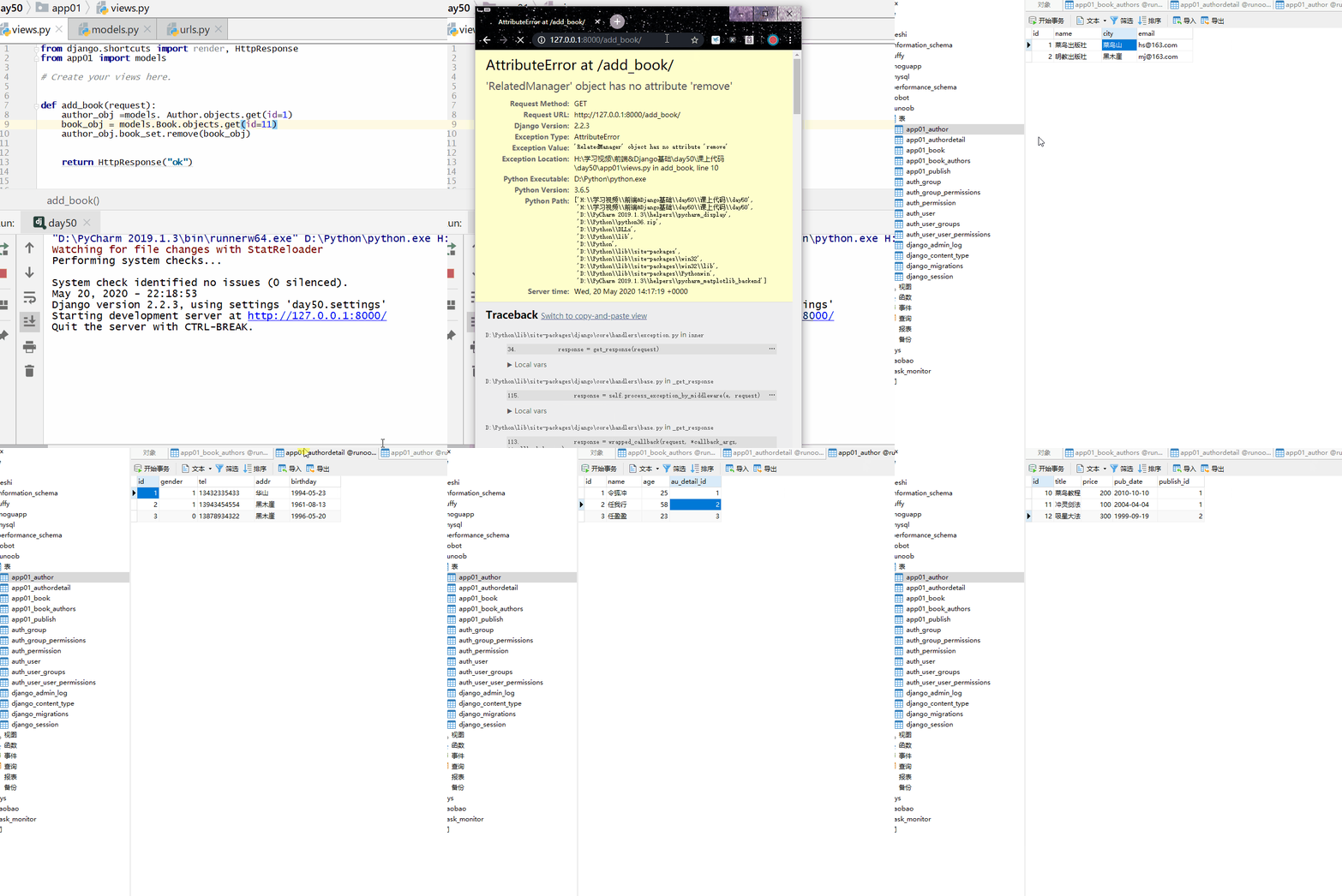
remove(): Removes the specified model object from the related object set.
For ForeignKey objects, this method only exists when null=True (can be empty), and has no return value.
Example
book_obj = models.Book.objects.get(id=11)
author_obj.book_set.remove(book_obj)
return HttpResponse("ok")
clear(): Removes all objects from the related object set, deletes the relationships, but does not delete the objects.
For ForeignKey objects, this method only exists when null=True (can be empty).
No return value.
book = models.Book.objects.filter(title="Example").first()
book.authors.clear()
ORM Query
Object-based cross-table queries.
正向:属性名称
反向:小写类名_set
one-to-many
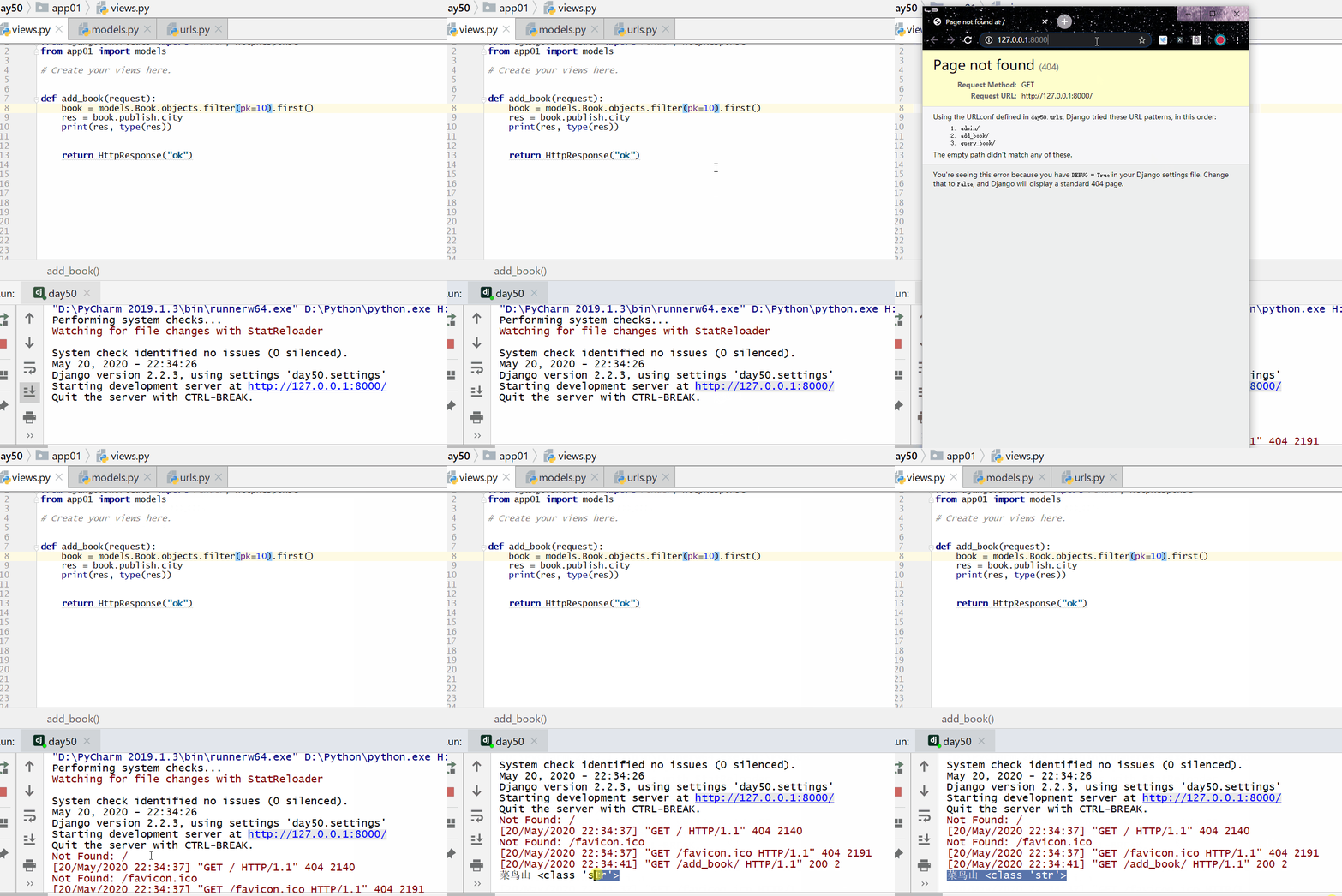
Query the city where the publisher of the book with primary key 1 is located (forward).
Example
res = book.publish.city
print(res, type(res))
return HttpResponse("ok")
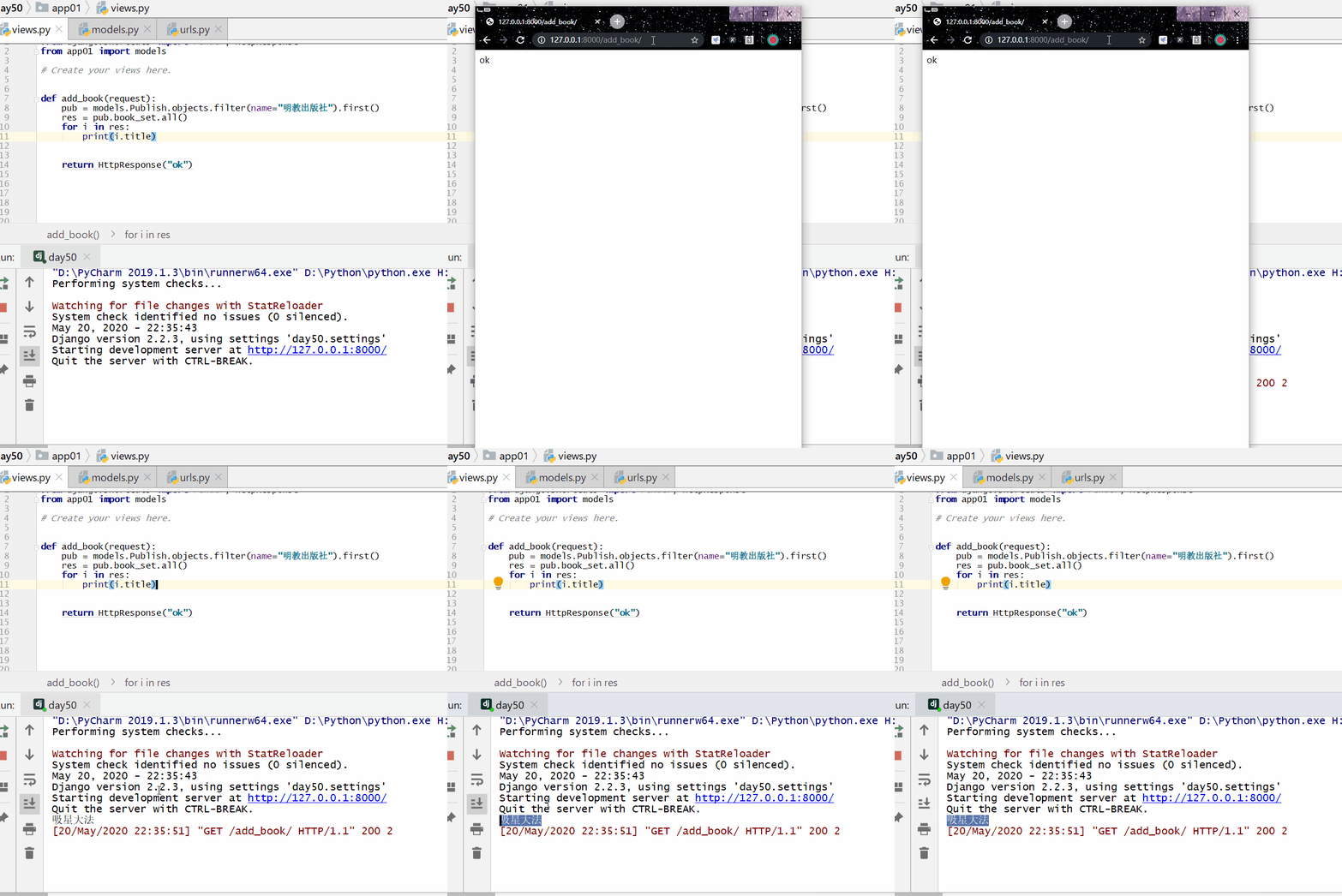
Query the names of books published by Mingjiao Publishing House (reverse).
Reverse:object.lowercase_class_name_set (pub.book_set)You can jump to the associated table (the book table).
pub.book_set.all(): Retrieve all book objects from the book table, and within a QuerySet, iterate to fetch each book object.
Example
res = pub.book_set.all()
for i in res:
print(i.title)
return HttpResponse("ok")
one-to-one
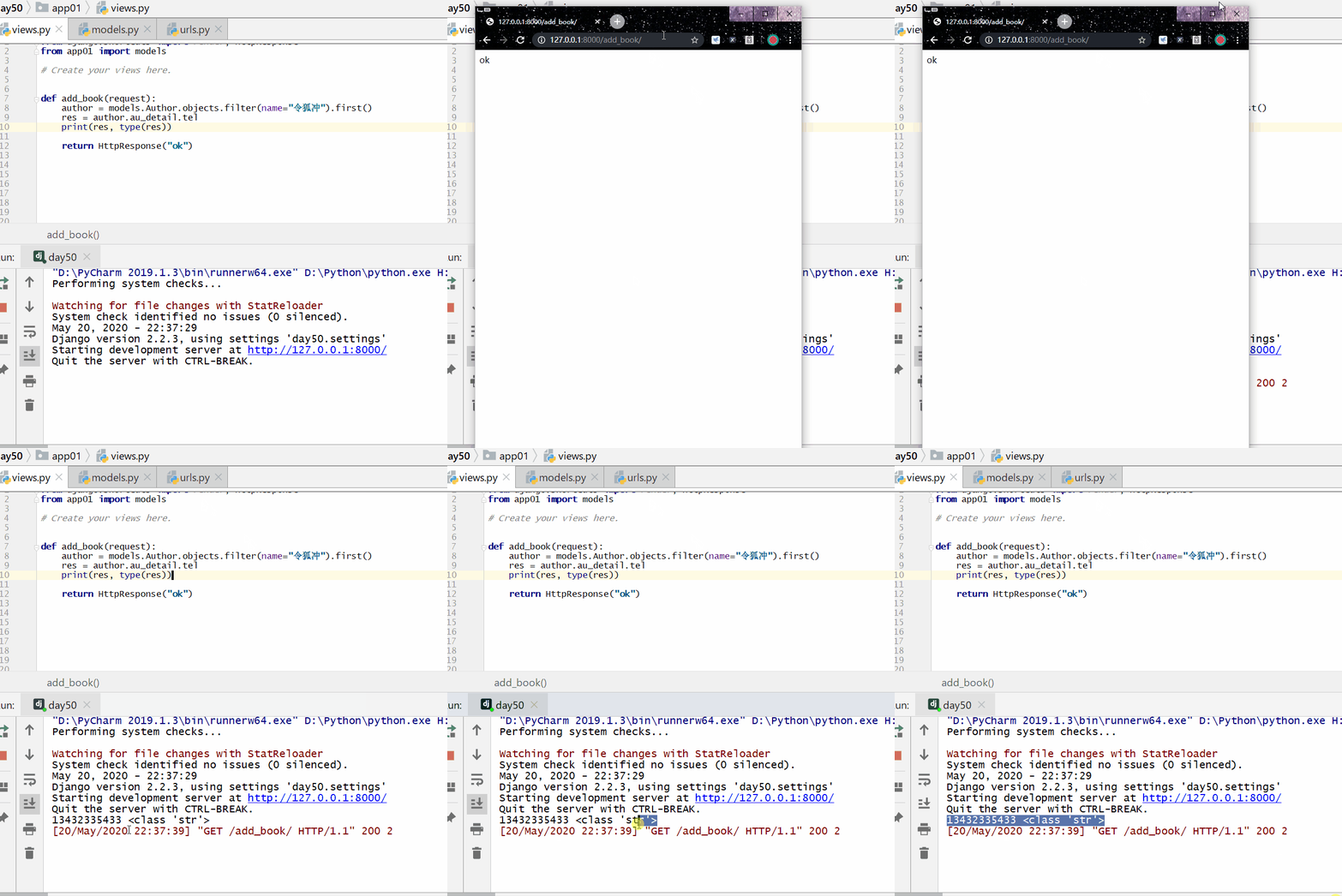
Query Linghu Chong's phone number (forward)
Forward: object.attribute (author.au_detail) can jump to the associated table (author detail table)
Example
res = author.au_detail.tel
print(res, type(res))
return HttpResponse("ok")
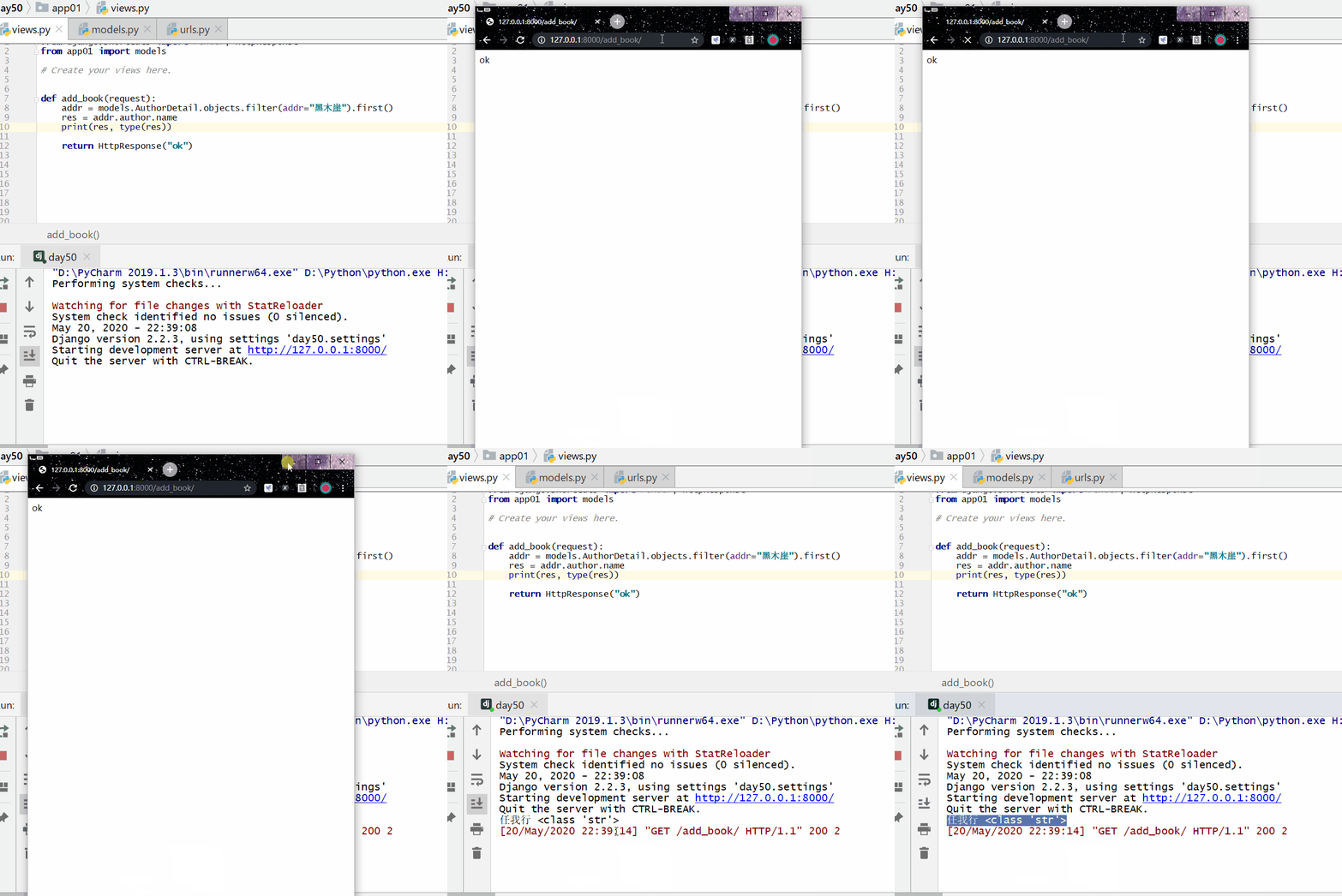
Query the names of all authors whose address is on Black Wood Cliff (reverse).
For the reverse of one-to-one, useObject.lowercase class nameis enough, no need to add _set.
Reverse: object.lowercase_class_name (addr.author) can jump to the associated table (author table).
Example
res = addr.author.name
print(res, type(res))
return HttpResponse("ok")
many-to-many
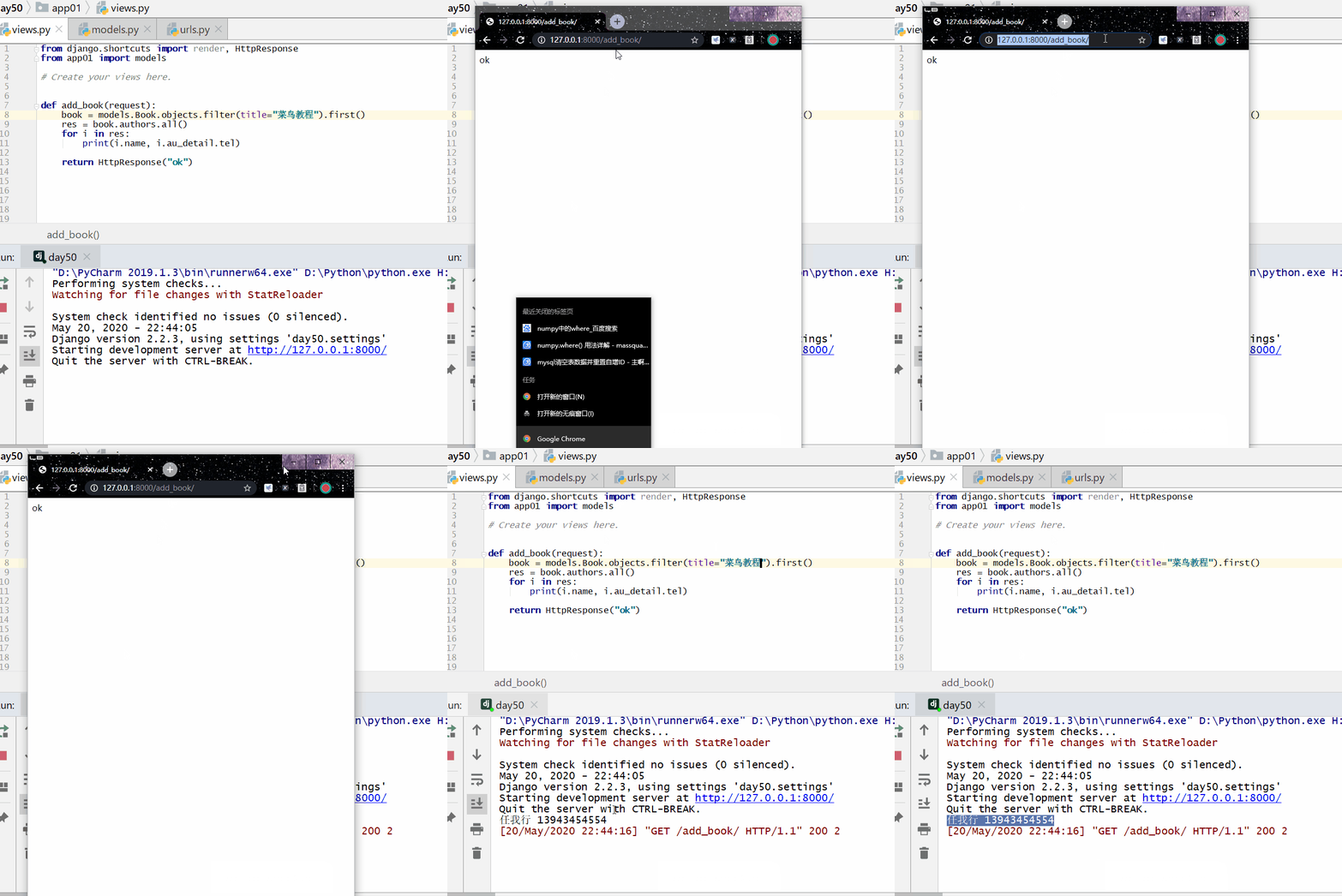
All authors' names and phone numbers in Example Tutorial (forward).
Forward:object.attribute (book.authors)You can jump to the associated table (the author table).
There is no author phone in the author table, so again throughobject.attribute (i.au_detail)Jump to the associated table (author detail table).
Example
res = book.authors.all()
for i in res:
print(i.name, i.au_detail.tel)
return HttpResponse("ok")
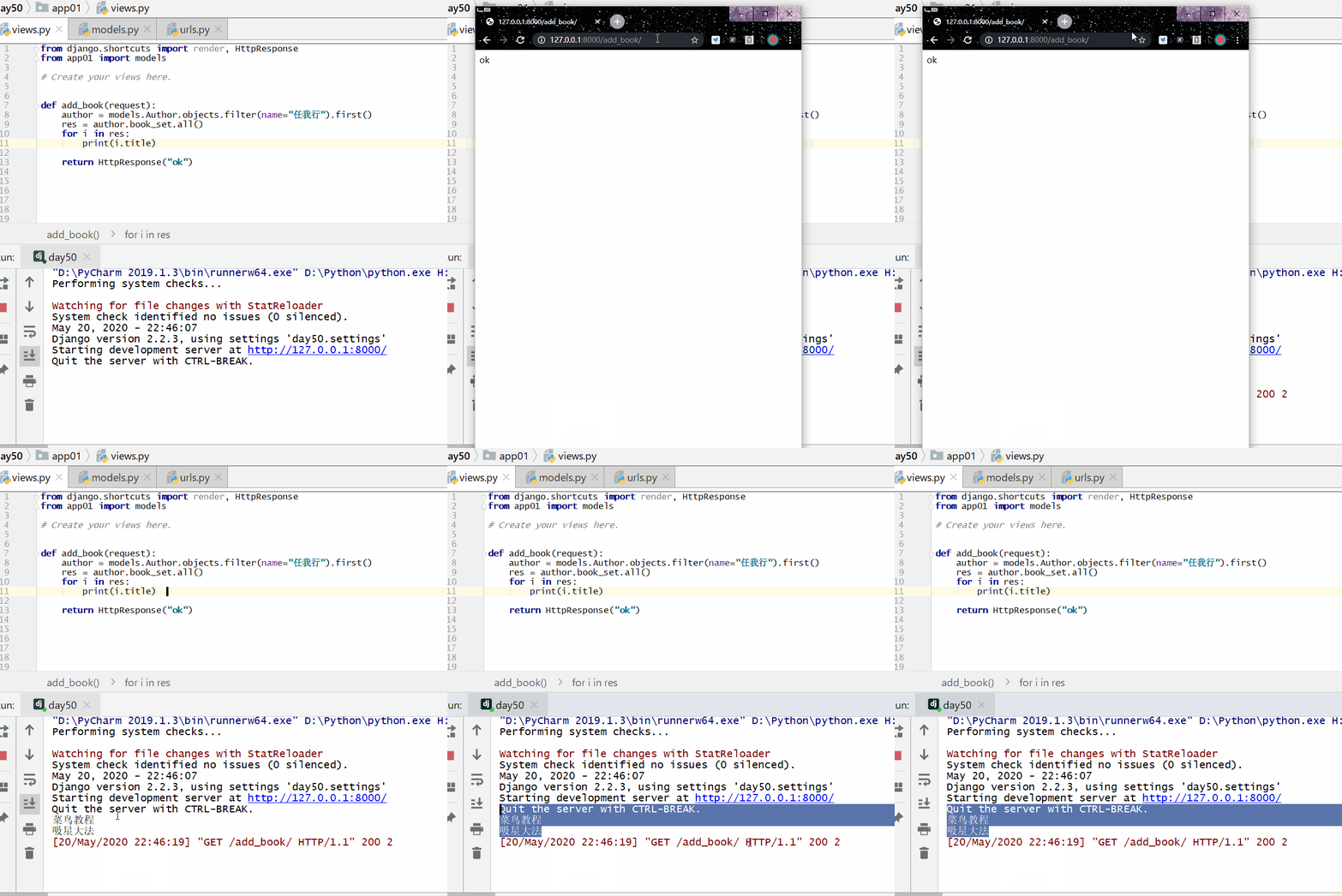
Query the names of all books published by Ren Woxing (reverse).
Example
res = author.book_set.all()
for i in res:
print(i.title)
return HttpResponse("ok")
Cross-table queries based on double underscores
Forward: attribute name __ attribute name on the related table Reverse: lowercase class name __ attribute name on the related table
one-to-many
Query the names and prices of all books published by Rookie Publishing House.
Example
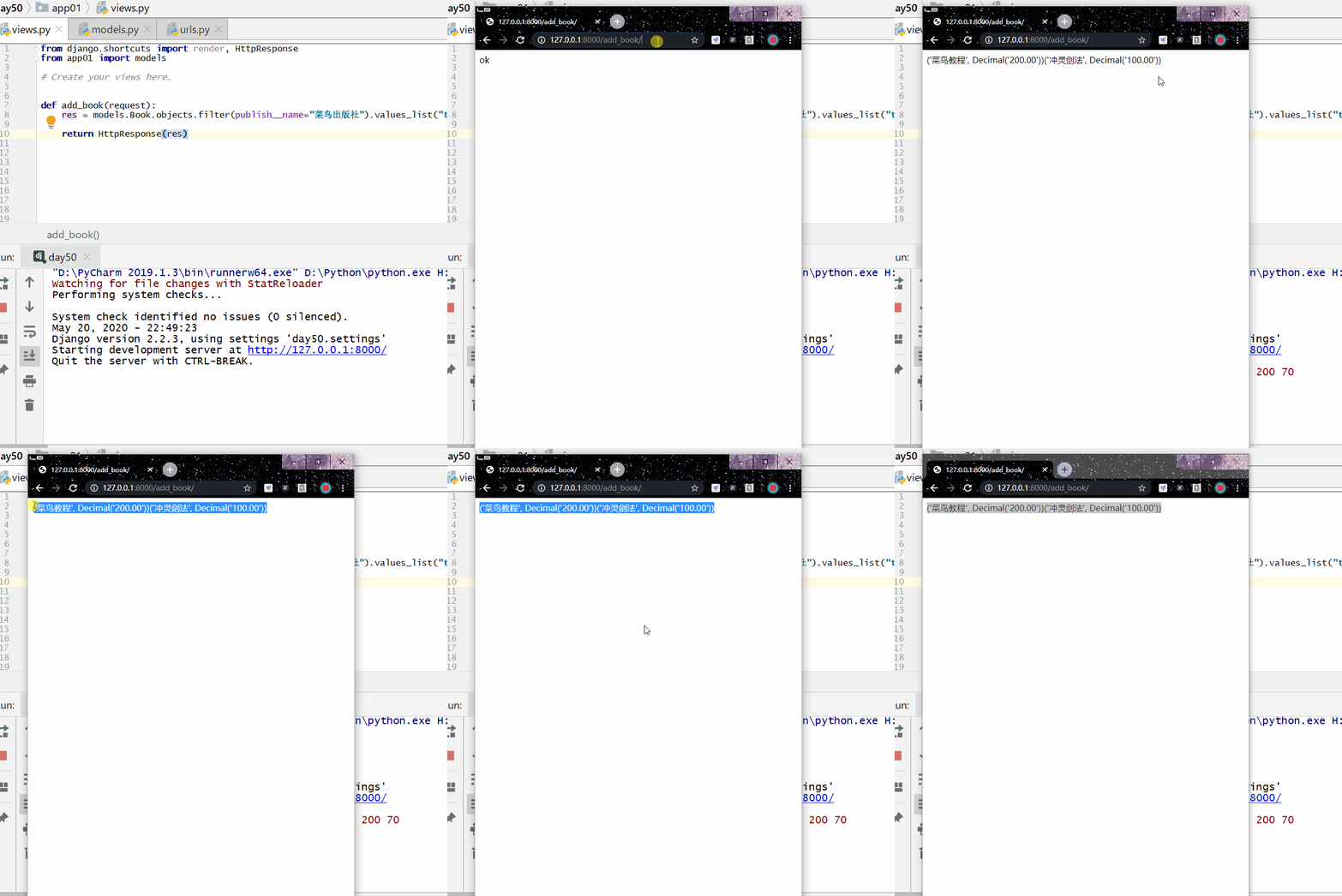
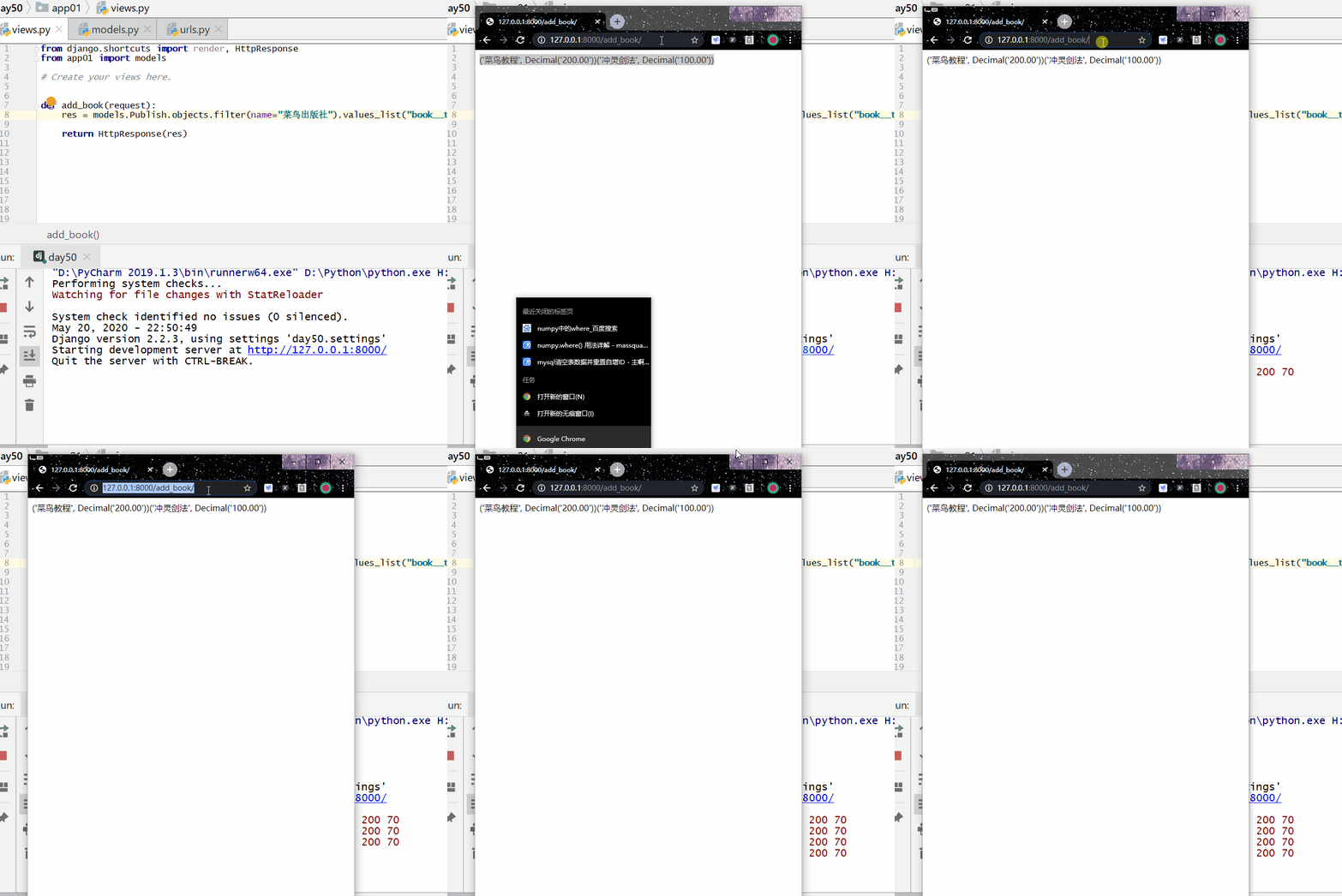
Reverse: through the lowercase class nameWrite class name__cross-table attribute name (book__title, book__price)Cross-table data retrieval.
Example
return HttpResponse("ok")
many-to-many
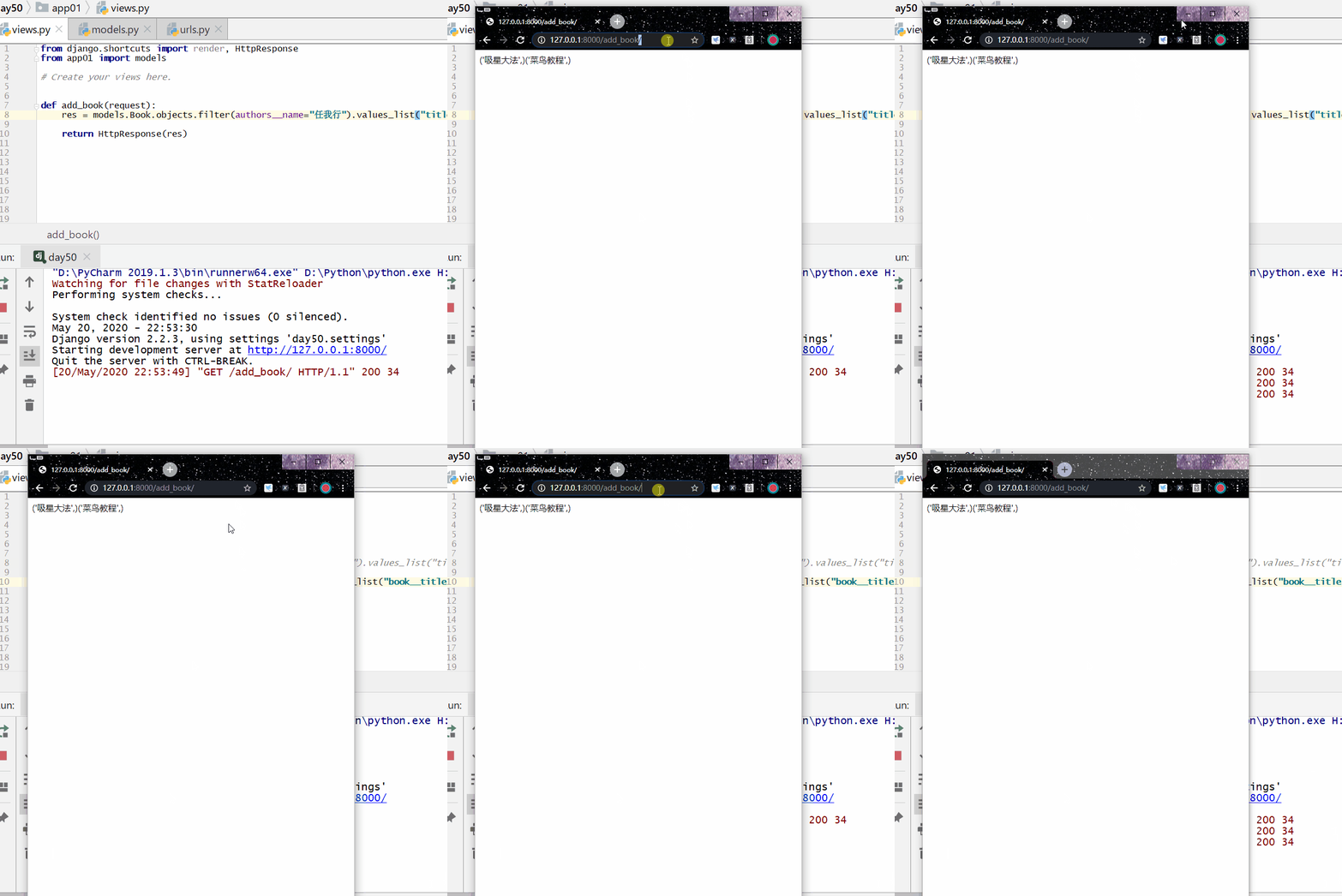
Query the names of all books published by Ren Woxing.
Forward: Get data across tables through attribute name __ attribute name on the related table (authors__name):
res = models.Book.objects.filter(authors__name="任我行").values_list("title")
Reverse: Get data across tables through lowercase class name __ attribute name on the related table (book__title):
res = models.Author.objects.filter(name="任我行").values_list("book__title")
one-to-one
Query Ren Woxing's phone number.
Forward: throughAttribute name __ attribute name on the related table (au_detail__tel)Cross-table data retrieval.
res = models.Author.objects.filter(name="任我行").values_list("au_detail__tel")
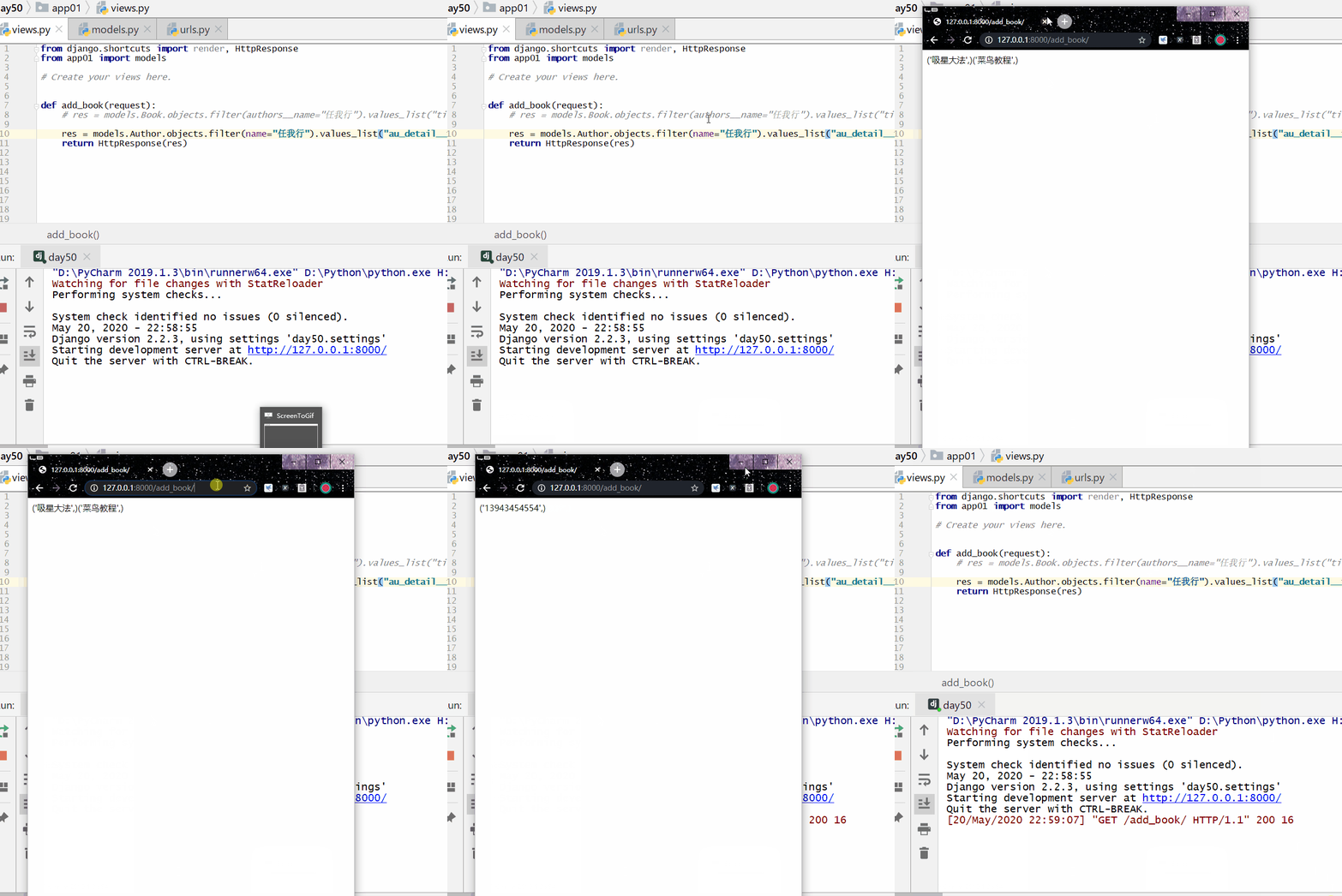
Reverse: throughLowercase class name __ attribute name on the related table (author__name)Cross-table data retrieval.
res = models.AuthorDetail.objects.filter(author__name="任我行").values_list("tel")