Django ORM - Single Table Example
Before reading this chapter, you need to have readDjango modelsPerform basic configuration and understand solutions to common problems.
Next, we create a new project app01 (if it has been created before, ignore the following operations):
django-admin.py startproject app01
Next, find the INSTALLED_APPS entry in settings.py, as follows:
INSTALLED_APPS = (
    'django.contrib.admin',
    'django.contrib.auth',
    'django.contrib.contenttypes',
    'django.contrib.sessions',
    'django.contrib.messages',
    'django.contrib.staticfiles',
    'app01',               # 添加此项
)
Next, tell Django to use the pymysql module to connect to the MySQL database:
Example
import pymysql
pymysql.install_as_MySQLdb()
Create Model
Add the following class in models.py in the project:
app01/models.py
id = models.AutoField(primary_key=True) # id is automatically created and can be manually written
title = models.CharField(max_length=32) # Book Title
price = models.DecimalField(max_digits=5, decimal_places=2) # Book Price
publish = models.CharField(max_length=32) # Publisher name
pub_date = models.DateField() # Publication Time
Then execute the following command in the command line:
$ python3 manage.py migrate   # 创建表结构

$ python3 manage.py makemigrations app01  # 让 Django 知道我们在我们的模型有一些变更
$ python3 manage.py migrate app01   # 创建表结构
Common error messages
If the following error message appears when executing the above command:

The reason is that MySQLclient currently only supports up to Python 3.4, so if you are using a higher version of Python, you need to modify it as follows:
Use the file path in the error message to find the base.py file in the path ...site-packages\Django-2.0-py3.6.egg\django\db\backends\mysql, and comment out these two lines of code (the code is at the beginning of the file):
if version < (1, 3, 13):
    raise ImproperlyConfigured('mysqlclient 1.3.13 or newer is required; you have %s.' % Database.__version__)

Generally click the error code file path information, and it will automatically jump to the line number in the error file. At this point, we comment out the code line where the error occurs.
At this time, the database example will create a table named app01_book.
Next, we add the views.py and models.py files in the app01 project. The app01 project directory structure:
app01
|-- app01
|   |-- __init__.py
|   |-- __pycache__
|   |-- asgi.py
|   |-- migrations
|   |-- models.py
|   |-- settings.py
|   |-- urls.py
|   |-- views.py
|   `-- wsgi.py
Add to database
Rule configuration:
app01/urls.py: file code:
Method 1:Model class instantiated object
You need to import the models.py file from the app directory:
from app 目录 import models
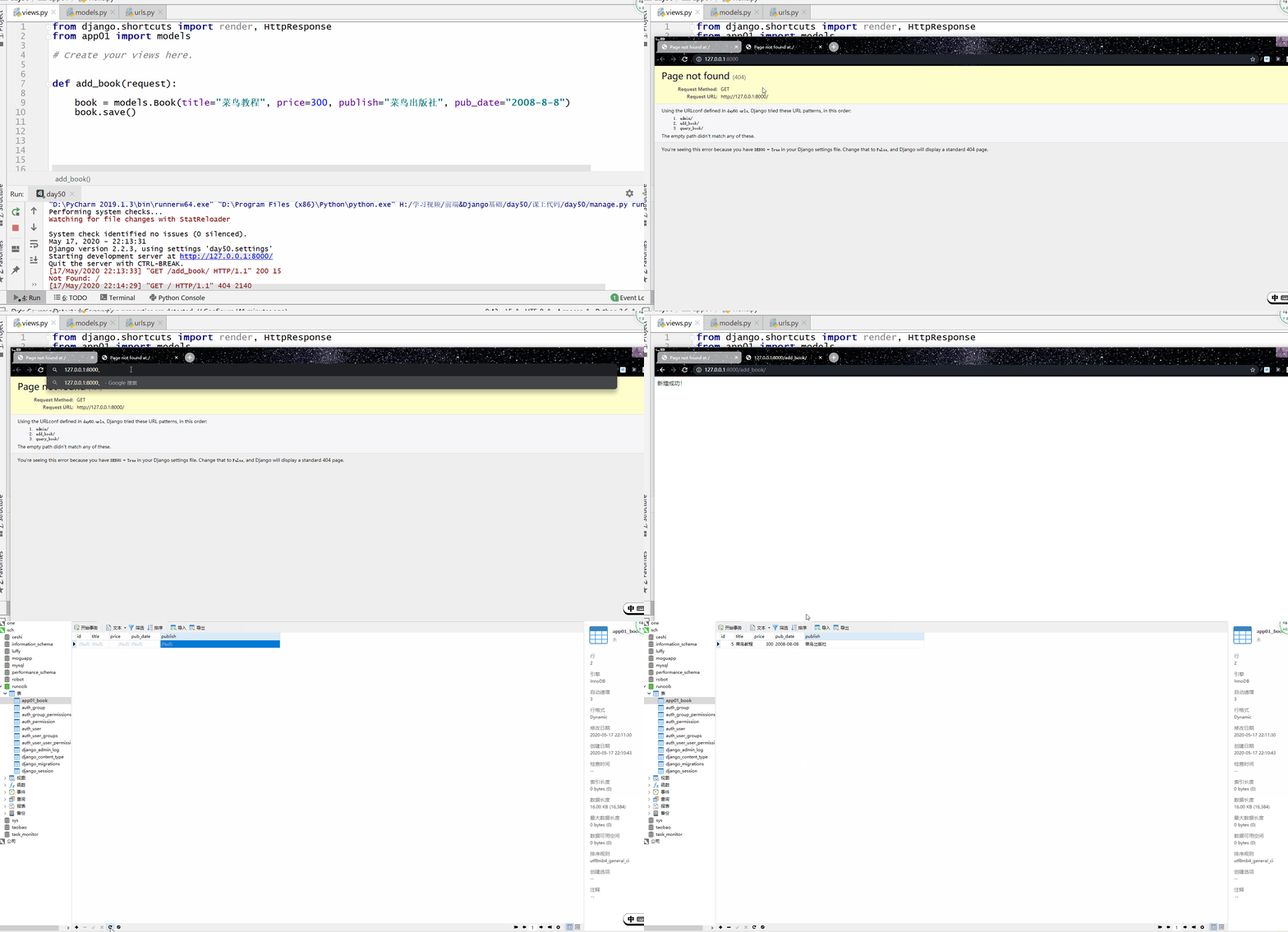
And after instantiating the object, you need to executeobject.save()Only then can you successfully add data to the database.
app01/views.py: File code:
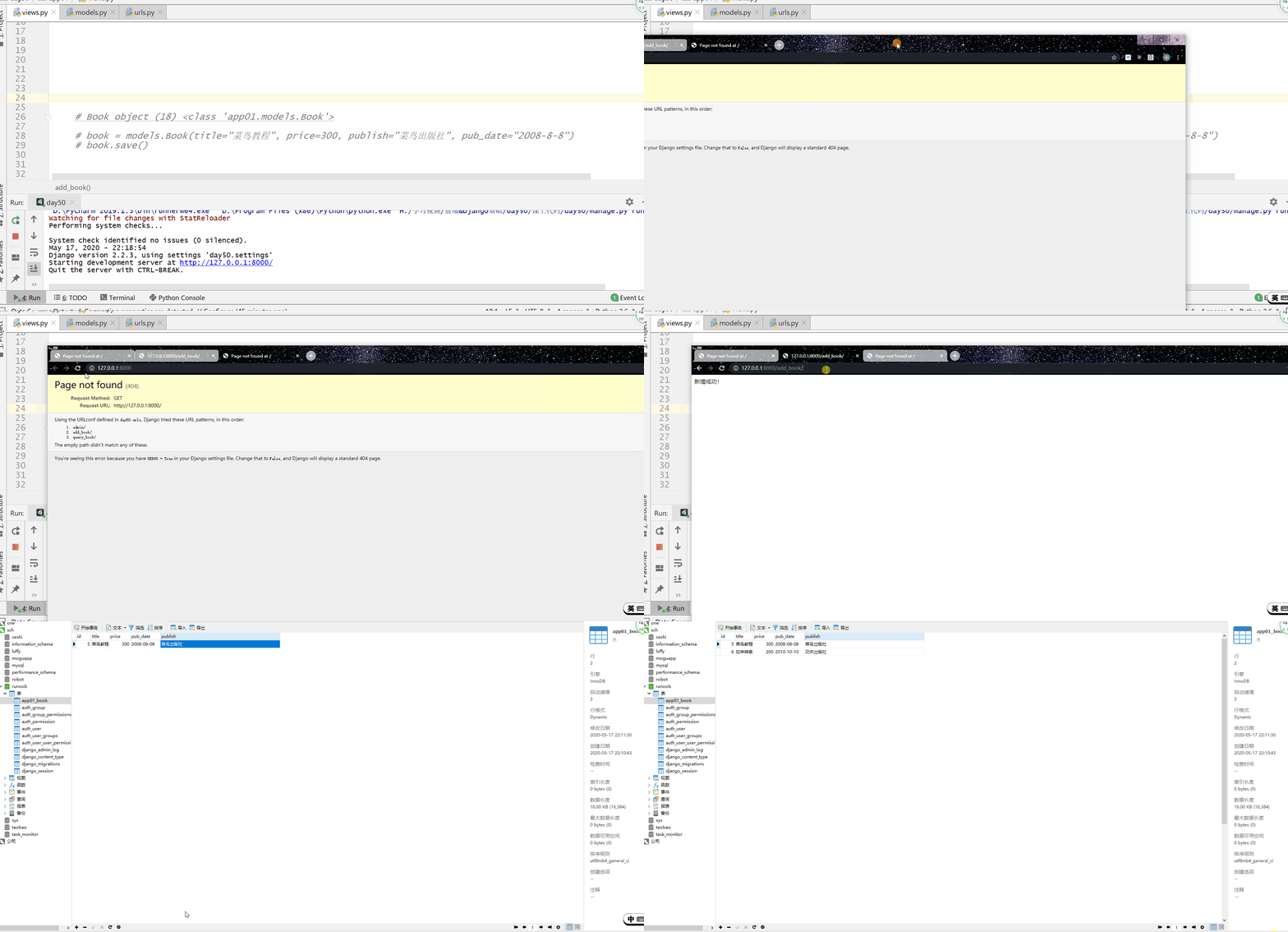
Method 2:Use the create method provided by objects in the ORM to achieve this (recommended)
app01/views.py: File code:
Search
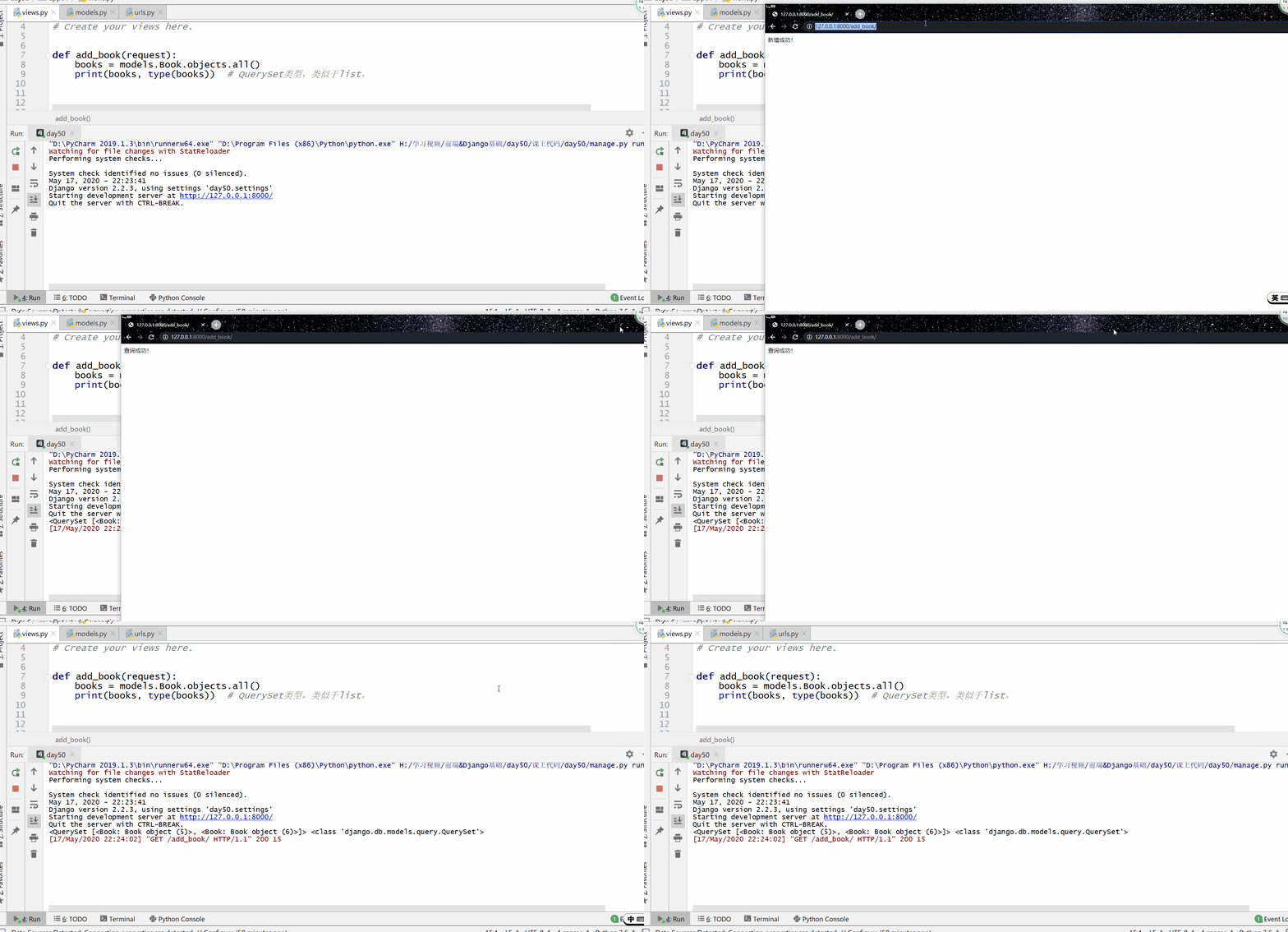
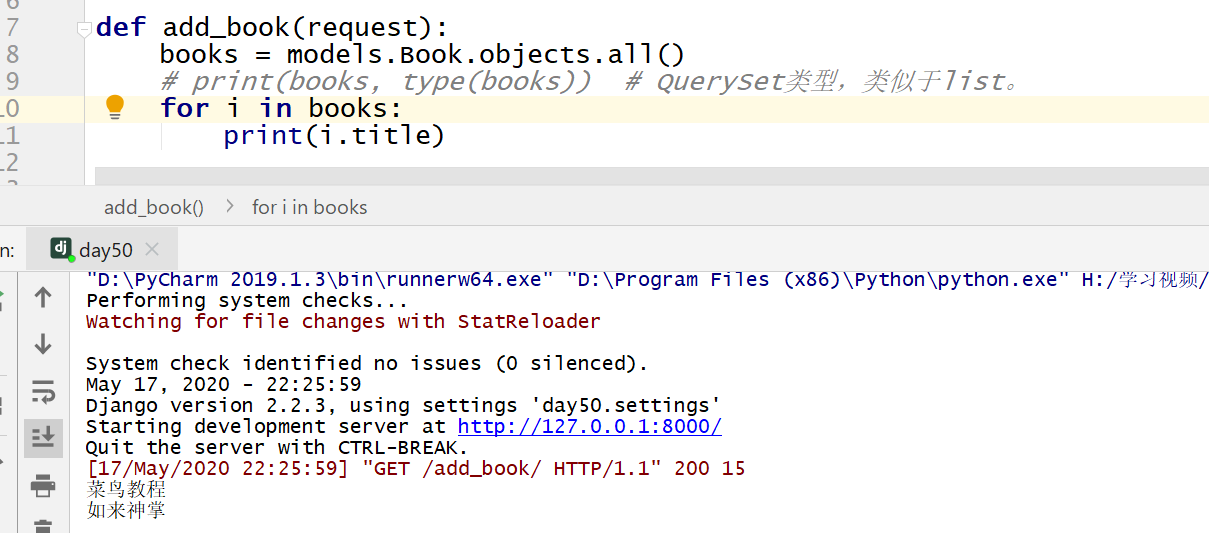
Usageall()method to query all contents.
The returned data is of QuerySet type, similar to a list, containing model class objects one by one. You can use index subscripts to retrieve the model class objects.
app01/views.py: File code:
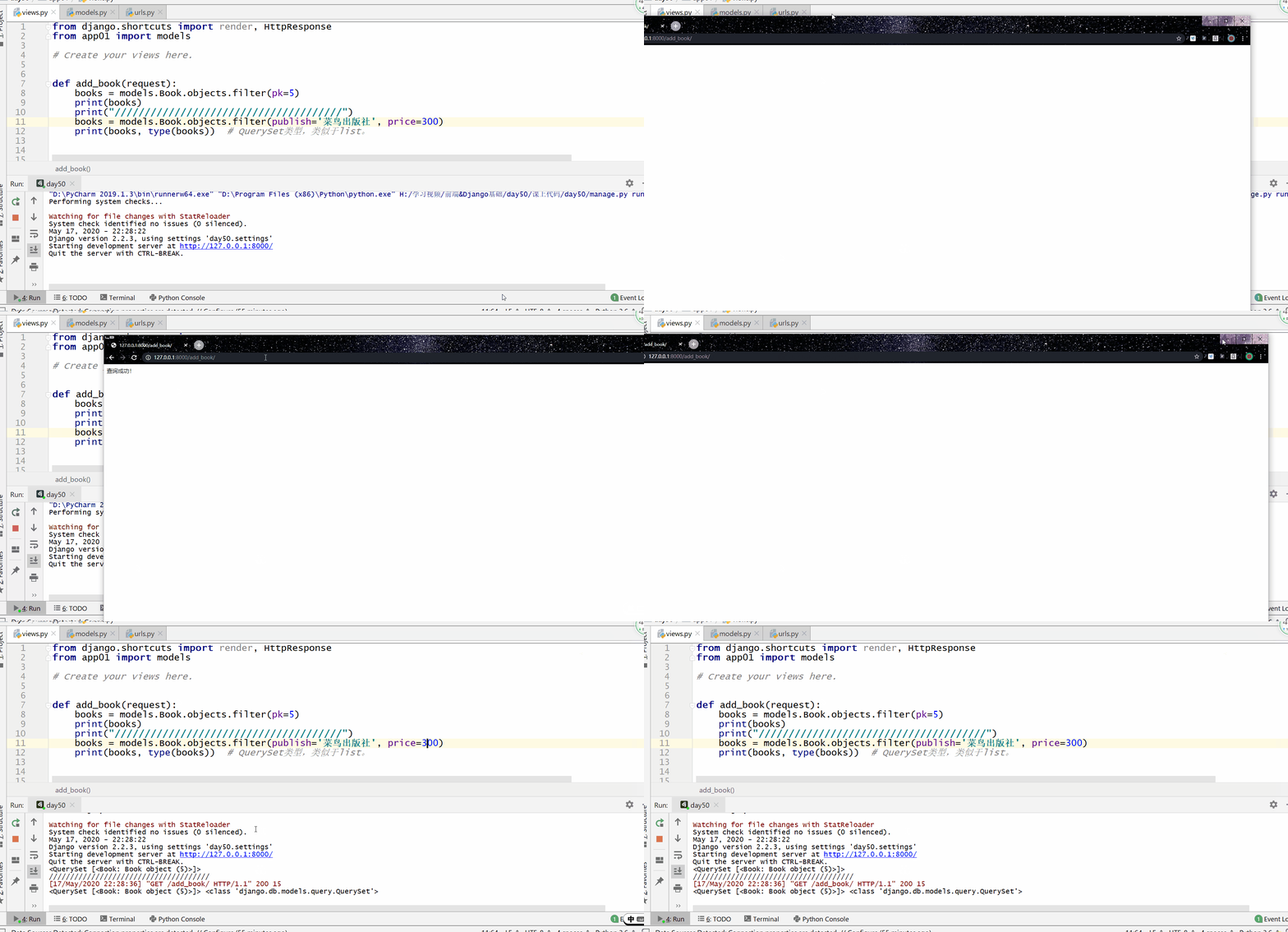
filter()method for querying data that meets the conditions.
The returned data is of QuerySet type, similar to a list, containing model class objects that meet the conditions. You can use index subscripts to retrieve the model class objects.
pk=3 means primary key=3, which is equivalent to id=3.
Because id has a special meaning in PyCharm, it is the built-in function id() that looks at memory addresses, so use pk.
app01/views.py: File code:
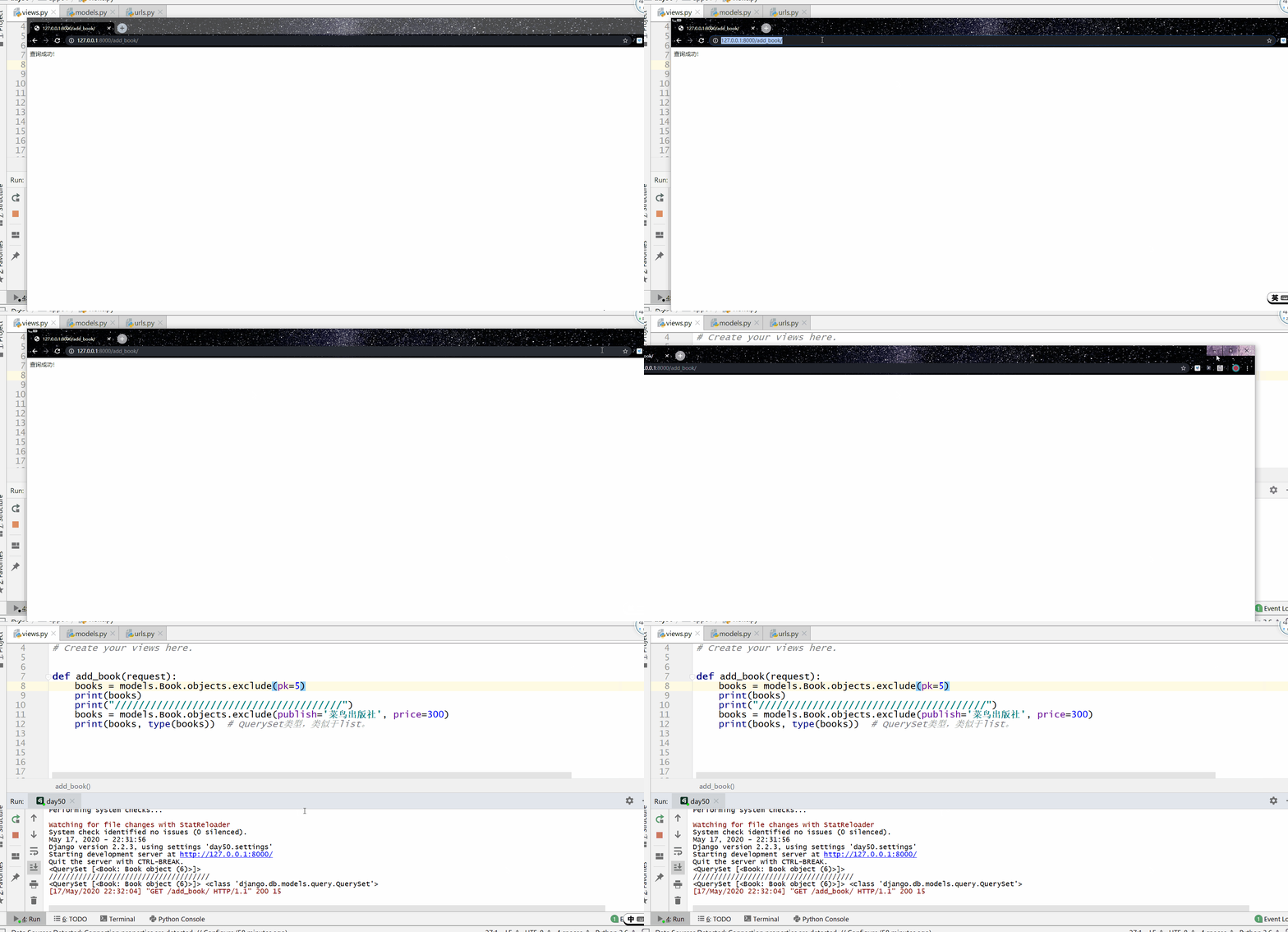
exclude() The method is used to query data that does not meet the conditions.
The returned data is of QuerySet type, similar to a list, containing model class objects that do not meet the conditions. You can use index subscripts to retrieve the model class objects.
app01/views.py: File code:
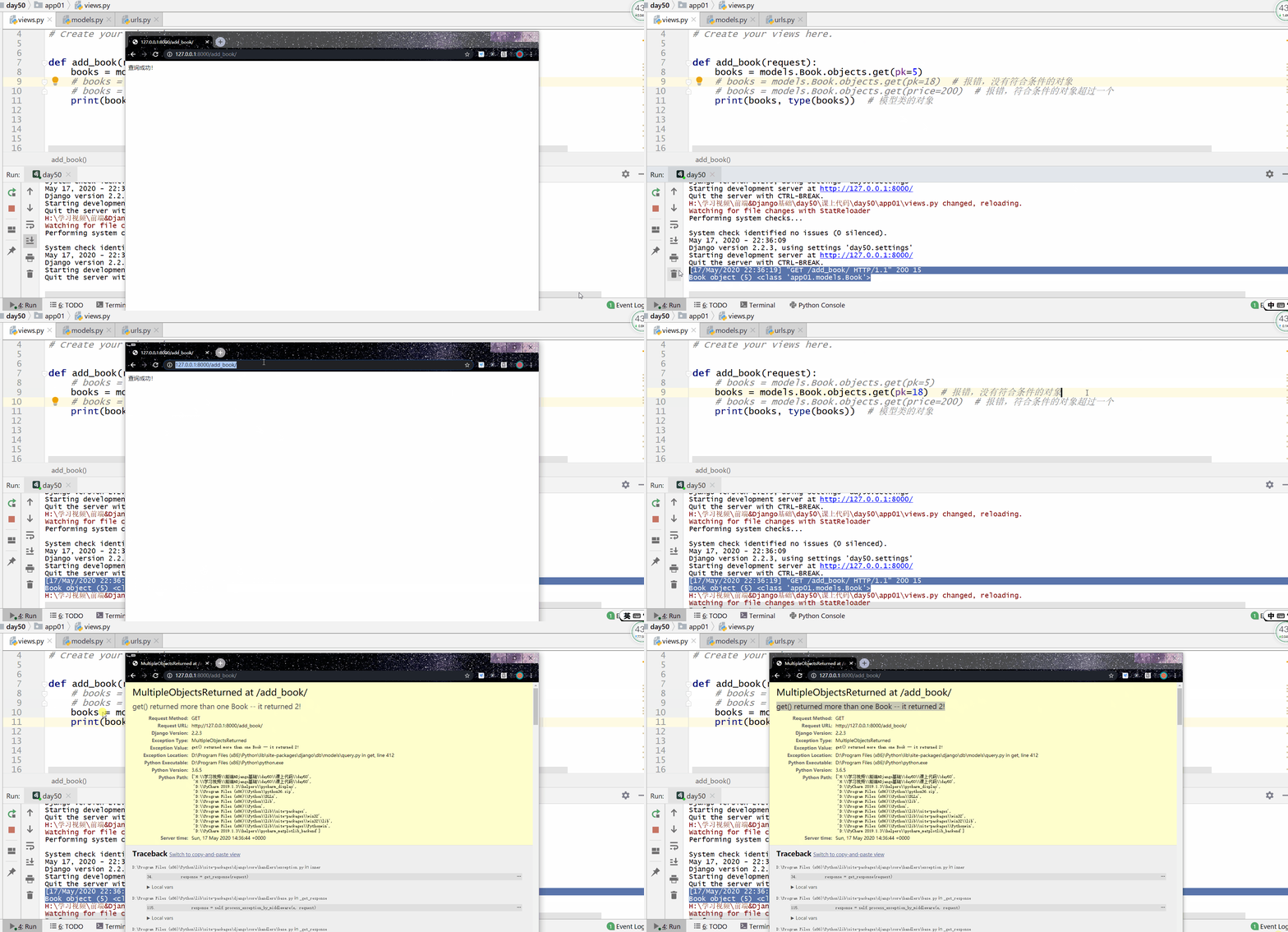
get()The method is used to query objects that meet the conditions and return a model class object. There can be only one object that meets the conditions. If there is more than one object that matches the filter conditions, or if there is none, an error will be thrown.
app01/views.py: File code:
order_by()The method is used to sort the query results.
The returned data is of QuerySet type, similar to a list, containing sorted model class objects. You can use index subscripts to retrieve the model class objects.
Note:
- a. The field names of parameters should be enclosed in quotes.
- b. For descending order, add a minus sign before the field-。
app01/views.py: File code:
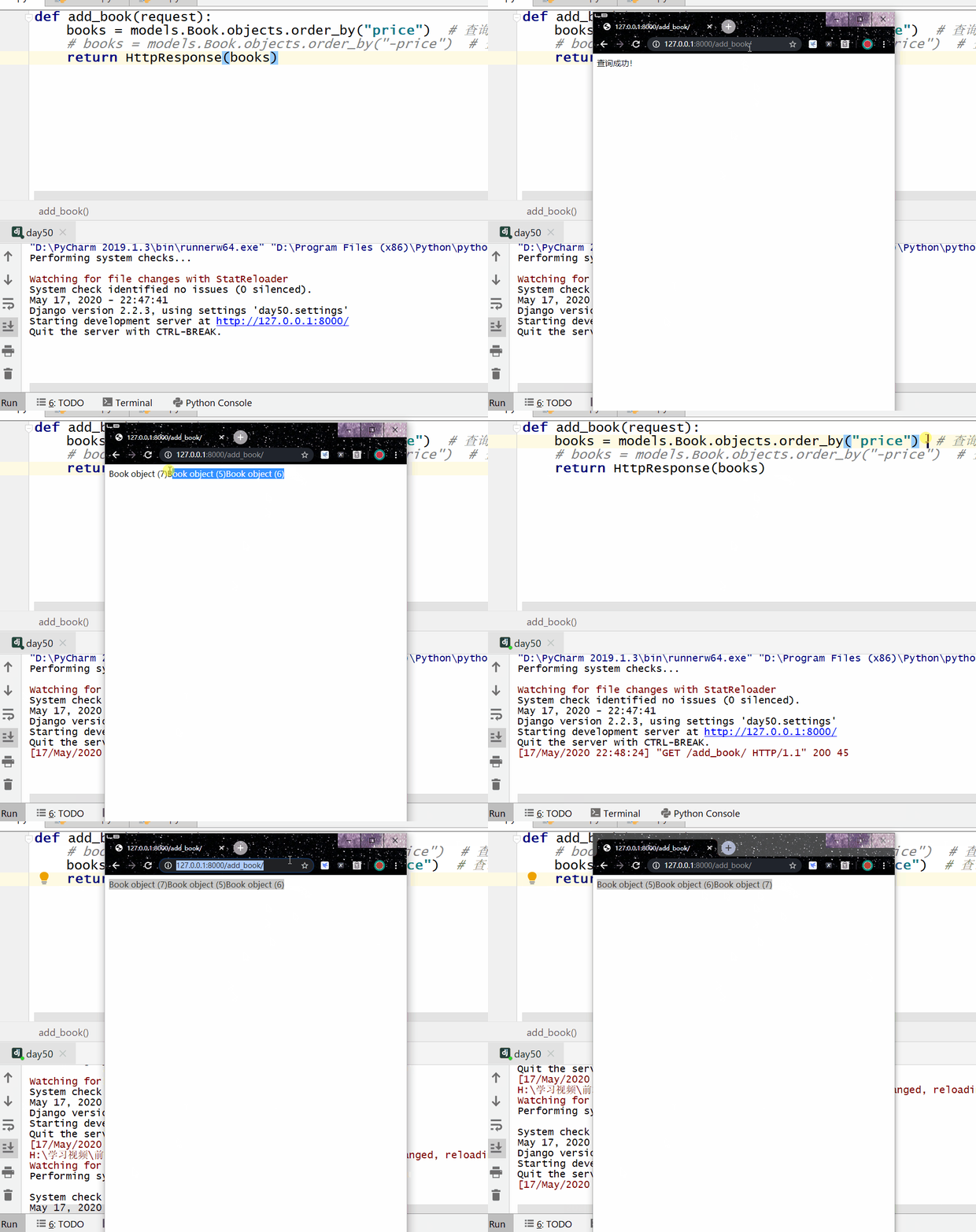
reverse()The method is used to reverse the query results.
The returned data is of QuerySet type, similar to a list, containing reversed model class objects. You can use index subscripts to retrieve the model class objects.
app01/views.py: File code:
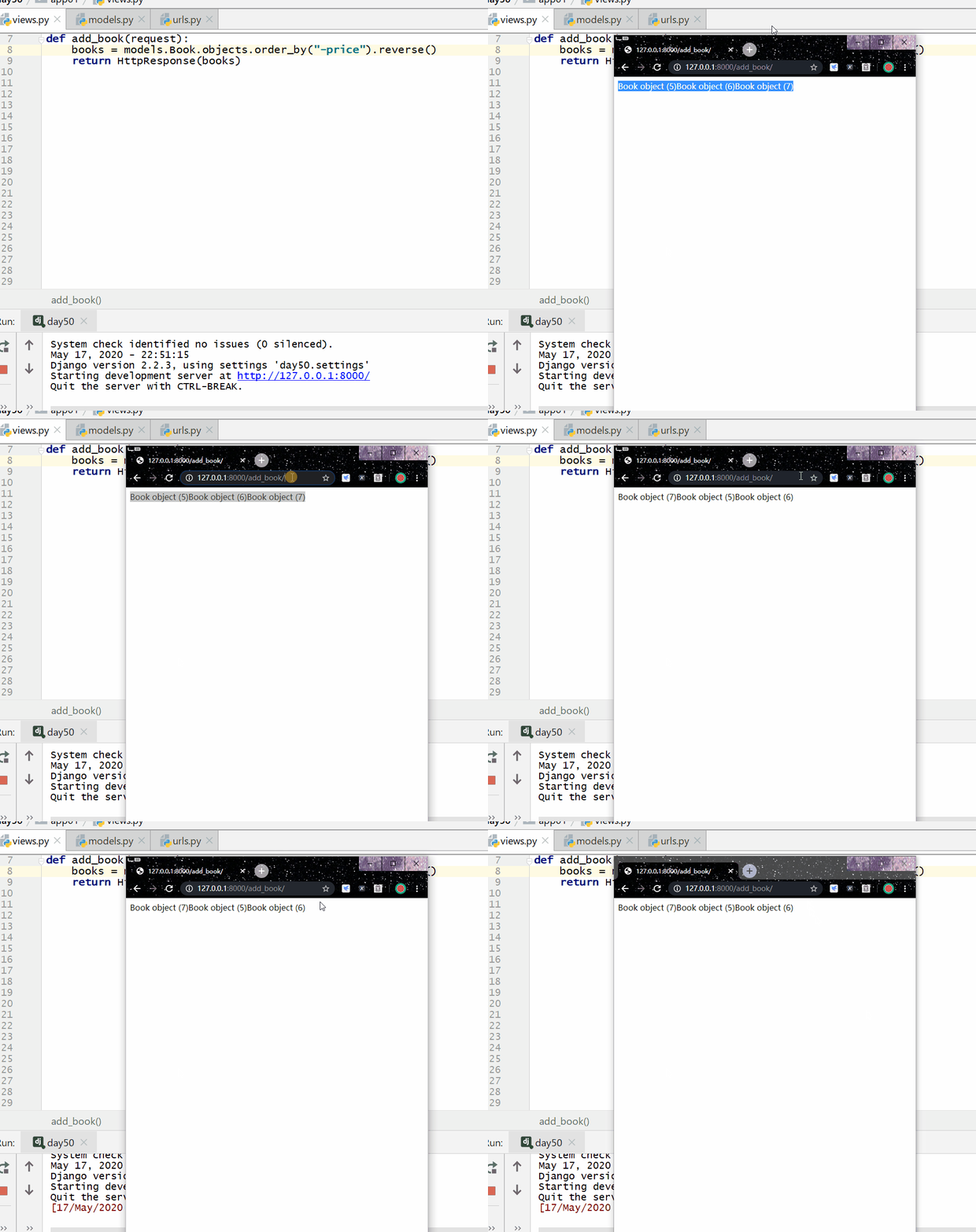
count() The method is used to query the number of data records; the returned data is an integer.
app01/views.py: File code:
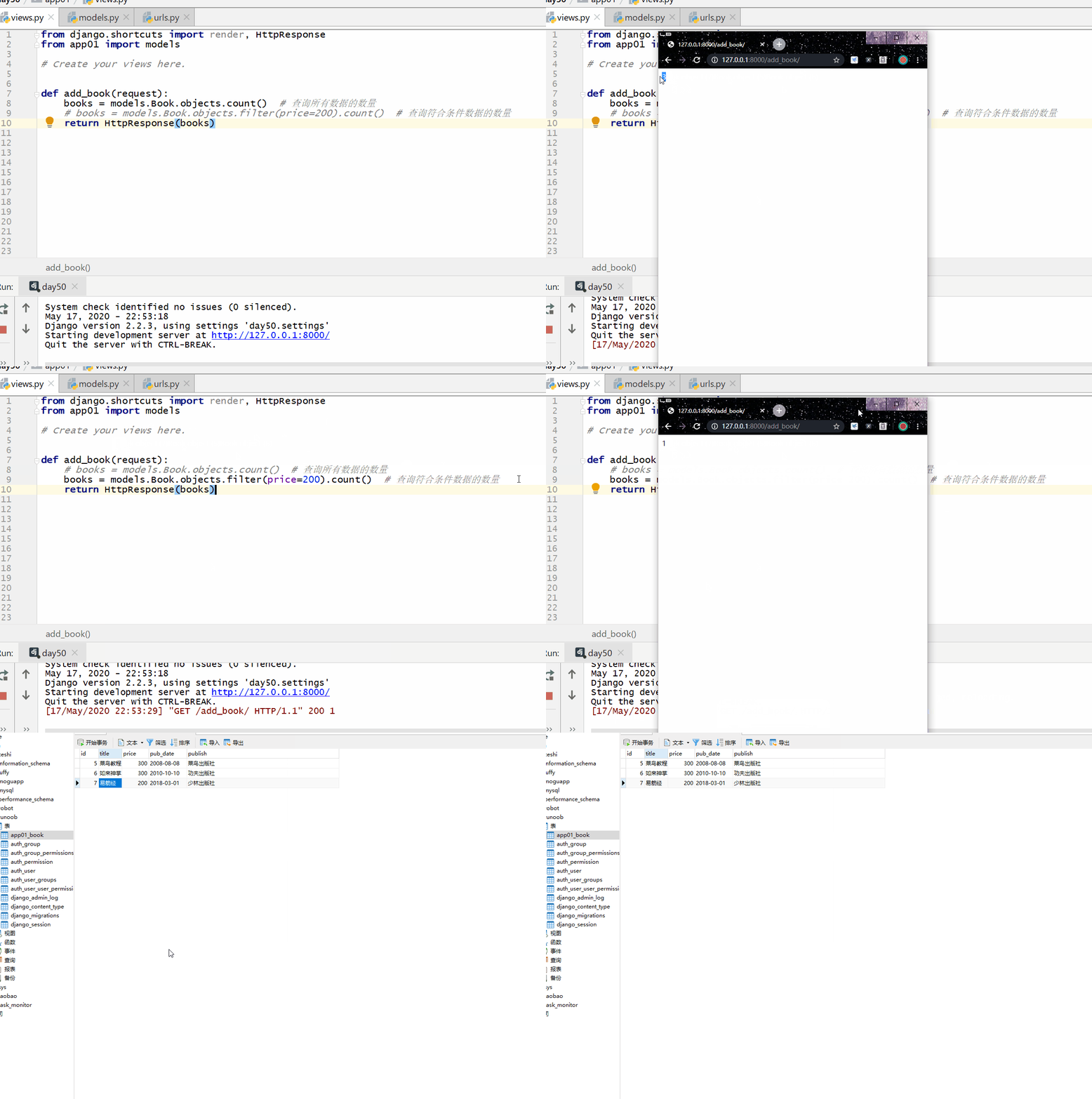
first()The method returns the first record. The returned data is a model class object, and you can also use an index subscript.[0]。
app01/views.py: File code:
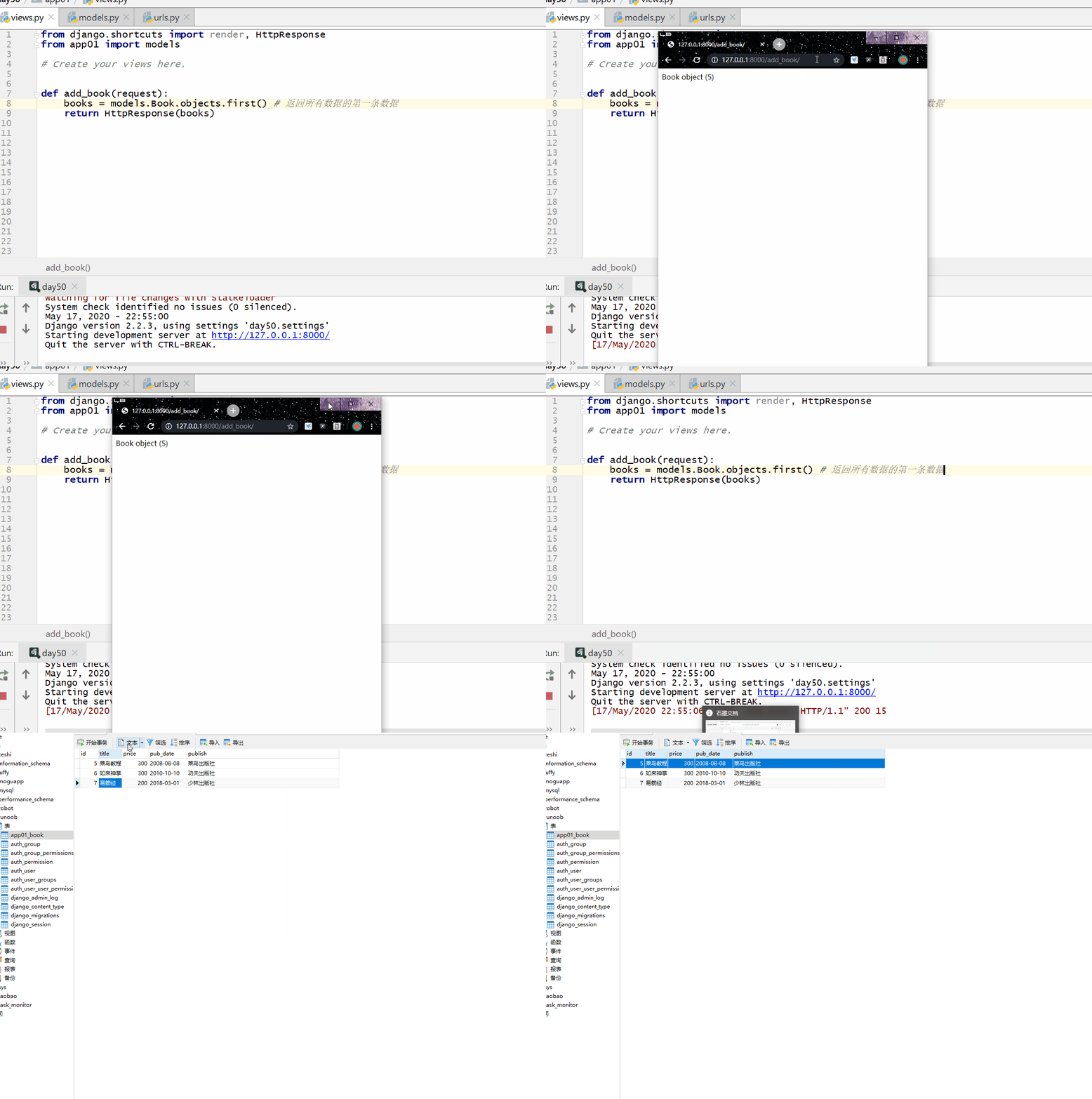
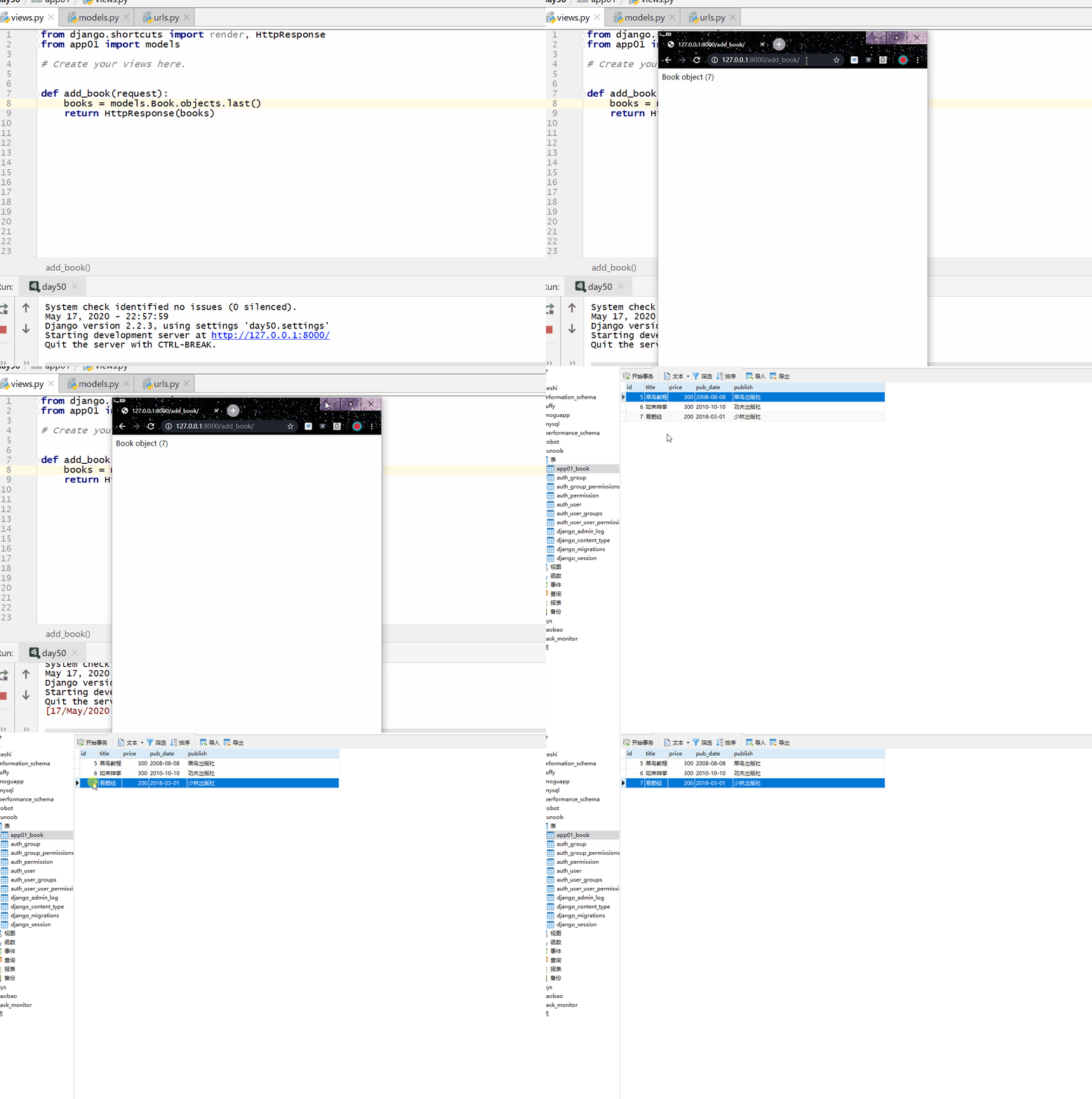
The last() method returns the last record. The returned data is a model class object, and you cannot use an index subscript.[-1], the ORM does not have a reverse index.
app01/views.py: File code:
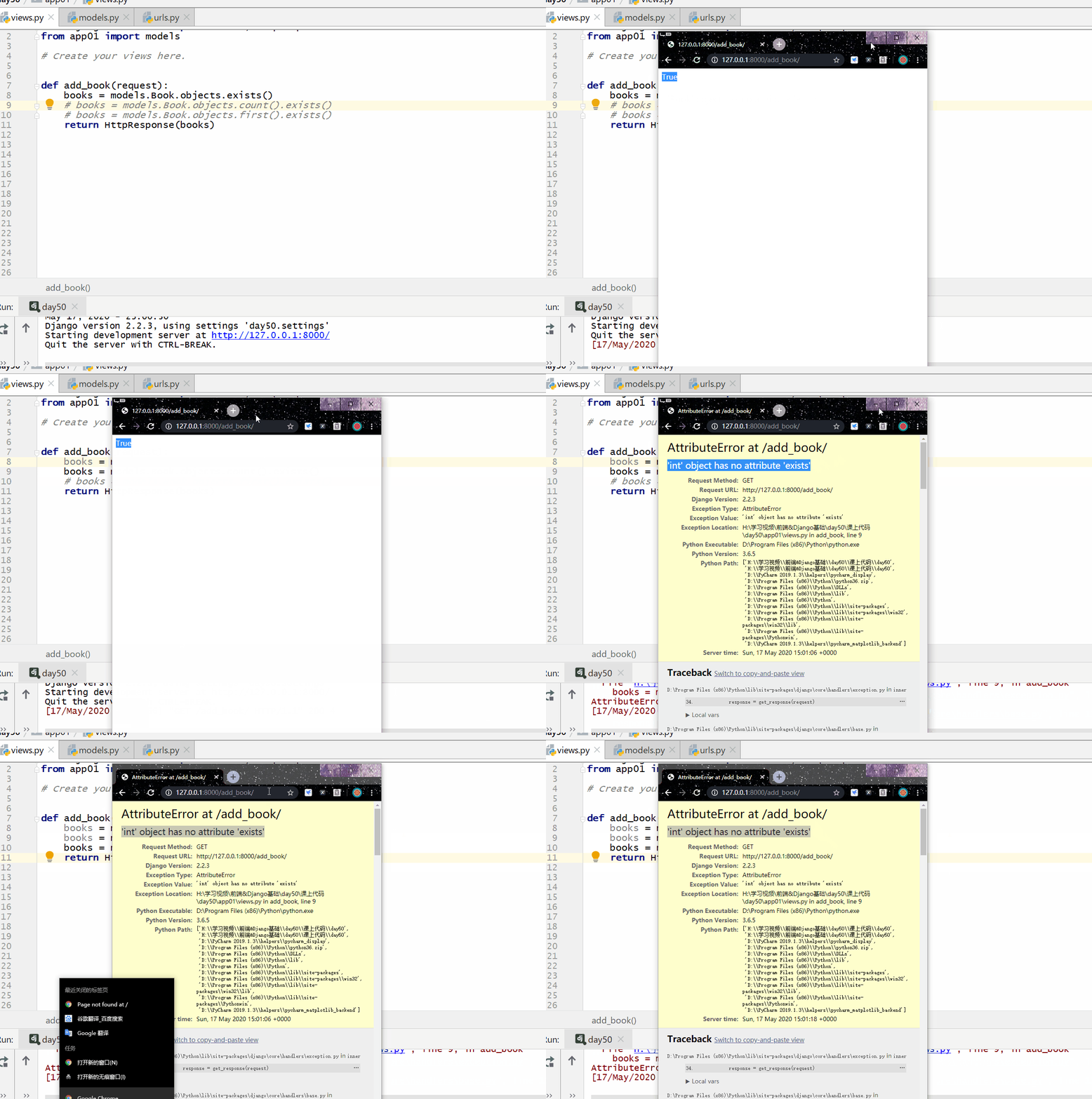
exists()method for determining whether there is data in the QuerySet list of query results.
The returned data type is boolean. If present, it is true; if absent, it is false.
Note:The data type for judgment can only be QuerySet type data, not integer or model class objects.
Example
from app01 import models
def add_book(request):
books = models.Book.objects.exists()
# Error: the data type to be judged can only be QuerySet type data, not integer.
books = models.Book.objects.count().exists()
# Error: the data type being evaluated can only be QuerySet data, not a model class object
books = models.Book.objects.first().exists()
return HttpResponse(<p>Search successful!</p>)
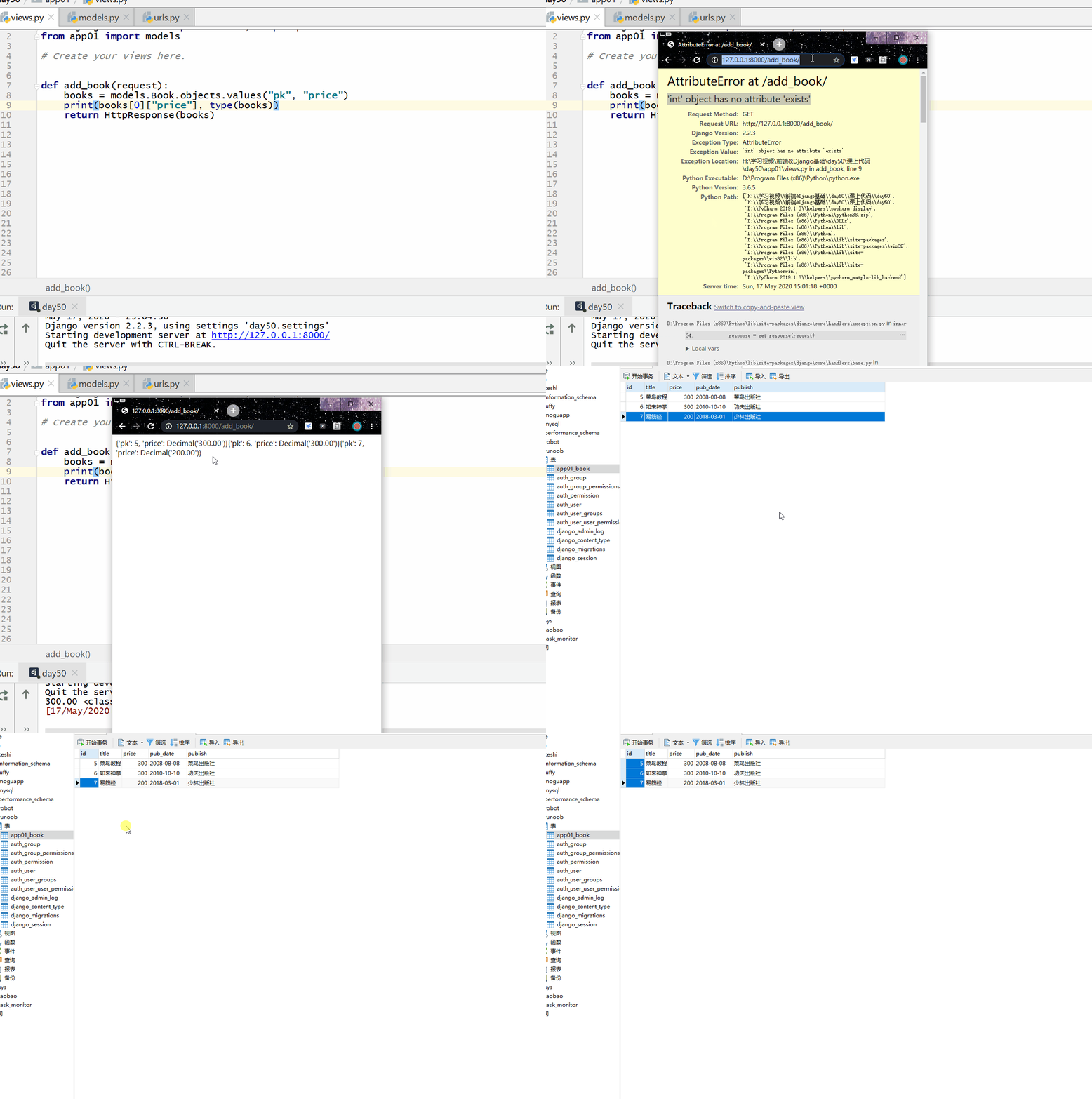
values()method for querying data from partial fields.
The returned data is of QuerySet type, similar to a list, containing not model class objects but an iterable sequence of dictionaries. The keys in the dictionaries are fields, and the values are data.
Note:
- The field names of parameters should be enclosed in quotes
- If you want field names and data to usevalues
-
Example
from django.shortcuts import render,HttpResponse
from app01 import models
def add_book(request):
# Query data for all id and price fields
books = models.Book.objects.values("pk","price")
print(books[0]["price"],type(books)) # This gets the price field data of the first record
return HttpResponse(<p>Search successful!</p>)
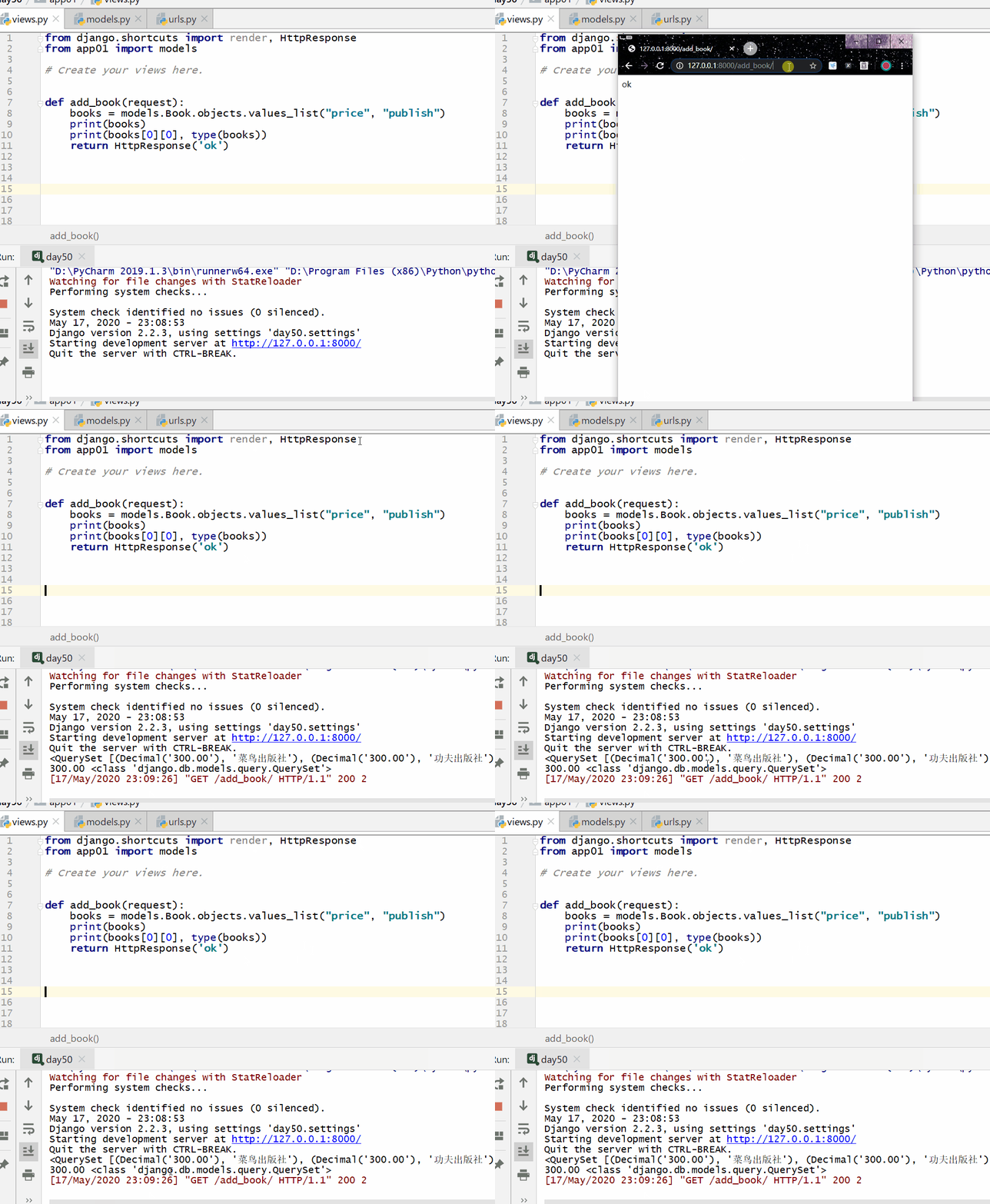
values_list()method for querying data from partial fields.
The returned data is of QuerySet type, similar to a list, containing not model class objects but tuples one by one. Each tuple contains the data corresponding to the query fields.
Note:
- The field names of parameters should be enclosed in quotes
- If you only want the data, use values_list.
Example
from django.shortcuts import render,HttpResponse
from app01 import models
def add_book(request):
# Query the data of all price and publish fields
books = models.Book.objects.values_list("price","publish")
print(books)
print(books[0][0],type(books)) # This gets the price field data of the first record
return HttpResponse(<p>Search successful!</p>)
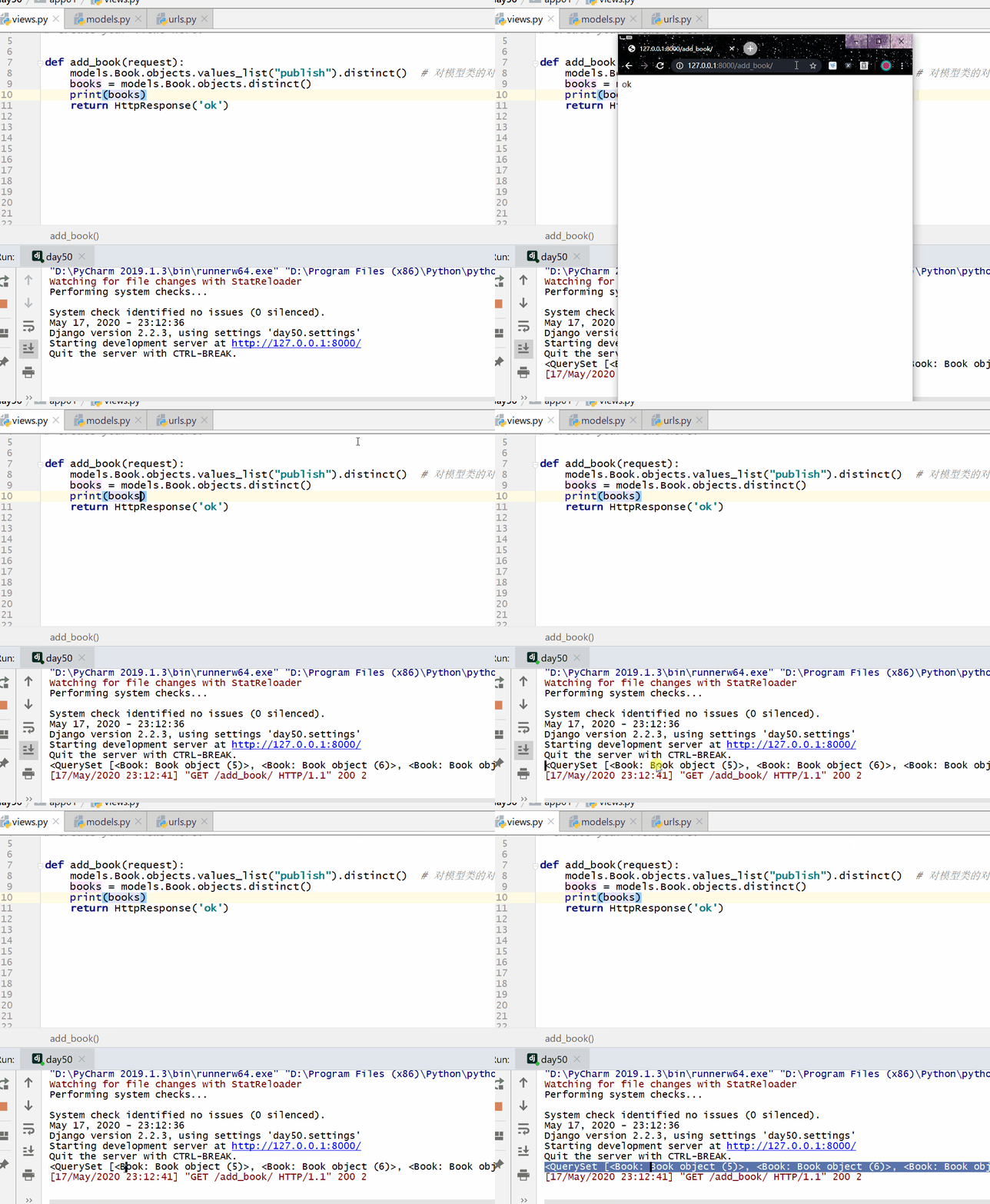
distinct() method for de-duplicating data.
The returned data is of QuerySet type.
Note:
- Deduplicating model class objects is meaningless, because each object is a unique existence.
- distinct() is generally used together with values or values_list.
Example
from django.shortcuts import render,HttpResponse
from app01 import models
def add_book(request):
# Query the total number of publishers
books = models.Book.objects.values_list("publish").distinct() # Deduplicating objects of a model class is meaningless, because each object is a distinct entity.
books = models.Book.objects.distinct()
return HttpResponse(<p>Search successful!</p>)
filter()The method is based on double-underscore fuzzy queries (the same applies to exclude).
Note:In filter, the operator can only use the equal sign =; you cannot use the greater-than sign >, the less-than sign <, or other symbols.
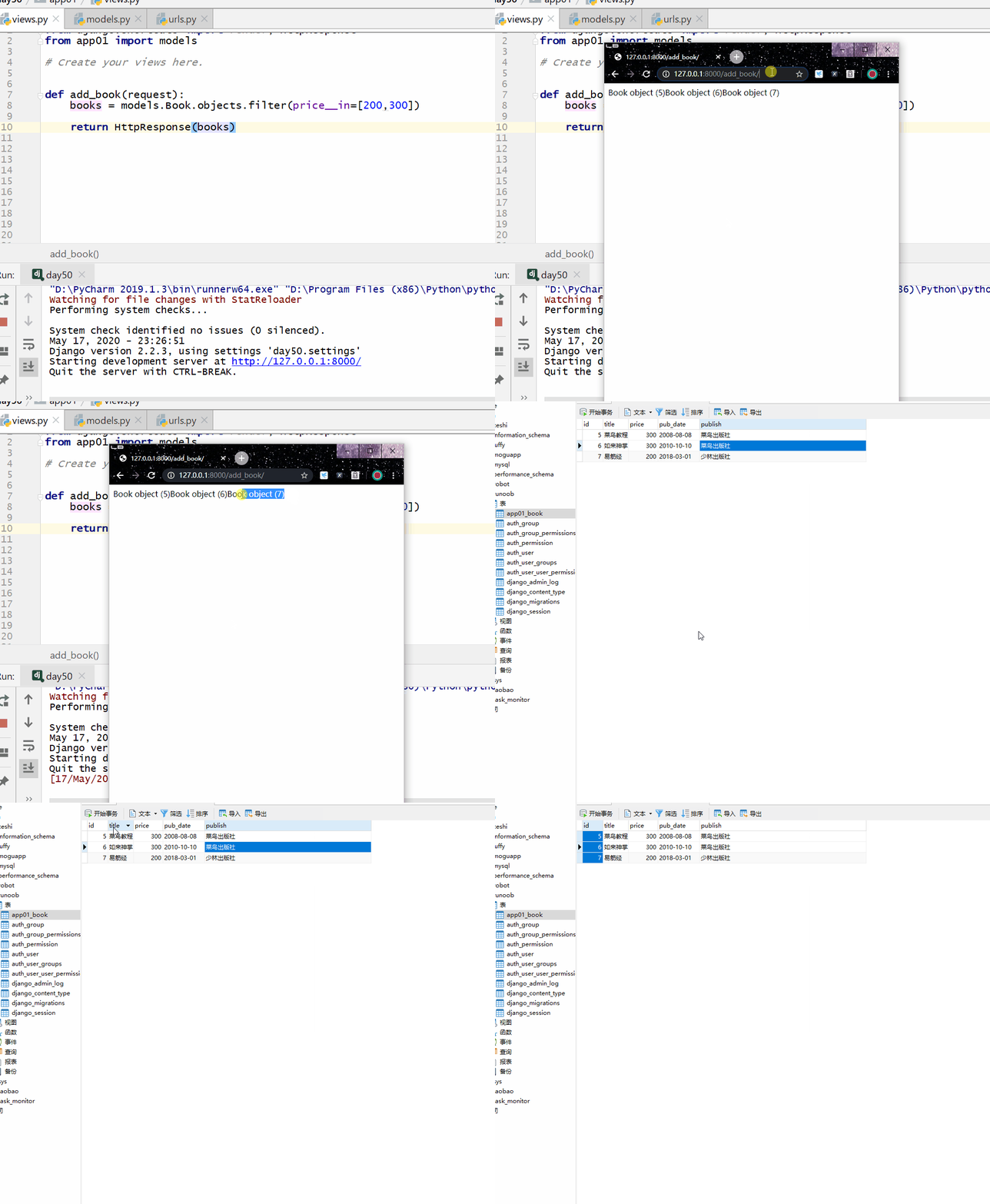
__in is used to read a range; after the = sign is a list.
Example
from django.shortcuts import render,HttpResponse
from app01 import models
def add_book(request):
# Query data with price 200 or 300
books = models.Book.objects.filter(price__in=[200,300])
return HttpResponse(<p>Search successful!</p>)
__gtgreater than, the value after the = sign is a number.
# 查询价格大于200的数据
books = models.Book.objects.filter(price__gt=200)
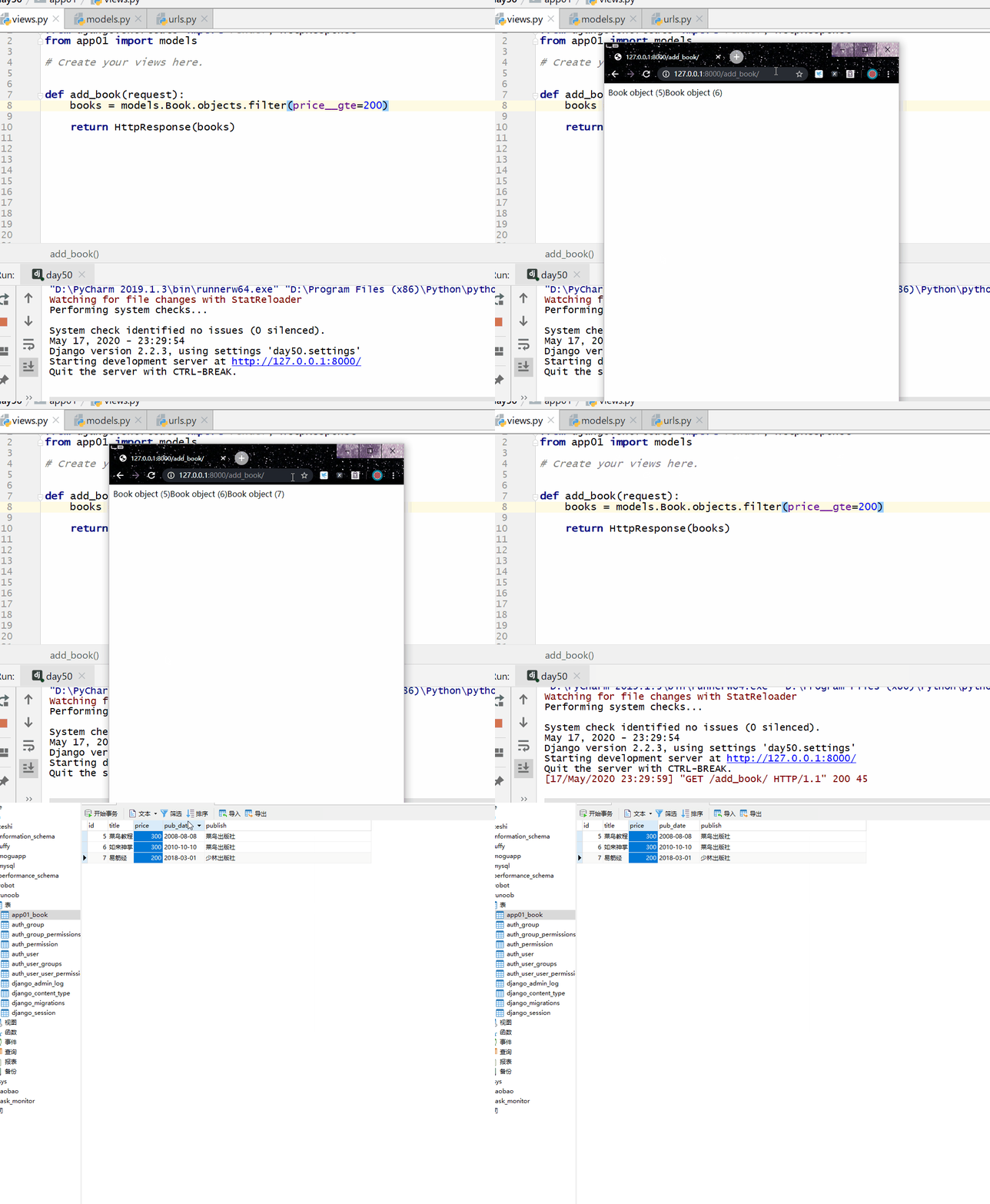
__gtegreater than or equal to, the value after the = sign is a number.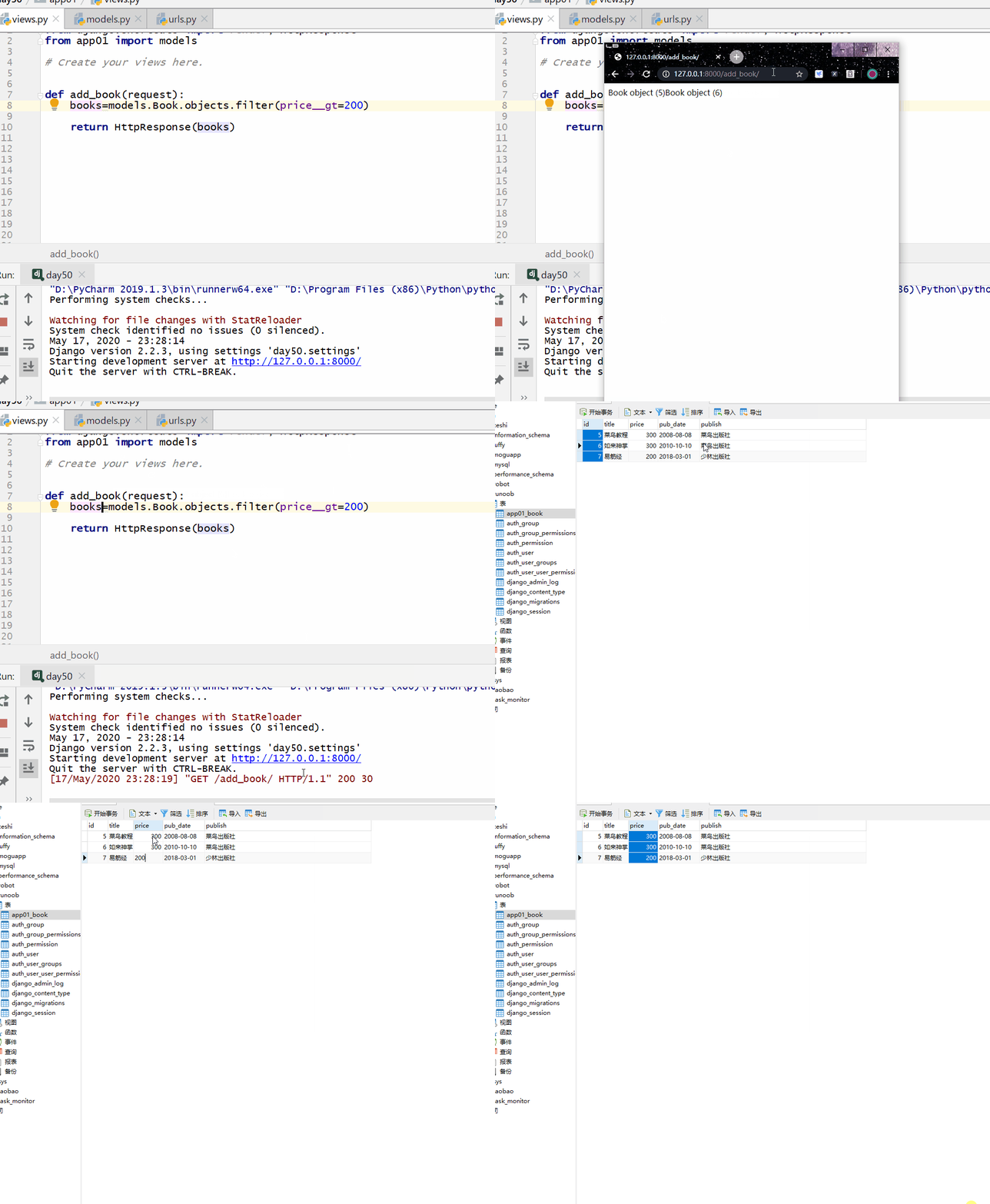
# 查询价格大于等于200的数据
books = models.Book.objects.filter(price__gte=200)
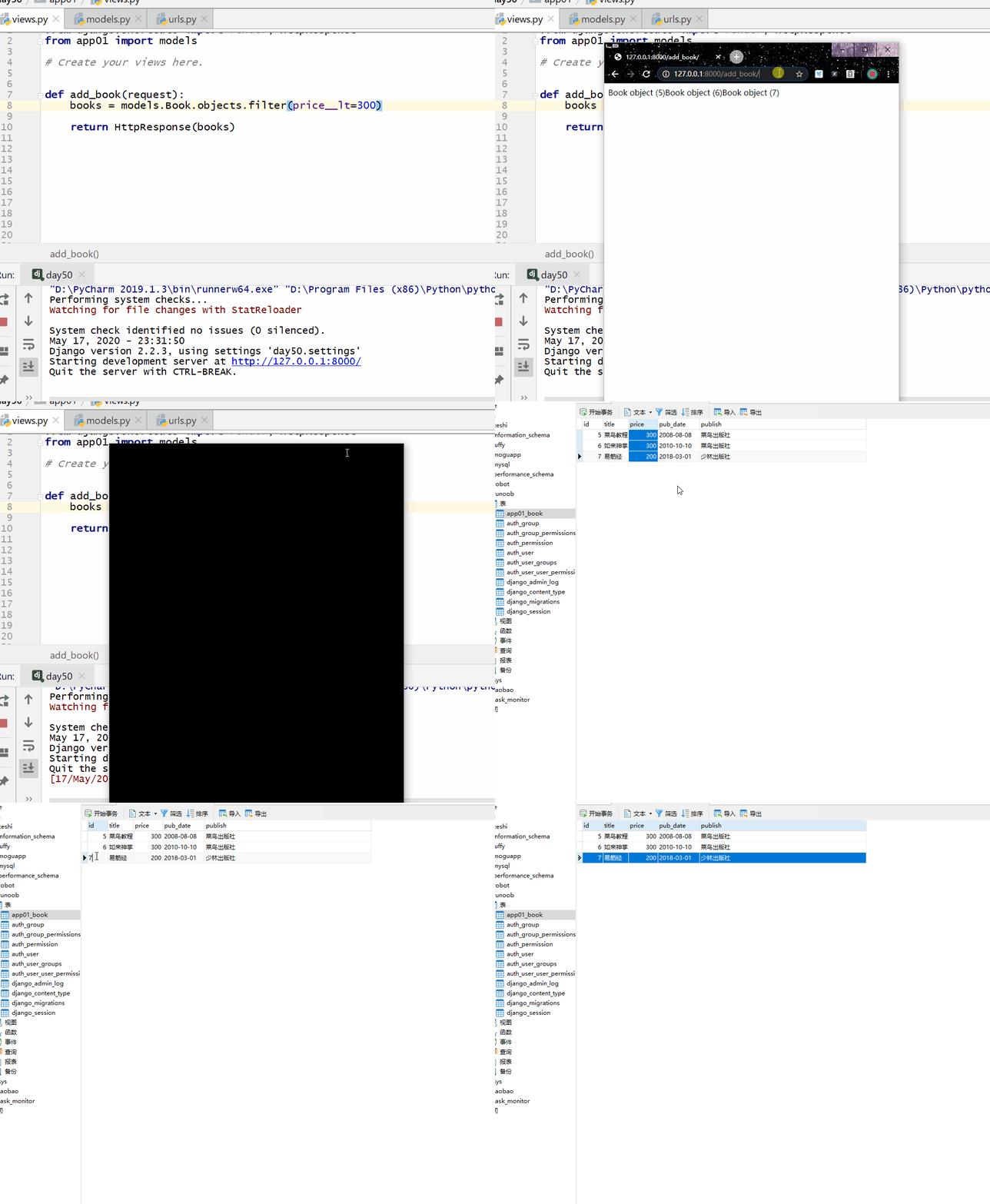
__ltless than, the value after the = sign is a number.
# 查询价格小于300的数据
books=models.Book.objects.filter(price__lt=300)
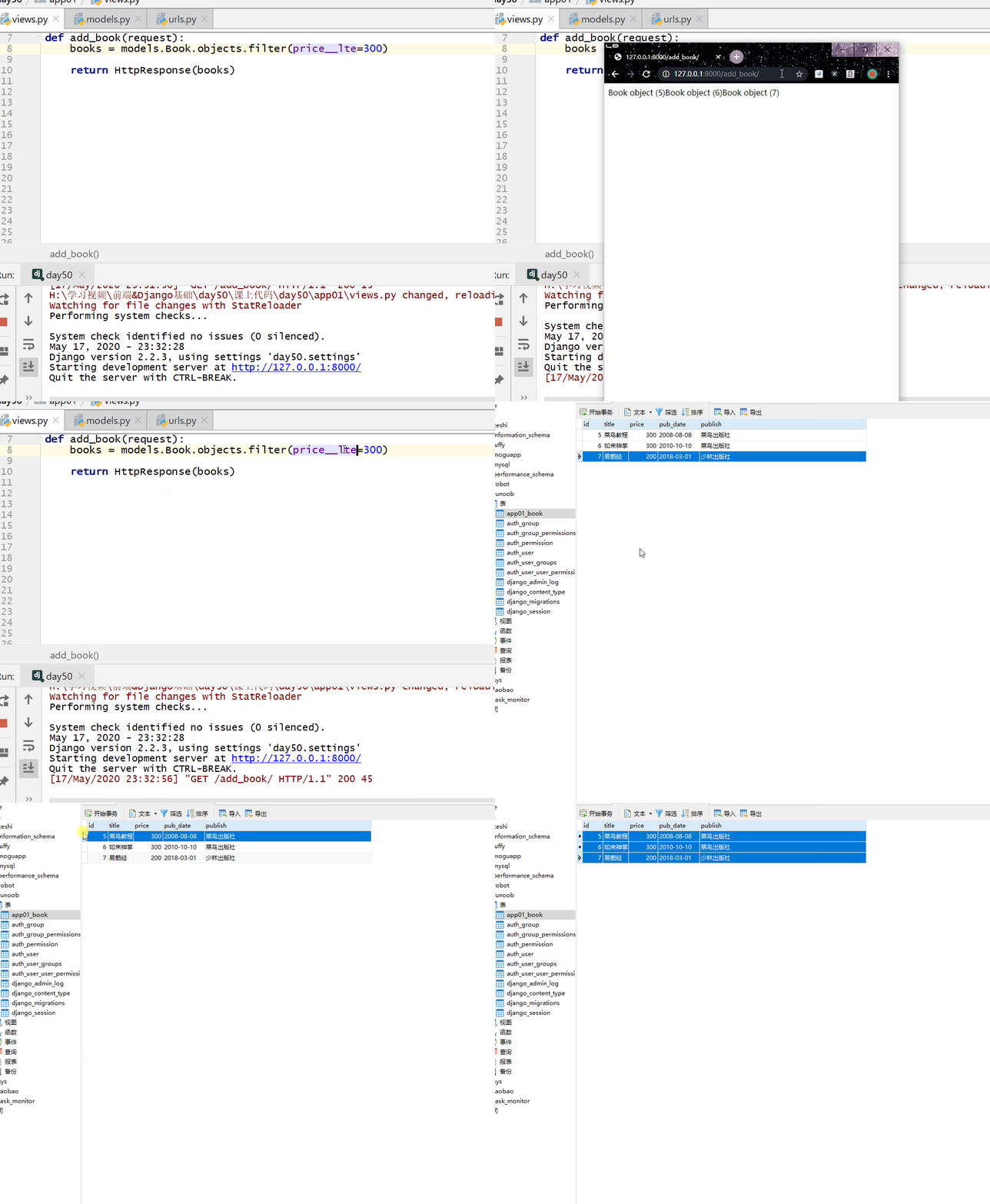
__lteless than or equal to, the value after the = sign is a number.
# 查询价格小于等于300的数据
books=models.Book.objects.filter(price__lte=300)
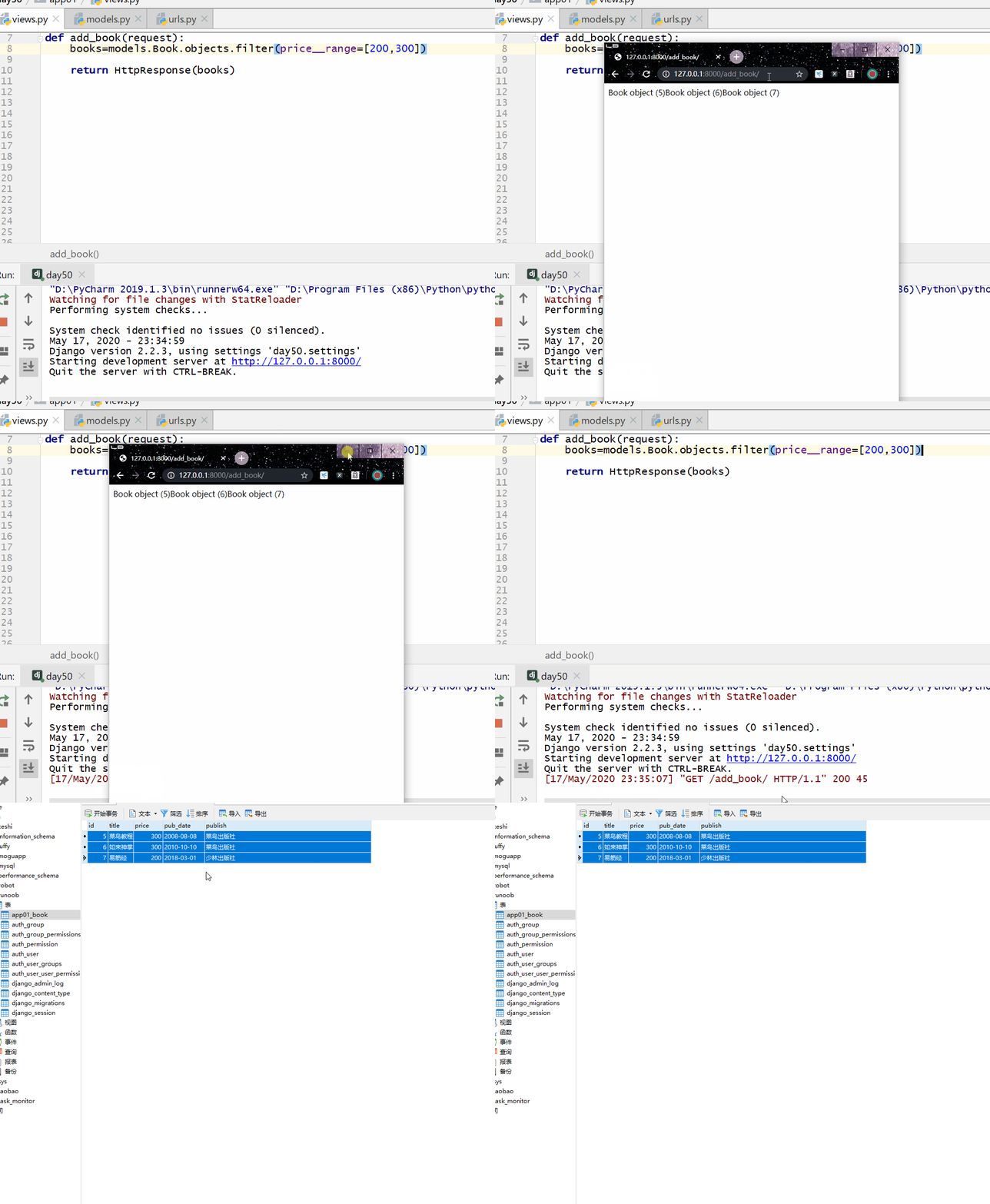
__rangeBetween ... , a left-closed and right-closed interval; after the = sign is a list of two elements.
books=models.Book.objects.filter(price__range=[200,300])
__containscontains, the value after the = sign is a string.
books=models.Book.objects.filter(title__contains="菜")
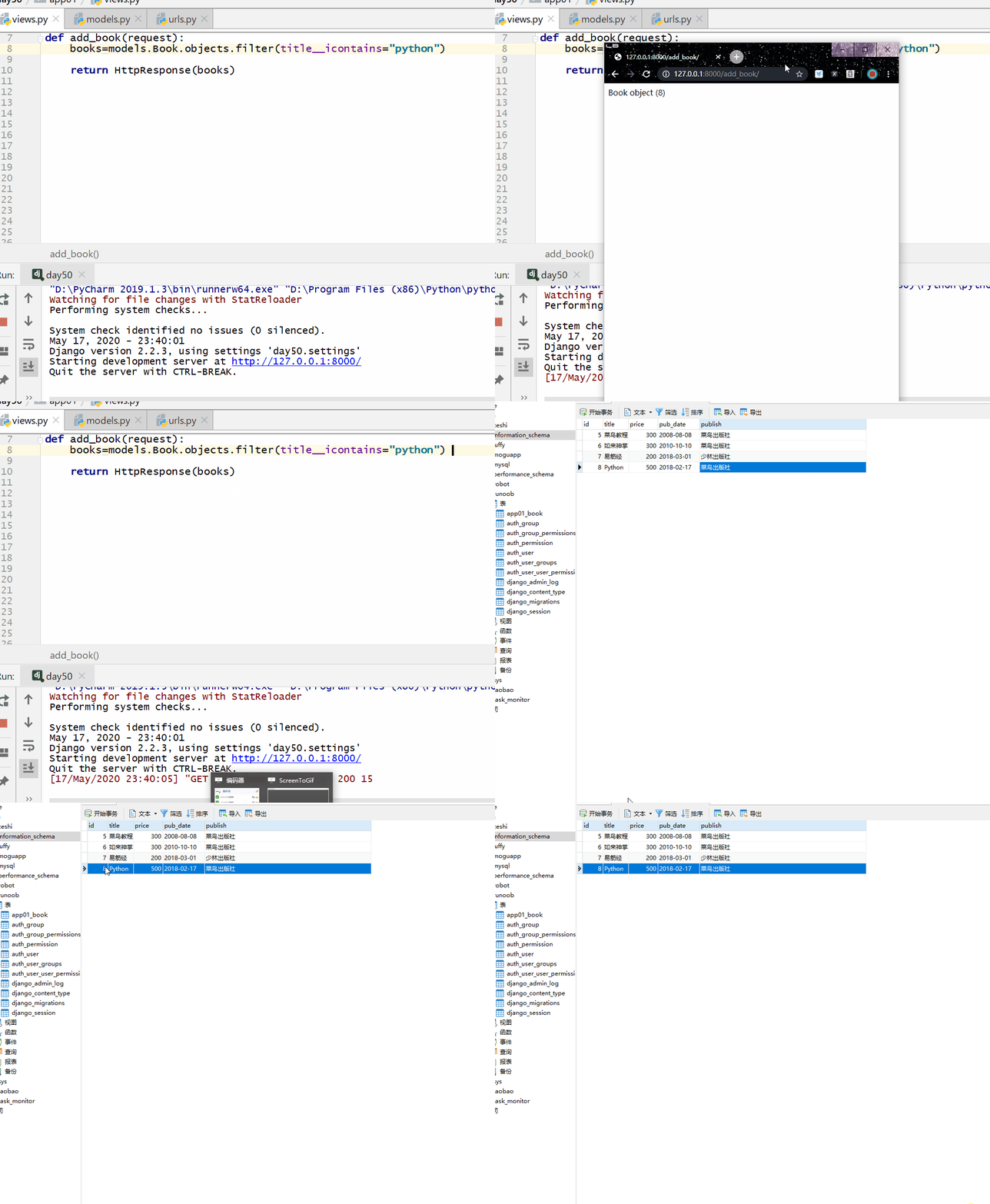
__icontainsCase-insensitive contains; after the = sign is a string.
books=models.Book.objects.filter(title__icontains="python") # 不区分大小写
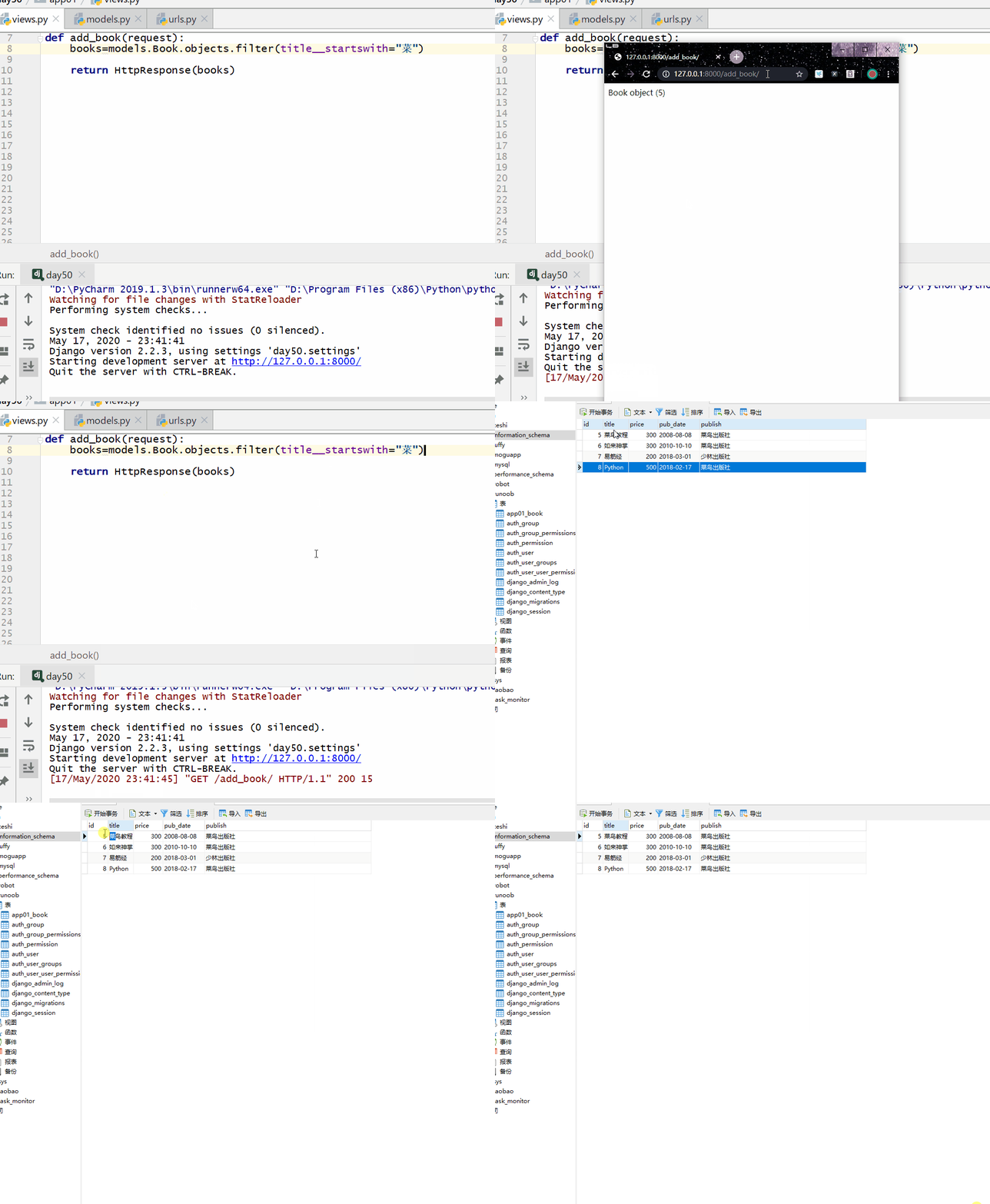
__startswithStarts with the specified character; after the = sign is a string.
books=models.Book.objects.filter(title__startswith="菜")
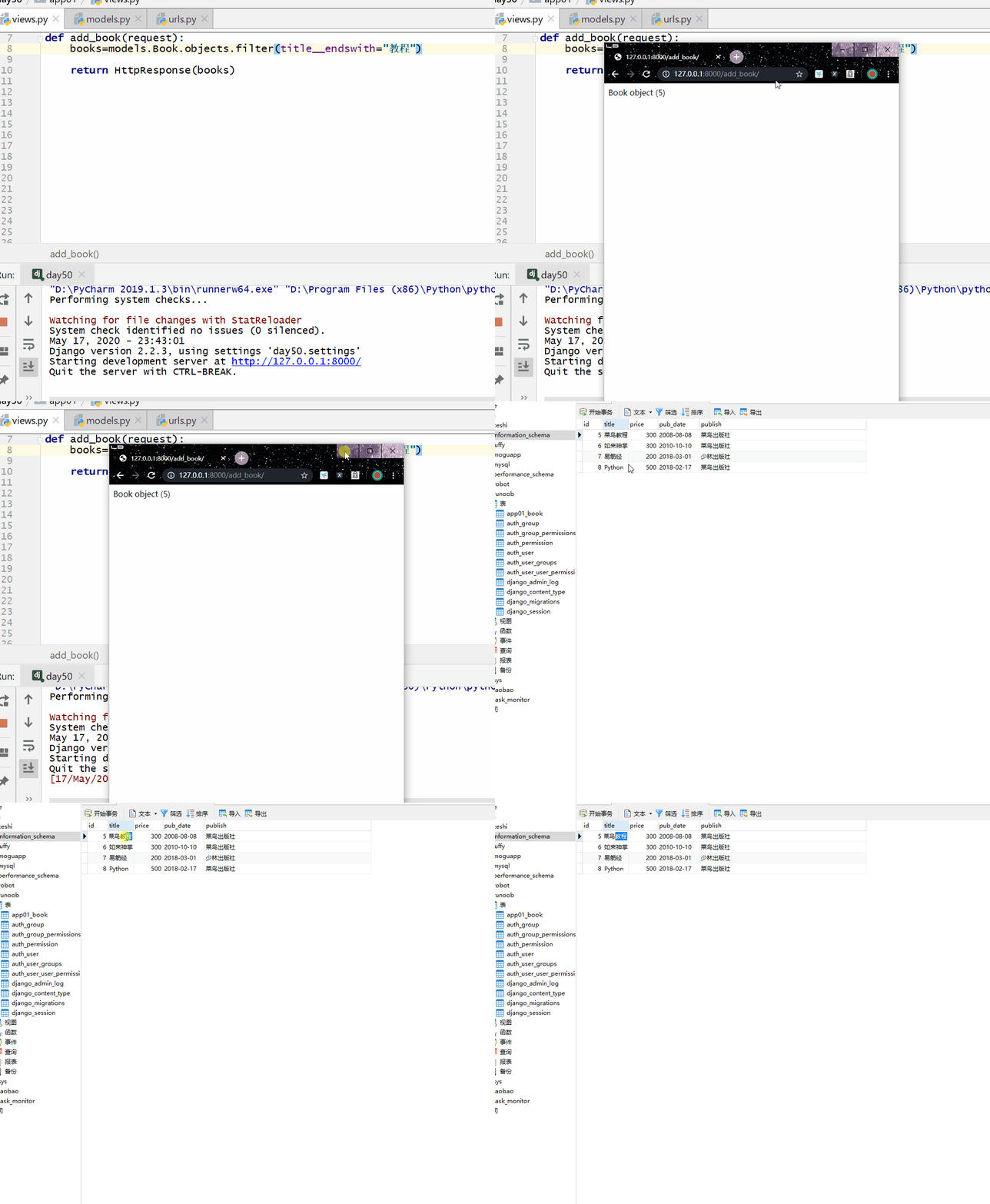
__endswithEnds with the specified character; after the = sign is a string.
books=models.Book.objects.filter(title__endswith="教程")
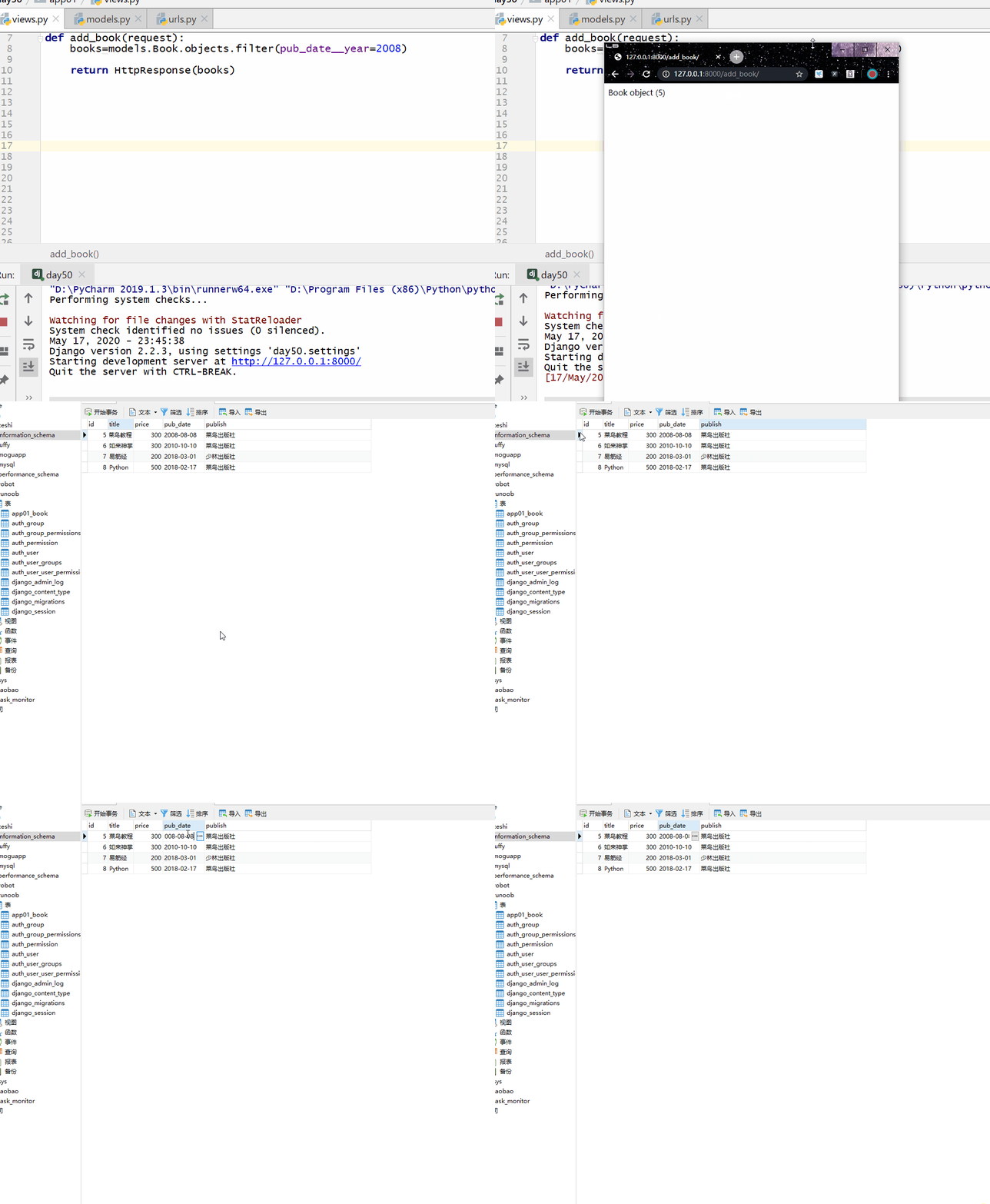
__yearIt is the year of the DateField data type; after the = sign is a number.
books=models.Book.objects.filter(pub_date__year=2008)
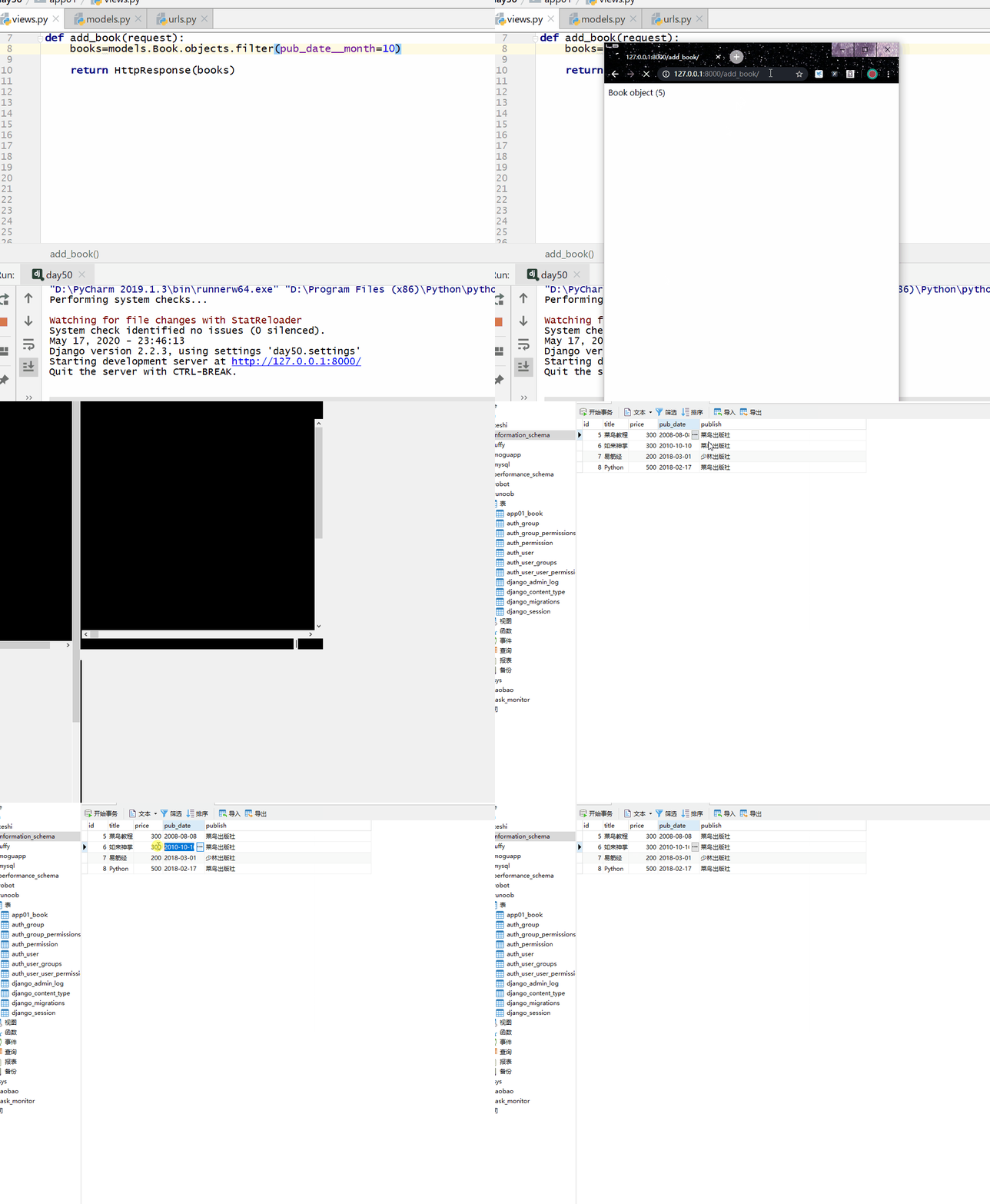
__monthIt is the month of the DateField data type; after the = sign is a number.
books=models.Book.objects.filter(pub_date__month=10)
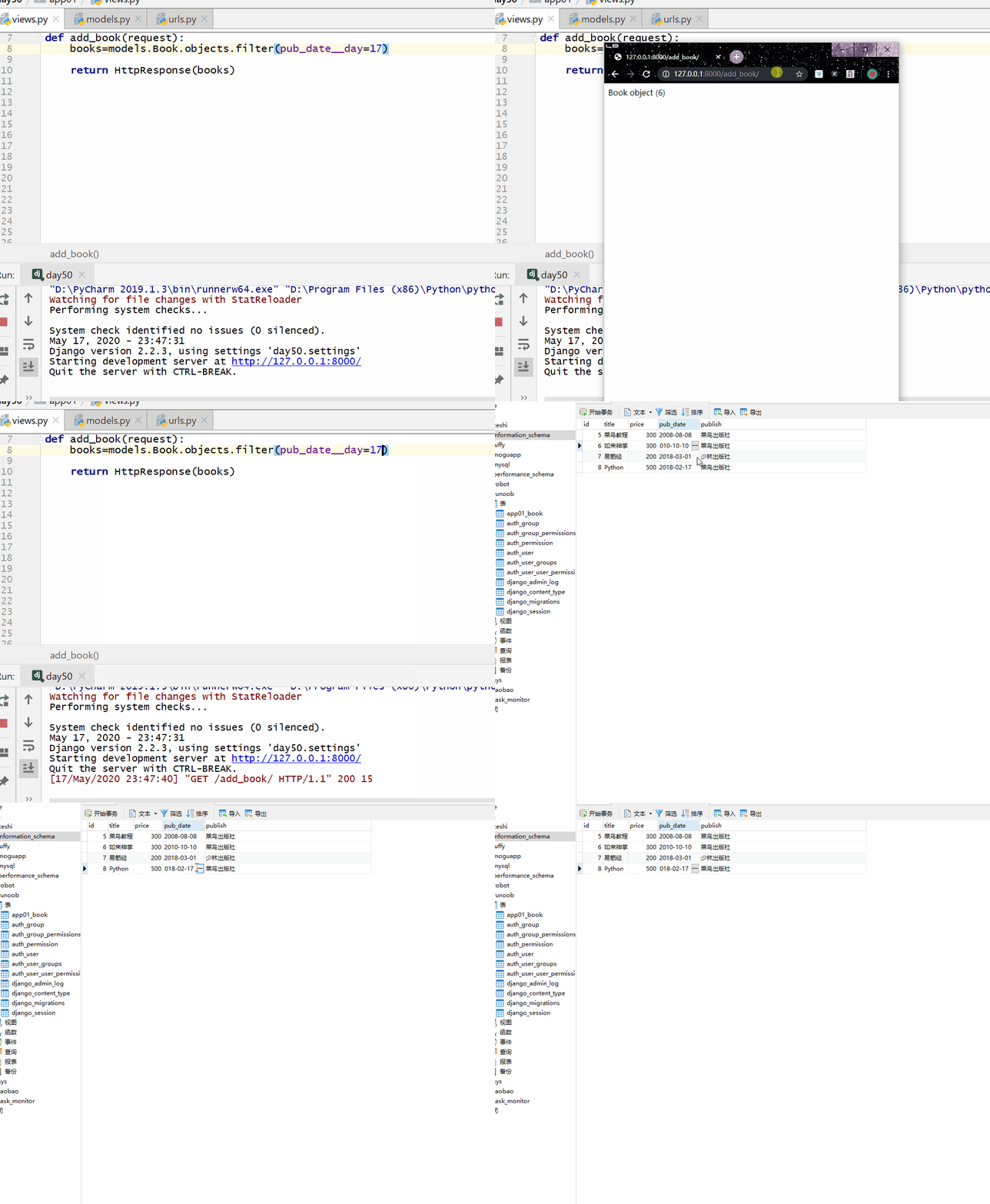
__dayIt is the day of the DateField data type; after the = sign is a number.
books=models.Book.objects.filter(pub_date__day=01)
Delete
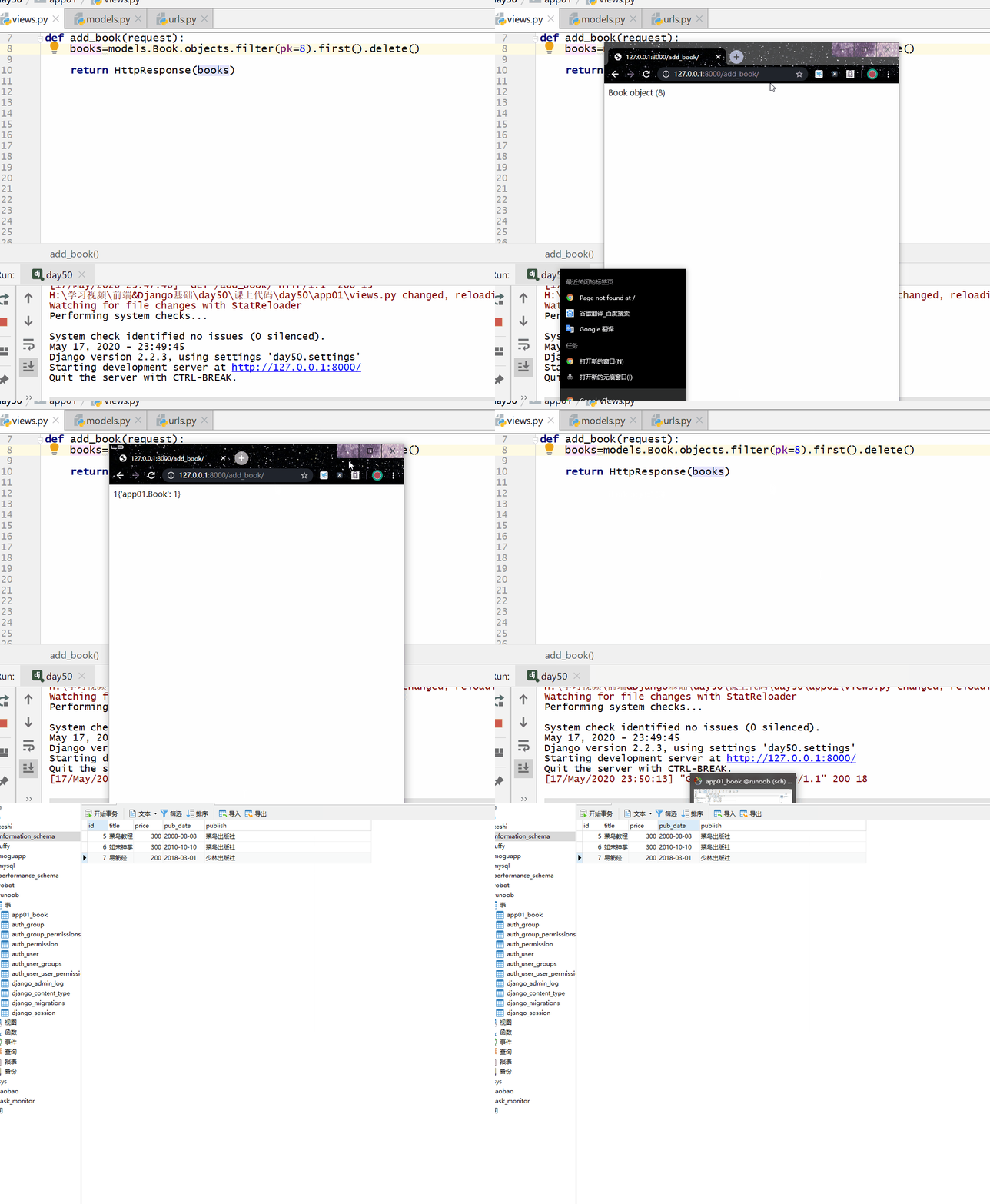
Method 1:Using the model class'sobject.delete()。
Return value:A tuple; the first element is the number of affected rows.
books=models.Book.objects.filter(pk=8).first().delete()
Method 2: Using QuerySettypeData.delete()(Recommended)
Return value:A tuple; the first element is the number of affected rows.
books=models.Book.objects.filter(pk__in=[1,2]).delete()
Note:
- a. When Django deletes data, it mimics the behavior of the SQL constraint ON DELETE CASCADE, meaning that when an object is deleted, the foreign key objects associated with it are also deleted.
- The delete() method is a method of the QuerySet data type, but it does not apply to the Manager itself. That is, if you want to delete all data, you cannot omit all.
books=models.Book.objects.delete()  # 报错
books=models.Book.objects.all().delete()   # 删除成功
modify
Method 1:
模型类的对象.属性 = 更改的属性值
模型类的对象.save()
Return value:The object of the model class being edited.
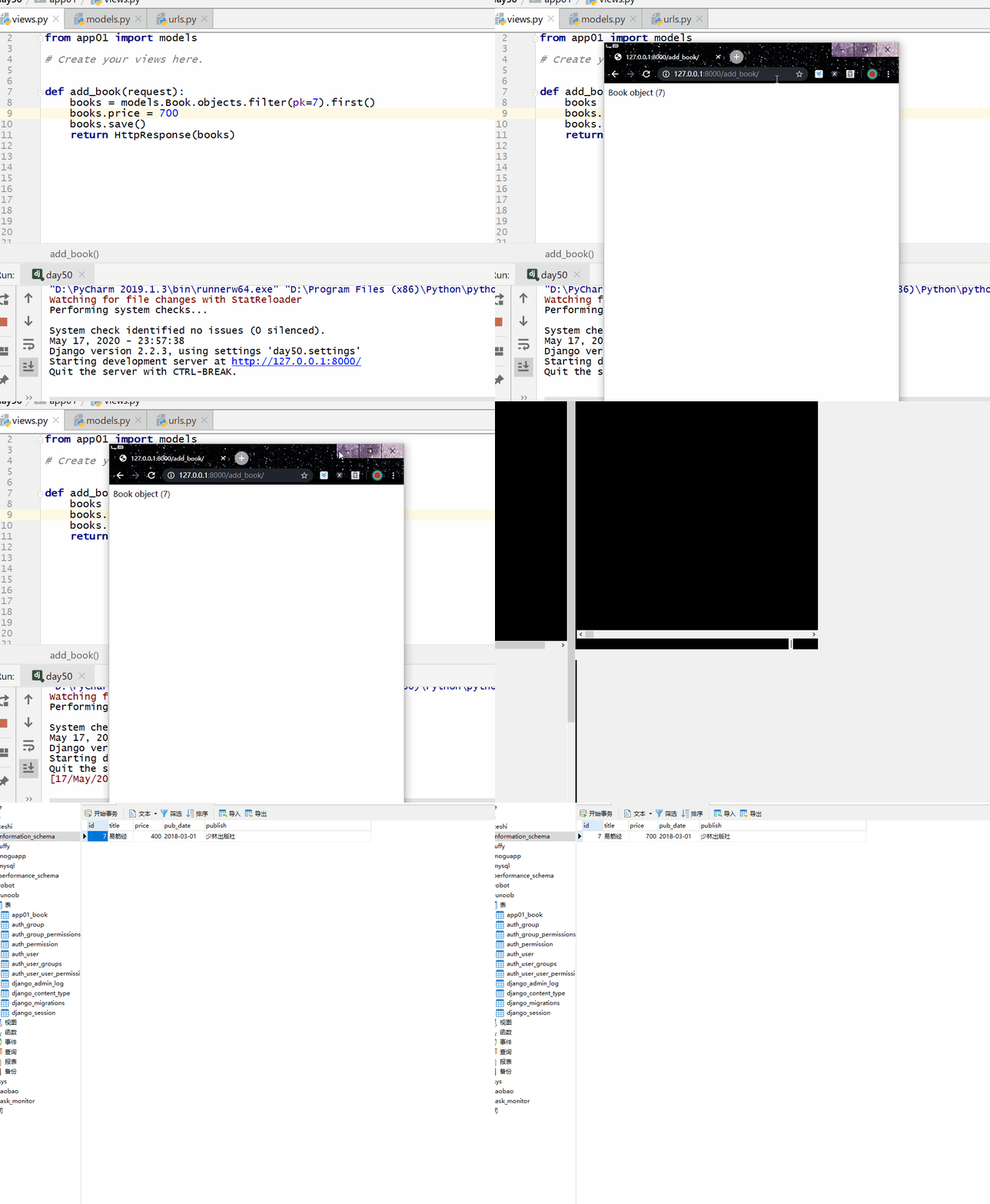
books = models.Book.objects.filter(pk=7).first()
books.price = 400
books.save()
Method 2:QuerySet type data .update(field name = changed data) (recommended)
Return value:Integer, the number of affected rows
Example
from django.shortcuts import render,HttpResponse
from app01 import models
def add_book(request):
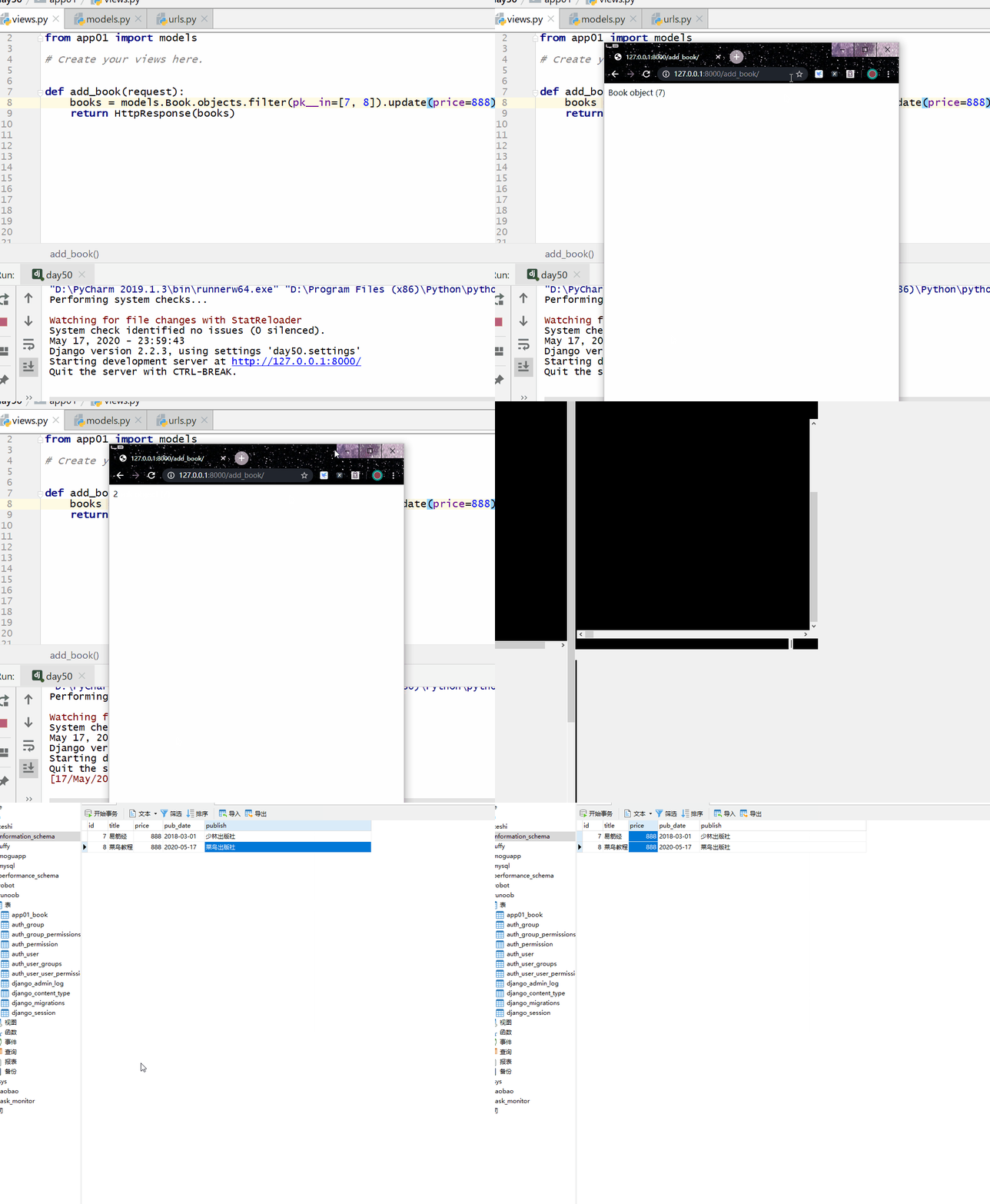
books = models.Book.objects.filter(pk__in=[7,8]).update(price=888)
return HttpResponse(books)
other extensions