Django ORM – Multi-table Examples (Aggregation and Grouped Queries)
Aggregation Queries (aggregate)
Aggregate query functions perform calculations on a set of values and return a single value.
Before using aggregate queries in Django, you must first import Avg, Max, Min, Count, Sum (capitalized) from django.db.models.
from django.db.models import Avg,Max,Min,Count,Sum # 引入函数
The return value of an aggregate query is of dictionary type.
The aggregate() function is a terminal clause for QuerySet, producing a summary value, equivalent to count().
After using aggregate(), the data type becomes a dictionary, and you can no longer use some APIs of the QuerySet data type.
The date data type (DateField) can use Max and Min.
In the returned dictionary: the key name defaults to (attribute name plus __aggregate function name), and the value is the computed aggregate value.
If you want to customize the key name in the returned dictionary, you can set an alias:
aggregate(别名 = 聚合函数名("属性名称"))
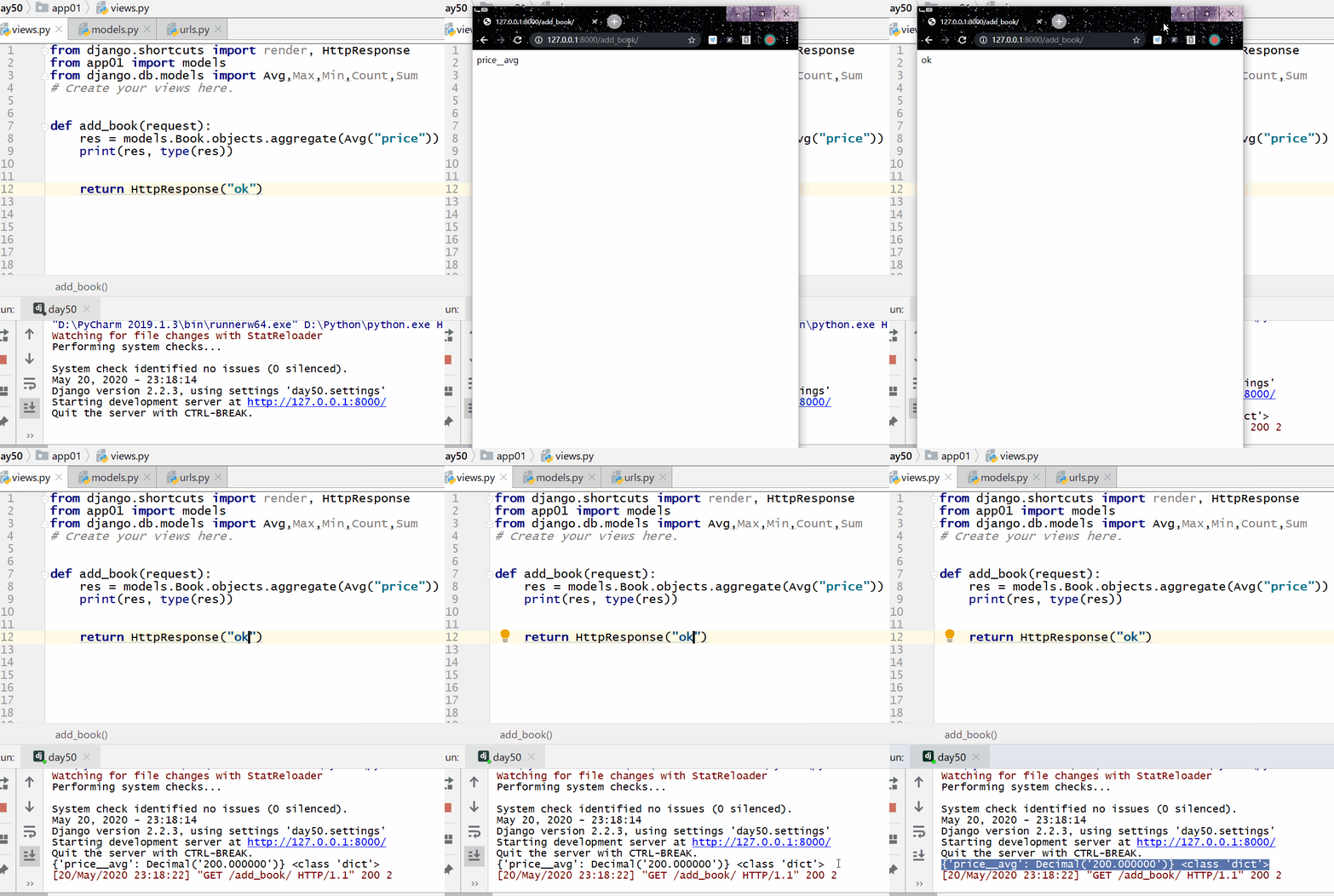
Calculate the average price of all books:
Example
...
res = models.Book.objects.aggregate(Avg("price"))
print(res, type(res))
...
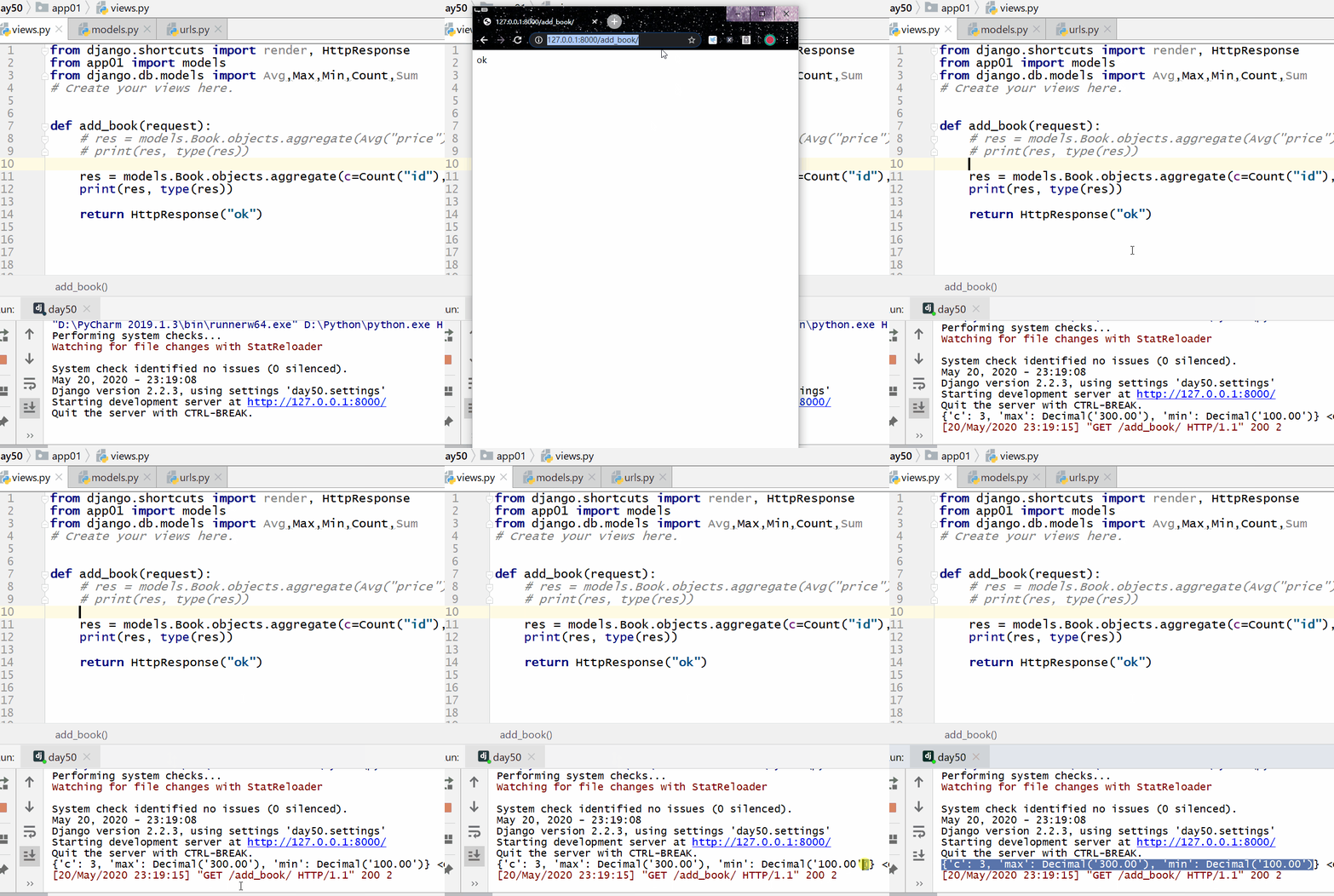
Calculate the total number of all books, the most expensive price, and the cheapest price:
Example
print(res,type(res)
Grouped Queries (annotate)
Grouped queries generally use aggregate functions, so before using them you need to import Avg, Max, Min, Count, Sum (capitalized) from django.db.models.
from django.db.models import Avg,Max,Min,Count,Sum # 引入函数
Return value:
- After grouping, if you use values to retrieve values, the return value is a QuerySet data type containing dictionaries.
- After grouping, if you use values_list to retrieve values, the return value is a QuerySet data type containing tuples.
The limit in MySQL is equivalent to slicing the QuerySet data type in the ORM.
Note:
Place aggregate functions inside annotate.
-
Place values or values_list before annotate:values or values_list declares which fields to group by, and annotate performs the grouping.
-
values or values_list placed after annotate:annotate means grouping directly by the current table's pk; values or values_list indicates which fields to query, and you need to alias the aggregate functions in annotate, then write those aliases in values or values_list.
Prepare data and create models
models.py
name = models.CharField(max_length=32)
age = models.IntegerField()
salary = models.DecimalField(max_digits=8, decimal_places=2)
dep = models.CharField(max_length=32)
province = models.CharField(max_length=32)
class Emps(models.Model):
name = models.CharField(max_length=32)
age = models.IntegerField()
salary = models.DecimalField(max_digits=8, decimal_places=2)
dep = models.ForeignKey("Dep", on_delete=models.CASCADE)
province = models.CharField(max_length=32)
class Dep(models.Model):
title = models.CharField(max_length=32)
Data:
Execute in the MySQL command line:
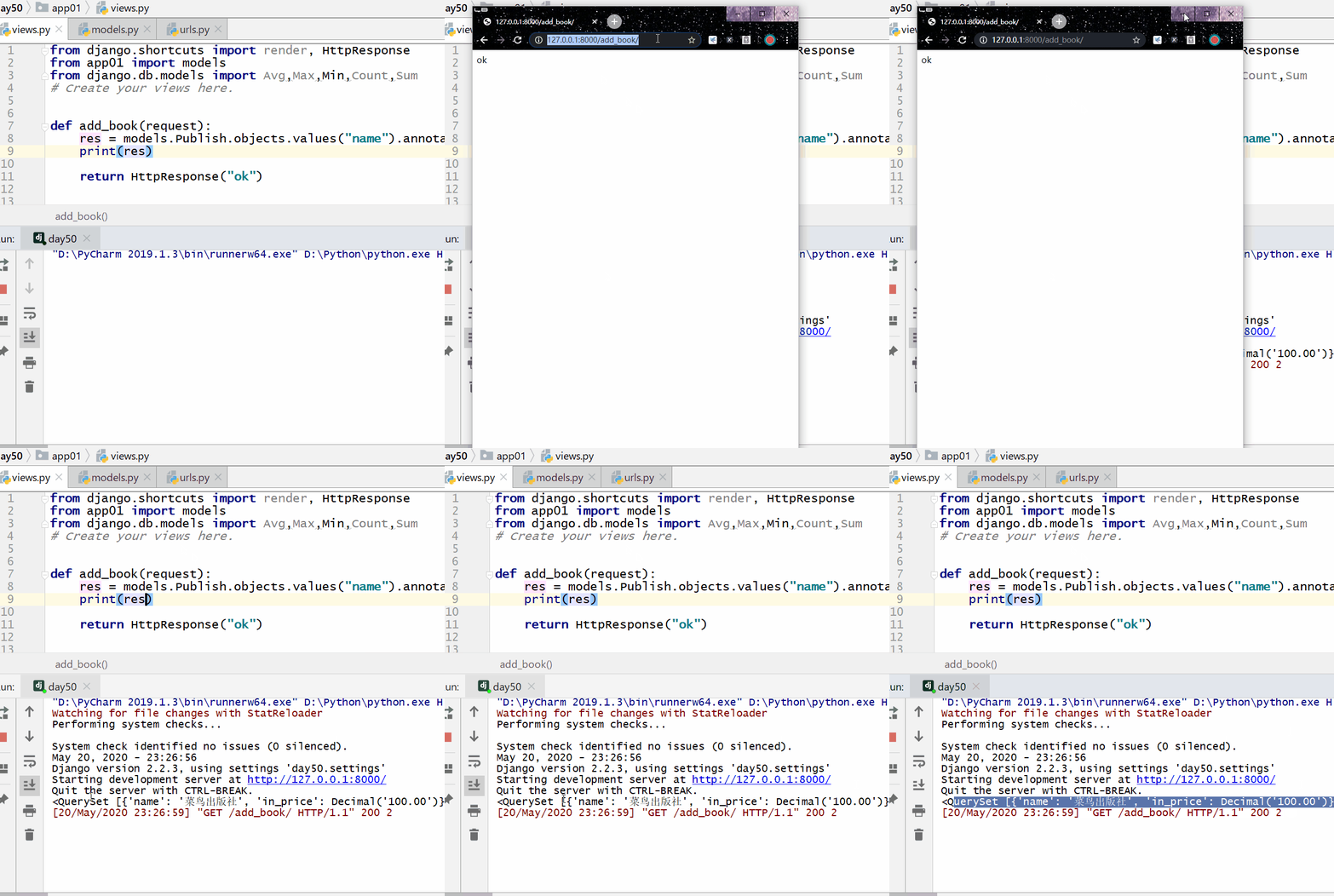
Calculate the cheapest book price for each publisher:
Example
print(res)
The following output can be seen in the command line:
<QuerySet [{'name': 'Example出版社', 'in_price': Decimal('100.00')}, {'name': '明教出版社', 'in_price': Decimal('300.00')}]>
Count the number of authors for each book:
Example
print(res)
<QuerySet [{'title': 'Example', 'c': 1}, {'title': '吸星大法', 'c': 1}, {'title': '冲灵剑法', 'c': 1}]>
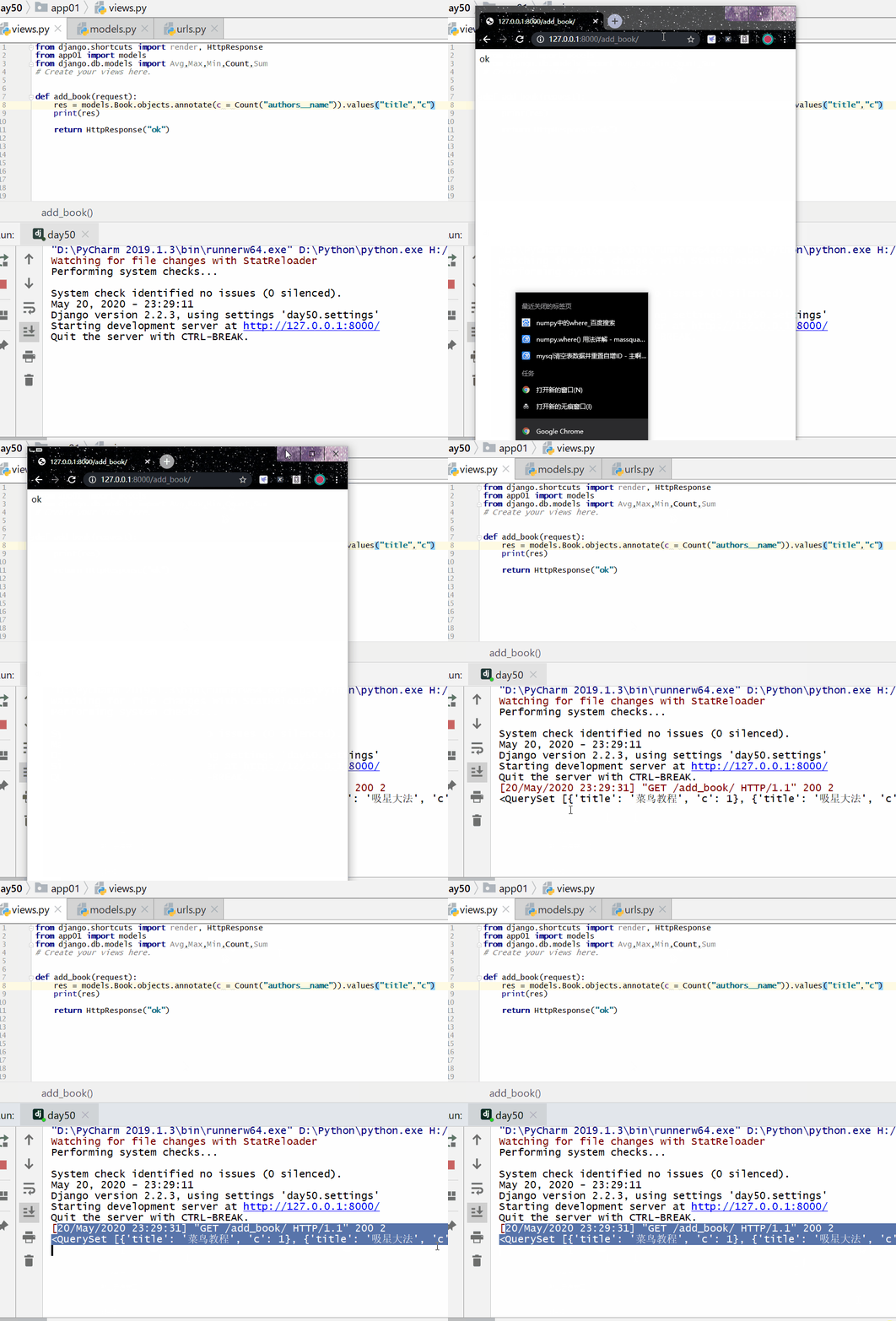
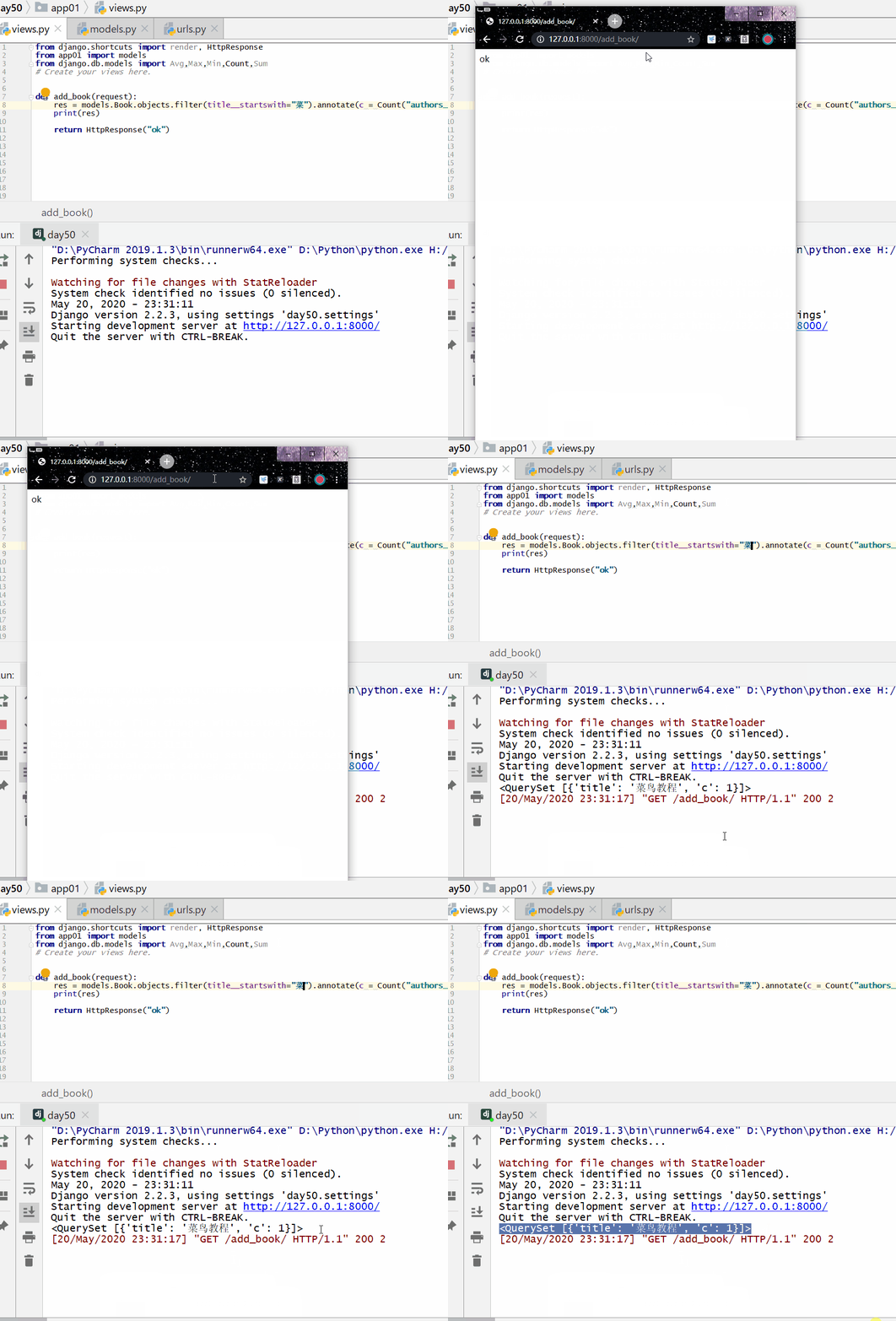
Count the number of authors for each book whose title starts with "dish":
Example
print(res)
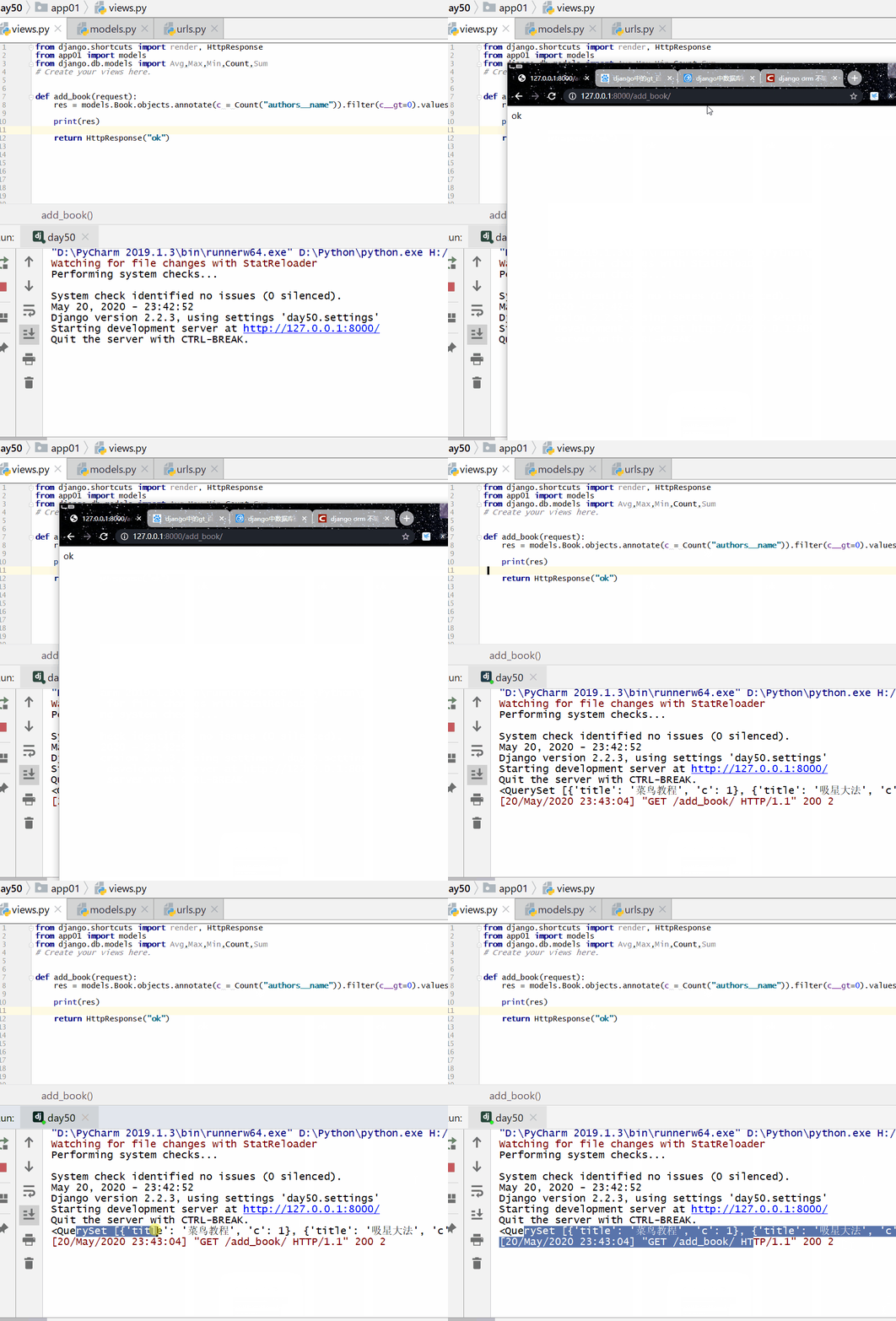
Count the titles of books with more than one author:
Example
print(res)
<QuerySet [{'title': 'Example', 'c': 1}, {'title': '吸星大法', 'c': 1}, {'title': '冲灵剑法', 'c': 1}]>
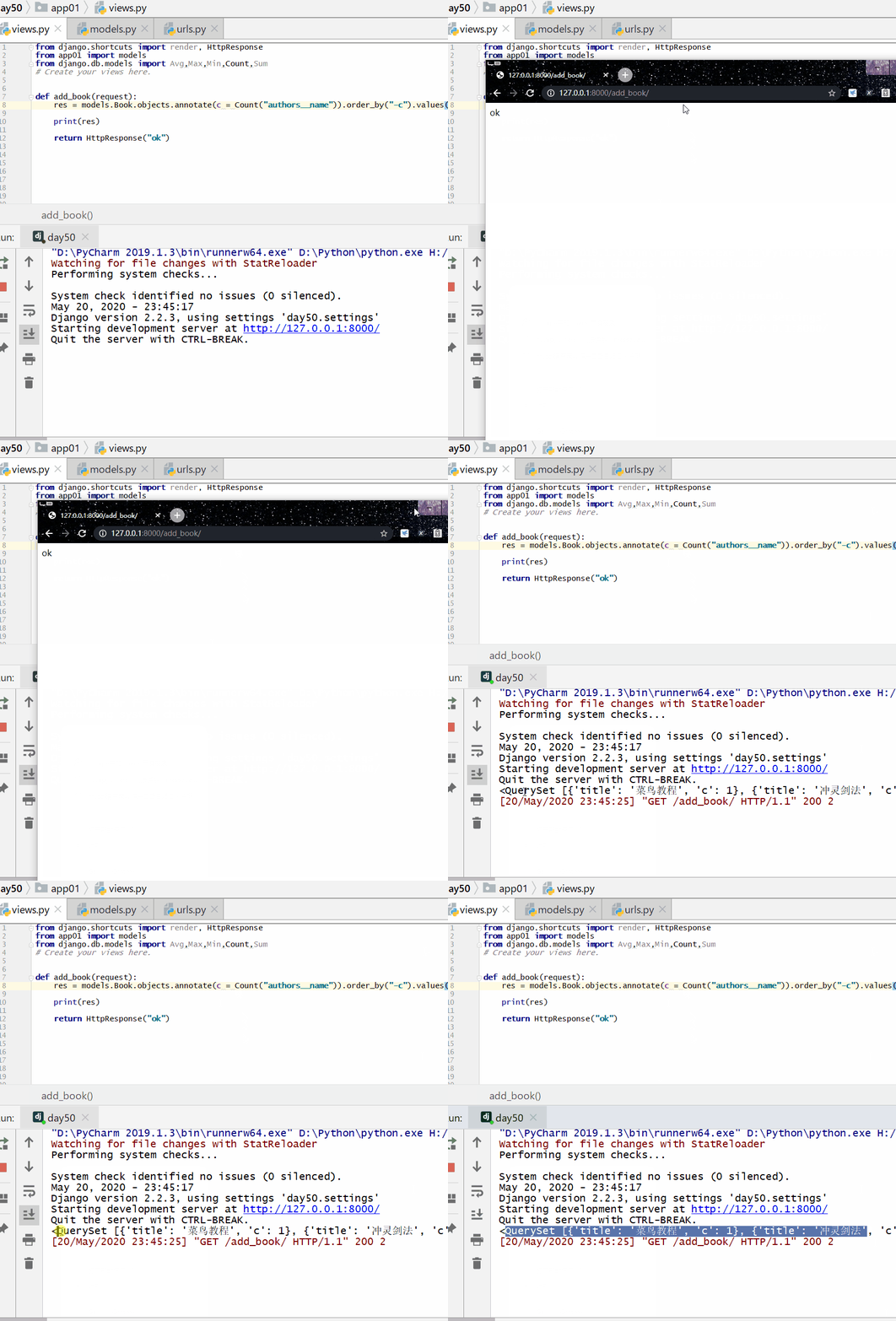
Sort the QuerySet in descending order according to the number of authors of each book:
Example
print(res)
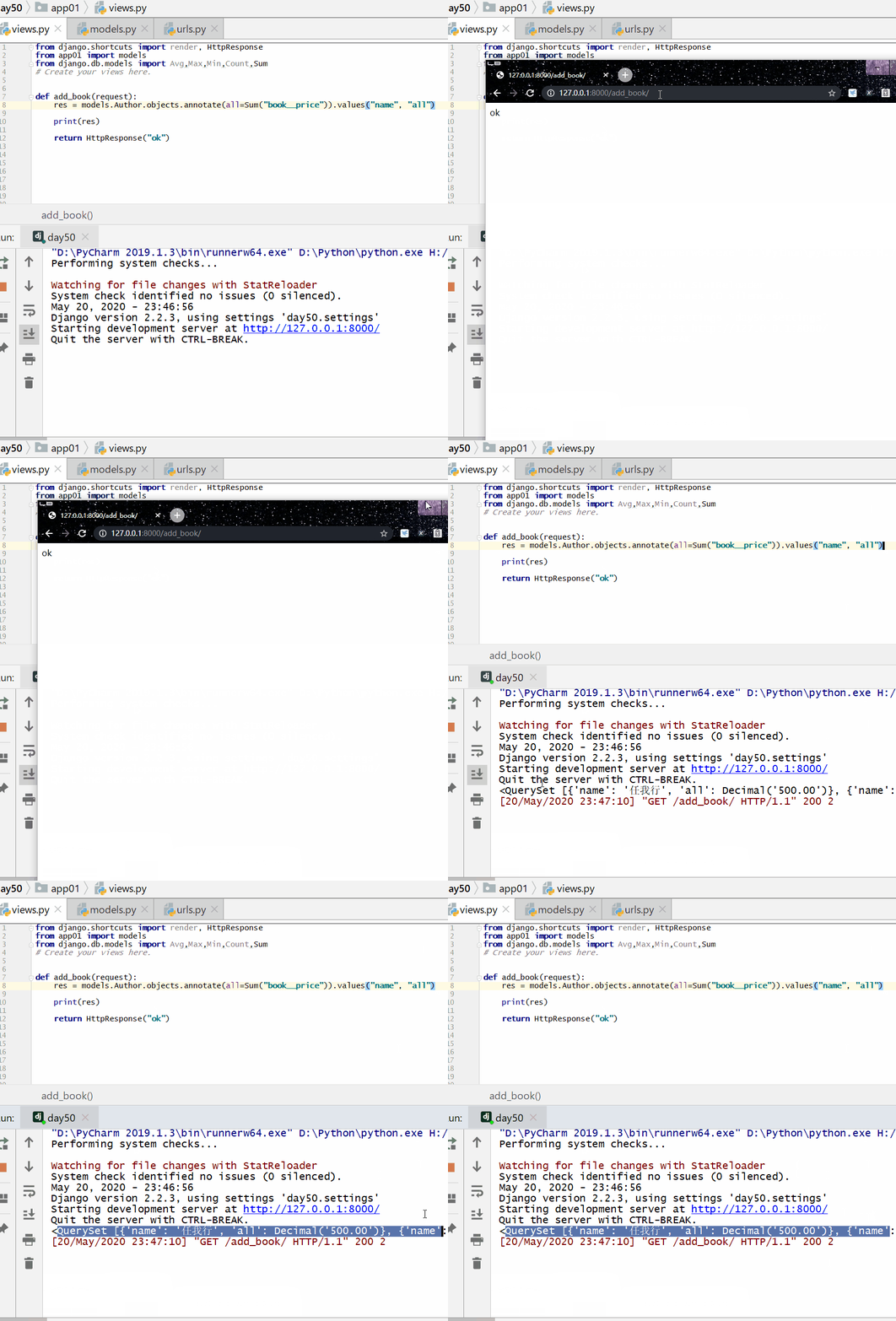
Query the total price of books published by each author:
Example
print(res)
F() Query
An instance of F() can reference fields in a query to compare the values of two different fields in the same model instance.
The filters constructed previously only compare field values with a constant. If you want to compare values of two fields, you need to use F().
Before using it, you must first import F from django.db.models.
from django.db.models import F
Usage:
F("字段名称")
F dynamically obtains the value of an object's field and can perform operations.
Django supports addition, subtraction, multiplication, division, and modulo operations between F() objects, and between F() objects and constants.
The update operation can also use the F() function.
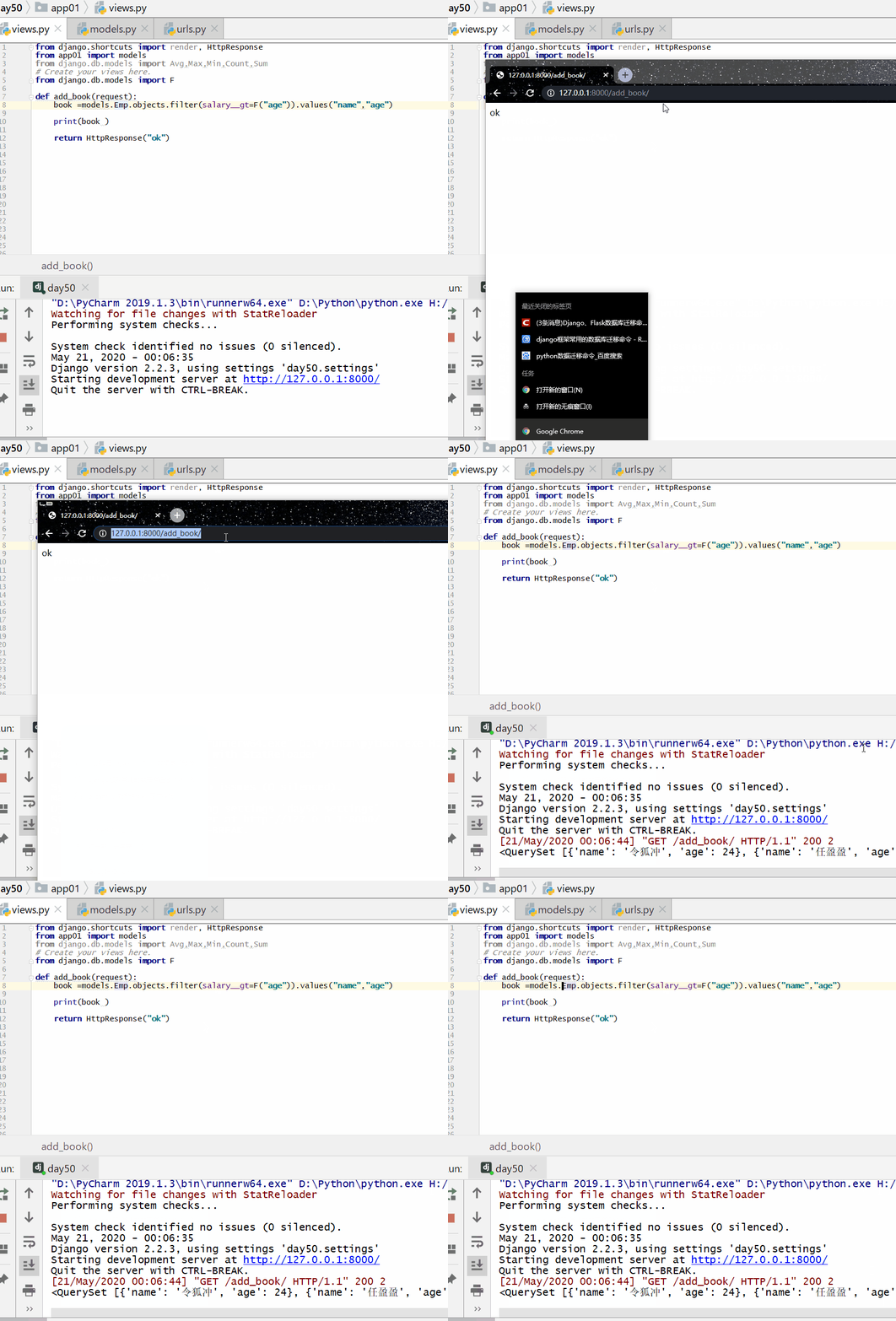
Query people whose salary is greater than their age:
Example
...
book=models.Emp.objects.filter(salary__gt=F("age")).values("name","age")
...
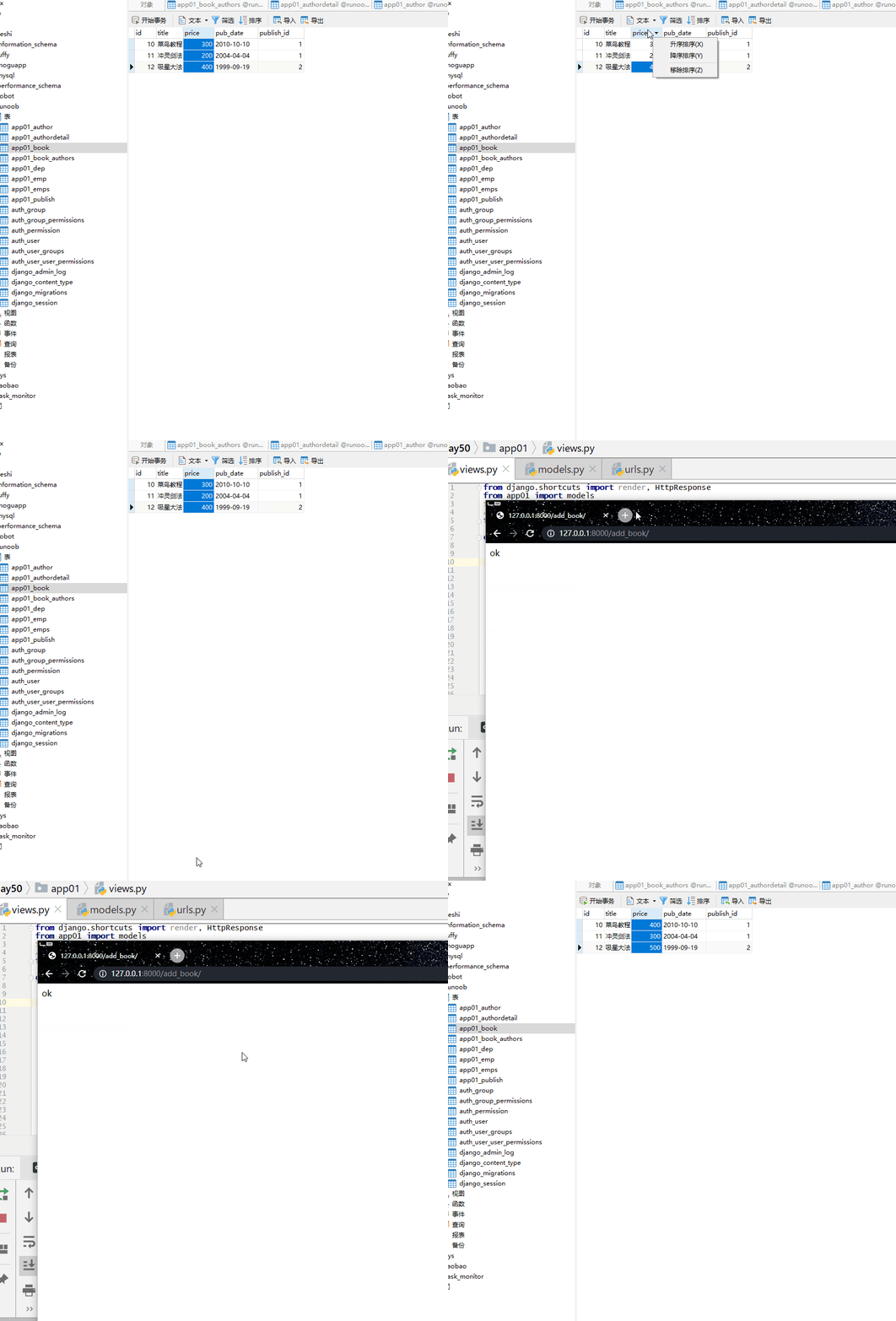
Increase the price of each book by 100 yuan:
Example
print(res)
Q() Query
Before using, first import Q from django.db.models:from django.db.models import Q
Usage:
Q(条件判断)
For example:
Q(title__startswith="菜")
The multiple conditions in previously constructed filters are all related by AND. If you need to execute more complex queries (such as OR statements), you can use Q.
Q objects can be combined using the &, |, ~ (AND, OR, NOT) operators.
Priority from high to low: ~, &, |.
You can mix Q objects and keyword arguments. Q objects and keyword arguments are combined with "and" (i.e., treat commas as AND), but Q objects must be placed before all keyword arguments.
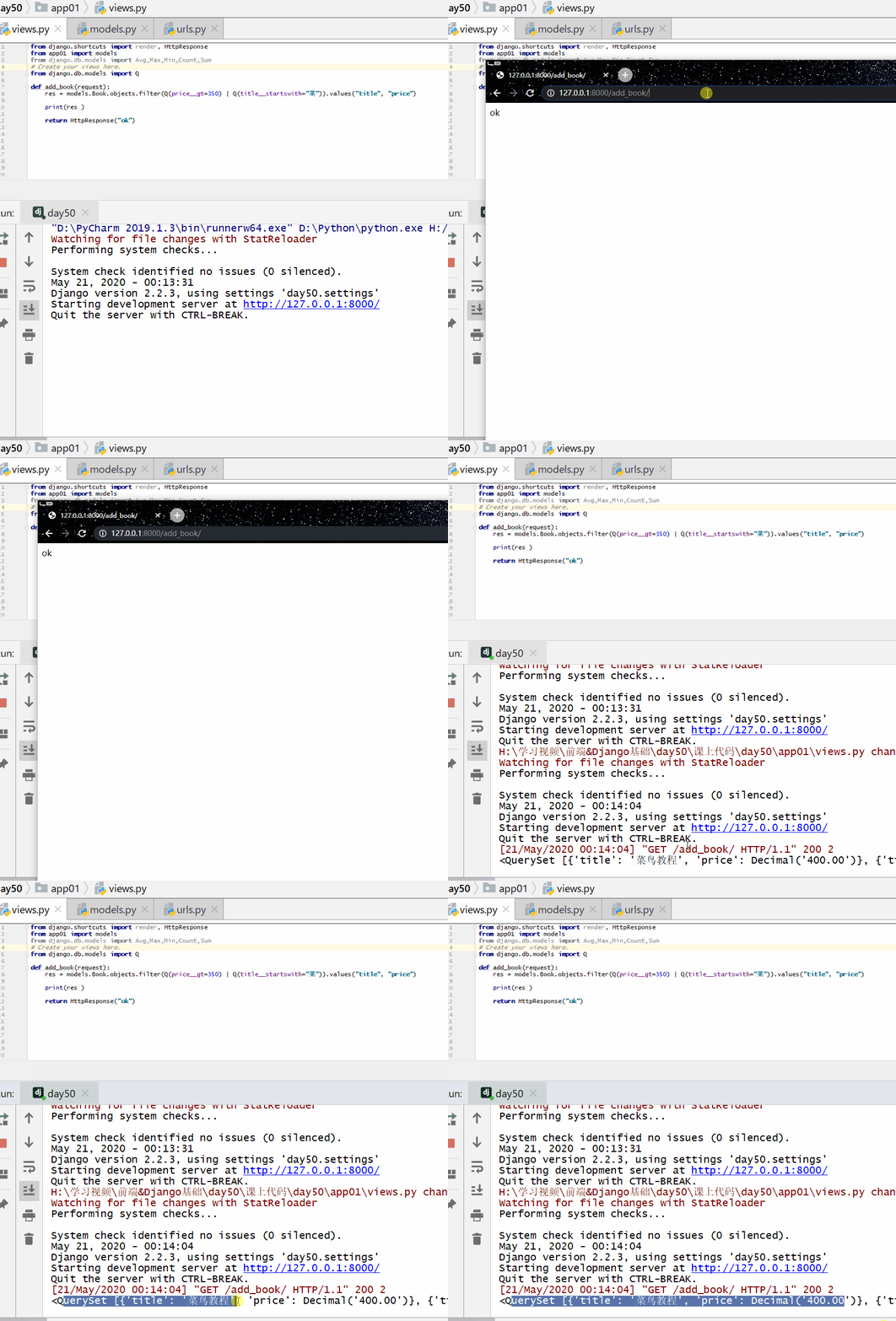
Query the names and prices of books whose price is greater than 350 or whose name starts with "dish".
from django.db.models import QExample
res=models.Book.objects.filter(Q(price__gt=350)|Q(title__startswith="dish")).values("title","price")
print(res)
...
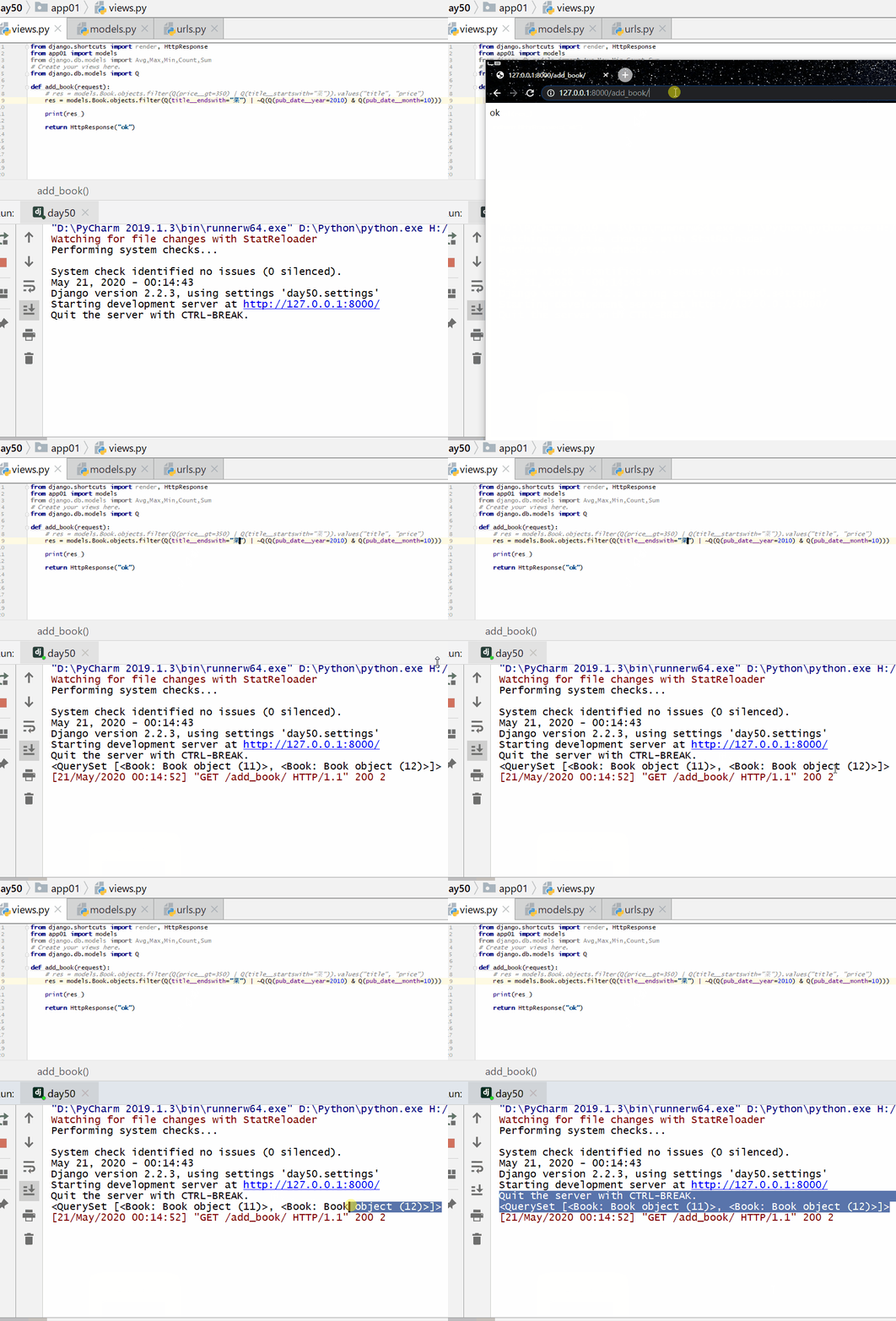
Query books whose name ends with "dish" or that are not from October 2010:
Example
print(res)
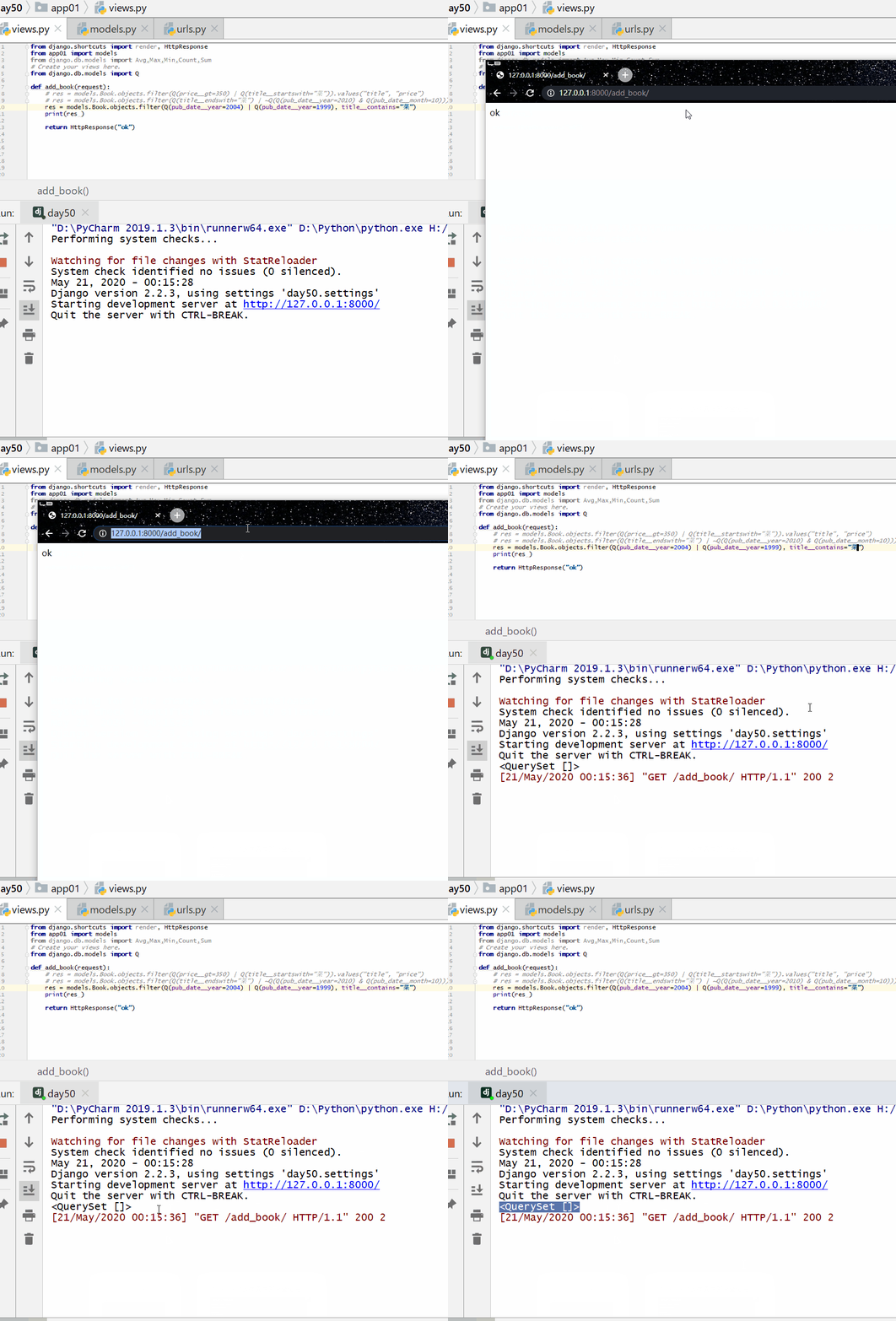
Query books with a publication date in 2004 or 1999, and whose title contains "dish".
Mix Q objects and keyword arguments; Q objects must come before all keywords:
Example
print(res)