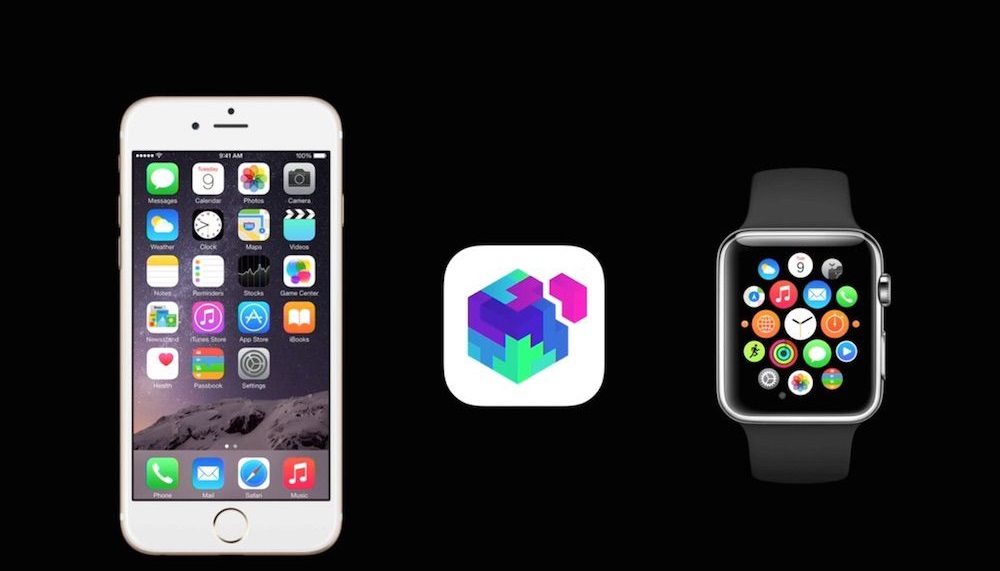
With the arrival of Apple Watch, it seemed like another blue ocean for developers.
As the creator of the app economy, Apple brought users and developers together through iOS + App Store, building an app ecosystem for mobile internet. This not only made iPhone one of the most popular smartphones, but also supported a large number of app developers. The app economy thus became one of the most successful business models of the smartphone era.
When Apple officially released WatchKit for developing Apple Watch apps in November last year, developers who had been fighting fiercely on the iOS platform seemed to see a new continent—standing out from nearly 1.5 million apps was as difficult as winning the lottery.
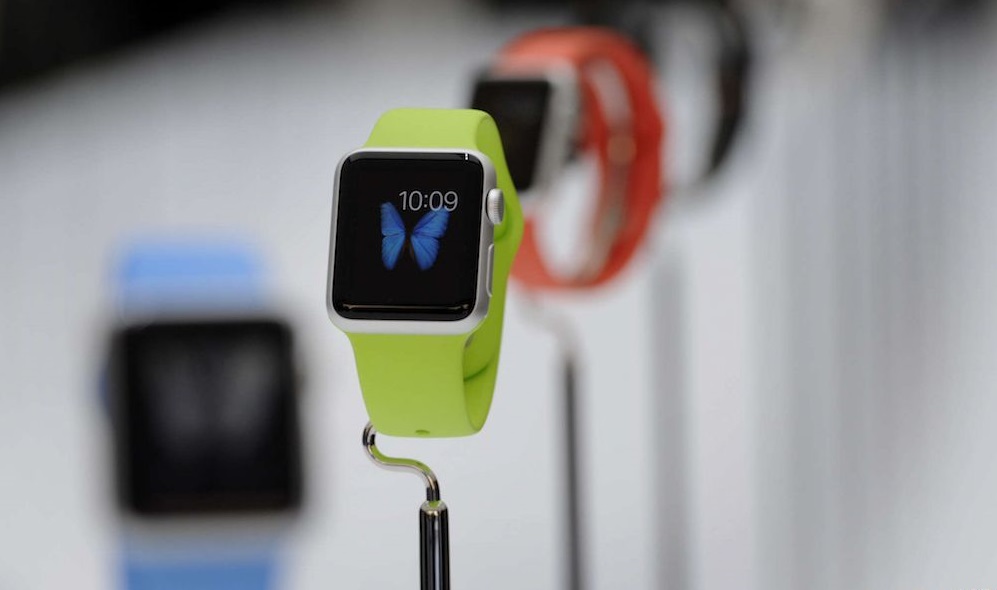
An interaction lasting no more than 10 seconds
According to Apple, there are three ways apps can interact on Apple Watch: WatchKit App, Glance, and Actionable Notifications. Developers can choose one or more according to their needs. When a WatchKit app runs on the watch, the iPhone app simultaneously runs in the background to respond to interactions occurring on the watch.
Time is at the core of Apple Watch interaction design. A Bloomberg article mentioned that in the development guidelines, Apple advises developers not to design interactions that require users to stay for more than 10 seconds at a time. From the third-party apps recommended on Apple's official website, the emphasis on efficiency is also evident: apps with timing and reminder functions account for nearly half. Even a few puzzle mini-games are designed to help users make good use of boring waiting time. In this sense, Apple Watch returns to the essence of a watch, liberating people from the endless apps on their phones and regaining control of their time.
Apple Watch is not an opportunity for all iOS developers, because what developers need to do is not simply port iPhone apps to Apple Watch.
What apps are suitable for Apple Watch, and what are not
On March 9, with the official release of Apple Watch, Apple showcased demos of 28 third-party apps on its official website. These covered categories such as productivity, travel, sports, diet and health, music, news, and games, but these apps had very little overlap with the most common iPhone apps. Although the most popular social and entertainment apps on iPhone developed their own Watch apps, they were not featured on Apple's official website.
The watch's screen is too small, battery is limited, and only voice and simple gesture interactions are available. Some apps most popular on phones are doomed to be unsuitable for the watch:
• Large games
• Most social apps
• Long-form reading
• Productivity tools
• Photo sharing and processing
• Video and other multimedia content
• Other time-consuming and battery-draining apps
For example, although Instagram's Watch app can show friends' latest photos, recommend accounts worth following, and show likes and comments in real time, browsing Instagram on the watch would probably be as poor an experience as flipping through an album on an iPod nano. It is also easy to imagine that very few people would be willing to browse Weibo or read articles on a watch. Even if you can safely browse Moments while waiting at a red light, all you can do is like and read replies—ultimately, these apps were not truly designed for the watch.
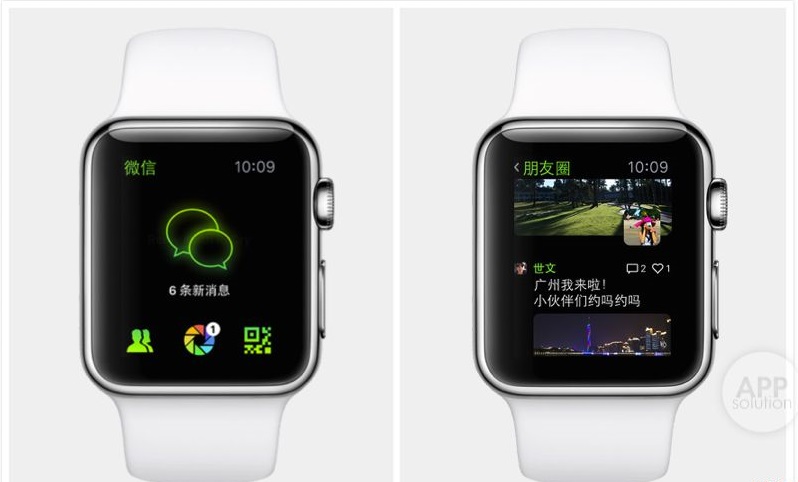
Apple believes that a good Apple Watch app can at least do these things:
- When traveling on business, use SPG to book a Starwood hotel. As soon as you land, the watch displays the map to the hotel. On the way, it can automatically check you in and show your room number. Upon arrival, you can go directly to your room without passing the front desk, using the watch as a room key to open the door;
- When drawing on the iPhone with Procreate Pocket, the Apple Watch can act as a remote control for selecting drawing tools and colors, turning the entire phone screen into a canvas and allowing you to focus more on creation;
- With MLB.com At Bat, you can glance at your favorite team's score during a meeting and tell your boss you were just checking email;
- When you meet the girl of your dreams at a party, just elegantly swipe and tap, and she can see your Apple Watch Edition worth 110,000 yuan, and happily scan the QR code to add your WeChat.
Developers talk about the scenarios best suited for Apple Watch
In terms of design principles, WatchKit apps are fundamentally different from iPhone apps. iPhone apps often measure user engagement by the time users spend on them every day, while Apple Watch apps aim to save users time. Apps on smartphones passively make users check new messages again and again, while apps on the watch actively predict and remind users to do what they need to do when necessary. With the Apple Watch, users no longer need to search across screens for apps; they just wait for apps to come to them.
Therefore, tracking, reminders, and identity verification are the three scenarios best suited for Apple Watch apps.
Zhou Kaiwen, developer of the iOS social app Secondsight, said: "Apple Watch is a new platform, and I'm very much looking forward to developing interesting apps on it. But since it can't display video, I won't be developing a Secondsight version for Apple Watch for now." If there is an opportunity to develop an Apple Watch product, he would consider creating a couples app that increases intimacy.
Zhou Kaiwen believes that developers do not need to blindly make Apple Watch apps, because not everything is suitable to be done on the Apple Watch. He said: "Apart from quickly replying to messages, hailing a taxi, and health-related apps, I would use my iPhone for everything else. The small screen has a high time cost."
"At present, iOS developers are all holding back on Watch apps. I'm looking forward to seeing one that actually doesn't need to be done on the iPhone and is genuinely useful."
Rather than reinventing the watch, Apple has reinvented the app
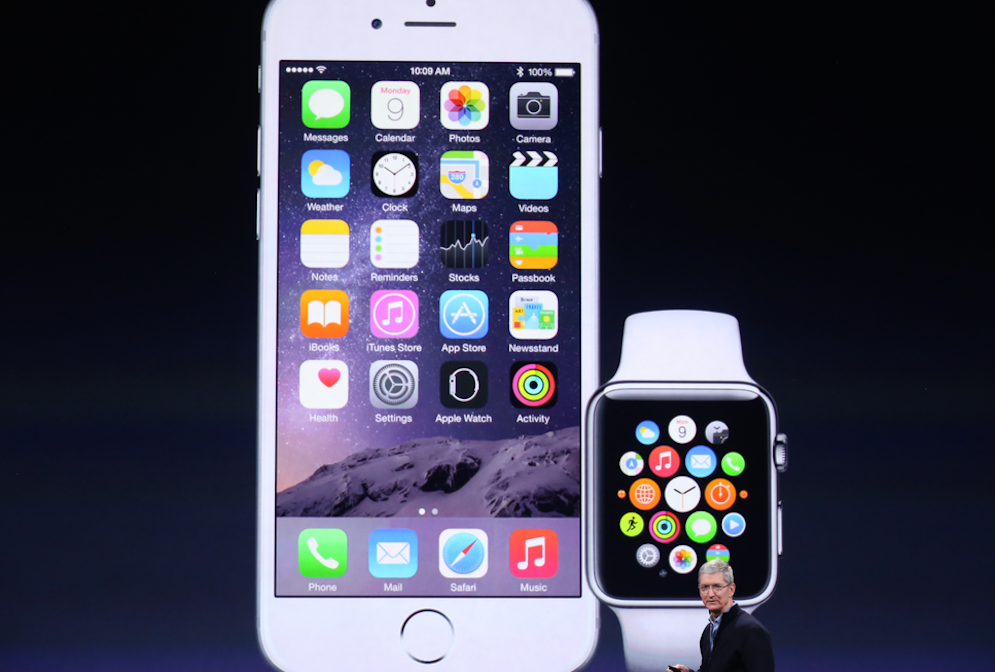
As a Wired article put it, "The core of the watch is action, not apps." Rather than reinventing the watch with Apple Watch, Apple has reinvented the app.
In the future, app design will no longer aim to lead users to a destination where they spend a lot of time, but rather to guide users to act quickly. In fact, the notification centers of iOS 8 and Android KitKat have already reflected this evolution: allowing people to interact with apps directly in notifications instead of having to open them. Standalone apps will become fewer, while apps deeply integrated with the system will become more numerous.
This reminds people of Yo, which was once considered terribly boring. It has now evolved into a notification center that can integrate many apps. Users can complete simple commands for bound apps with a single "Yo"—the same interaction style as the Apple Watch. With the Apple Watch, users may not even need to open certain apps on their phones.
This poses challenges for developers: How to turn complex operations on the phone into simple gestures on the watch, while taking into account changes in time, place, and scenario to prompt users to take corresponding actions? How to design apps for both Apple Watch owners and non-owners while maintaining a consistent user experience? How to design entirely new apps specifically for the Apple Watch?
The essence of Apple Watch — an extension of the smartphone
However, although the Apple Watch is a brand-new platform, it is not an independent device. Apps on the watch must rely on the iPhone to run. Therefore, the essence of Watch apps is an interaction interface extended from the phone app to the wrist.
Some mobile app developers will face huge challenges: developers of productivity, calendar, and travel apps must confront the impact of the Apple Watch—the contexts in which these apps are used have changed with the extension of the screen. They must provide better services and design different experiences for different screens and scenarios.
A considerable number of developers can still focus on the smartphone platform—smartphones remain a necessity, and immersive experiences designed for phones, such as reading, input, photos, videos, and games, will not fundamentally change because of the Apple Watch. These apps are also not suitable for use on the Apple Watch.
Developers can also completely set aside the baggage of iOS and design entirely new apps for the Apple Watch.
The Apple Watch screen provides a brand new medium. It will change the way people interact with their phones: Apple Watch users no longer need to obsessively check their phones for new messages; instead, they can handle most tasks with just a glance down at the watch. Smartphones will no longer be a bottomless pit of wasted time, and can be used for things that require more focus and more time. It will also change the way people interact with each other: you will have no reason to look down at your phone and ignore the person in front of you — on the watch, the only thing that matters is what needs to be done at the moment.
And developers who just want to port their iOS apps over should not get involved in Apple Watch development.
Source: http://www.php100.com/html/it/hulianwang/2015/0313/8780.html