Search engines are one of the indispensable tools in our daily lives. Through search engines, we can find any information we need on the Internet.
Currently, the most famous and commonly used search engines in the world include Google, Baidu, Bing, Yahoo, etc.
Usually, besides directly entering keywords when using search engines, they also contain some advanced tips. Next, we will use Google Search as an example to demonstrate.
1. Double Quotes ""
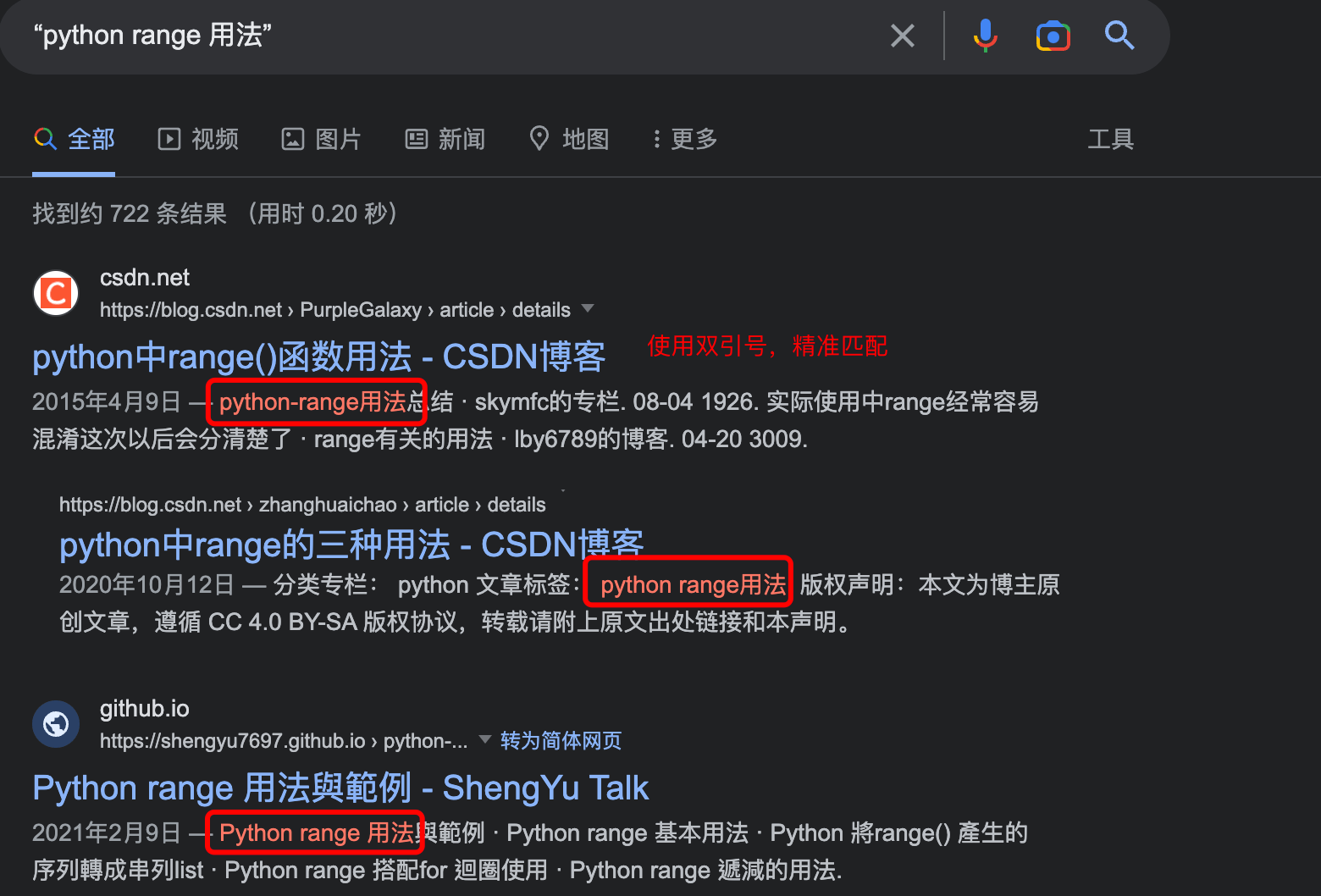
Double Quotes""It can make the searched keywords match precisely, without segmenting the keywords we input.
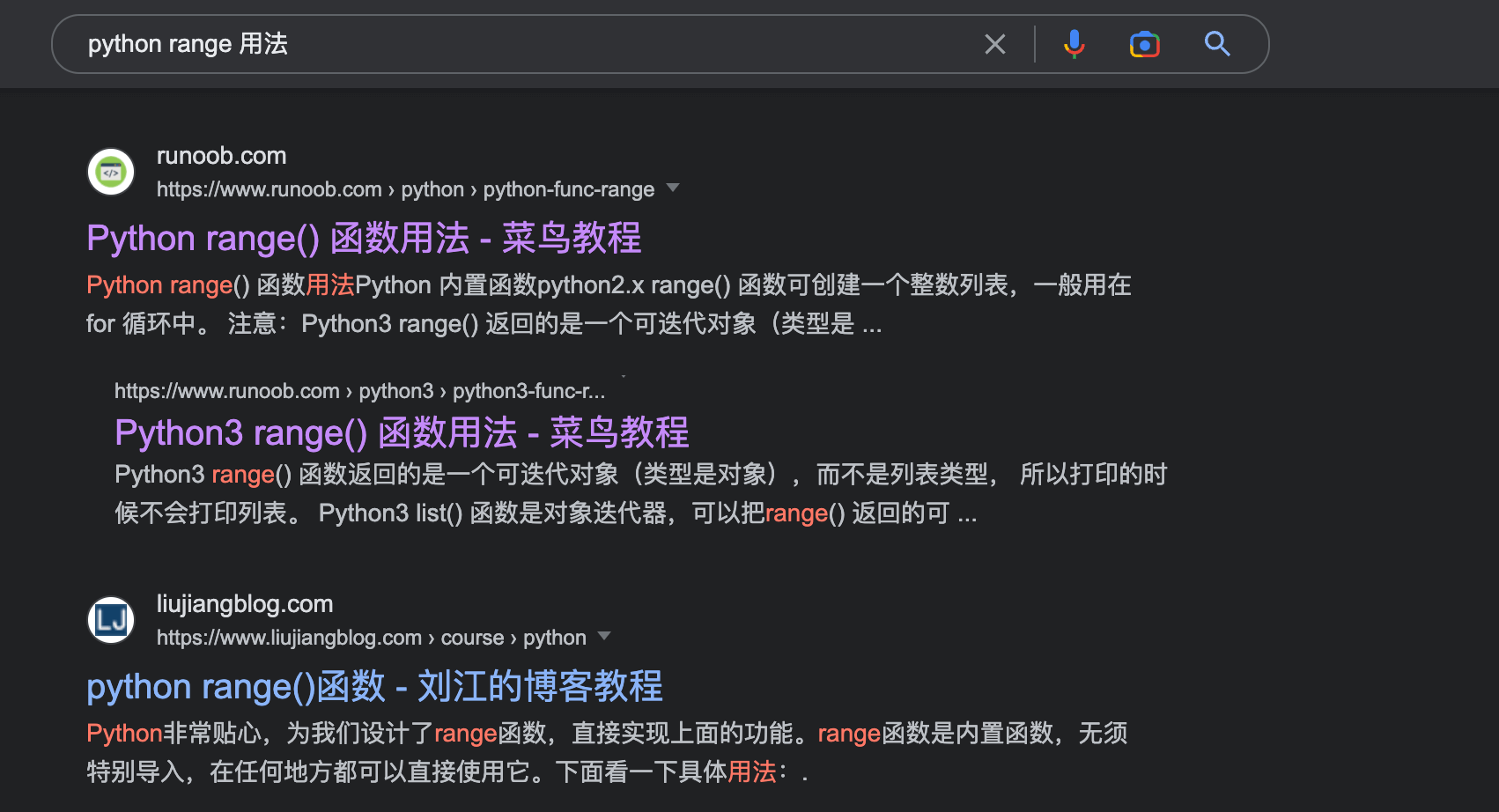
For example, when we search "python range usage", it can be seen from the results that the results with double quotes and without double quotes are different.
Exclusion Symbol: -
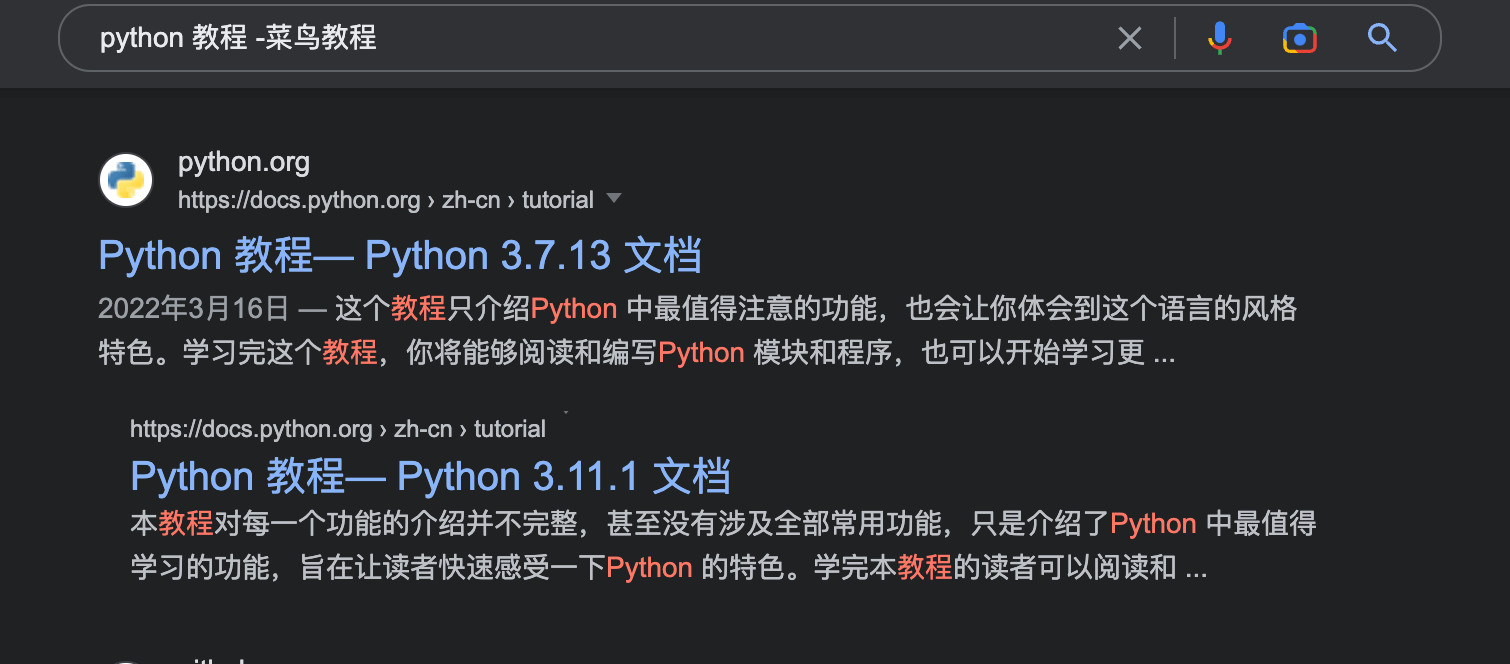
If we want to exclude certain results, we can add a minus sign before the search term-symbol.
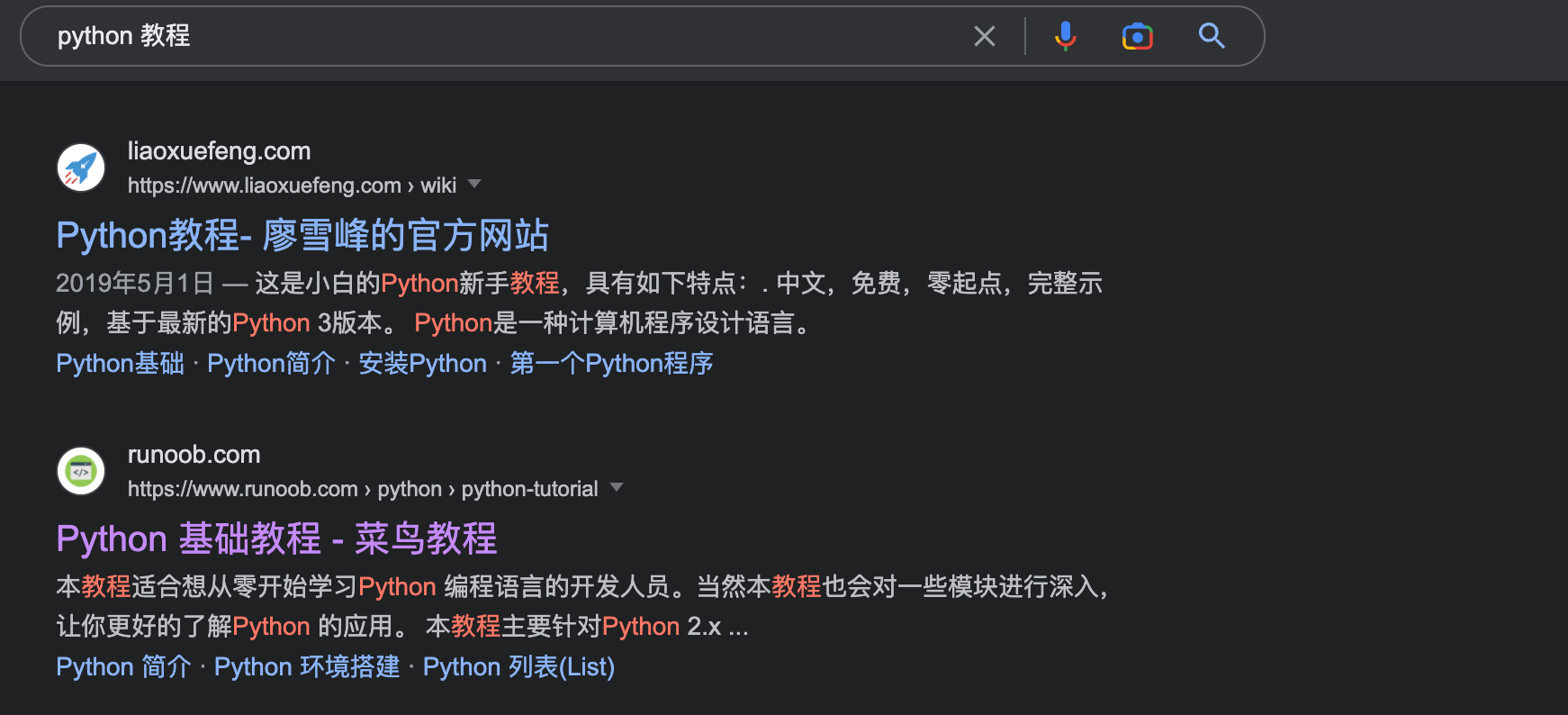
For example, searching "python -Example" will return results related to "python", but will not include any results related to "Example".
Wildcard: *
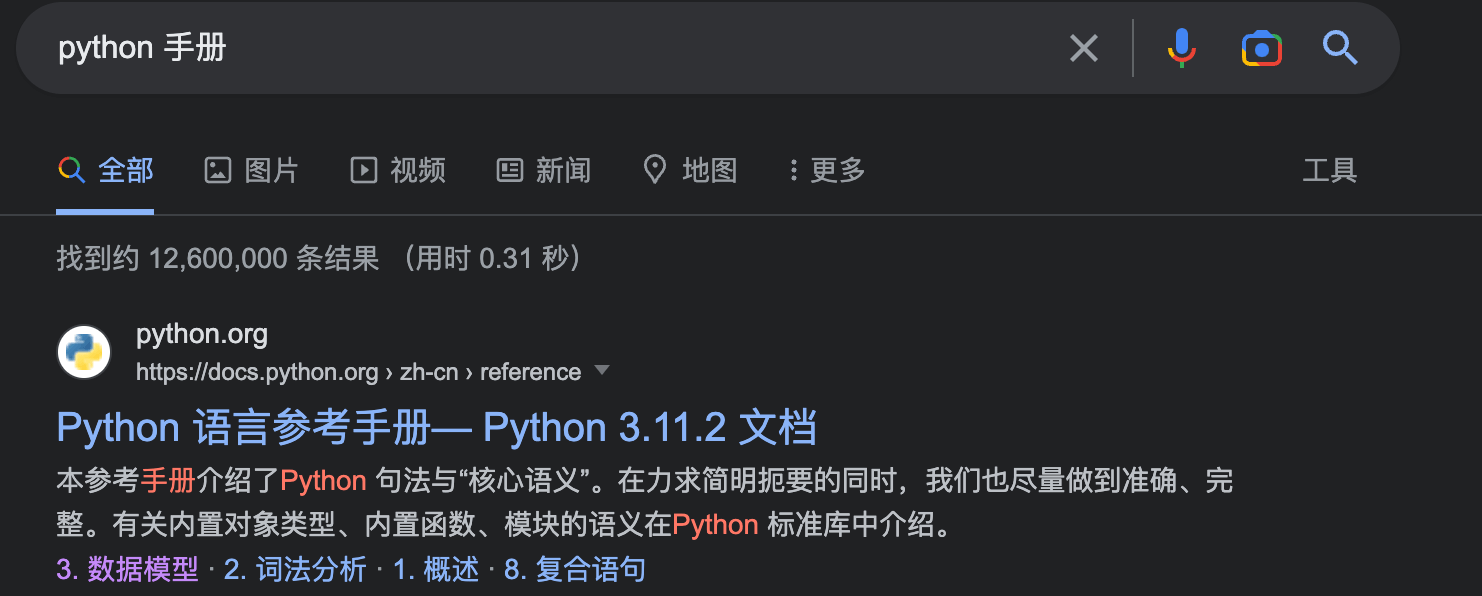
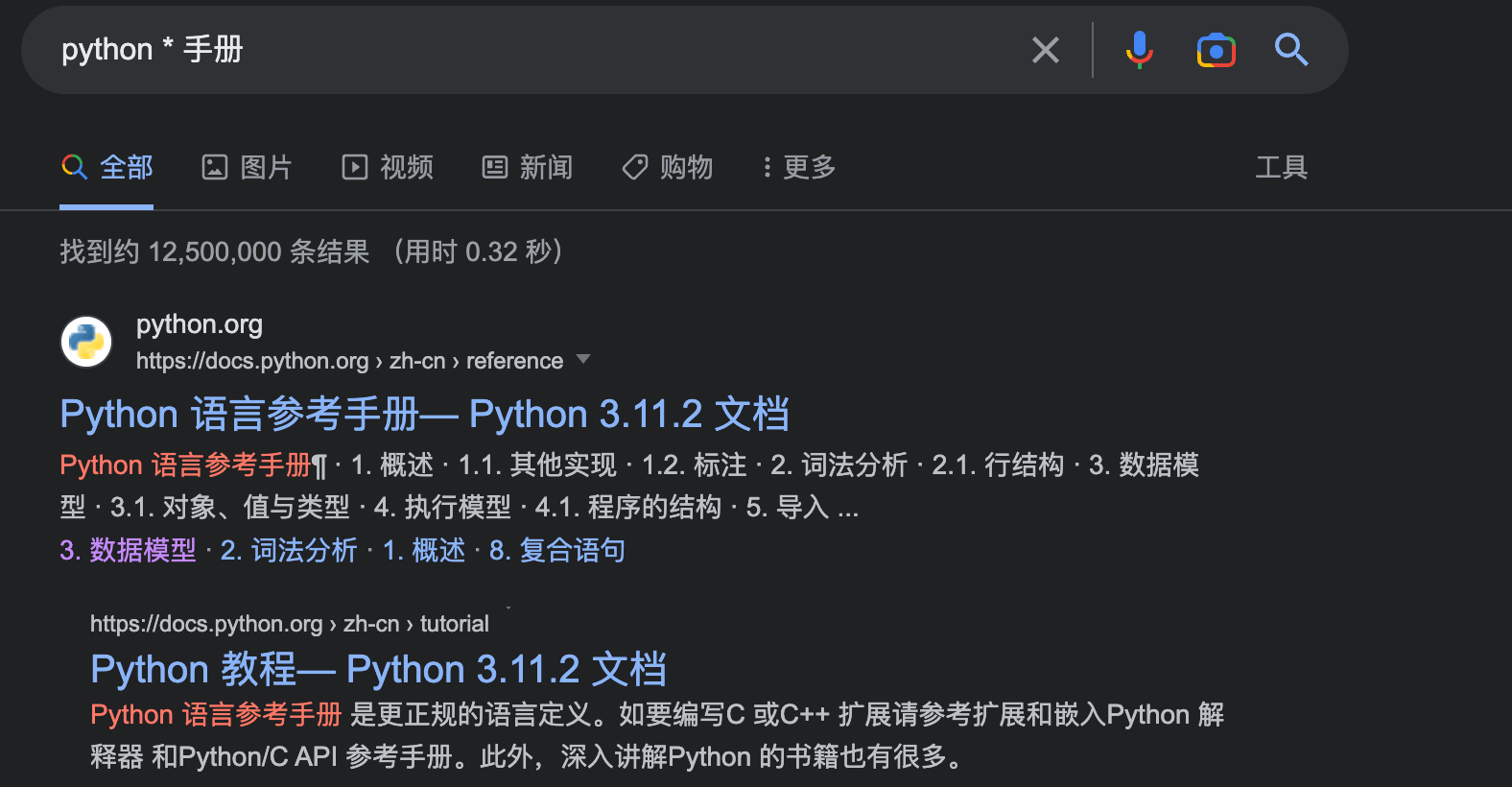
Using the wildcard*can help you find incomplete or deformed words.
For example, searching "python * manual" will return all results with "python" and "manual" as keywords.
Vertical Bar Symbol: |
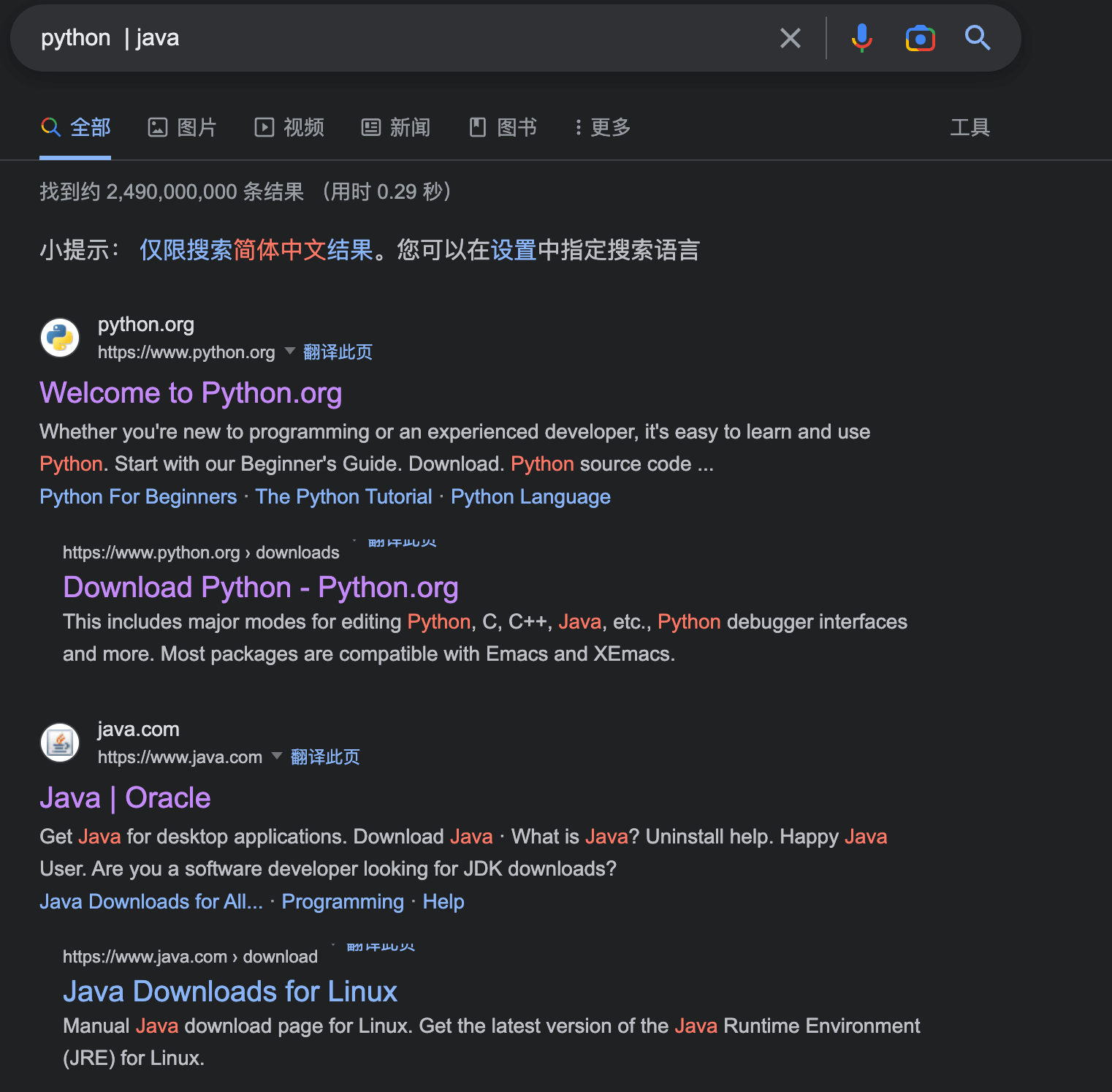
Using the vertical bar symbol|allows you to search for multiple options in the same search.
For example, when we search "python | java", we can see the results display the two official websites.
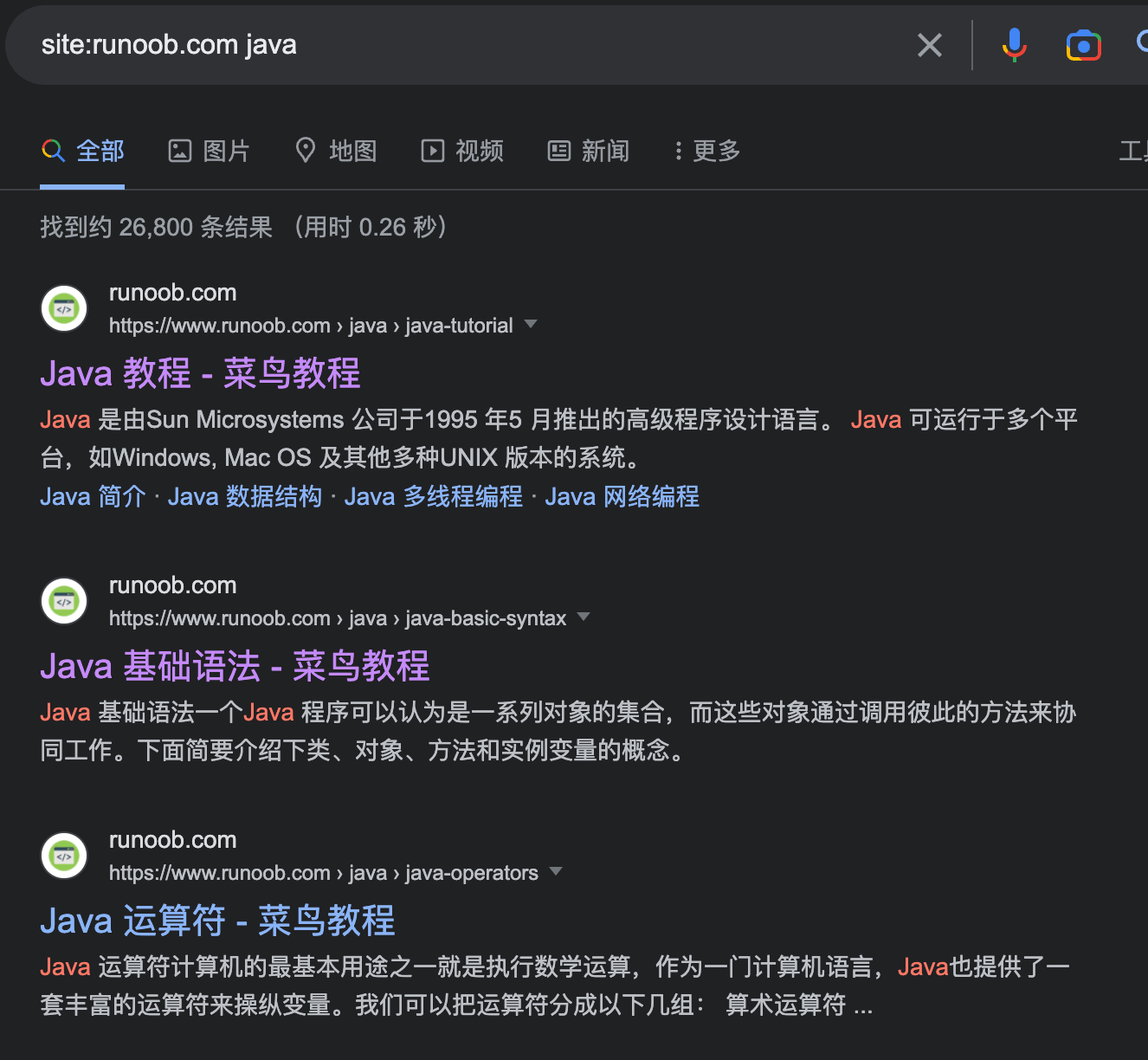
Search Specific Site: site:
If you only want to search on a specific website, addsite:the URL of the website before the search term.
For example, searching "site:example.com java" will return all results related to "java" on Example.
Search Related Sites: related:
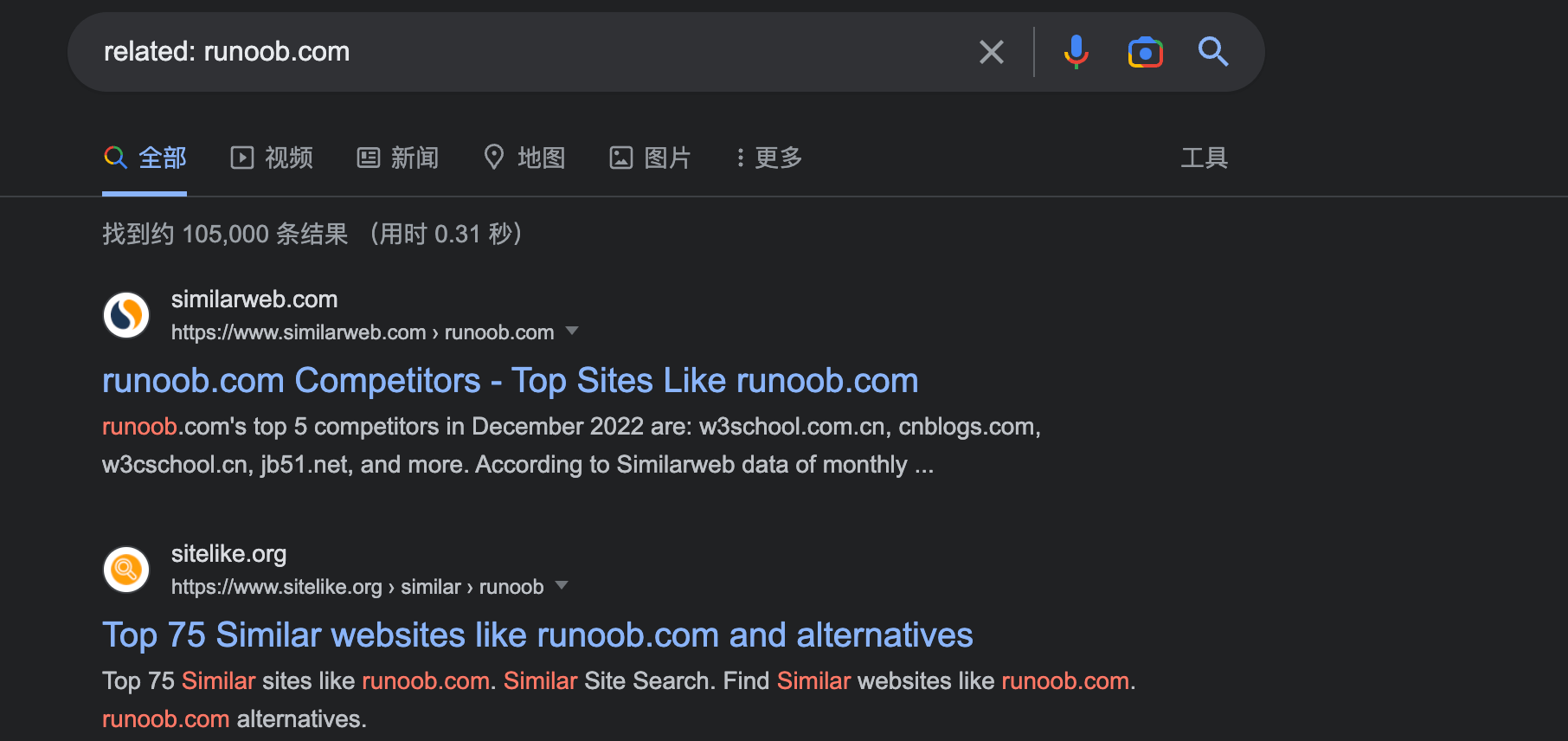
Usingrelated:can help you find other websites related to a specific website.
For example, searching "related:example.com" will return all websites related to Example.
Using Parentheses: ()
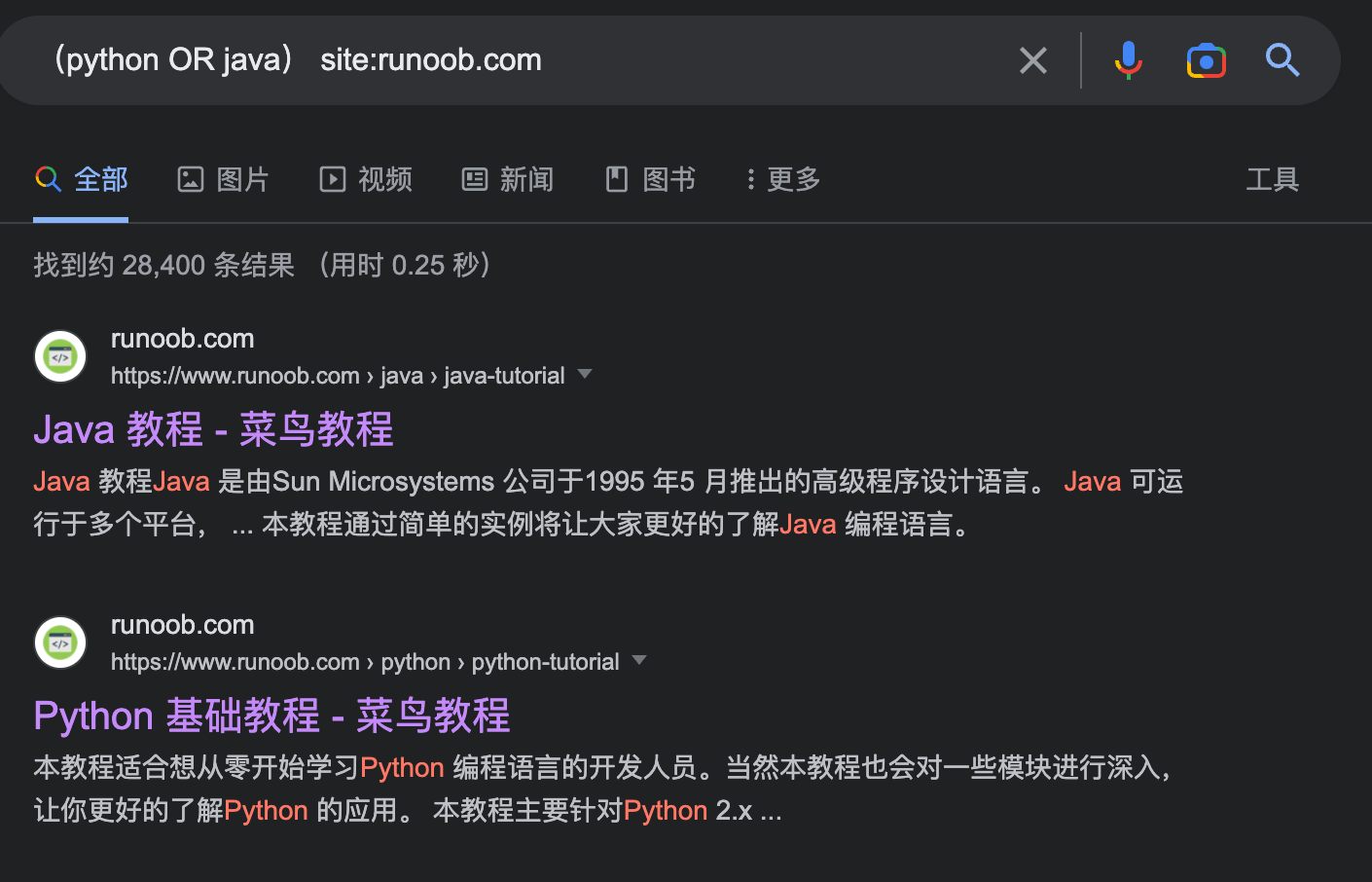
Using parentheses can help you better organize your searches.
For example, searching "(python OR java) site:example.com" will return all results related to "python" or "java" on EXAMPLE.
Search Range: ..
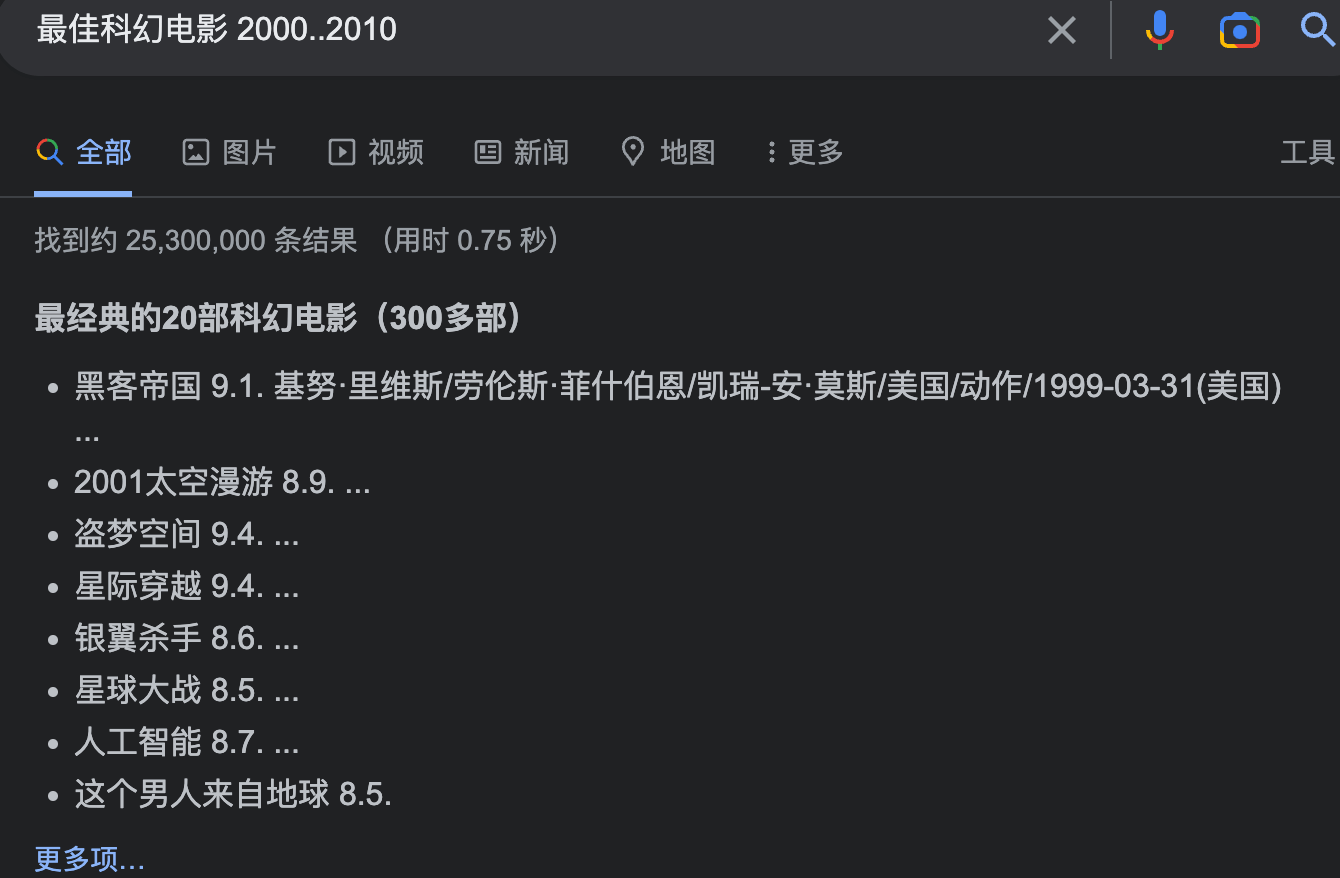
Using two dots..allows you to search for a range.
For example, we search"Best sci-fi movies 2000..2010"will return results for all sci-fi movies released between 2000 and 2010.
In addition, there are some other advanced search tips:
Definition Symbol: define: Using "define:" can quickly get the definition of a word. For example, searching "define:artificial intelligence" will return the definition of artificial intelligence.
Time Range: daterange: Using "daterange:" can search for content within a specific time range. For example, searching "marathon race daterange:2011-01-01..2022-01-01" will return results related to marathon races between 2011 and 2022.
File Type: filetype: Using "filetype:" can search for files of a specific type. For example, searching "python manual filetype:pdf" will return all files related to python manuals stored in PDF format.
Search Title Keyword: intitle:index.of Using "intitle:index.of" can search all pages whose page title tag contains a certain keyword. For example, searching "intitle:index.of mp3" will return a directory listing containing mp3 files.
Search Links: link: Using "link:" can search for all web pages that link to a specified website. For example, searching "link:example.com" will return all web page links related to EXAMPLE.
Search Acronyms: acronym: Using "acronym:" can search for definitions of acronyms. For example, searching "acronym:AI" will return related definitions of artificial intelligence.