I believe many friends often encounter this problem when using the Perl language: Perl doesn't support Chinese? Perl input or output of Chinese will produce garbled text. What should we do then? Below, I will teach friends how to solve this problem.
Method/Steps
Take ActivePerl on Windows as an example.
My code is very simple, just one line:
print "你好";
But garbled text appeared, as shown in the figure.
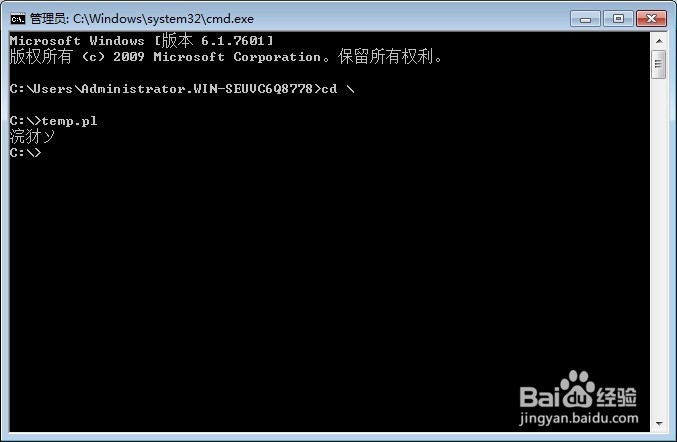
What should we do when we encounter such a problem?
It is actually a Perl encoding problem, and it is related to the encoding of our operating system.
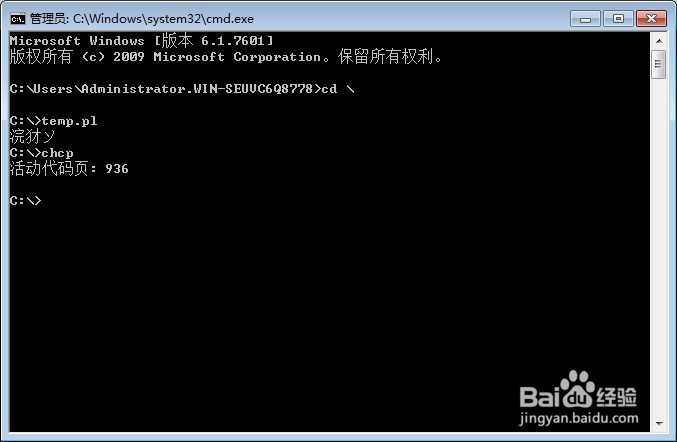
We open the cmd command prompt and enter chcp to obtain the encoding type code.
It can be seen that the Windows here uses code page 936 as the default encoding format.
Then we can see that code page 936 corresponds to gb2313 (that is, Chinese), or rather gbk.
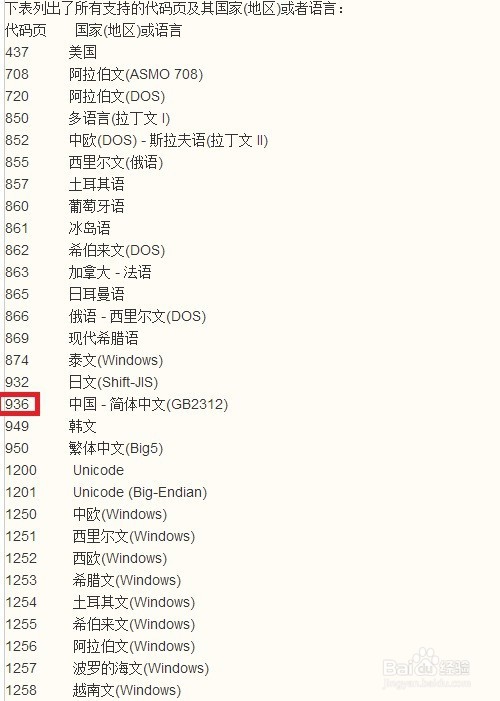
Now that we know our Windows uses gb2312 encoding, we just need to change the encoding format.
Enter the following at the top of the code:
use utf8;
#引入utf8模块 脚本内的字符串使用utf8作为编码格式

binmode(STDOUT,":encoding(gbk)");
#标准输出使用gbk作为编码格式,也可以把gbk改为gb2312

binmode(STDIN,":encoding(gbk)");
#如果涉及到输入流,例如读文件,不加这条读中文文件会出现乱码


binmode(STDERR,":encoding(gbk)");
#如果异常错误中的字符串有中文,请加上STDERR,否则也会出现乱码

print "你好";
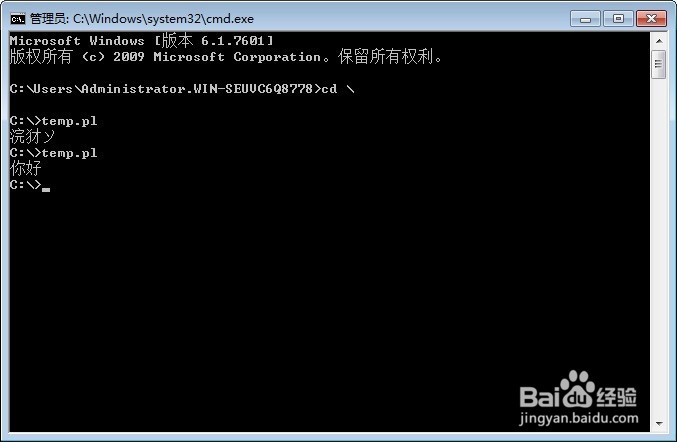
At this point, can Chinese be output normally?
One thing to note: if the code involves reading Chinese files, be sure to addAdd binmode(STDIN,":encoding(gbk)");。
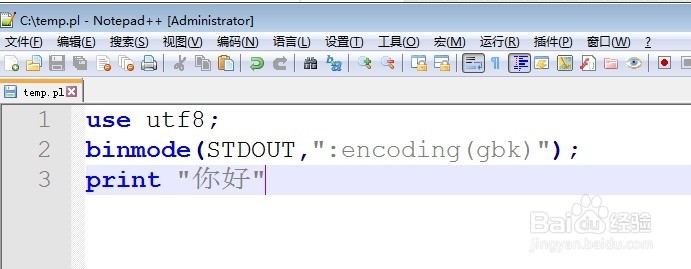
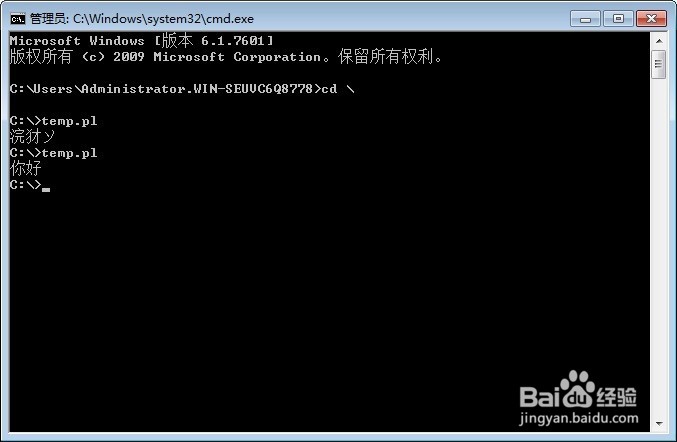
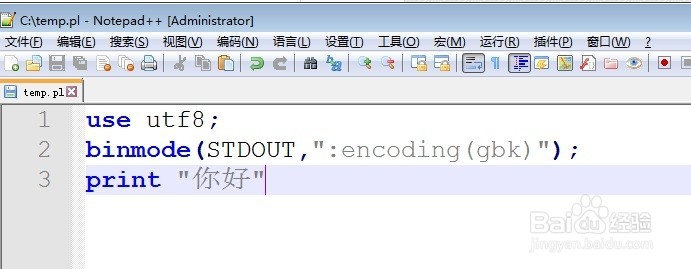
There is another method: for STDIN, STDOUT, STDERR (i.e., standard input, standard output, and standard error), all use a certain encoding as the encoding format.
Still that simple little program, using print to output a Chinese string.
The code is as follows:
use utf8;

use open ":encoding(gbk)",":std";
#标准输入、输出、错误皆用gbk编码格式进行编码

print "你好";
Original URL: https://jingyan.baidu.com/article/4f7d5712fd36301a21192744.html