0、SQL Chat
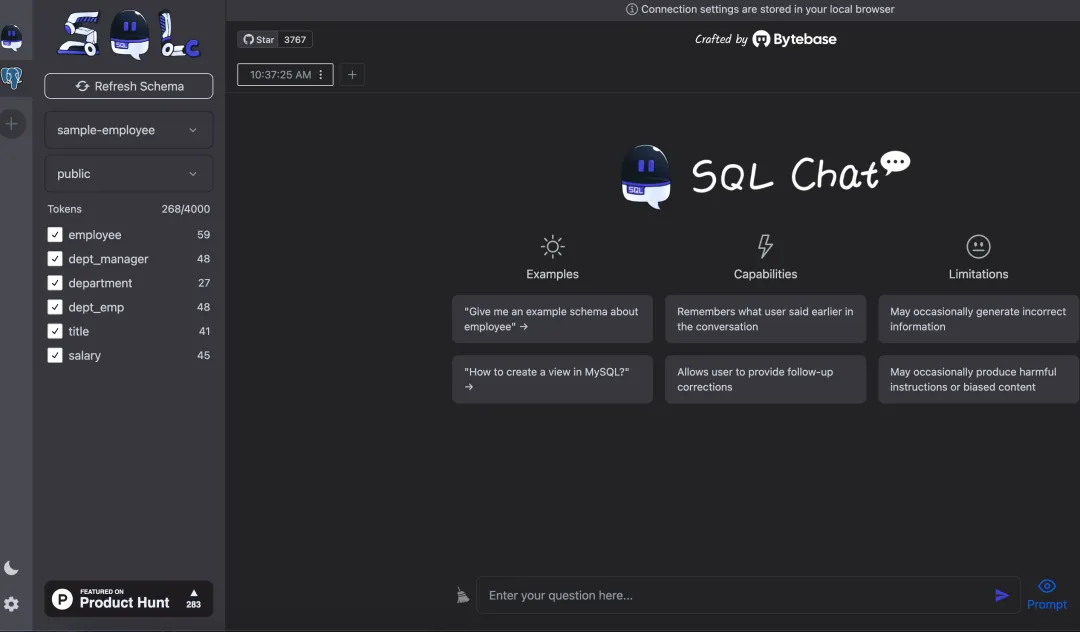
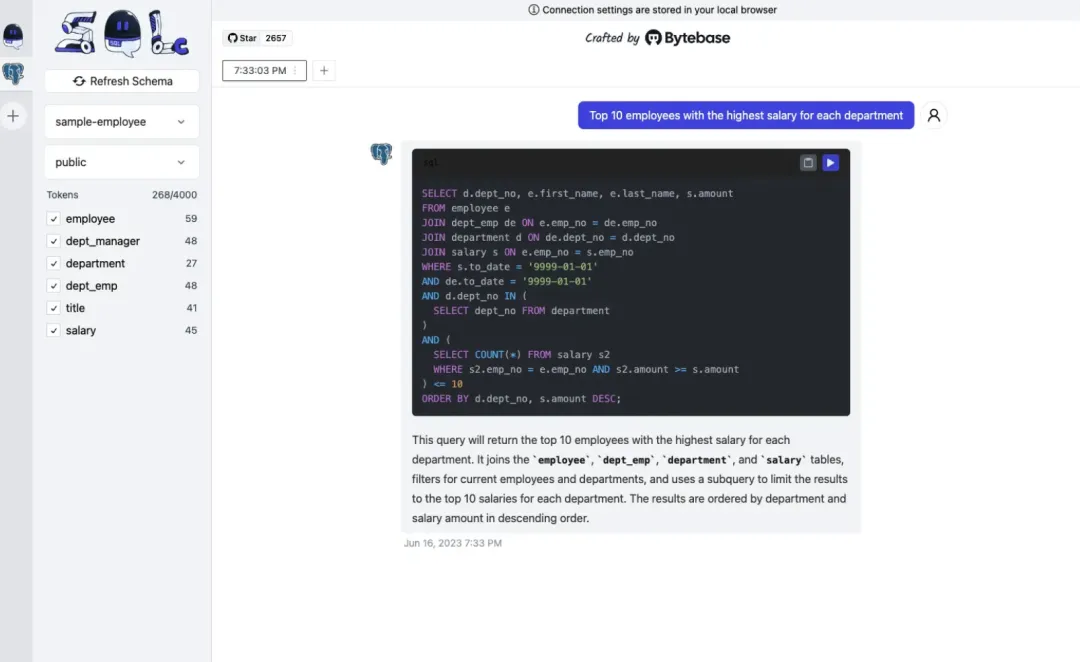
SQL Chat is a new type of SQL client launched in March 2023, bringing database management into a new era based on chat.
SQL Chat is powered by ChatGPT, helping you write and polish SQL statements, making database operations smarter and more convenient.
Currently supports MySQL, PostgreSQL, and MSSQL databases.
Official website: https://www.sqlchat.ai/
Open source address:https://github.com/sqlchat/sqlchat
1、DBeaver
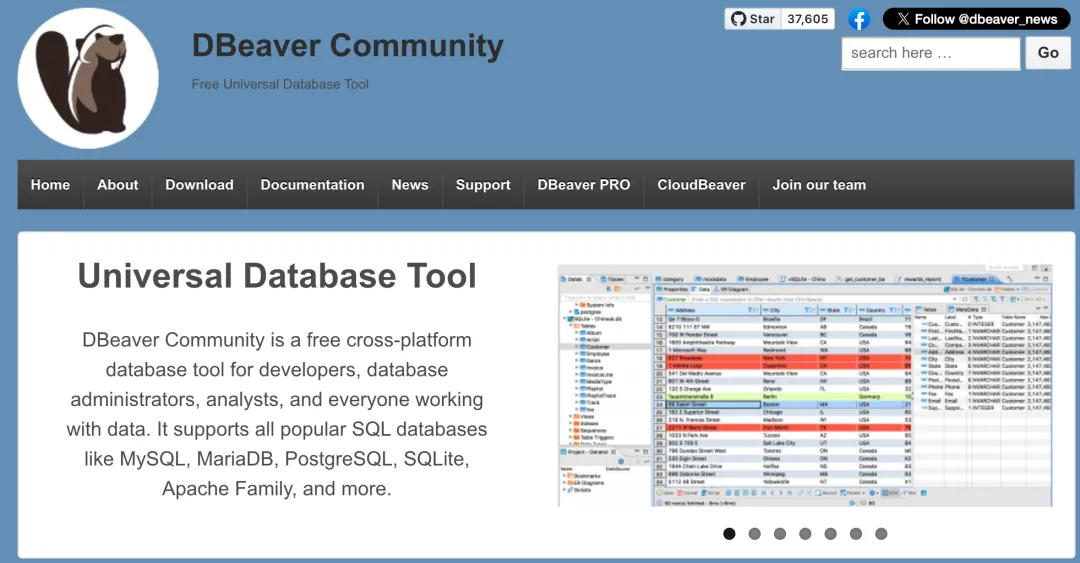
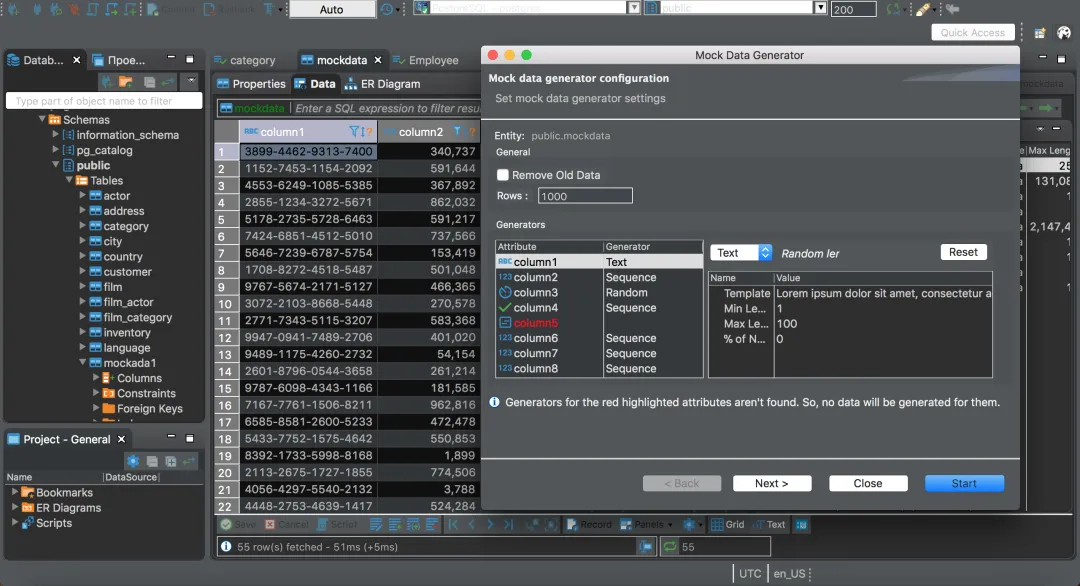
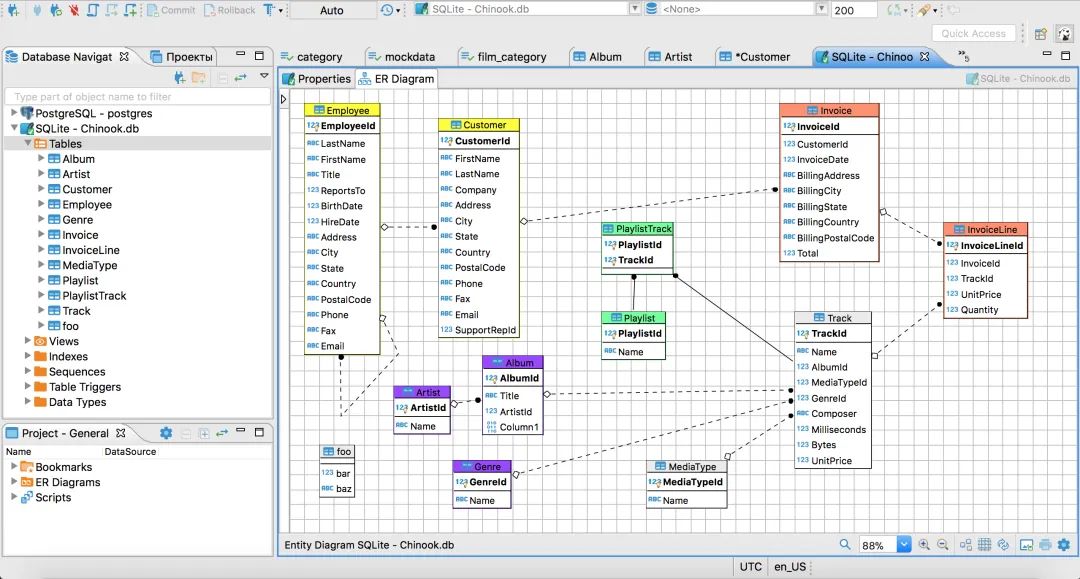
A well-established SQL client that, in addition to basic visualization and management functions, also features SQL editor, data and schema migration capabilities, database connection monitoring, and more.
Supports a wide range of database types (including SQL and NoSQL).
Integrated with GPT-3, it can convert natural language into SQL statements.
Official website:https://dbeaver.io/
Open source address:https://github.com/dbeaver/dbeaver?tab=readme-ov-file
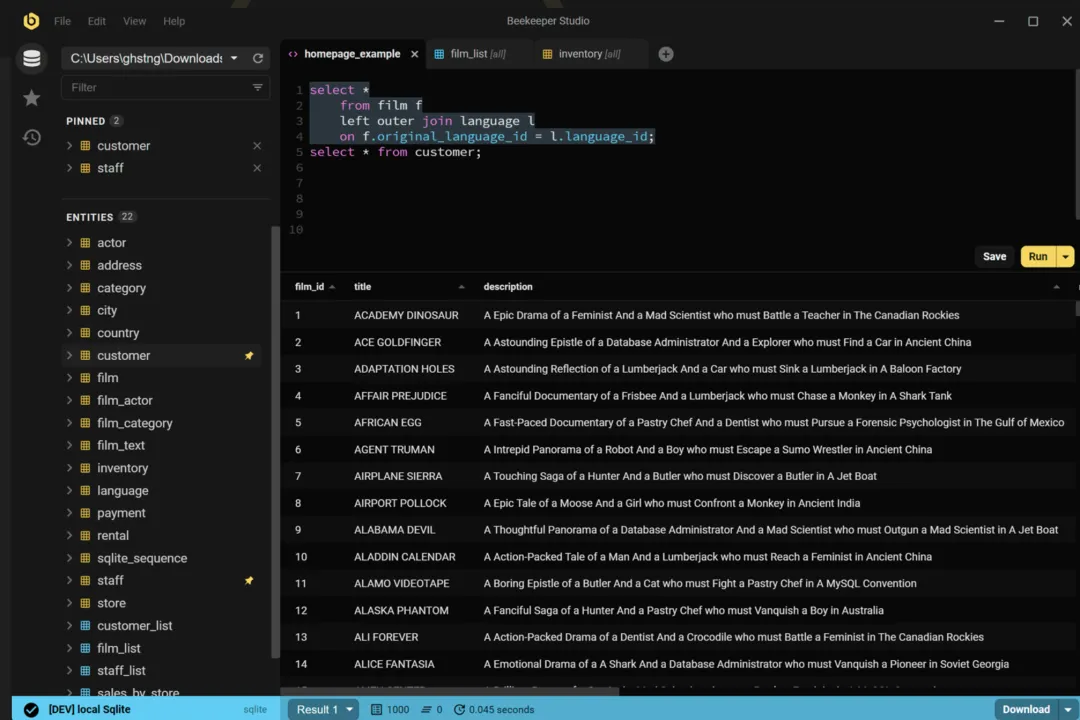
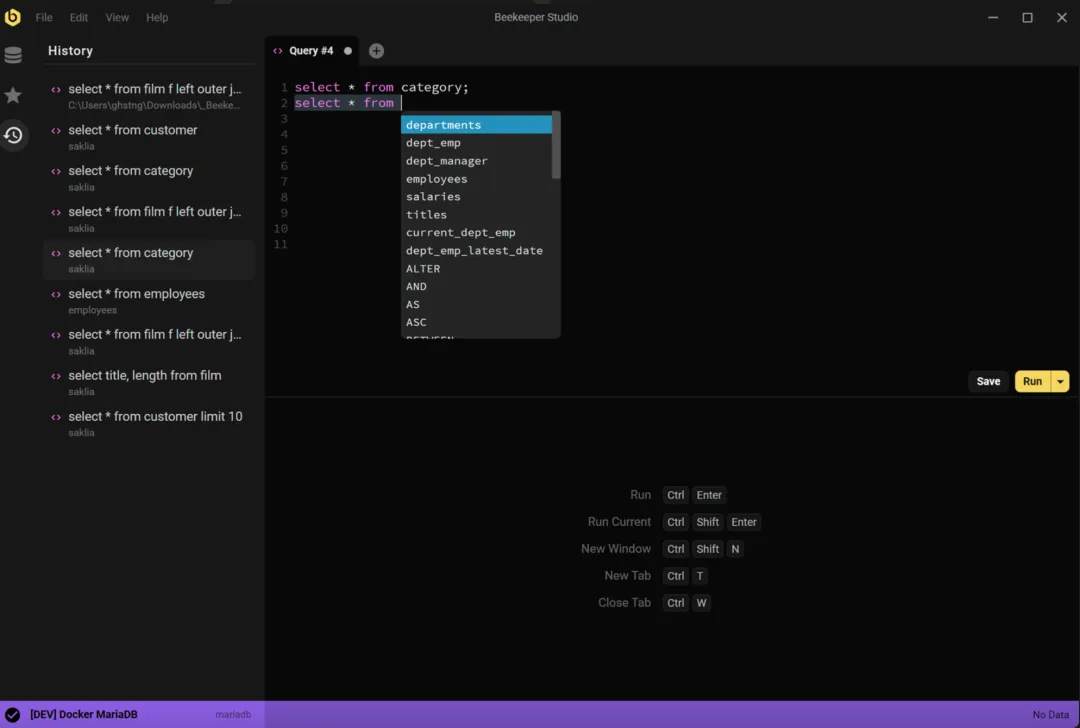
2、Beekeeper Studio
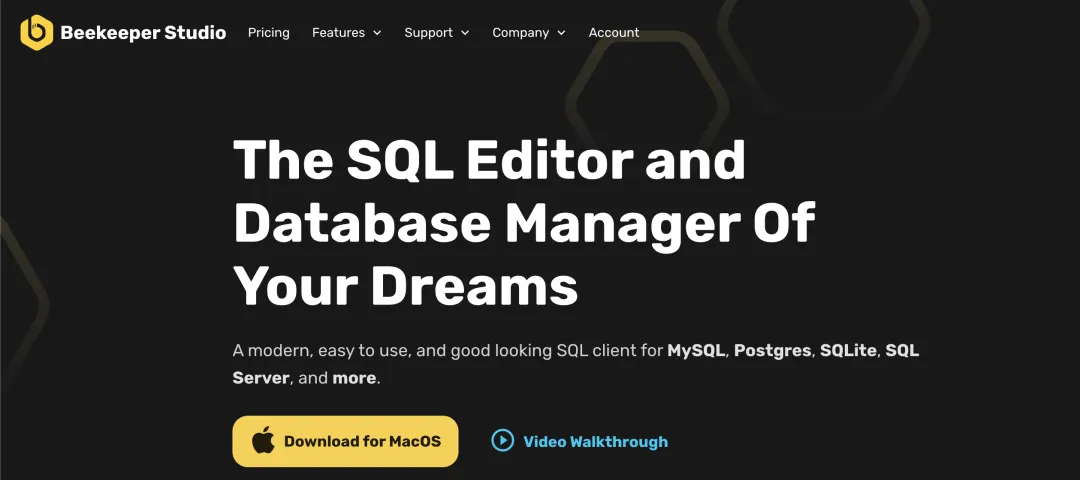
A modern and lightweight SQL client supporting MySQL, Postgres, SQLite, SQL Server, and more.
Works on Linux, Mac, and Windows systems.
Official website: https://www.beekeeperstudio.io/
Open source address: https://github.com/beekeeper-studio/beekeeper-studio
3、DbGate
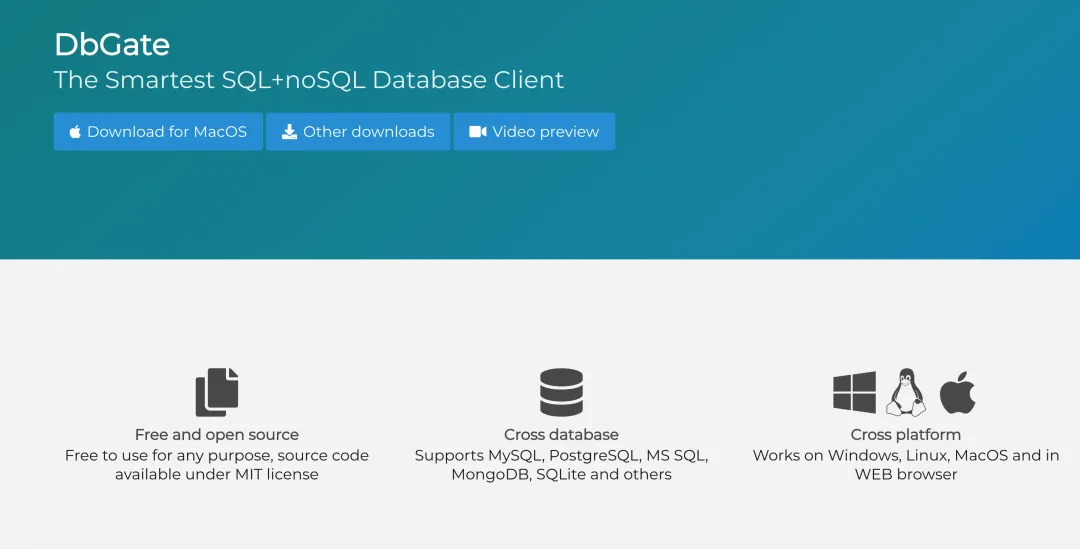
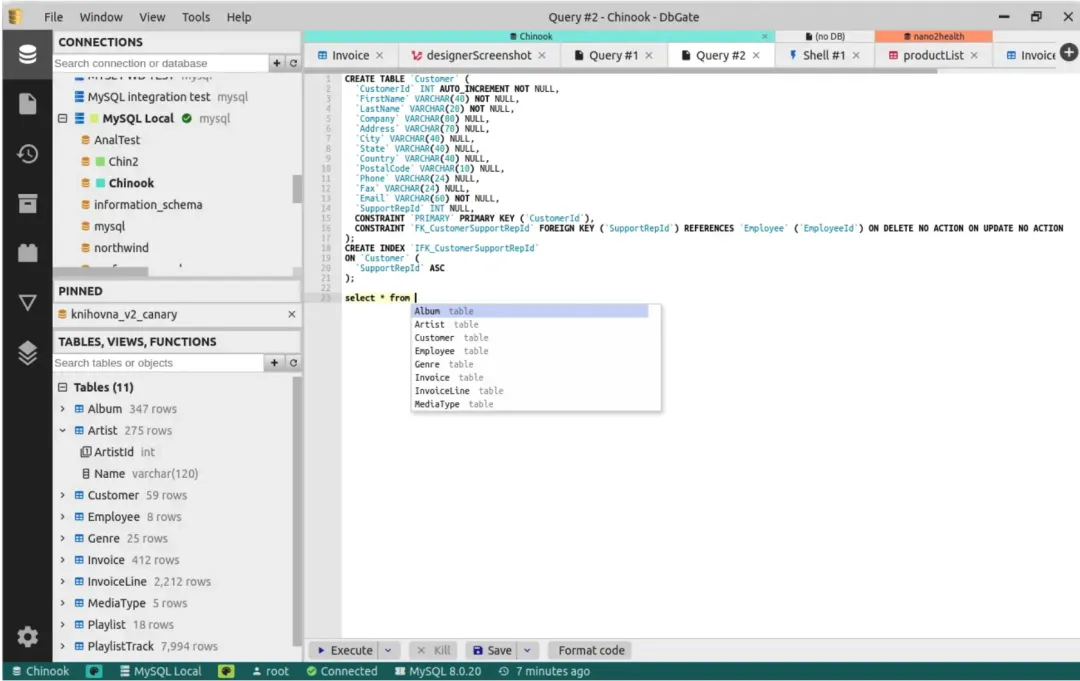
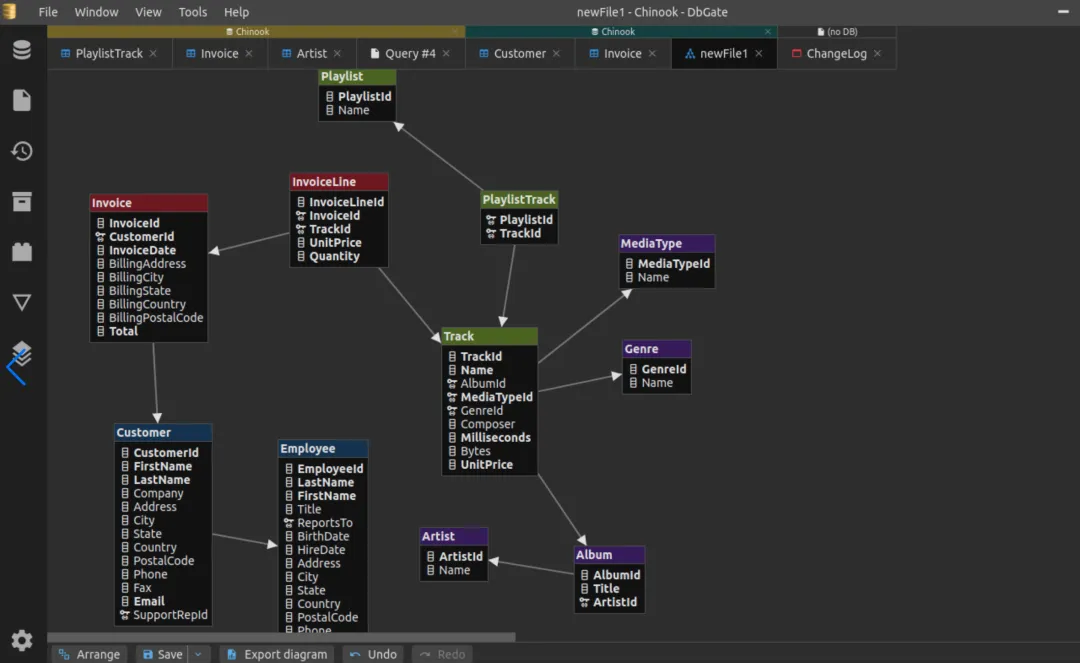
DbGate is a comprehensive and powerful database management tool.
DbGate runs on Windows, Linux, Mac, and web browsers, providing a consistent experience.
Whether it's MySQL, PostgreSQL, SQL Server, MongoDB, SQLite, or CockroachDB, DbGate handles them all with ease.
DbGate not only supports basic database operations but also provides advanced features such as data visualization, schema design, and data migration.
Official website:https://dbgate.org/
Open source address:https://github.com/dbgate/dbgate
4、Sqlectron
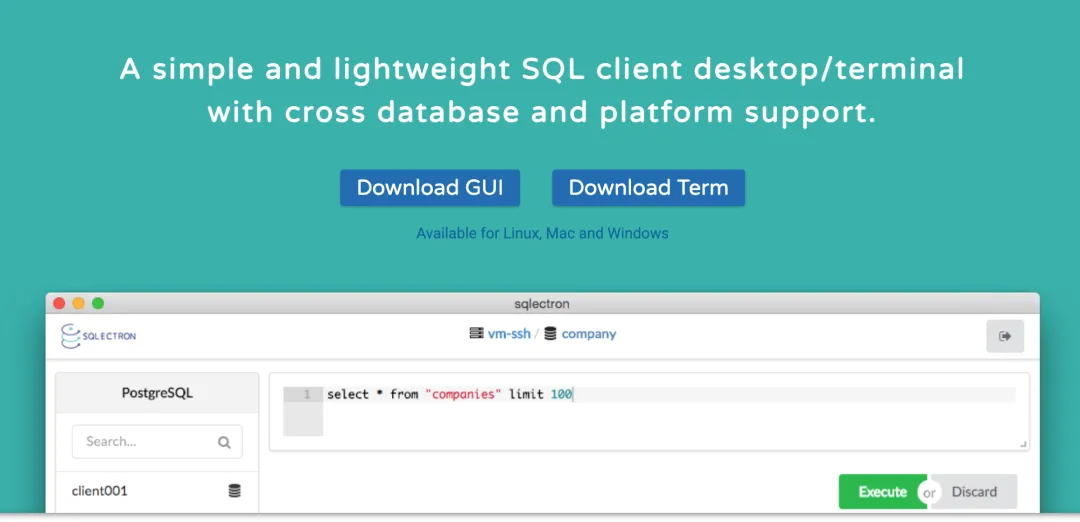
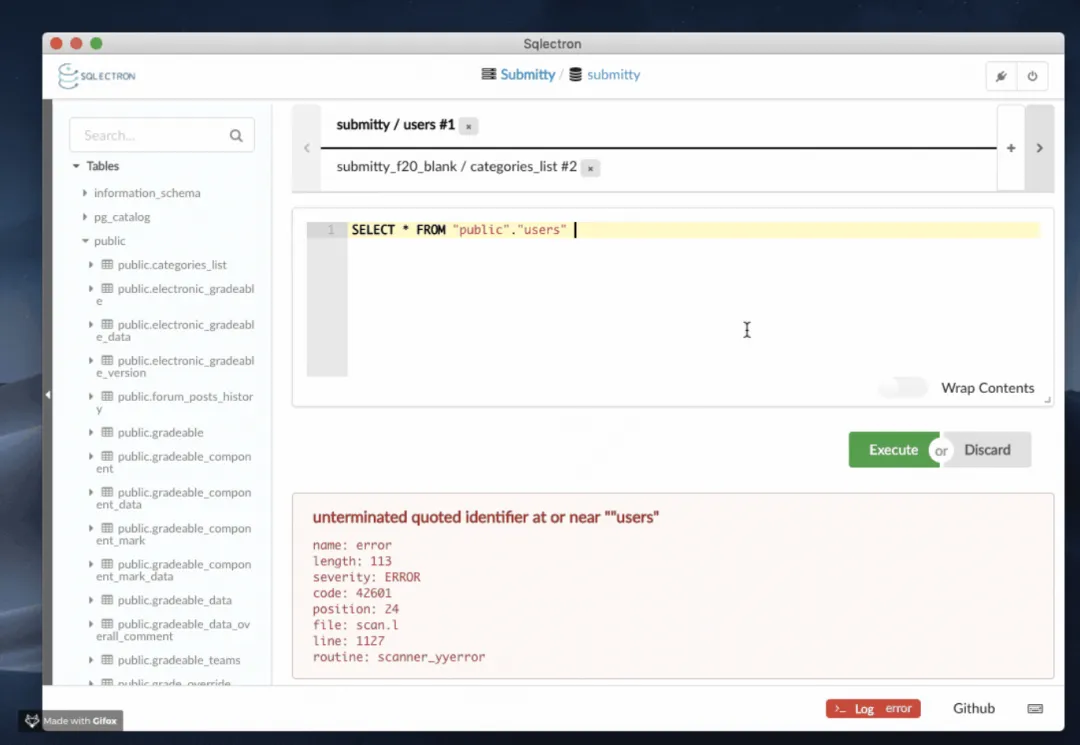
With its lightweight, cross-platform, and open-source characteristics, Sqlectron has become a refreshing presence among database management tools.
Supports a variety of database systems including PostgreSQL, Redshift, MySQL, MariaDB, SQL Server, Cassandra, and SQLite.
Supports Mac, Linux, and Windows.
Official website:https://sqlectron.github.io/
Open source address:https://github.com/sqlectron/sqlectron-gui
5、HeidiSQL
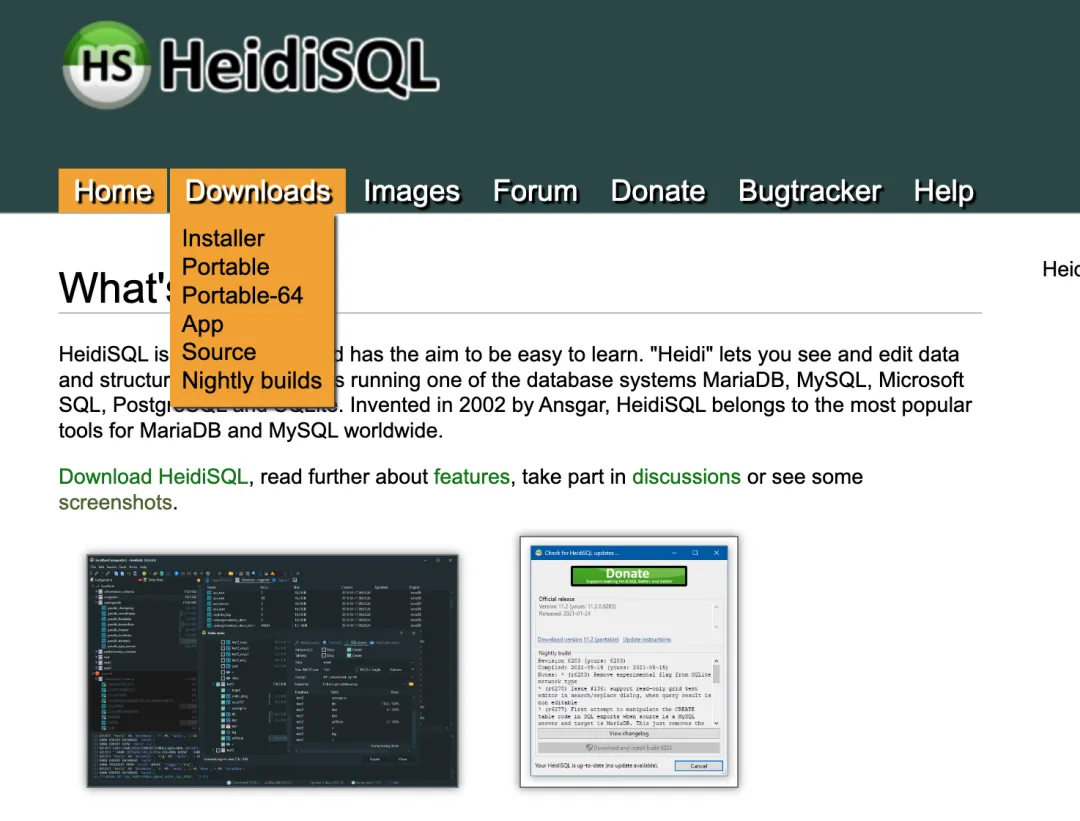
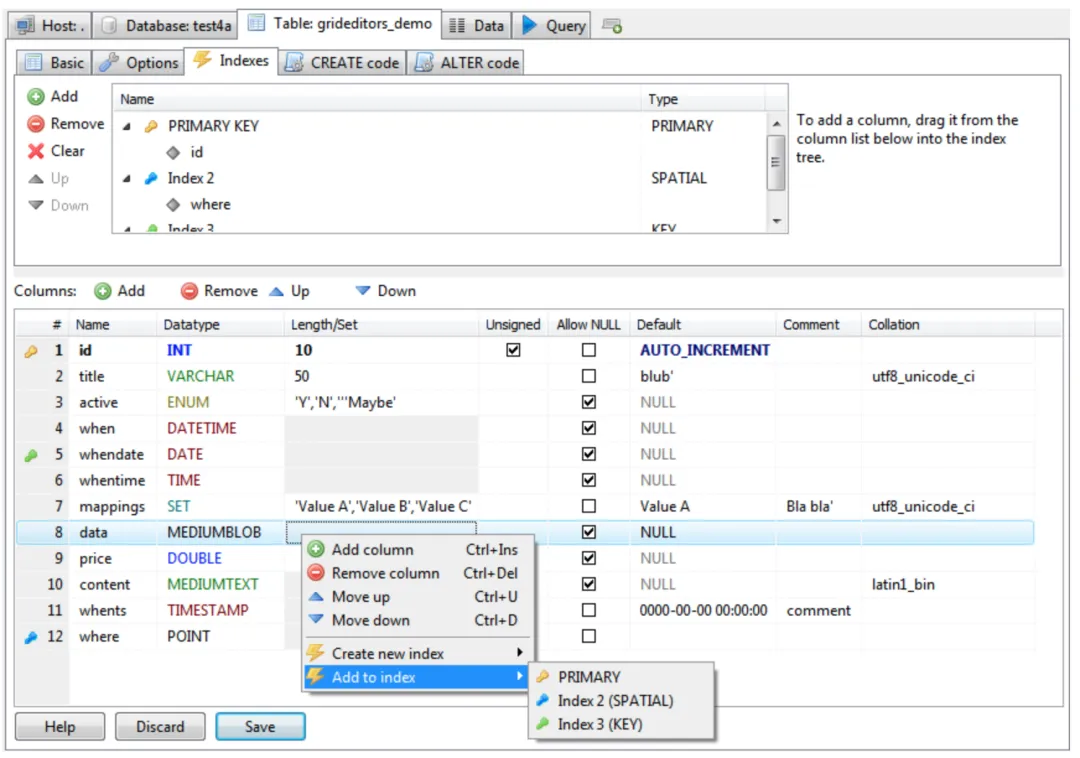
HeidiSQL stands out among database management tools for its lightweight, versatile, and user-friendly design.
Supports a variety of database systems including MariaDB, MySQL, MS SQL, PostgreSQL, SQLite, Interbase, and Firebird.
In addition to basic SQL client functionality, HeidiSQL also allows users to export structures and data to SQL files, or copy them to the clipboard or other servers, greatly facilitating data migration and management.
Official website:https://www.heidisql.com/
Open source address:https://github.com/HeidiSQL/HeidiSQL
6、phpMyAdmin
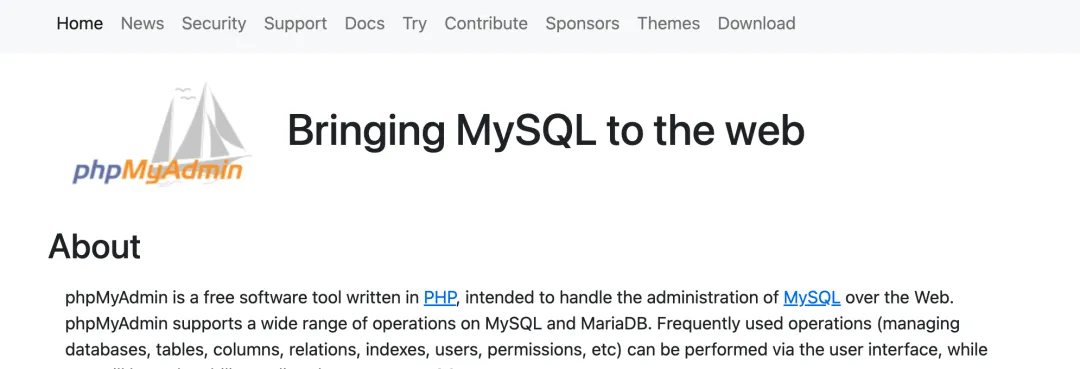
Since its birth in 1998, phpMyAdmin has been a classic in the field of database management.
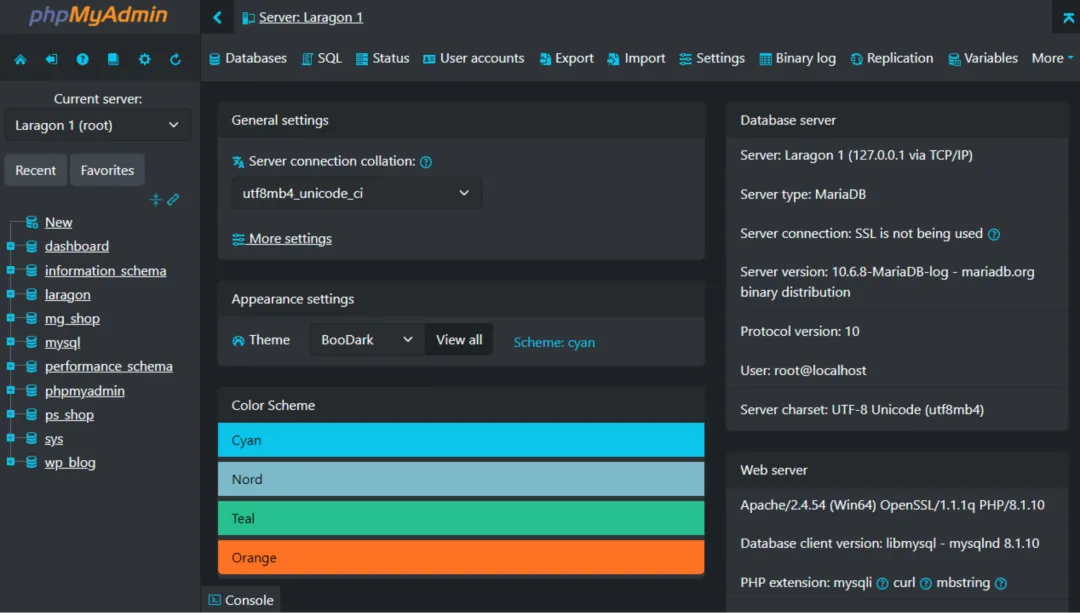
As the default tool for LAMP, LNMP, and MAMP environments, phpMyAdmin has a huge user base worldwide and has grown into one of the leading tools for managing MySQL and MySQL-like databases (such as MariaDB).
phpMyAdmin is not just a simple database management tool; it also provides advanced features such as data import/export, user permission management, and database structure editing.
phpMyAdmin has over 200,000 direct downloads every month.
Official website:https://www.phpmyadmin.net/
Open source address:https://github.com/phpmyadmin/phpmyadmin
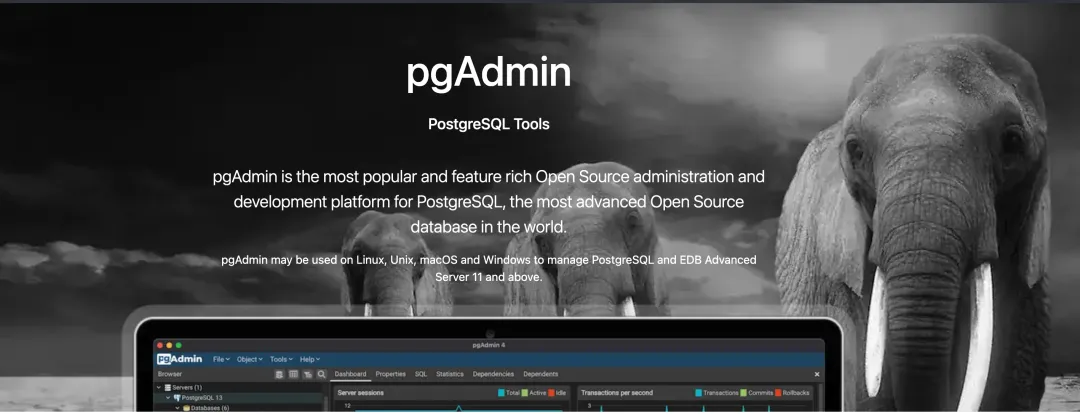
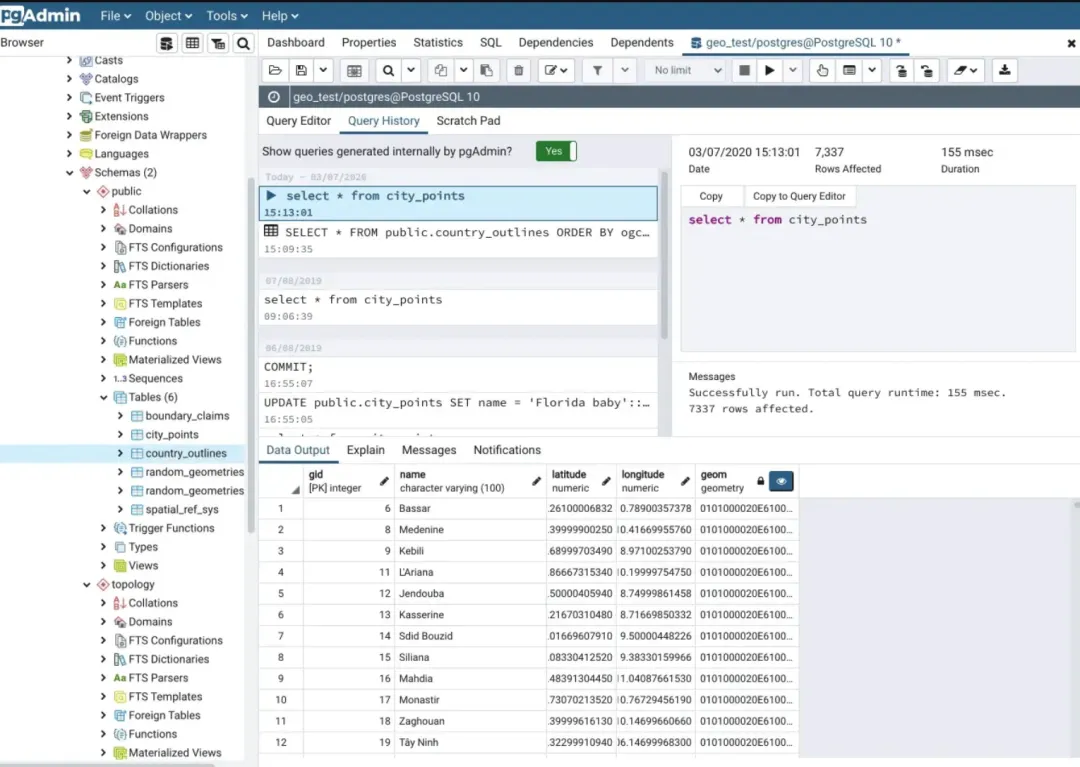
7、pgAdmin 4
For PostgreSQL, pgAdmin is what phpMyAdmin is to MySQL.
pgAdmin is a management tool tailored for PostgreSQL, offering unmatched compatibility and performance.
Whether on Linux, Unix, macOS, or Windows, pgAdmin provides a consistent user experience.
pgAdmin is not just a simple database management tool; it also provides advanced features such as data backup, restore, user permission management, and database schema design.
pgAdmin 4 is the latest version in the pgAdmin series, completely rewritten using Python and JavaScript/jQuery, bringing a brand-new user interface and improved performance.
Official website:https://www.pgadmin.org/
Open source address:https://github.com/pgadmin-org/pgadmin4