OpenResty Usage Tutorial
Smartisan donated the ticket revenue from the T2 launch event to the OpenResty open-source project. Today we will introduce what the heck OpenResty is.

OpenResty Introduction
OpenResty (also known as: ngx_openresty) is a scalable web platform based on NGINX, initiated by Zhang Yichun, a Chinese developer, and provides many high-quality third-party modules.
OpenResty is a powerful web application server. Web developers can use the Lua scripting language to invoke the various C and Lua modules supported by Nginx. More importantly, in terms of performance, OpenResty can quickly build ultra-high-performance web application systems capable of handling responses to over 10K concurrent connections.
360, UPYUN, Alibaba Cloud, Sina, Tencent, Qunar, Kugou Music, etc. are all heavy users of OpenResty.
OpenResty Installation
The Example Tutorial installs OpenResty based on Ubuntu 14.04.
OpenResty dependency libraries include: perl 5.6.1+, libreadline, libpcre, libssl.
So we need to install these dependency libraries first, which is also very simple:
apt-get install libreadline-dev libpcre3-dev libssl-dev perl
If your system is CentOS or RedHat, you can use the following commands:
yum install readline-devel pcre-devel openssl-devel
Next, we can from the official website (https://openresty.org/cn/) download the latest OpenResty source package, then extract, compile and install it:
wget https://openresty.org/download/ngx_openresty-1.9.7.1.tar.gz   # 下载
tar xzvf ngx_openresty-1.9.7.1.tar.gz       # 解压
cd ngx_openresty-1.9.7.1/
./configure
make
make install
By default, the program will be installed to the /usr/local/openresty directory. You can use ./configure --help to view more configuration options.
Hello World Example
After successful installation, we can use openresty to directly output HTML pages.
First, we can create a working directory:
mkdir /home/www
cd /home/www/
mkdir logs/ conf/
The logs directory is used to store logs, and conf is used to store configuration files.
Next, we create a nginx.conf file in the conf directory. The code is as follows:
worker_processes  1;
error_log logs/error.log;
events {
    worker_connections 1024;
}
http {
    server {
        listen 9000;
        location / {
            default_type text/html;
            content_by_lua '
                ngx.say("<p>Hello, World!</p>")
            ';
        }
    }
}
If you are familiar with nginx configuration, you should be very familiar with the above code. Here we wrote the HTML code directly into the configuration file.
Start openresty
By default, openresty is installed in the /usr/local/openresty directory. The start command is:
cd /home/www
/usr/local/openresty/nginx/sbin/nginx -p `pwd`/ -c conf/nginx.conf
If there is no output, it means startup was successful. -p specifies our project directory, and -c specifies the configuration file.
Next, we can use curl to test whether it can be accessed normally:
curl http://localhost:9000/
The output is:
<p>Hello, World!</p>
Or access http://localhost:9000/ through a browser:
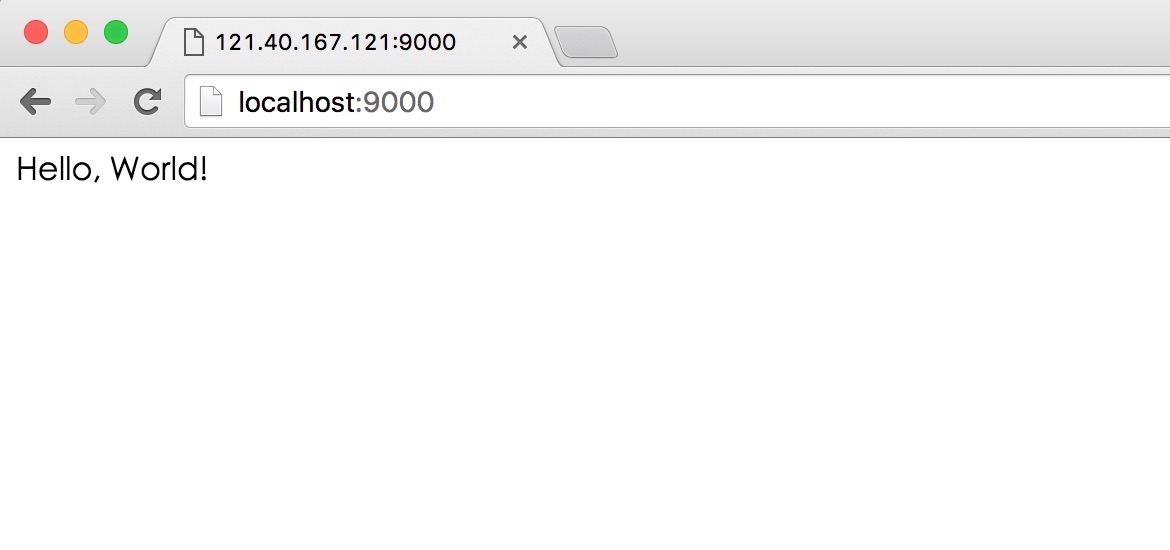
See? The HTML we wrote in the configuration file has been output normally.
OpenResty's goal is to let your web services run directly inside the Nginx server, fully leveraging Nginx's non-blocking I/O model, providing consistent high-performance responses not only to HTTP client requests, but also to remote backends such as MySQL, PostgreSQL, Memcached, and Redis.
Therefore, for some high-performance services, you can directly use OpenResty to access MySQL or Redis, without needing third-party languages (PHP, Python, Ruby) to access the database and then return, which greatly improves application performance.
Related Sites
- OpenResty English official website:http://openresty.org/
- OpenResty Chinese official website:http://openresty.org/cn/
- Nginx Wiki official website:http://wiki.nginx.org/
- Lua Getting Started Tutorial:Lua Getting Started Tutorial