Project name: MarkText -- Simple and elegant open-source Markdown editor
GitHub open source address: https://github.com/marktext/marktext
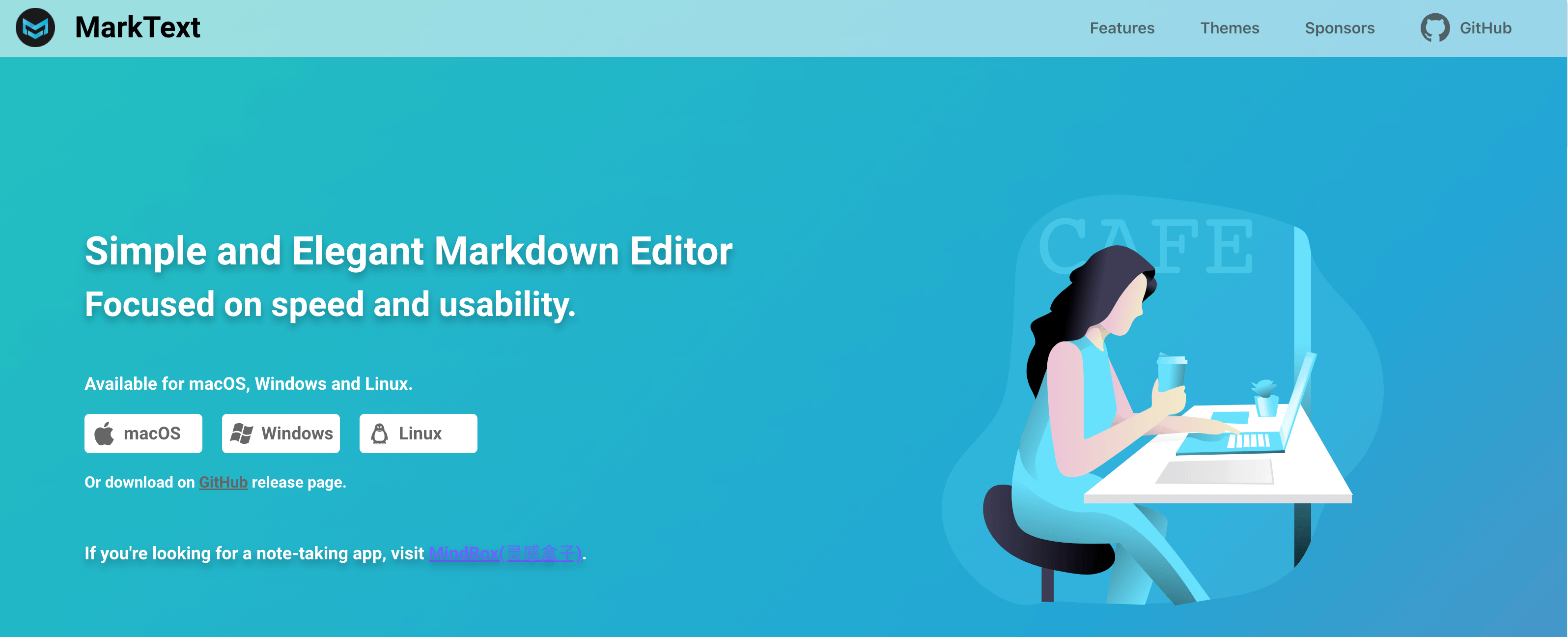
Supported platforms:Linux, macOS and Windows
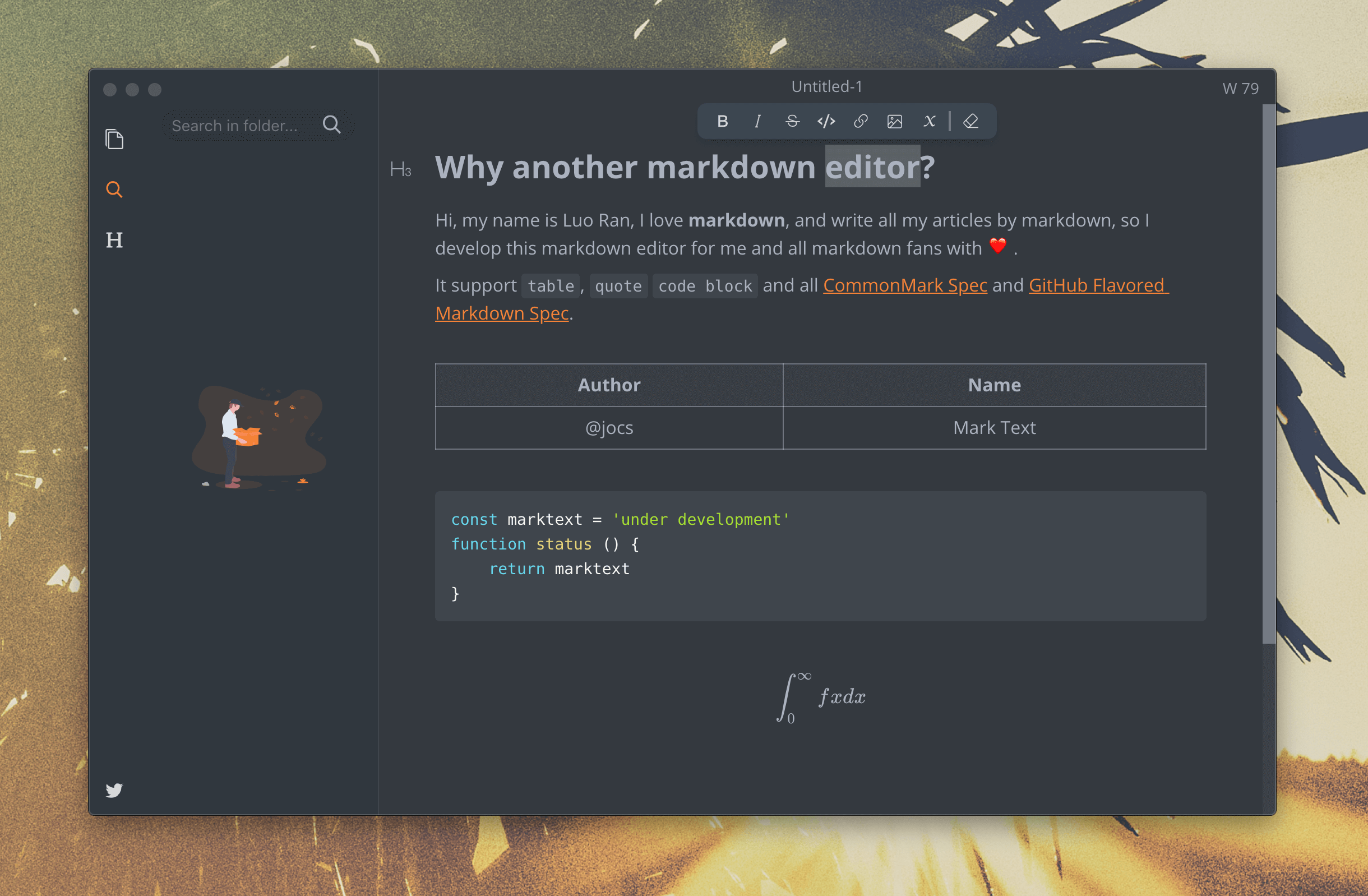
Interface:
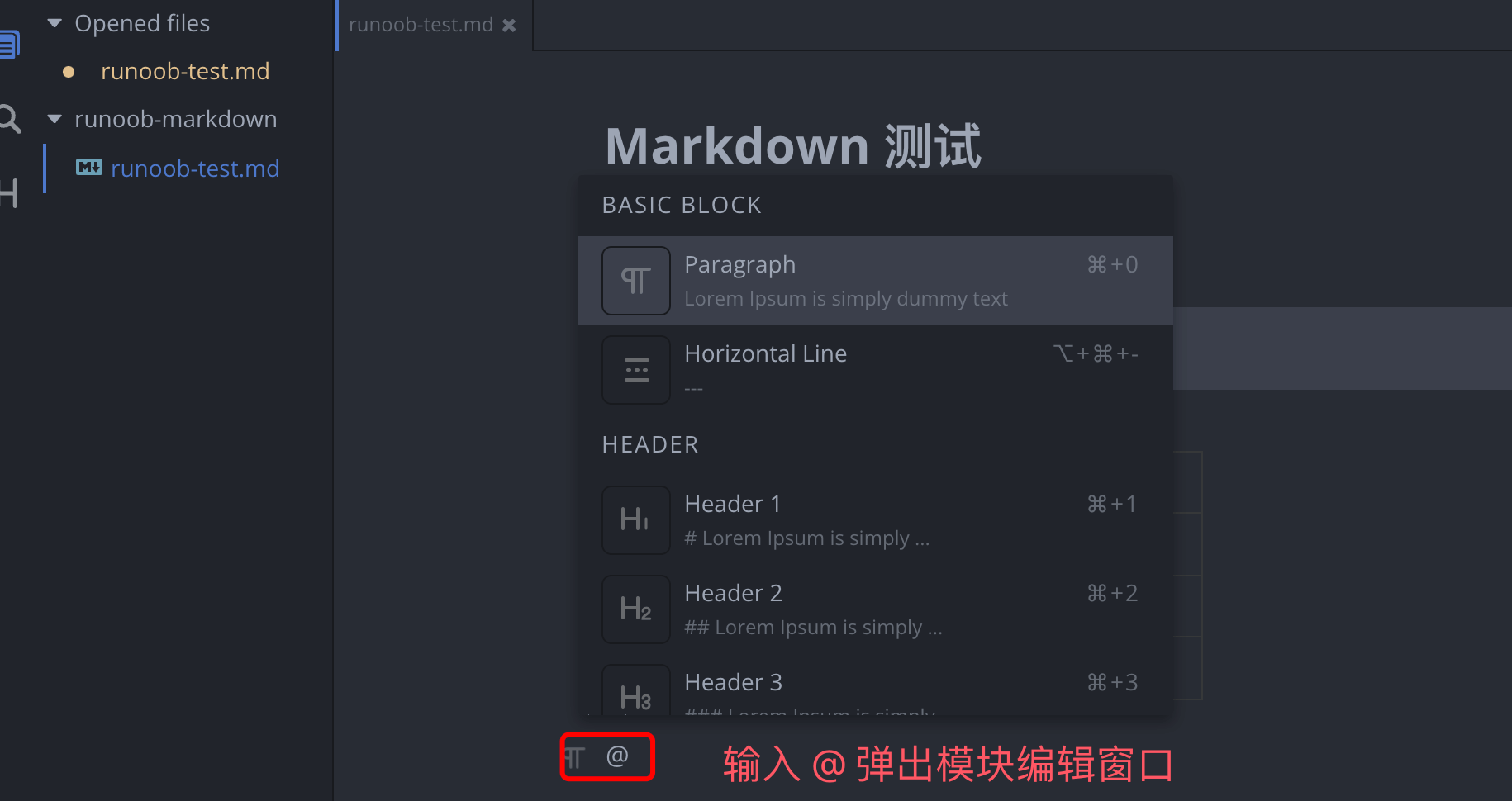
Enter in the interface@and a window for the editing module will pop up. In this window, we can choose to insert headings, paragraphs, code blocks, tables, charts, etc.:
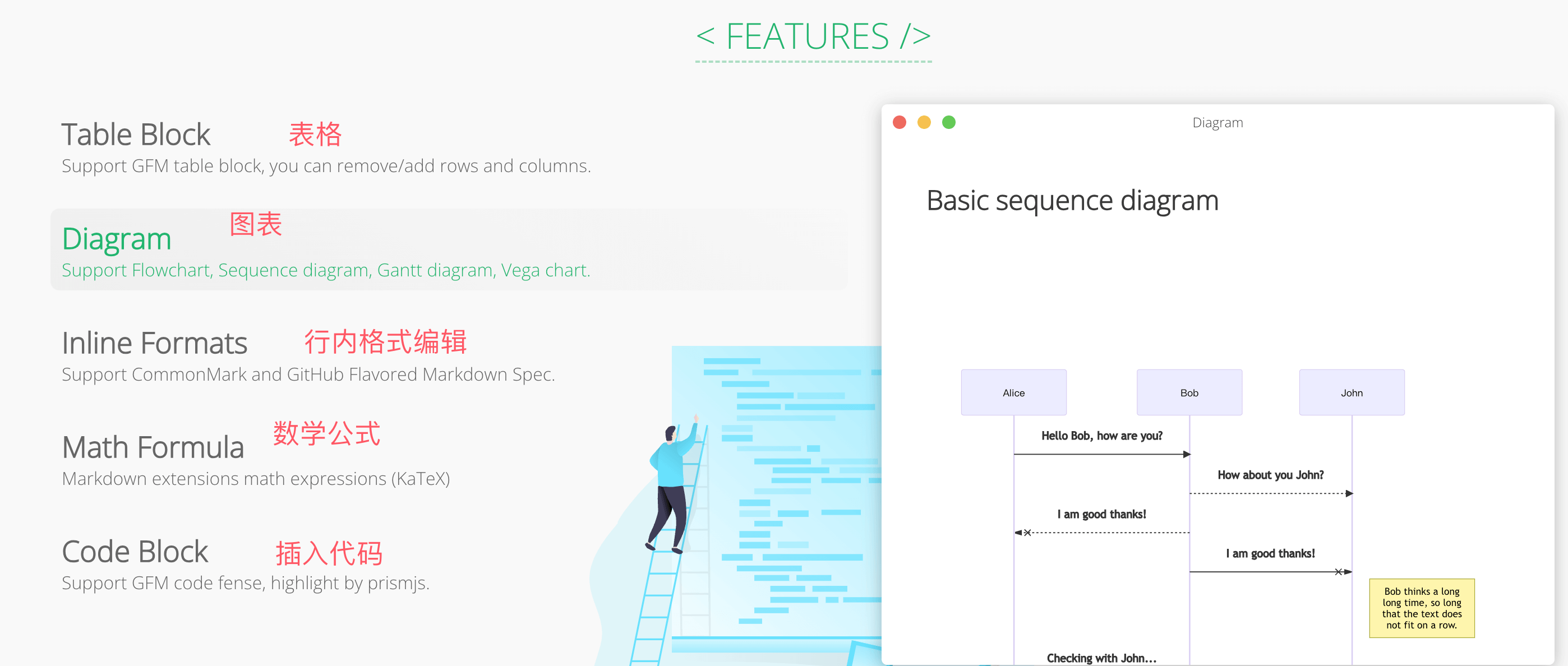
Main features:
- Real-time preview, WYSIWYG, clean and simple interface.
- Supports CommonMark Spec, GitHub Flavored Markdown Spec, and selectively supports Pandoc markdown.
- Supports mathematical expressions (KaTeX), front matter, and emojis, etc.
- Supports paragraph and inline code styles.
- Can export HTML and PDF files.
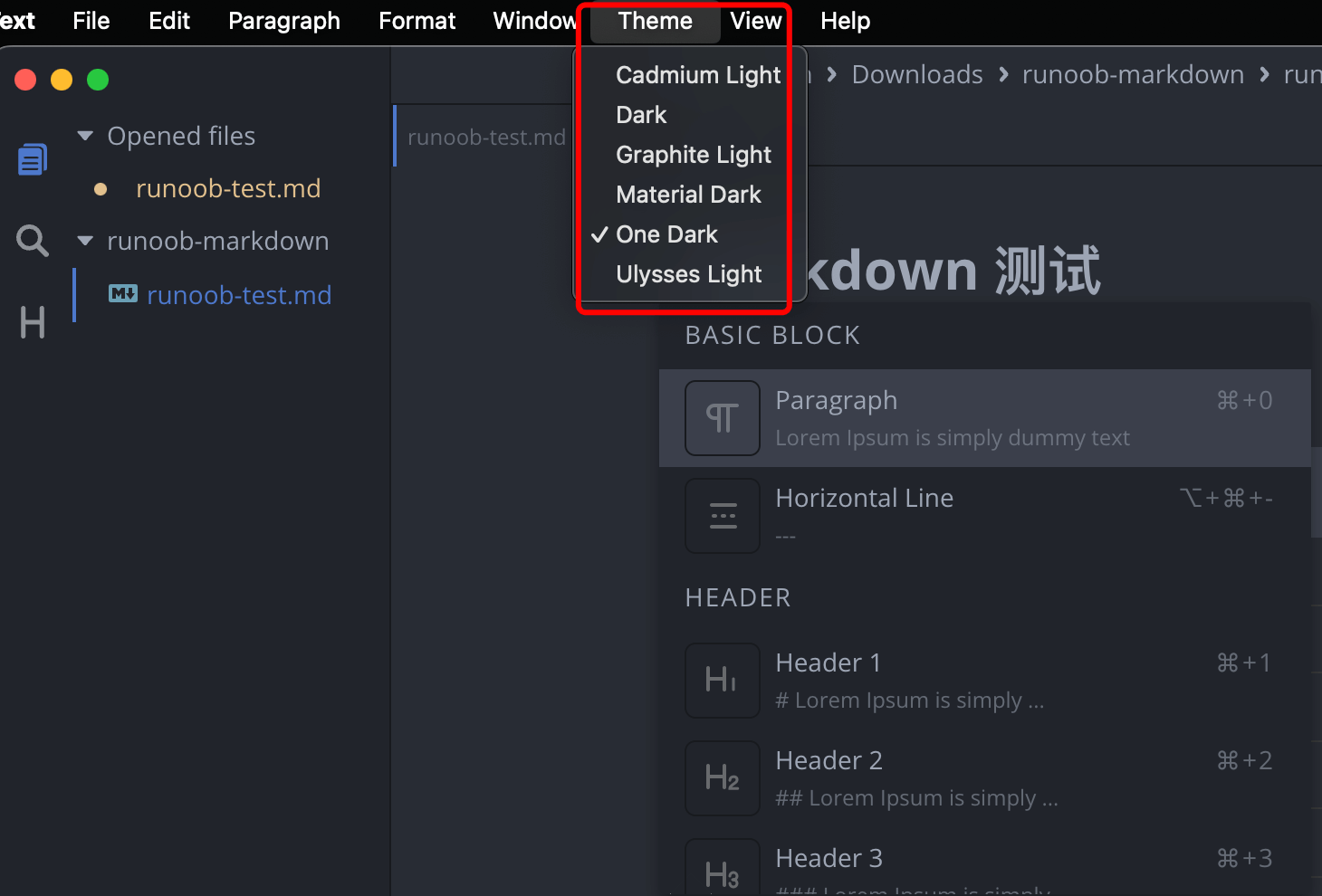
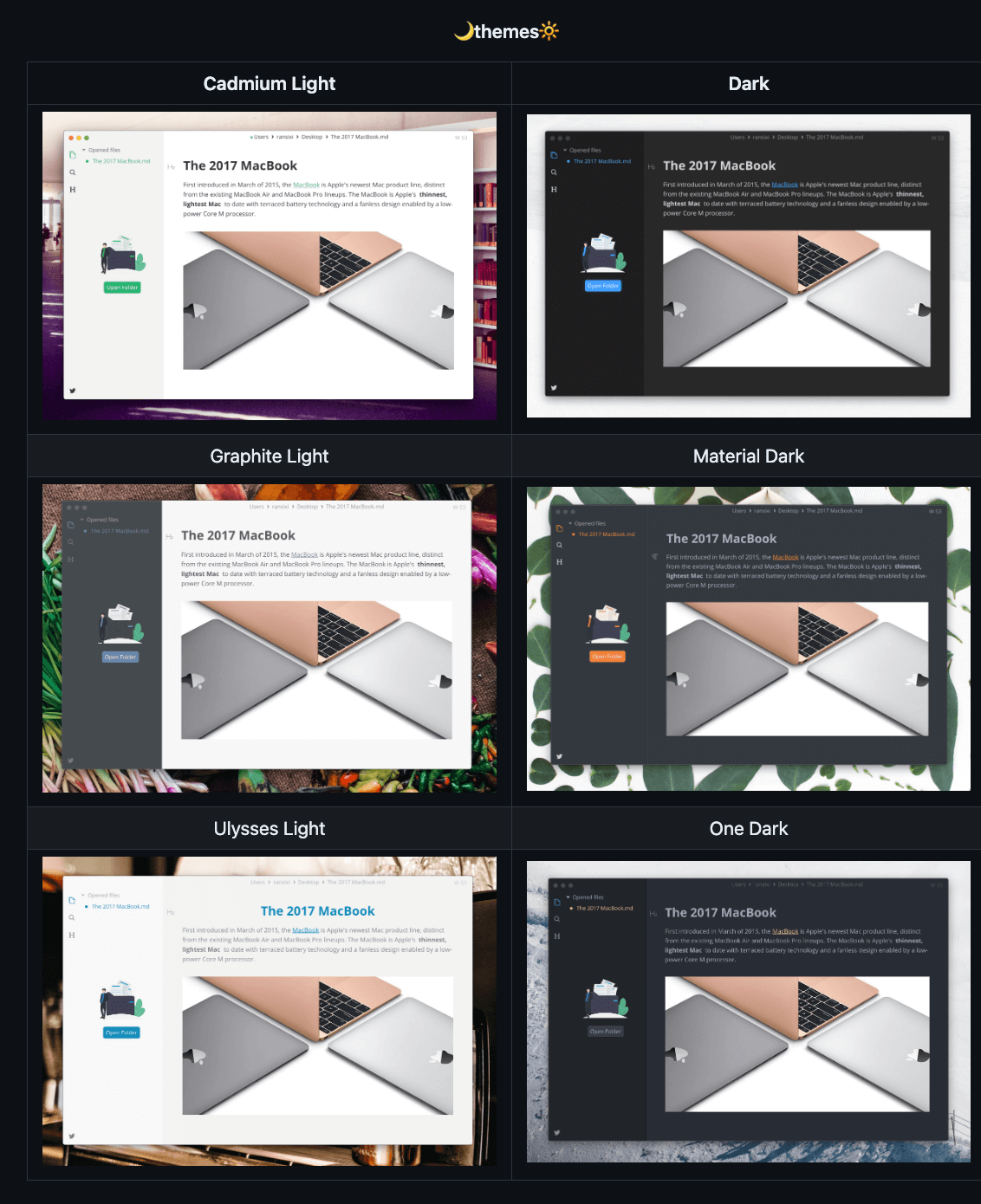
- The software offers various themes such as Cadmium Light, Material Dark, etc.
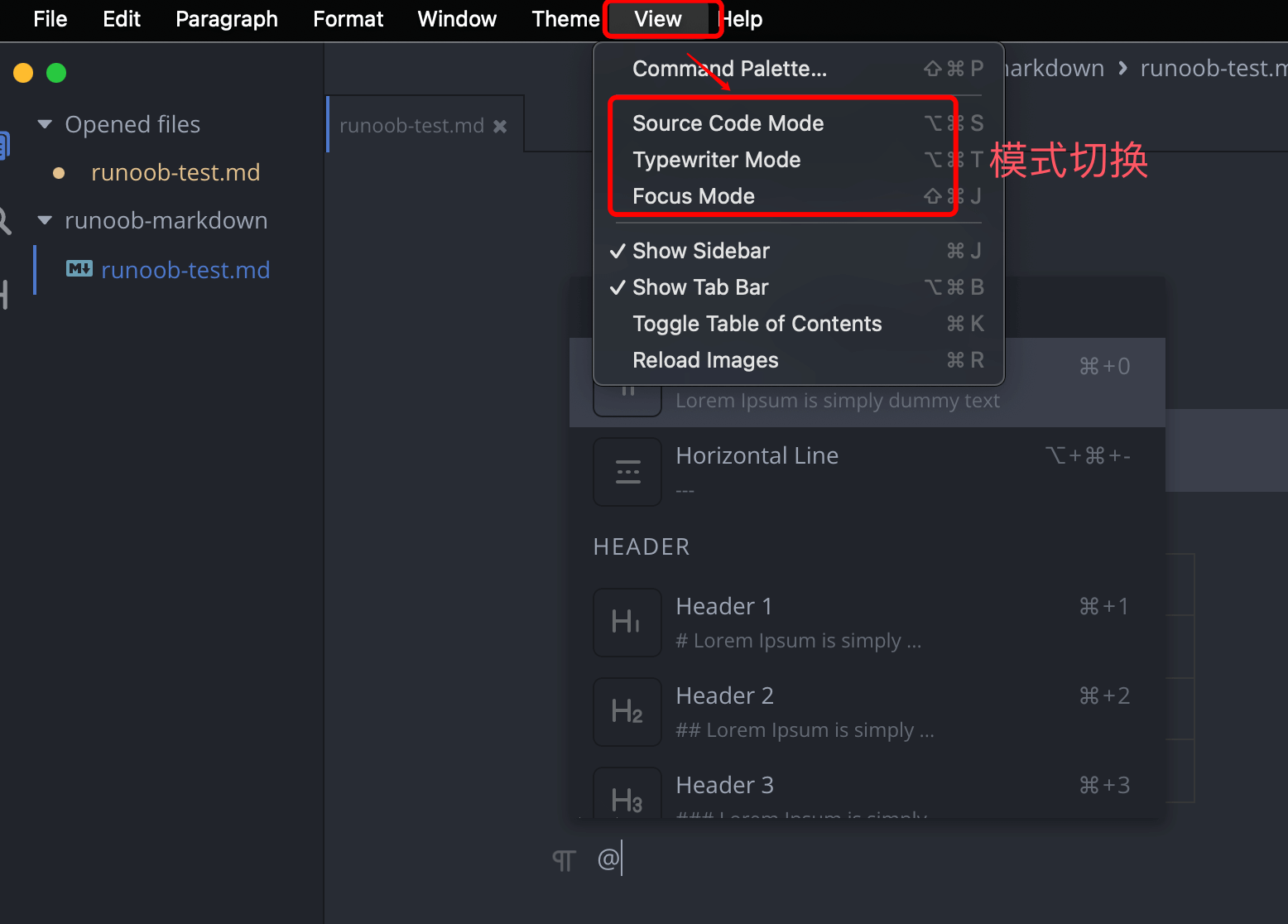
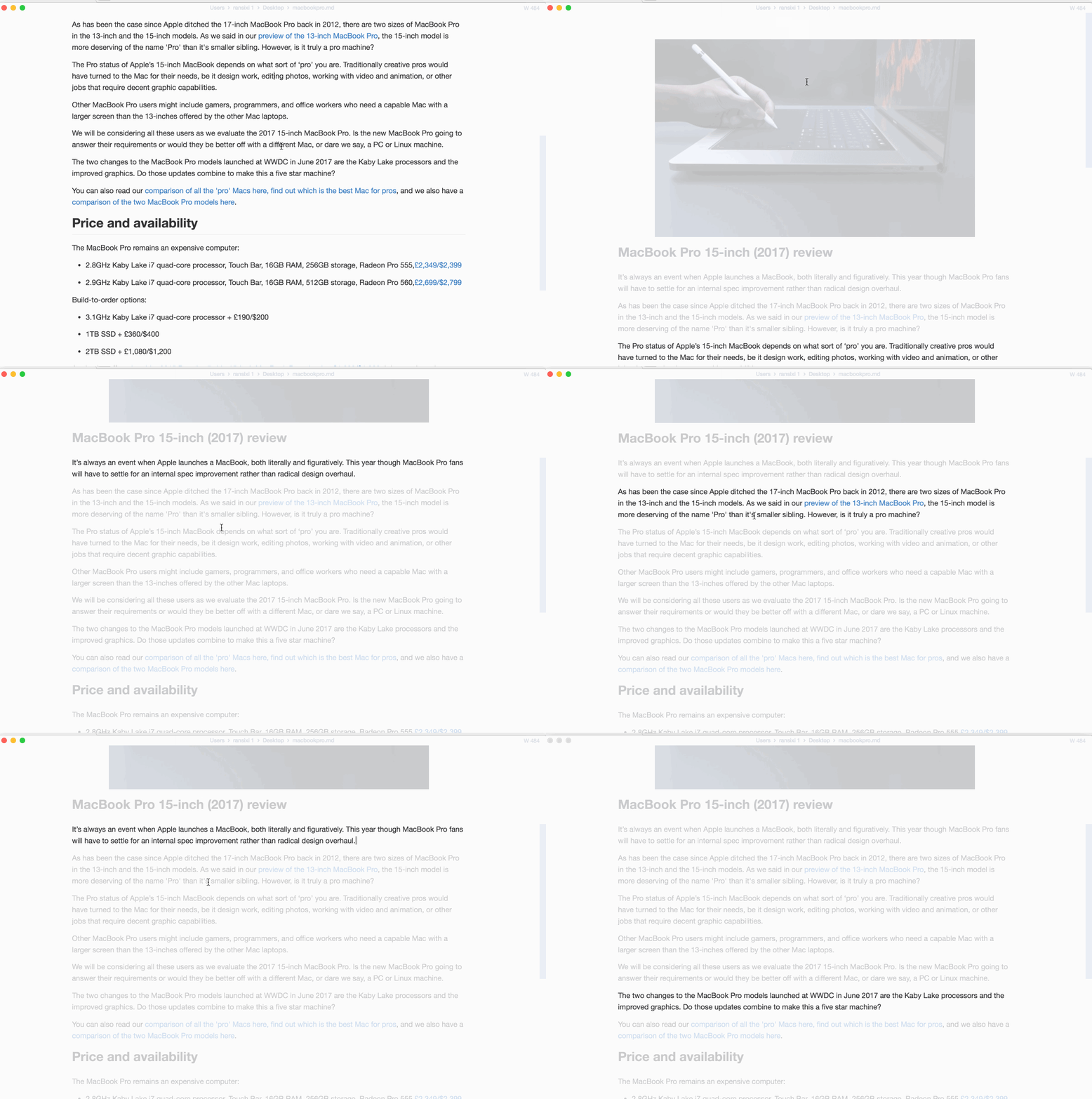
- Multiple editing modes: source code mode, typewriter mode, focus mode.
- Can paste images directly from the clipboard.
Supports inserting various formats:
On the menu bar,Themethe options allow setting different themes:
You can set your preferred theme:
On the menu bar,Viewthe options allow setting different editing modes:
Source code mode:
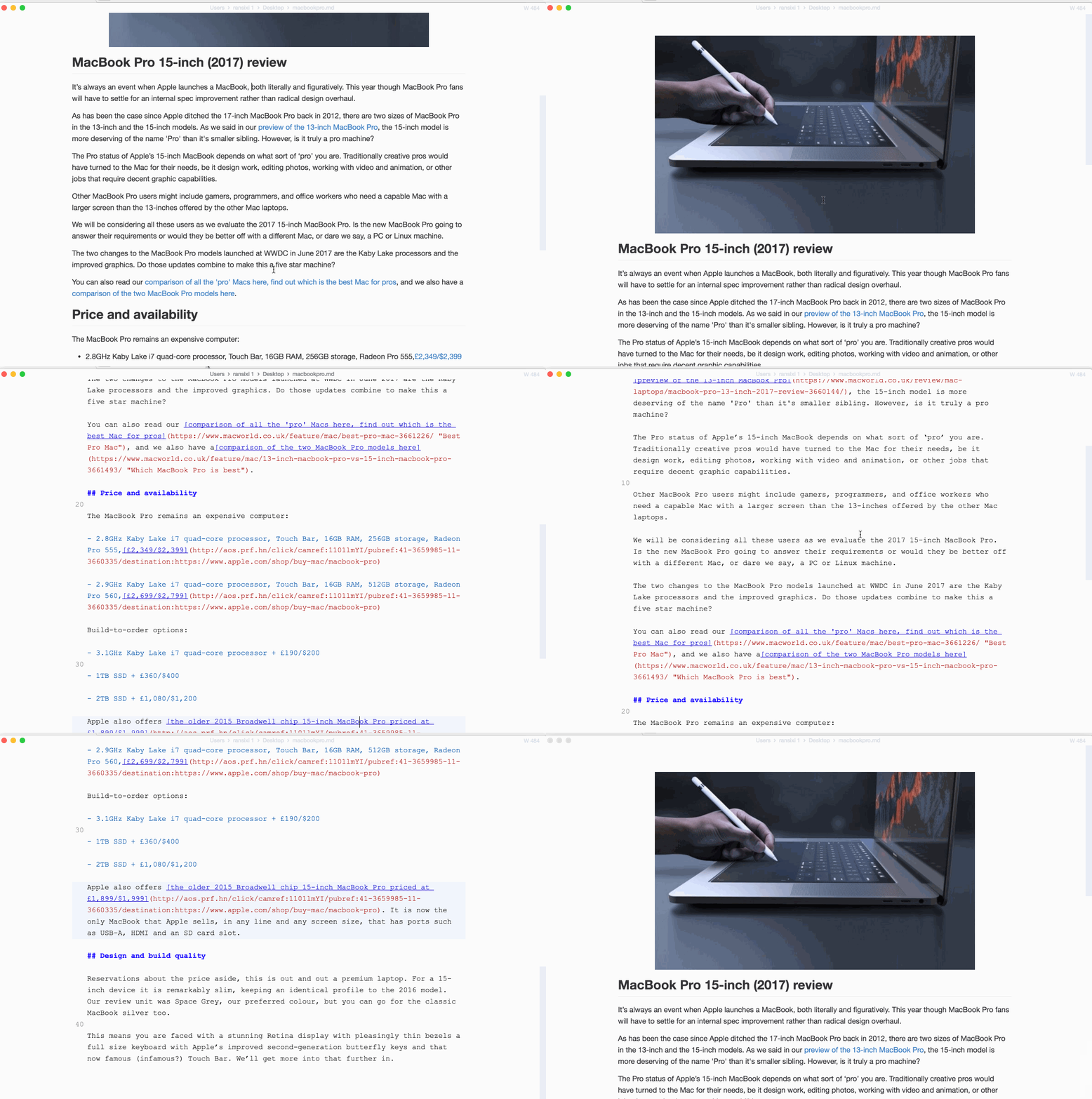
Typewriter mode:

Focus mode:
Here are some of MarkText's main features and functions:
WYSIWYG editor:MarkText provides an intuitive WYSIWYG editor that lets users see the final rendered result immediately while editing, helping them work with Markdown formatting more intuitively.
Real-time preview:The editor supports real-time preview, allowing users to view the rendered result of the Markdown document at any time while editing, ensuring the final presentation meets expectations.
Syntax highlighting:MarkText provides syntax highlighting, making different elements (headings, lists, code blocks, etc.) in Markdown documents easier to distinguish and improving readability.
Multiple theme support:Users can choose different editing themes to suit personal preferences or different environments.
Custom styles:Users can customize the editor and rendering effects with custom CSS styles to meet personalized needs.
Export:MarkText supports exporting Markdown documents to multiple formats, including HTML, PDF, etc., making it easy for users to share or publish documents.
Tab support:Users can open multiple Markdown documents in the same window and switch between them using tabs, improving the efficiency of multi-document management.
Cross-platform:MarkText is cross-platform, supporting Windows, macOS, and Linux, allowing users to use the same editing tool on different operating systems.
Shortcut key support:Provides a rich set of keyboard shortcuts, allowing users to quickly perform common operations and improve editing efficiency.