Today, Rookie Tutorial recommends two good code editors for everyone. First of all, these two code editors are not IDEs (Integrated Development Environment: integrated development environment). They are relatively lightweight code editors, and both editors can be extended through plugins.
VS Code
Visual Studio Code (abbreviated as VS Code) is a free source code editor developed by Microsoft that is cross-platform. The software supports syntax highlighting, code auto-completion (also known as IntelliSense), code refactoring, and view definition features, and has built-in command line tools and a Git version control system. Users can change themes and keyboard shortcuts for personalized settings, and can also install extensions through the built-in extension store to expand the software's functionality.
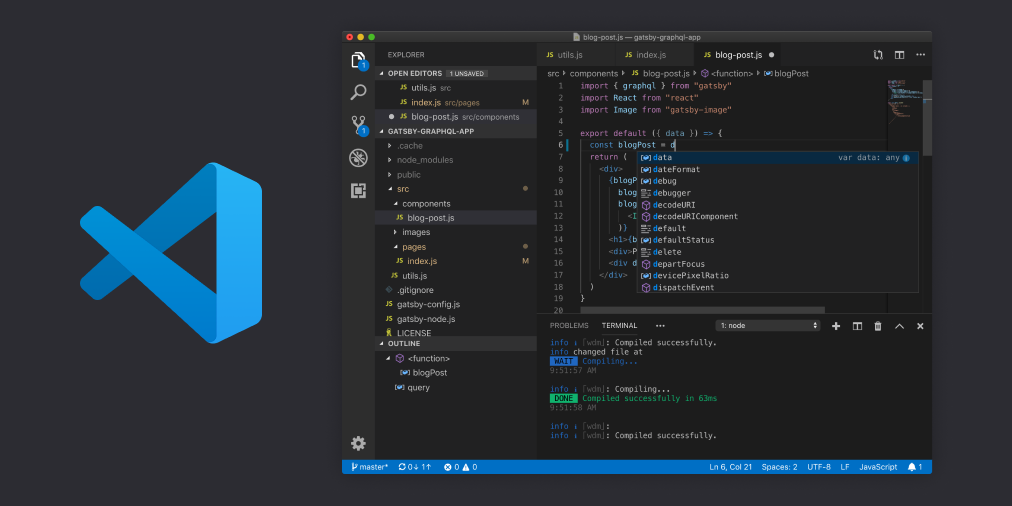
Visual Studio Code supports many programming languages by default, including JavaScript, TypeScript, CSS, and HTML; it can also support other languages including Python, C/C++, Java, and Go by downloading extensions. Supported features include syntax highlighting, bracket completion, code folding, and code snippets; for some languages, IntelliSense can be used. Visual Studio Code also supports debugging Node.js programs. Like GitHub's Atom, Visual Studio Code is also built on the Electron framework.
Visual Studio Code supports opening multiple directories at the same time and saves information in workspaces for reuse.
As a cross-platform editor, Visual Studio Code allows users to change the code page, line endings, and programming language of files.
Official website address:https://code.visualstudio.com/
Download address:https://code.visualstudio.com/download
Sublime Text
The current documentation version is Sublime Text 2, and Sublime Text 3 is still in the testing phase.
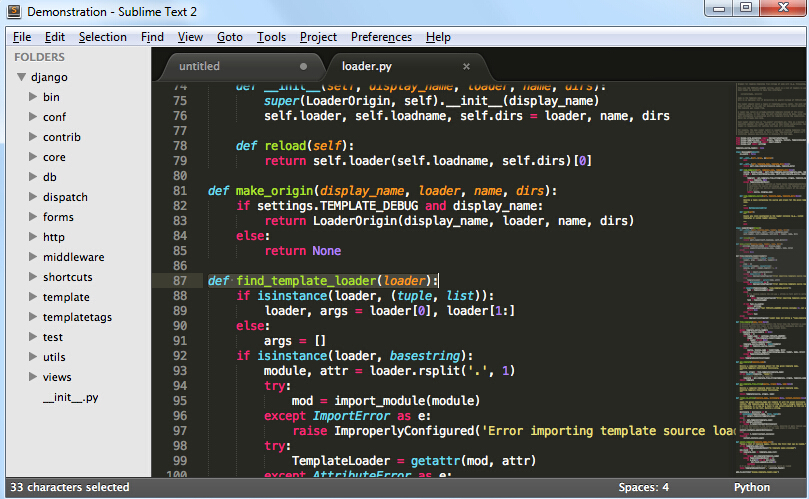
Sublime Text 2Featured features:
Good extension functionality, officially called packages.
There is no scrollbar on the right; instead, there is a code minimap. This feature is really great.
Powerful shortcut commands: you can search for corresponding commands, options, snippets, and syntax in real time, and press Enter to execute directly, reducing the trouble of searching.
Instant file switching.
Jump to any position in any file as you wish.
The Multi-Selection feature allows multiple cursors to exist simultaneously on the page.
Supports VIM mode
Supports macros. Simply put, you can record operations or write commands yourself, and then play back the recorded operations or commands.
Updates are very frequent.
Official website address:http://www.sublimetext.com/
Download address:http://www.sublimetext.com/2