. Users can change themes and keyboard shortcuts to personalize settings, and can also install extensions through the built-in extension marketplace to expand software functionality.
The Python learning process cannot be without an IDE or a code editor, or an integrated development environment (IDE). These Python development tools help developers speed up development with Python and improve efficiency. An efficient code editor or IDE should provide plugins, tools, and other features that help developers develop efficiently.
This article has collected 10 useful Python IDEs that are very helpful to developers. If you have other better recommendations, please share them with everyone in the comments:)
1. VSCode
VSCode download address:https://code.visualstudio.com/
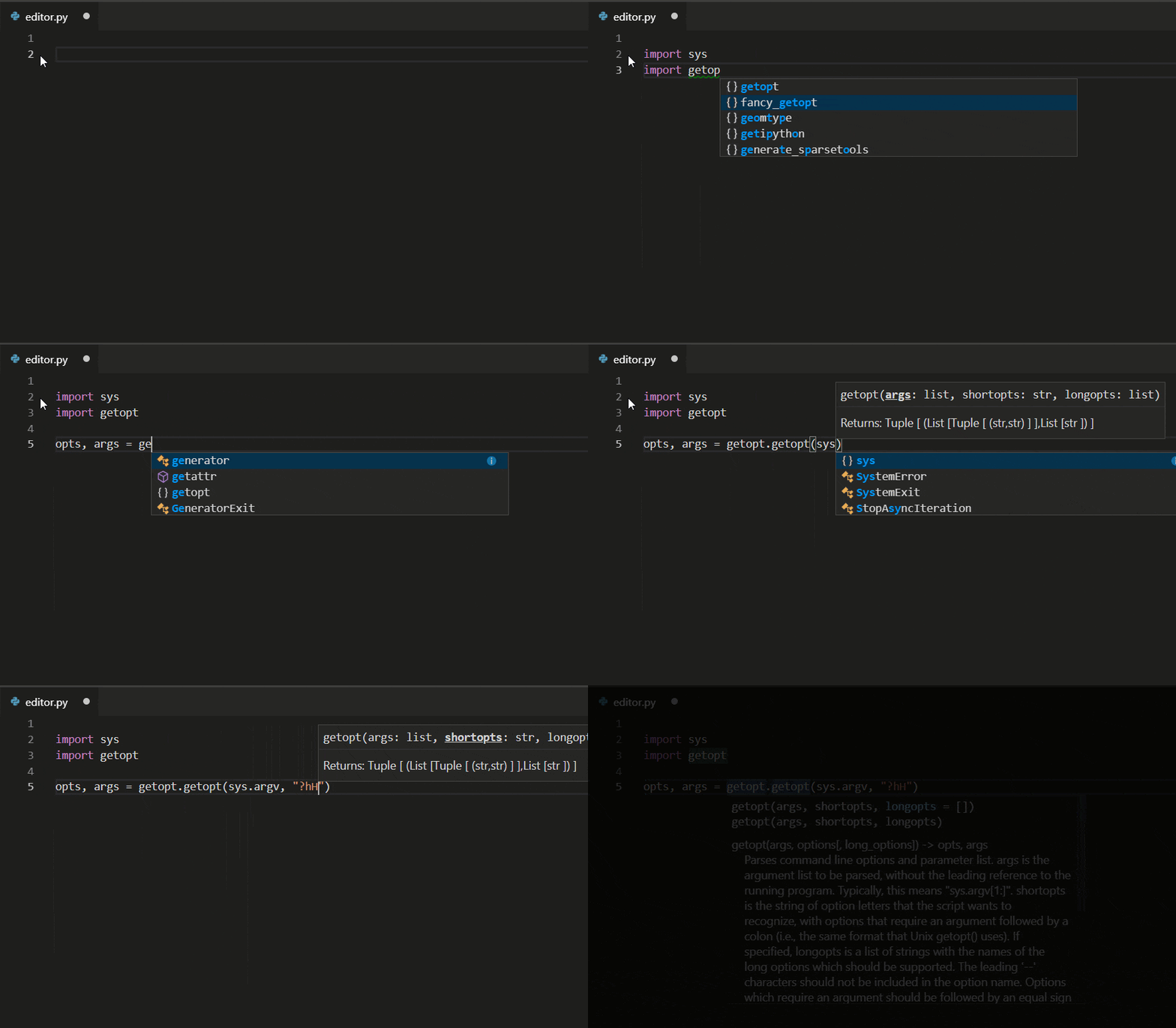
Visual Studio Code (VS Code) is a free source code editor developed by Microsoft and is cross-platform. The software supports syntax highlighting, code auto-completion (also known as IntelliSense), code refactoring, and go-to-definition functionality, and includes a built-in command-line tool and Git version control system
VS Code uses Monaco Editor as its underlying code editor.
2 Vim
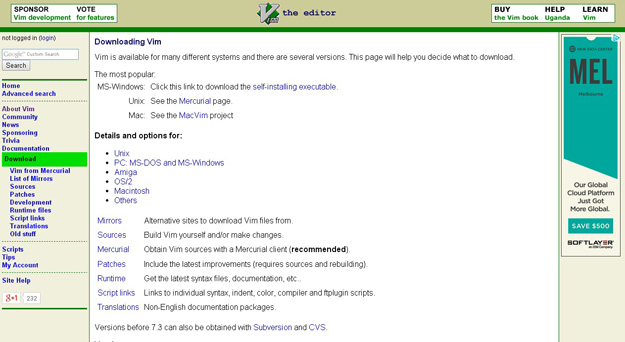
Vim can be said to be a useful Python IDE. Vim is an advanced text editor designed to provide the actual functionality of the Unix editor 'Vi', supporting a more complete feature set. Vim does not require too much time to learn, and once you need a seamless programming experience, you will integrate Vim into your workflow.
3. Eclipse with PyDev
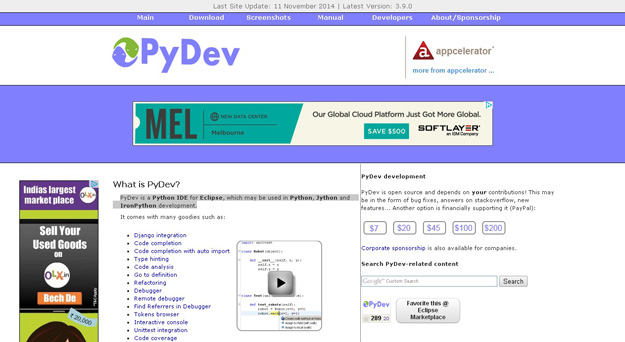
Eclipse is a very popular IDE with a long history. Eclipse with PyDev allows developers to create useful and interactive web applications. PyDev is an IDE for developing Python in Eclipse, supporting development of Python, Jython, and IronPython.
4. Sublime Text
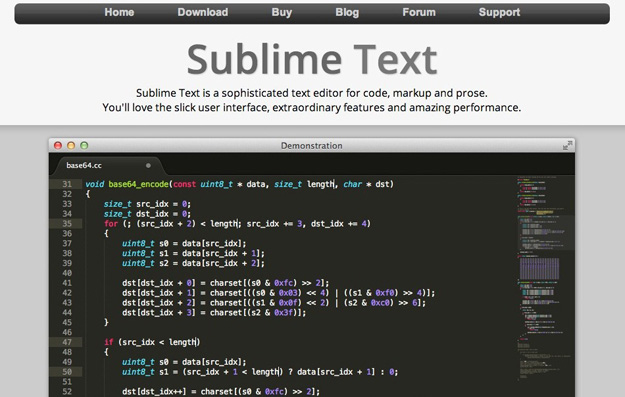
Sublime Text is one of the most popular editors among developers. It is multifunctional, supports multiple languages, and is very popular in the developer community. Sublime has its own package manager, which developers can use to install components, plugins, and additional styles, all of which can improve your coding experience.
5. Emacs
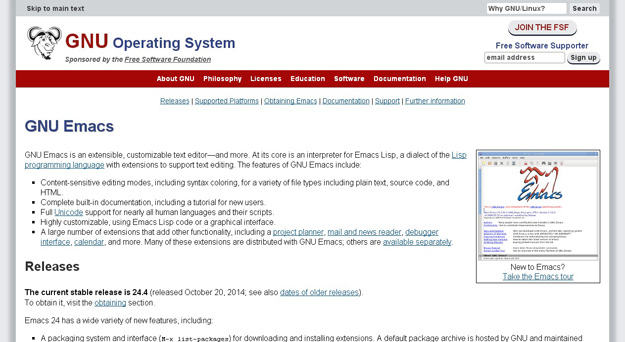
GNU Emacs is an extensible, customizable text editor, and even more. The core of Emacs is the Emacs Lisp parser, but it supports text editing. If you have already used Vim, you can try Emacs.
6. Komodo Edit
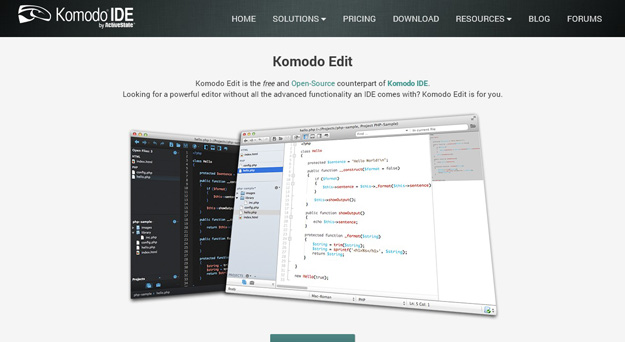
Komodo Edit is a very clean, professional Python IDE.
7. PyCharm
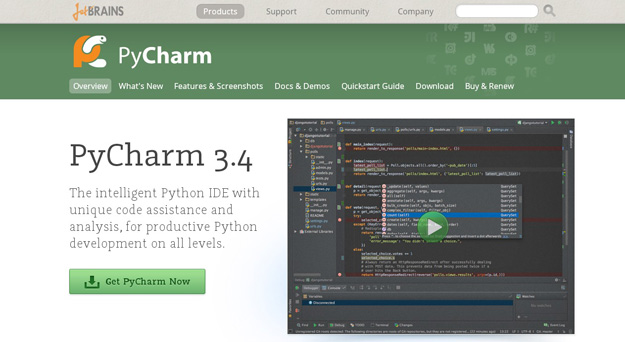
PyCharm is a Python IDE developed by JetBrains. PyCharm provides the features common to general IDEs, such as debugging, syntax highlighting, project management, code navigation, intelligent prompts, auto-completion, unit testing, version control... In addition, PyCharm also provides some great features for Django development, and supports Google App Engine. What's cooler is that PyCharm supports IronPython!
8. Wing
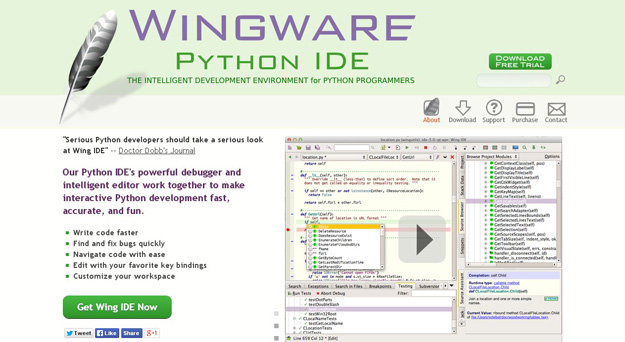
Wingware's Python IDE is compatible with Python 2.x and 3.x, and can be used with Django, matplotlib, Zope, Plone, App Engine, PyQt, PySide, wxPython, PyGTK, Tkinter, mod_wsgi, pygame, Maya, MotionBuilder, NUKE, Blender, and other Python frameworks. Wing supports test-driven development and integrates execution and debugging features for unit tests, nose, and the Django framework. Wing IDE starts and runs very quickly, and supports Windows, Linux, OS X, and Python versions.
9. PyScripter
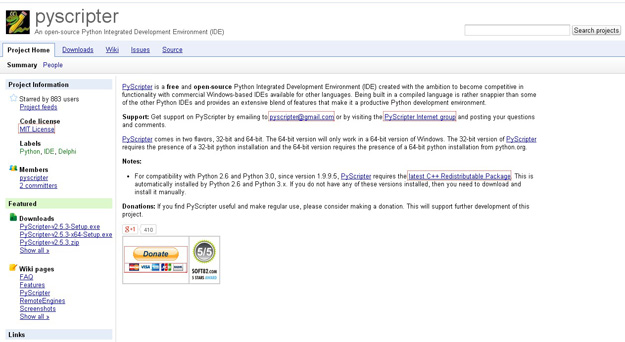
PyScripter is a free and open-source Python integrated development environment (IDE).
10. The Eric Python IDE
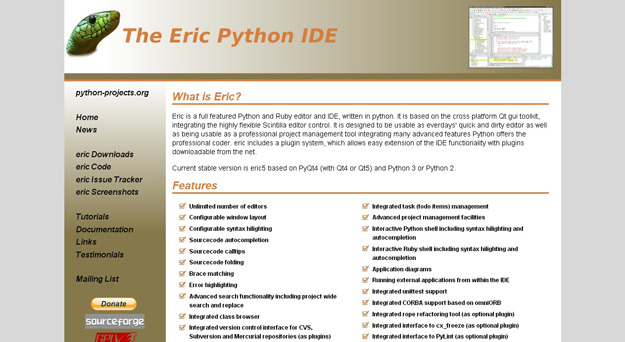
Eric is a full-featured Python and Ruby editor and IDE, written in Python. Eric is based on the cross-platform GUI toolkit Qt and integrates the highly flexible Scintilla editor control. Eric includes a plugin system that allows easy functional extension of the IDE.
via codegeekz.com