git push command
git pushThe command is used to upload the local branch version to the remote and merge it.
The command format is as follows:
git push <远程主机名> <本地分支名>:<远程分支名>If the local branch name is the same as the remote branch name, the colon can be omitted:
git push <远程主机名> <本地分支名>
Example
The following command pushes the local master branch to the master branch on the origin remote.
$ git push origin master
Equal to:
$ git push origin master:master
If the local version differs from the remote version, but you still need to force push, you can use the --force parameter:
git push --force origin master
To delete a branch on the remote, you can use the --delete parameter. The following command deletes the master branch on the origin remote:
git push origin --delete master
with myhttps://github.com/tianqixin/example-git-testAs an example, add a local file:
$ touch example-test.txt      # 添加文件
$ git add example-test.txt
$ git commit -m "添加到远程"
master 69e702d] 添加到远程
 1 file changed, 0 insertions(+), 0 deletions(-)
 create mode 100644 example-test.txt

$ git push origin master    # 推送到 Github
Push the local master branch to the master branch on the origin remote.
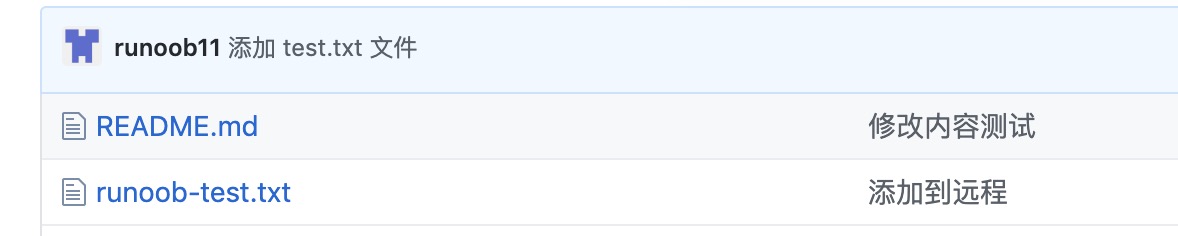
Returning to our Github repository, you can see the file has been committed:
other extensions