Eclipse built-in browser
Web browser
Eclipse has a built-in browser. To access it, click the Window menu, select Show View > Other, and type "browser" in the search bar of the dialog that appears.
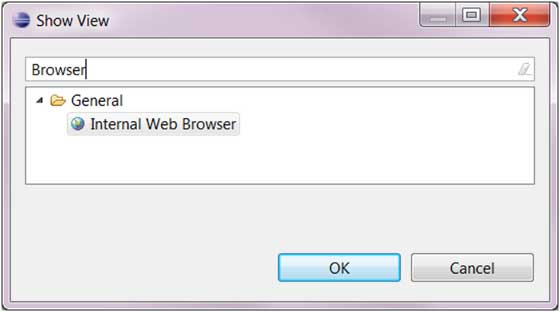
Select "Internal Web Browser" in the tree menu and click OK.
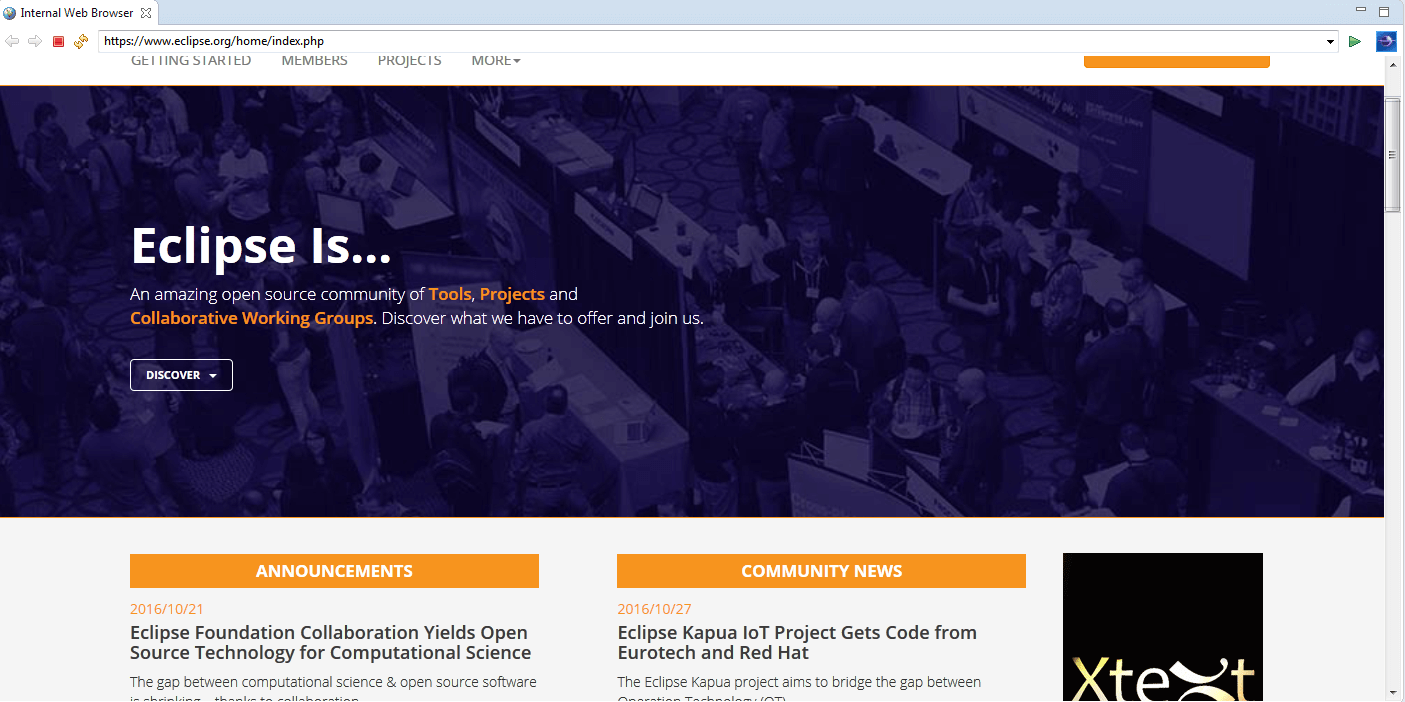
In the built-in browser, we enter a URL in the address bar, such as: https://www.eclipse.org/home/index.php, and the webpage will open.
 other extensions