Eclipse: Close Project
Why close a project?
The Eclipse workspace contains multiple projects. A project can be in either a closed or open state.
Effects of having too many open projects:
- Consume memory
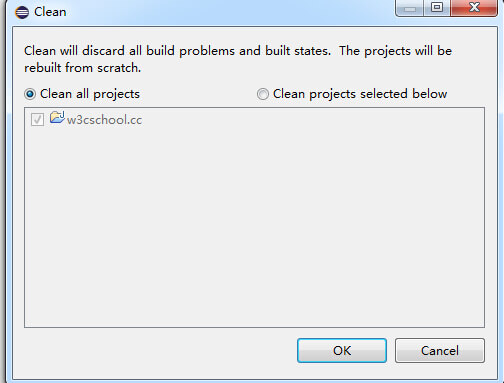
- Compilation time overhead: When deleting the project's .class files (Clean All Projects) and recompiling (select Project > Clean > Clean all projects from the menu).
How to close a project?
If a project is not in the development phase, we can close the project first.
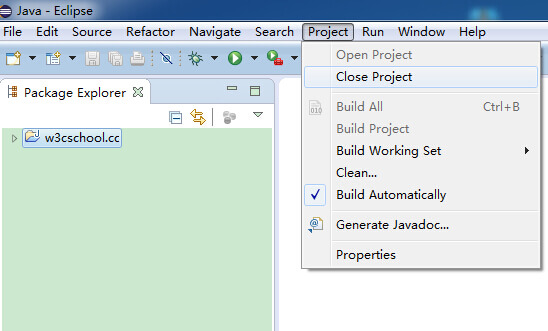
In the Package Explorer view, select the project to be closed, and close it by choosing Project > Close Project from the menu.
Closed projects
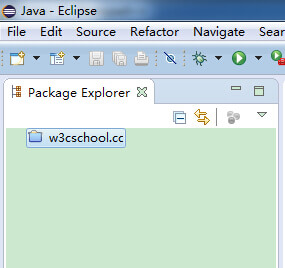
After the project is closed, we can see in the Package Explorer view that the project's icon has changed. A closed project cannot be edited.
Reopen the project
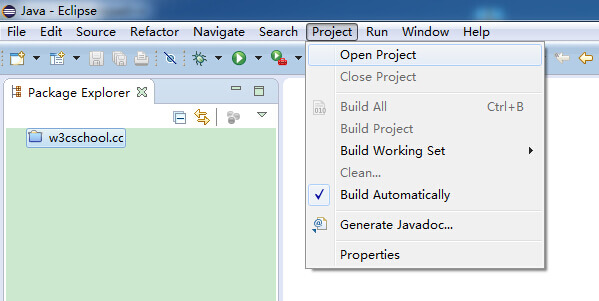
You can do this by selecting Project > Open Project.
 other extensions