Docker install Redis
Redis is an open-source, network-enabled, in-memory and persistent log-based Key-Value NoSQL database written in ANSI C, and provides APIs for multiple languages.
1. View available Redis versions
Visit the Redis mirror repository address:https://hub.docker.com/_/redis?tab=tags。
You can view other versions of Redis via Sort by; by default, it's the latest version.redis:latest。
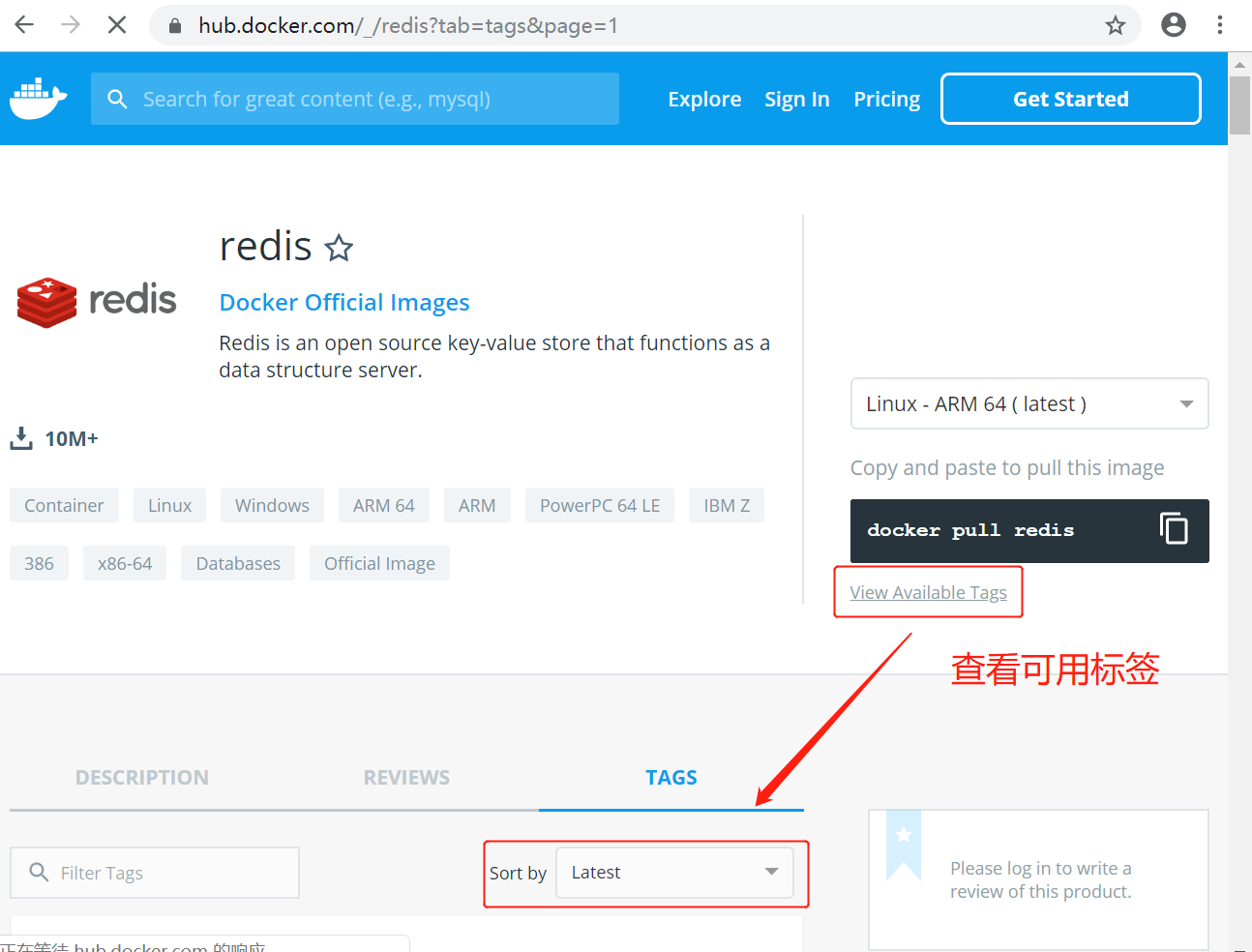
You can also find other versions you want in the dropdown list:
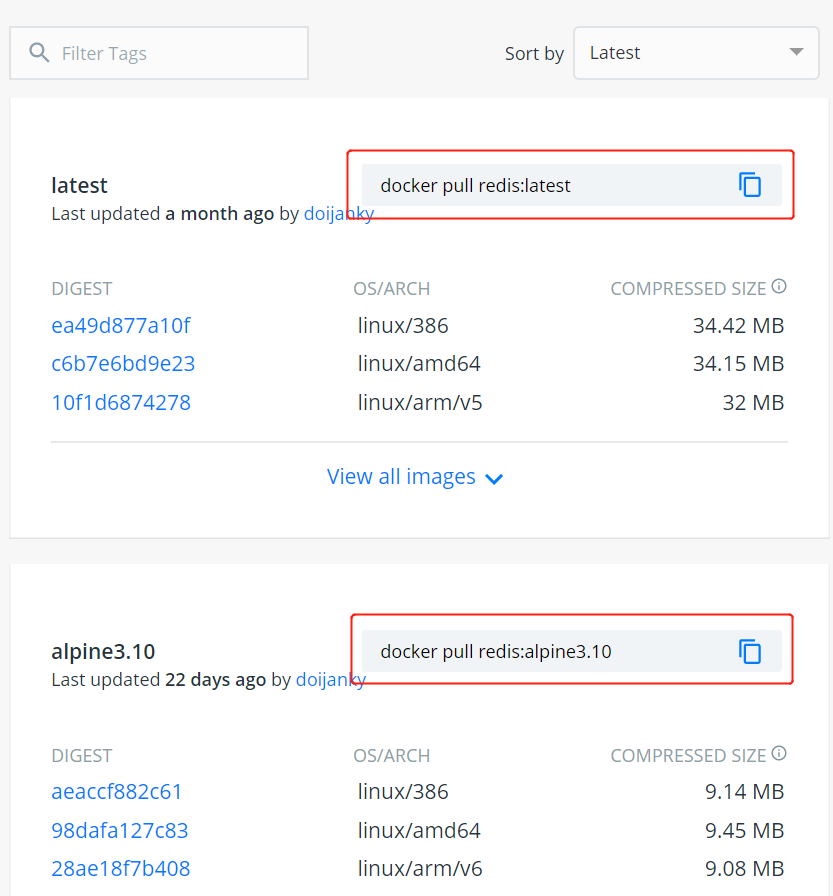
Additionally, we can also usedocker search redisthe command to view available versions:
$ docker search  redis
NAME                      DESCRIPTION                   STARS  OFFICIAL  AUTOMATED
redis                     Redis is an open source ...   2321   [OK]
sameersbn/redis                                         32                   [OK]
torusware/speedus-redis   Always updated official ...   29             [OK]
bitnami/redis             Bitnami Redis Docker Image    22                   [OK]
anapsix/redis             11MB Redis server image ...   6                    [OK]
webhippie/redis           Docker images for redis       4                    [OK]
clue/redis-benchmark      A minimal docker image t...   3                    [OK]
williamyeh/redis          Redis image for Docker        3                    [OK]
unblibraries/redis        Leverages phusion/baseim...   2                    [OK]
greytip/redis             redis 3.0.3                   1                    [OK]
servivum/redis            Redis Docker Image            1                    [OK]
...
2. Pull the latest Redis image
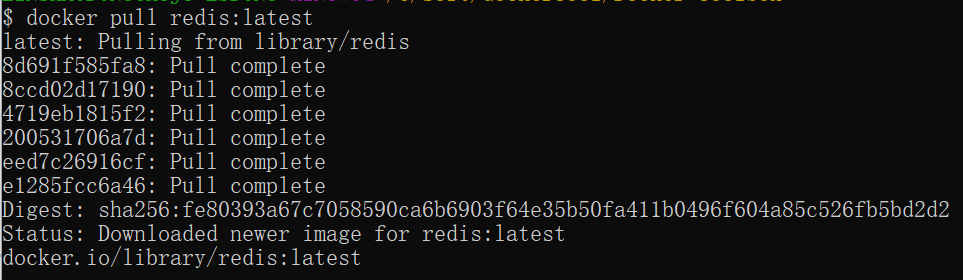
Here we pull the official latest version image:
$ docker pull redis:latest
3. View local images
Use the following command to check whether redis is installed:
$ docker images

In the above figure, we can see that we have installed the latest version (latest) of the redis image.
4. Run the container
After installation, we can use the following command to run the redis container:
$ docker run -itd --name redis-test -p 6379:6379 redis
Parameter description:
- -p 6379:6379: Map port 6379 of the container service to port 6379 of the host machine. The outside can directly access the Redis service via host_ip:6379.

5. Installation successful
Finally, we can usedocker psUse the command to view the container's running information:

Next, we use redis-cli to connect and test the redis service.
$ docker exec -it redis-test /bin/bash
