Dash Core Components
Dash's core components are the foundation for building applications; they allow you to create user interfaces and interact with data.
Dash viadash.htmlanddash.dccWith modules, you can easily create user interfaces and interact with data.
from Dash 2.0 Versionstart,dash_html_components and dash_core_components alreadyBy整combineto dash mainPackageIn.
It is now recommended to import html and dcc directly from dash, rather than using the old dash_html_components and dash_core_components.
Overview of Dash Core Components
Dash's core components can be divided into two major categories:dash.htmlanddash.dcc。dash.htmlprovides Python wrappers for HTML tags, whiledash.dccprovides more advanced interactive components, such as sliders, dropdown menus, graphs, etc.
1. dash.htmlComponents
dash.htmlThe module provides Python classes corresponding to HTML tags. These classes allow you to write HTML code in a Pythonic way. For example,dash.html.Divcorresponding to HTML's<div>label,dash.html.H1corresponding<h1>label.
Example
import dash.html as html
app = dash.Dash(__name__)
app.layout = html.Div([
html.H1('Welcome to Dash World'),
html.P('This is a simple paragraph.'),
html.Div([
html.Span('This is Span 1'),
html.Span(This is Span 2)
])
])
if __name__ == '__main__':
app.run_server(debug=True)
dash.htmlComponents make it very simple and intuitive to write HTML structures.
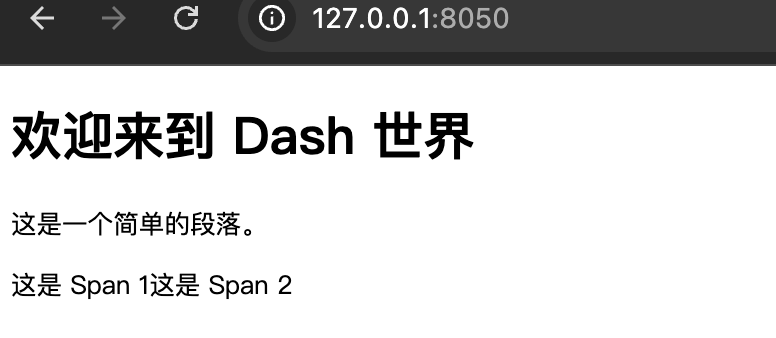
In the above code, we created a layout containing a title, a paragraph, and twoSpanelement'sDivContainer.
2. dash.dccComponents
dash.dccThe module provides more advanced interactive components, which are typically used for data visualization and user input. Commondash.dccComponents includeGraph、Dropdown、Slideretc.
Example code
Example
import dash.html as html
import dash.dcc as dcc
app = dash.Dash(__name__)
app.layout = html.Div([
dcc.Graph(
id='example-graph',
figure={
'data': [
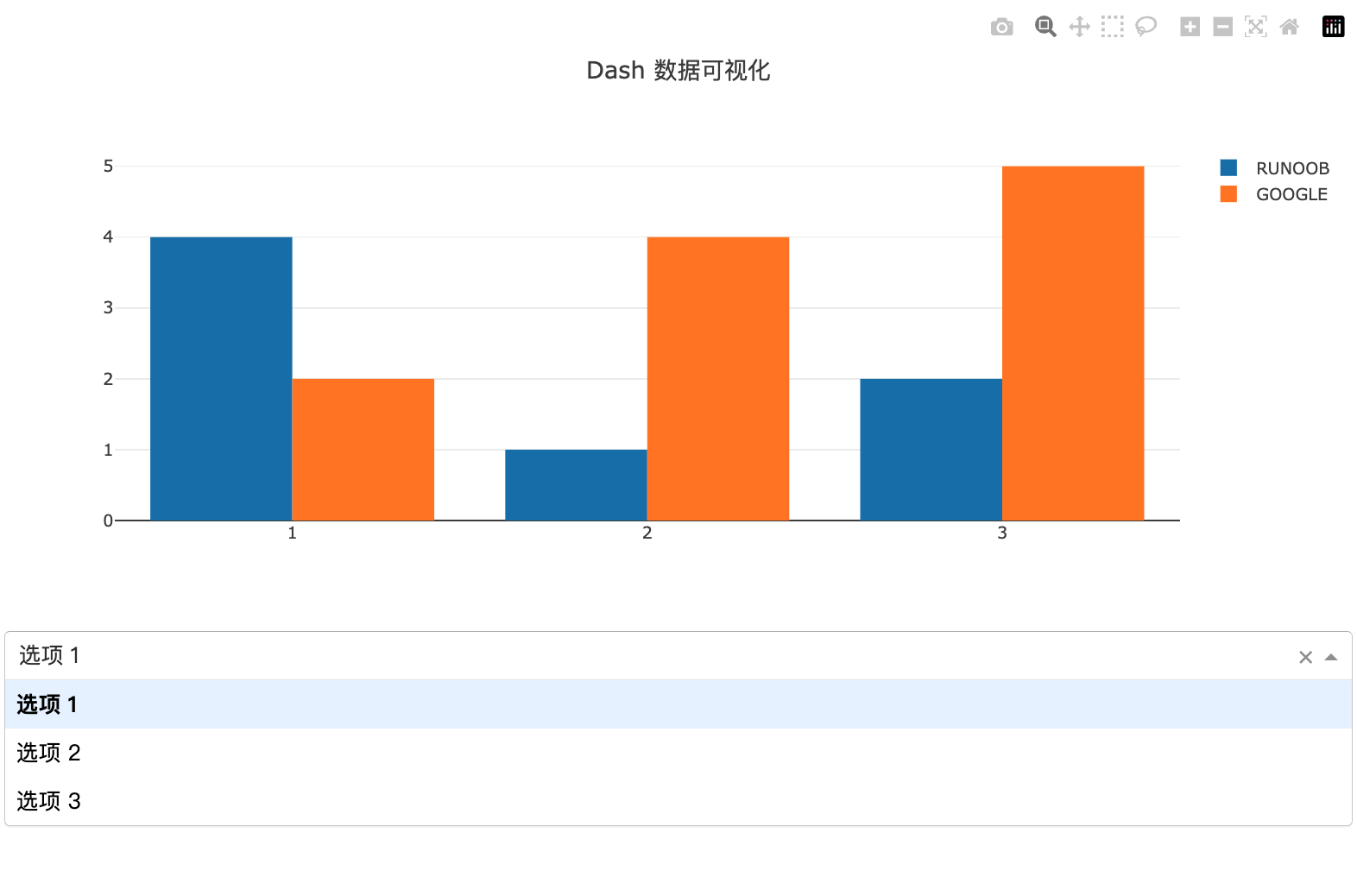
{'x': [1, 2, 3], 'y': [4, 1, 2], 'type': 'bar', 'name': 'EXAMPLE'},
{'x': [1, 2, 3], 'y': [2, 4, 5], 'type': 'bar', 'name': 'GOOGLE'},
],
'layout': {
'title': 'Dash Data Visualization'
}
}
),
dcc.Dropdown(
id='example-dropdown',
options=[
{'label': 'Option 1', 'value': '1'},
{'label': 'Option 2', 'value': '2'},
{'label': 'Option 3', 'value': '3'}
],
value='1'
)
])
if __name__ == '__main__':
app.run_server(debug=True)
In this example, we created a layout containing a bar chart and a dropdown menu.dcc.GraphComponents are used to display data visualization charts, whiledcc.DropdownComponents allow users to select options from a dropdown menu.
core component properties
Every Dash component has attributes that control its appearance and behavior. For example,dash.html.DivofchildrenThe attribute is used to specify its child elements,dash.dcc.GraphoffigureThe attribute is used to specify the data and layout of the graph.
Common Attributes
- children: Used to specify the children of a component. Most components have this attribute.
- id: Used to uniquely identify a component, typically used in callback functions.
- style: Used to set the CSS style of a component.
- className: Used to specify the CSS class name of a component.
Example code
Example
import dash.html as html
app = dash.Dash(__name__)
app.layout = html.Div(
children=[
html.H1('This is a title', style={'color': 'blue', 'fontSize': 40}),
html.P(This is a paragraph, className='my-class')
],
style={'backgroundColor': '#f0f0f0'}
)
if __name__ == '__main__':
app.run_server(debug=True)
In the above code, we usestyleattribute to set the color and font size of the title, and useclassNameattribute to specify a CSS class name for the paragraph.