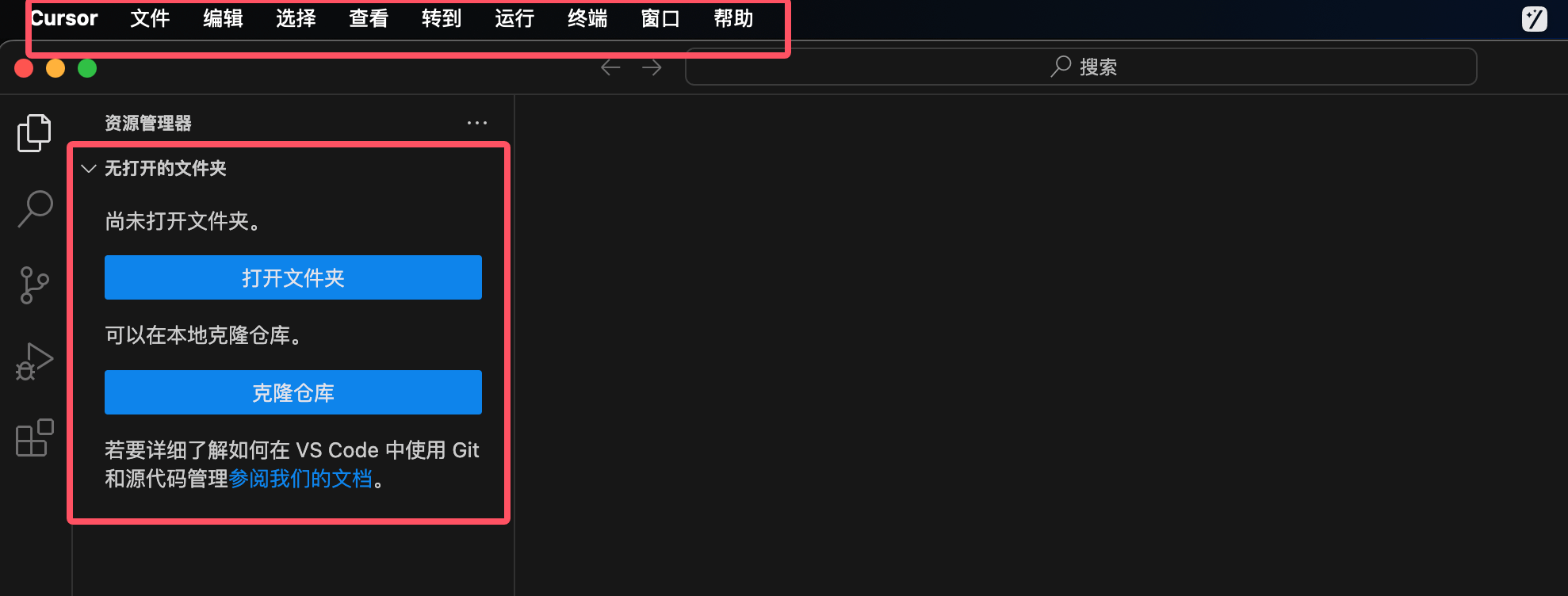
Cursor Chinese Settings
Cursor is based onVS CodeIt's an editor developed based on VS Code, so its extensions also use the VS Code extension marketplace.
By default, Cursor's interface is in English. We can install a Chinese language pack through the VS Code extension marketplace.
VS Code has a built-in extension marketplace, offering thousands of extensions provided by the community and Microsoft officially.
Next, let's search for the Chinese language pack in the extension marketplace and install it.
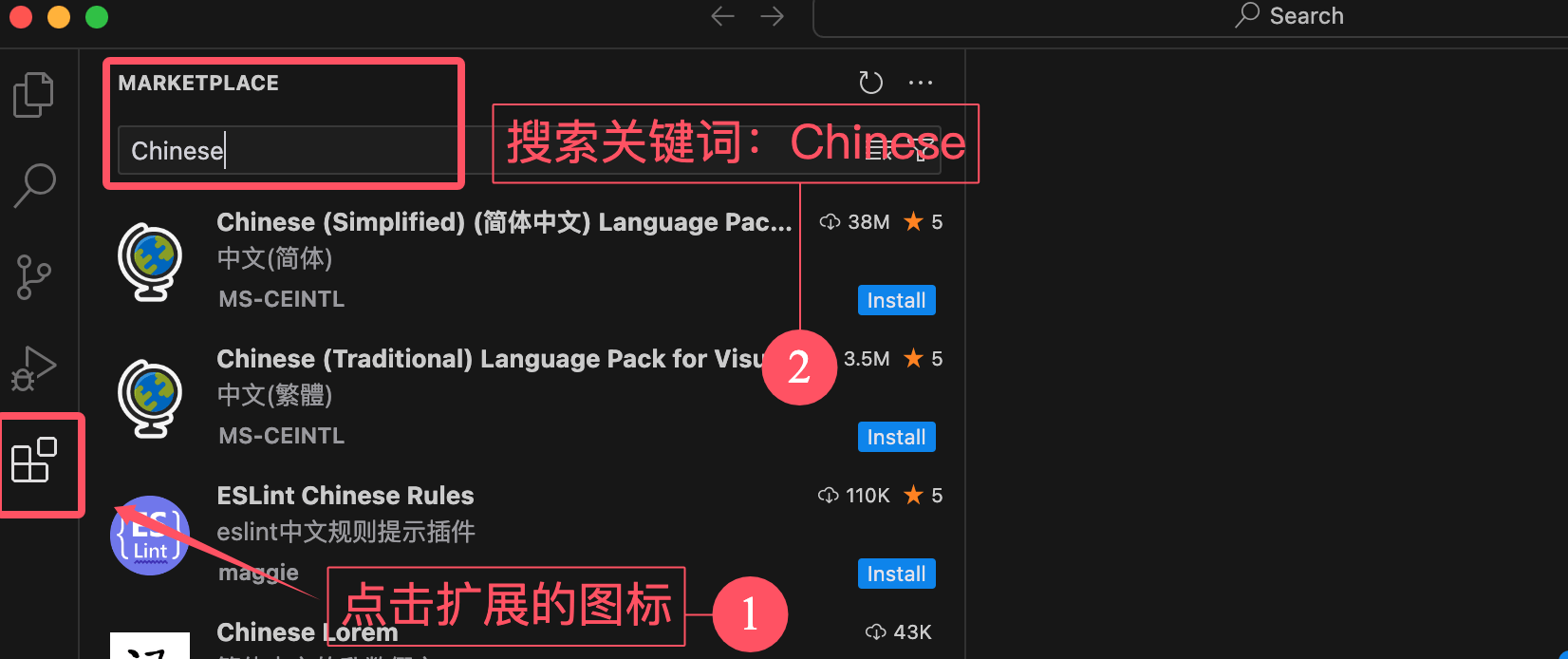
Installing the Chinese language pack in VSCode is very simple. Open Cursor, click the extensions icon on the left side, and type in the search boxChinese:
Then click the Install button on the first search result option 【Chinese (Simplified) (简体中文)】 and you're all set:
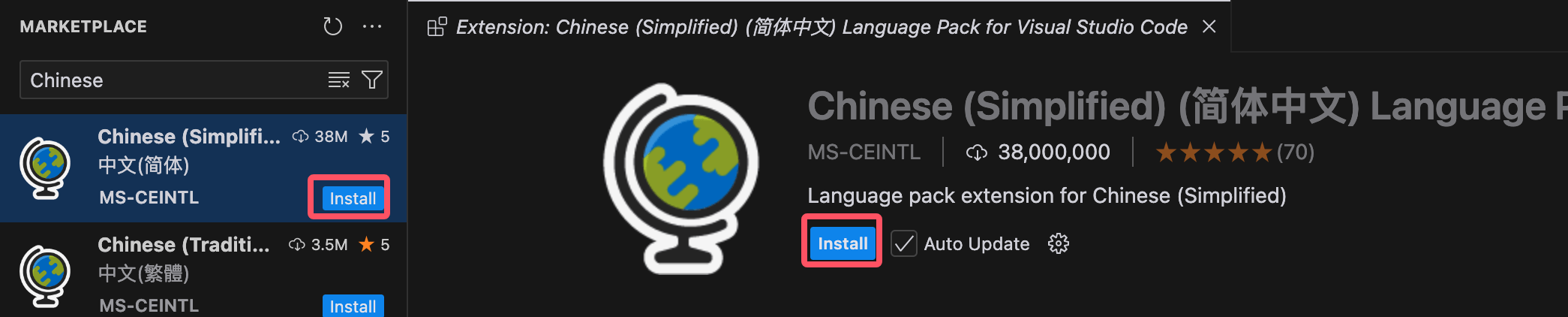
After the installation is complete, restart Cursor, and the interface will be displayed in Chinese.