This article will teach how to implement copy functionality using JavaScript.
Method 1: Using simple JavaScript code
We can use the Clipboard API'sClipboard.writeText()orClipboard.write()Method to overwrite clipboard content with specified data.
Example
function myFunction() {
/* Get text content */
var copyText = document.getElementById("myInput");
/* Select and copy content */
copyText.select();
copyText.setSelectionRange(0, 99999); /* Settings for mobile devices */
/* Copy content to text area */
navigator.clipboard.writeText(copyText.value);
/* Pop up the copied content */
alert("The copied text is: " + copyText.value);
}
/* Get text content */
var copyText = document.getElementById("myInput");
/* Select and copy content */
copyText.select();
copyText.setSelectionRange(0, 99999); /* Settings for mobile devices */
/* Copy content to text area */
navigator.clipboard.writeText(copyText.value);
/* Pop up the copied content */
alert("The copied text is: " + copyText.value);
}
Try it Yourself »
After the copy is complete, you can use a more user-friendly way to notify:
Example
function myFunction() {
var copyText = document.getElementById("myInput");
copyText.select();
copyText.setSelectionRange(0, 99999);
navigator.clipboard.writeText(copyText.value);
var tooltip = document.getElementById("myTooltip");
tooltip.innerHTML = "Copy content: " + copyText.value;
}
function outFunc() {
var tooltip = document.getElementById("myTooltip");
tooltip.innerHTML = "Click button to copy";
}
var copyText = document.getElementById("myInput");
copyText.select();
copyText.setSelectionRange(0, 99999);
navigator.clipboard.writeText(copyText.value);
var tooltip = document.getElementById("myTooltip");
tooltip.innerHTML = "Copy content: " + copyText.value;
}
function outFunc() {
var tooltip = document.getElementById("myTooltip");
tooltip.innerHTML = "Click button to copy";
}
Try it Yourself »
Method 2: Using the third-party library clipboard.js (recommended, strong compatibility)
-
clipboard.js official website:https://clipboardjs.com/
clipboard.js Github:https://github.com/zenorocha/clipboard.js
We can download clipboard.js and include it in the project:
<script src="dist/clipboard.min.js.html"></script>
Of course, an even simpler way is to directly use a domestic CDN library:
<script src="https://cdn.staticfile.org/clipboard.js/2.0.4/clipboard.min.js"></script>
Example
new ClipboardJS('#copyInput', {
text: function(trigger) {
return document.getElementById("myInput").value;
}
}).on('success', function(e) {
alert("Copy successful!!!");
e.clearSelection();
}).on('error', function(e) {
alert('Error!');
});
text: function(trigger) {
return document.getElementById("myInput").value;
}
}).on('success', function(e) {
alert("Copy successful!!!");
e.clearSelection();
}).on('error', function(e) {
alert('Error!');
});
Try it Yourself »
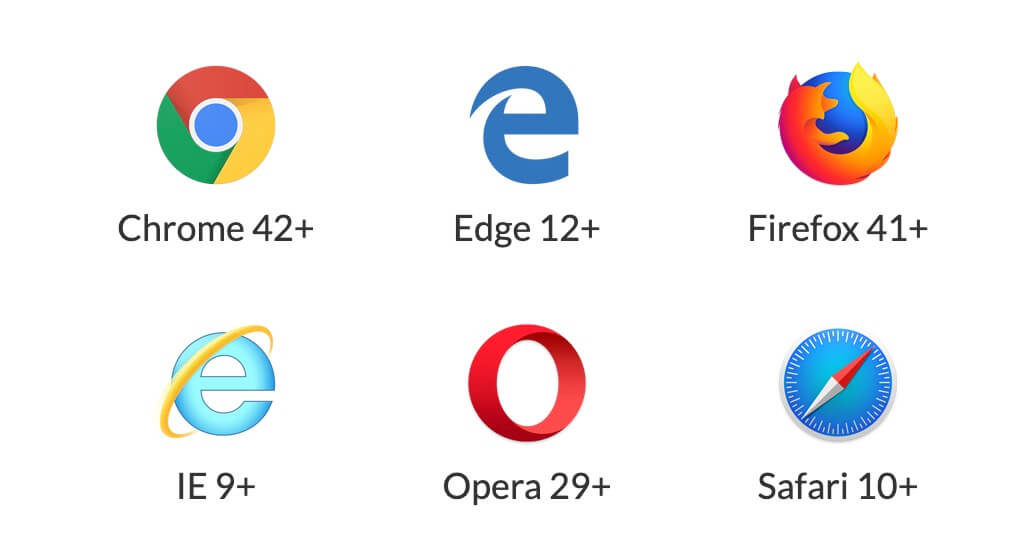
clipboard.js browser support