Markdown Text Format
Markdown paragraphs do not have any special formatting; just write the text directly,A line break in a paragraph is created by using two or more spaces followed by Enter.。
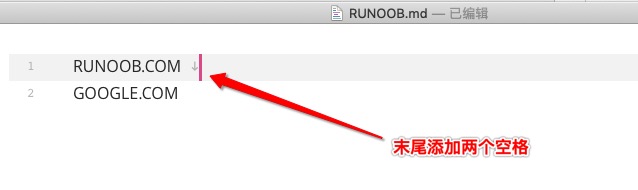
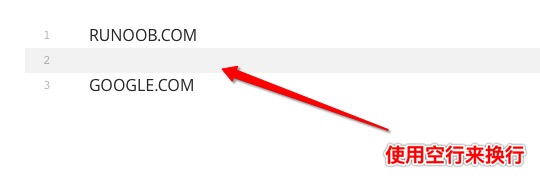
Of course, you can also use a blank line after a paragraph to indicate the start of a new paragraph.
Fonts
Text emphasis is an important technique in writing. Markdown provides a concise way to achieve bold and italic effects.
Markdown can use the following font styles: bold and italic.
Bold syntax:Use two asterisks**or two underscores__to surround the text:
这是**粗体文字**使用星号
这是__粗体文字__使用下划线
Italic syntax:Use one asterisk*or one underscore_to surround the text:
这是*斜体文字*使用星号
这是_斜体文字_使用下划线
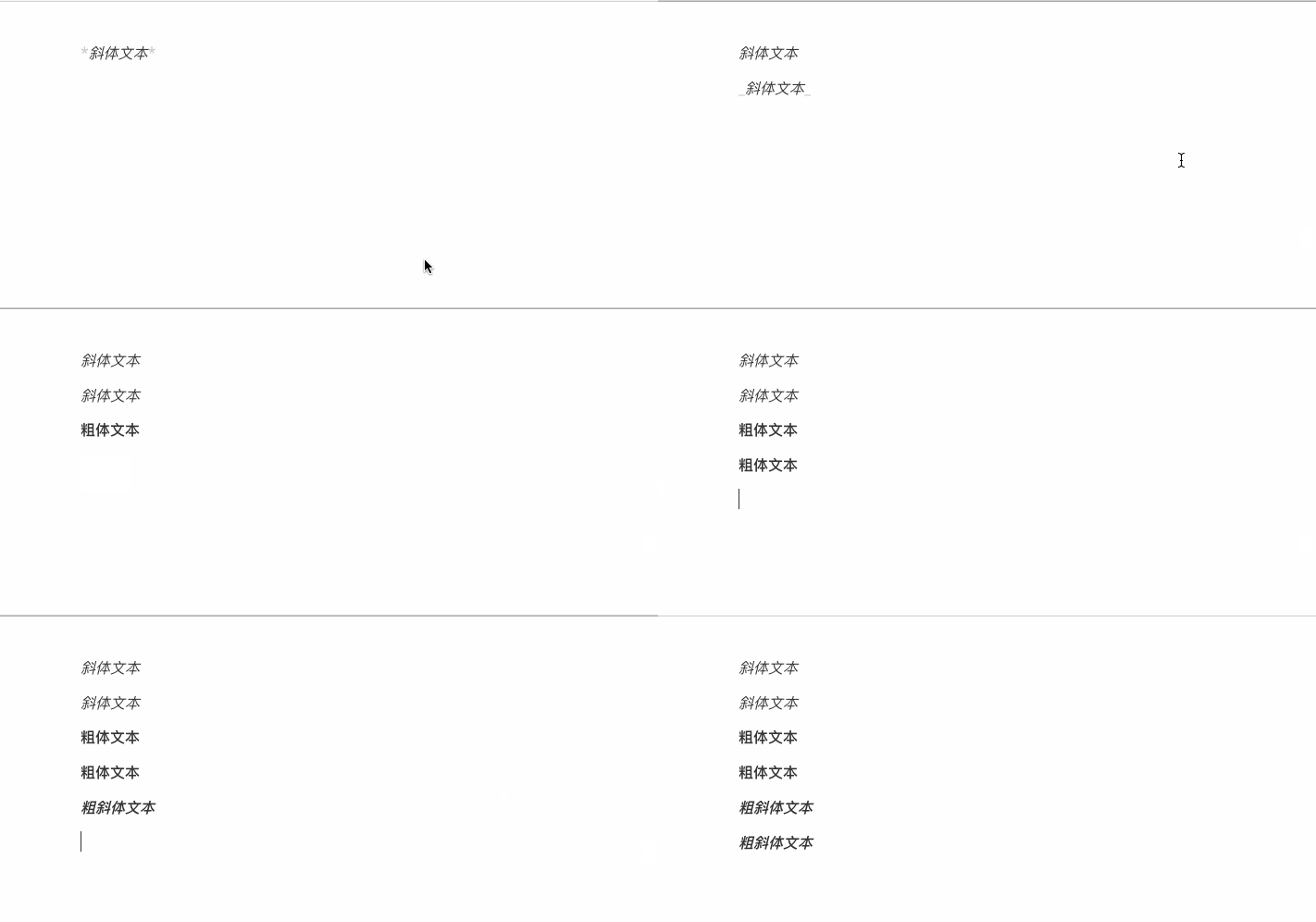
Bold and italic combination:Use three asterisks***or three underscores___。
*斜体文本*
_斜体文本_
**粗体文本**
__粗体文本__
***粗斜体文本***
___粗斜体文本___
The displayed result is as follows:
Mixed usage tips:
This text contains a combination of **bold**, *italic*, and ***bold italic*** effects.
The rendered result is as follows:

Usage Recommendations:
- It is recommended to use asterisks
*rather than underscores_, because asterisks have better compatibility across various Markdown parsers. - Do not overuse emphasis; only highlighting key points is effective.
- When mixing Chinese and English, it is recommended to add spaces around emphasis markers to improve readability.
Horizontal Rules
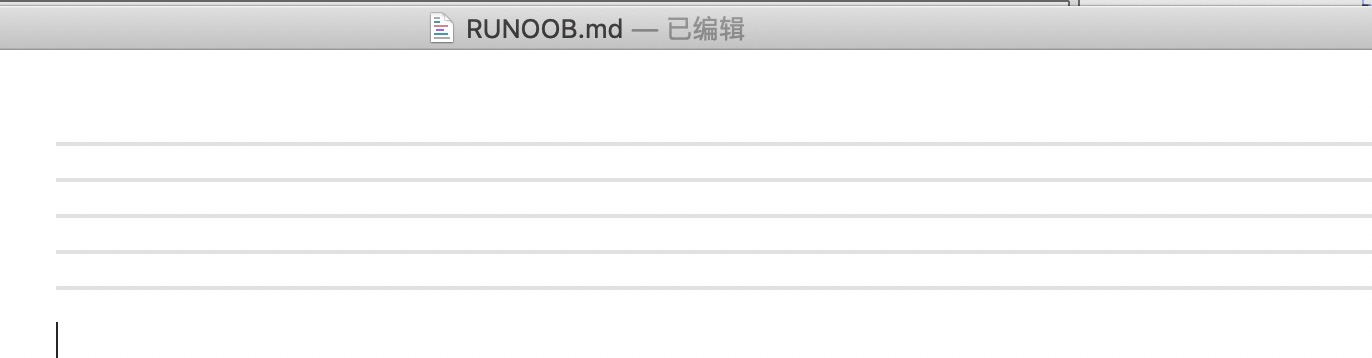
You can create a horizontal rule on a line by using three or more asterisks, hyphens, or underscores. There must be no other content on the line. You can also insert spaces between the asterisks or hyphens. Each of the following notations can create a horizontal rule:
***

* * *

*****

- - -

----------
The displayed result is as follows:
Strikethrough
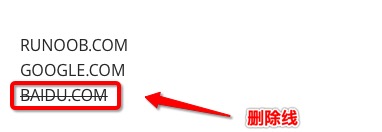
If you want to add a strikethrough to text in a paragraph, simply add two tilde characters at both ends of the text.~~That's all. Example:
example.com
GOOGLE.COM
~~BAIDU.COM~~
The displayed result is as follows:
Underline
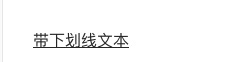
Underline can be implemented using the HTML<u>tag:
<u>带下划线文本</u>
The displayed result is as follows:
Footnotes
Footnotes are supplementary explanations to the text.
The format of Markdown footnotes is as follows:
[^Text to be annotated]
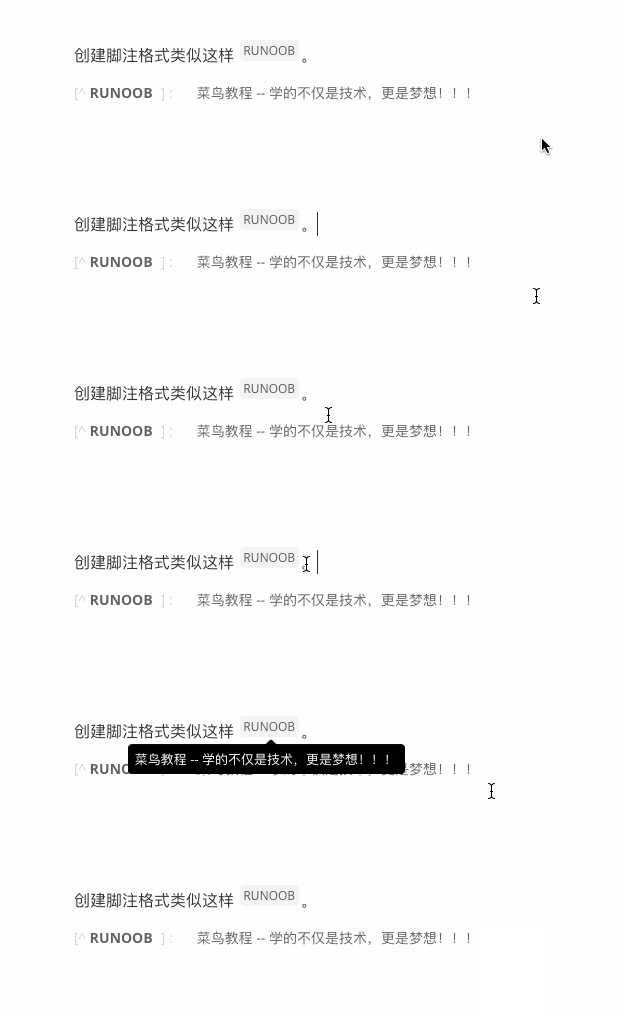
The following example demonstrates the usage of footnotes:
创建脚注格式类似这样 [^EXAMPLE]。

[^EXAMPLE]: Example -- 学的不仅是技术,更是梦想!!!
The demonstration result is as follows:
Inline Code Markers
Inline code is used to mark code snippets, commands, variable names, etc. in the body text:
Basic Syntax:
Use a backtick`to surround the code:
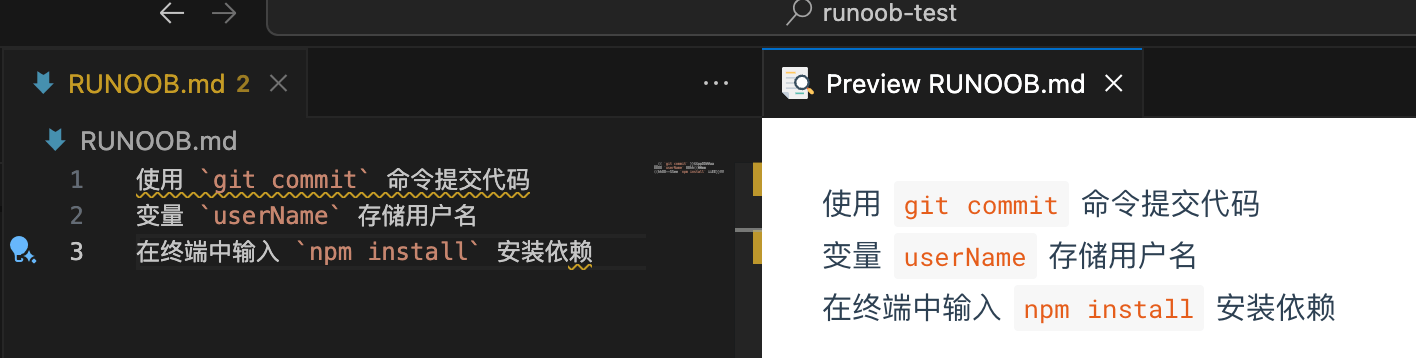
使用 `git commit` 命令提交代码
变量 `userName` 存储用户名
在终端中输入 `npm install` 安装依赖
Rendered result:
Code containing backticks:When the code itself contains backticks, use two backticks to surround it.
要显示反引号,使用 `` `code` `` 这样的格式
Rendered result:

Use Cases:
- API names and function names in technical documentation
- Parameter names in configuration files
- Command-line commands
- Keyboard shortcuts (such as
Ctrl+C)
Text Highlighting (Extended Syntax)
Text highlighting is not standard Markdown syntax, but many extensions support it:
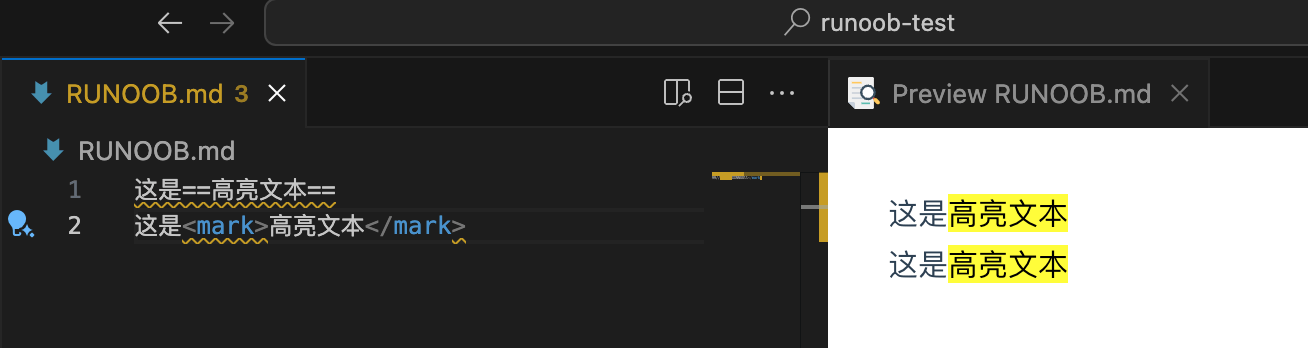
Common syntax(supported by some platforms):
This is ==highlighted text==
HTML Alternative:
这是<mark>高亮文本</mark>
Paragraphs and Line Breaks
Creating Paragraphs
In Markdown, paragraphs are the basic units of text. Understanding paragraph rules is crucial for correctly formatting documents.
Basic Paragraph Rules:
- A paragraph consists of one or more consecutive lines of text.
- Paragraphs are separated by one or more blank lines.
- Normal paragraphs should not be indented with spaces or tabs.
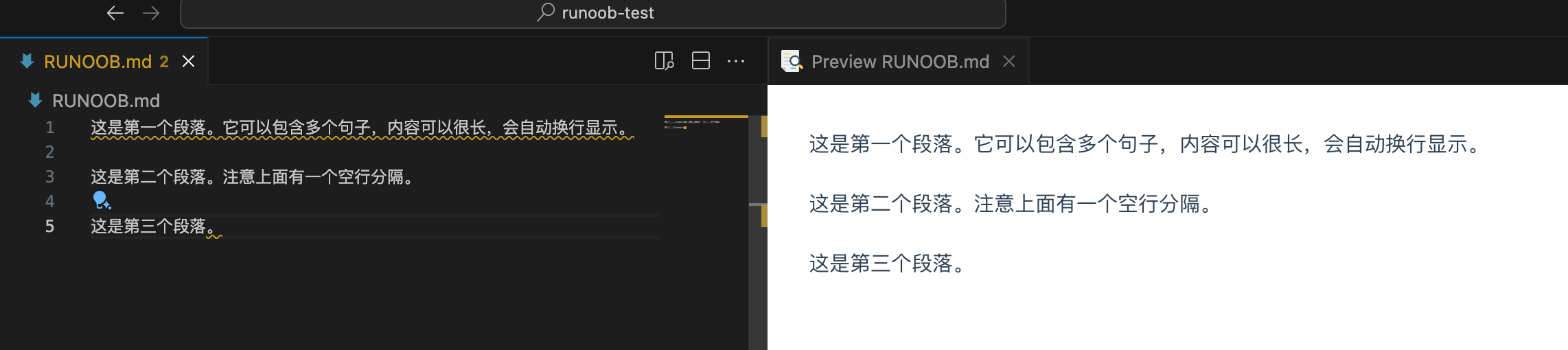
Correct paragraph formatting:
This is the first paragraph. It can contain multiple sentences, and the content can be very long, wrapping automatically.

This is the second paragraph. Note that there is a blank line above separating it.

This is the third paragraph.
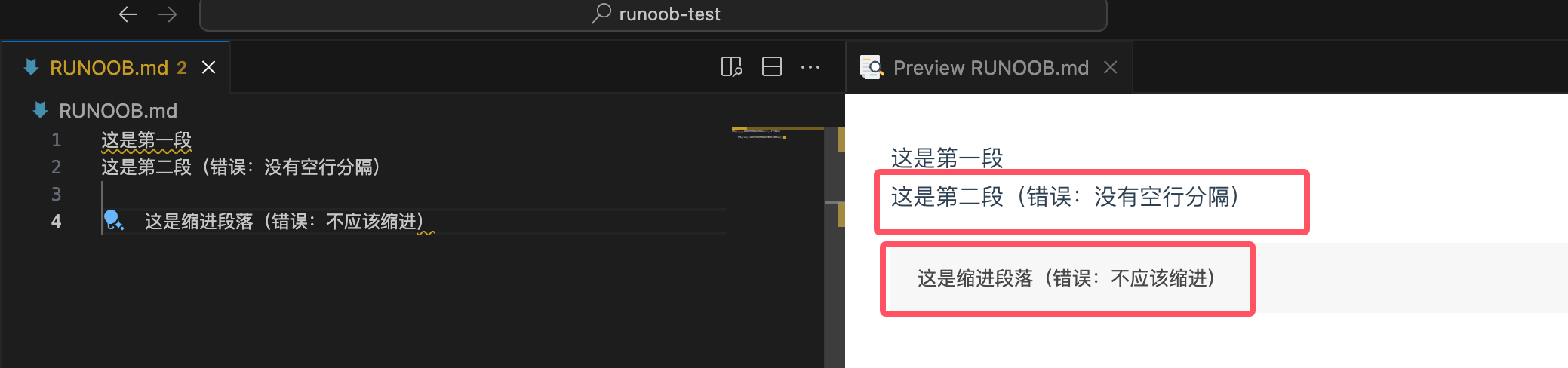
Common mistakes:
This is the first paragraph
This is the second paragraph (error: no blank line separating them)

    This is an indented paragraph (error: should not be indented)
Forced Line Break Techniques
Sometimes you need to break a line without creating a new paragraph. Markdown provides several methods:
Method 1: Two spaces at the end of the line
Add two or more spaces at the end of the line, then press Enter:
First line content (two spaces here)
Second line content
Method 2: HTML line break tag
第一行内容<br>
第二行内容
Method 3: Backslash (supported by some parsers)
First line content\
Second line content
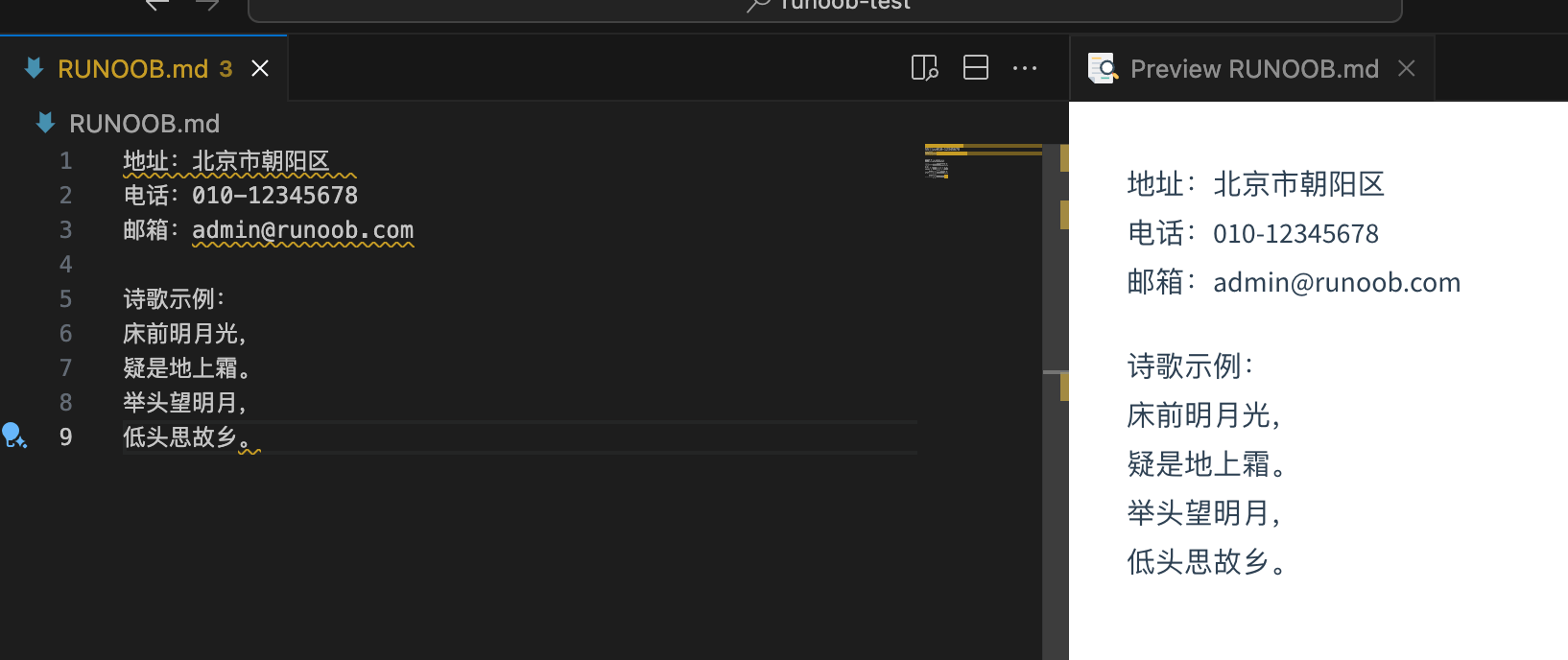
Practical Application Examples:
地址:北京市朝阳区
电话:010-12345678
邮箱:admin@example.com

诗歌示例:
床前明月光,
疑是地上霜。
举头望明月,
低头思故乡。
The Role of Blank Lines
Blank lines play an important role in Markdown:
Separate paragraphs:
First paragraph content

Second paragraph content
Separate different elements:
# 标题

段落内容

- 列表项1
- 列表项2

另一段内容
Best practice recommendations:
- Leave a blank line between headings and content
- Leave blank lines before and after lists
- Leave blank lines before and after code blocks
- Maintain consistent blank line usage habits