Markdown Links
Links are key elements that make Markdown documents interactive.
Mastering link syntax allows you to create rich, easy-to-navigate documents.
The usage of links is as follows:
[link name](link URL)
[link text](link URL "optional title")
Or:
<link URL>
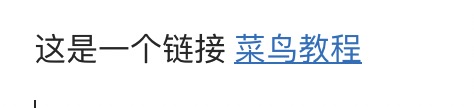
A simple link:
这是一个链接 [Example](https://www.example.com)
The result is displayed as follows:
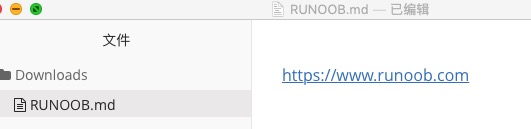
Using the link address directly:
<https://www.example.com>
The result is displayed as follows:
Setting an optional title:
这是一个链接 [Example](https://www.example.com)
欢迎访问 [GitHub](https://github.com) 官网
这是 [百度搜索](https://www.baidu.com "百度一下,你就知道")
The result is displayed as follows:
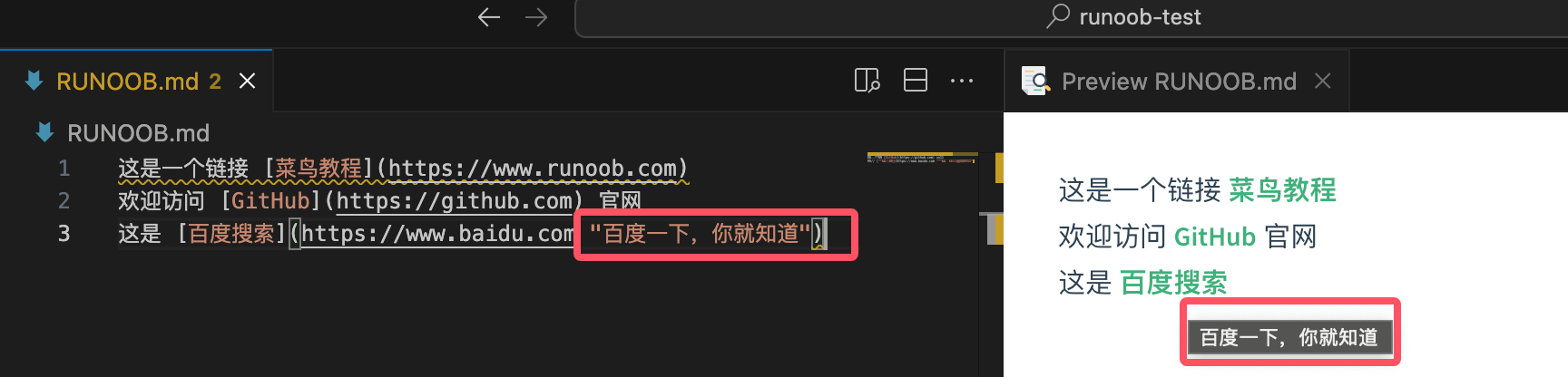
The purpose of the link title:
- Displays tooltip information when the mouse hovers over the link
- Helpful for search engine optimization and accessibility
- Title text can be placed in double quotes, single quotes, or parentheses
Email link:
markdown联系我:[发送邮件](mailto:example@email.com)
电话联系:[拨打电话](tel:+86-138-0013-8000)
Reference Links
Reference-style links separate the link definition from its use, making documents cleaner, and are especially suitable for long documents or situations where the same link needs to be referenced multiple times.
Basic syntax:
markdown[链接文字][参考标签]

[参考标签]: URL "可选标题"
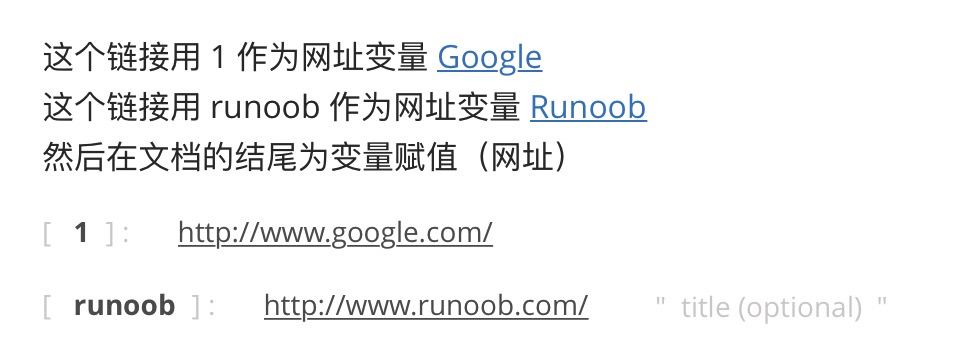
We can set a link through a variable, with the variable assignment done at the end of the document:
这个链接用 1 作为网址变量 [Google][1]
这个链接用 example 作为网址变量 [Example][example]
然后在文档的结尾为变量赋值(网址)

  [1]: http://www.google.com/
  [example]: http://www.example.com/
The result is displayed as follows:
Simplified syntax:
When the reference label is the same as the link text, the second square brackets can be omitted:
markdown 我喜欢使用 [GitHub][] 来管理代码。

[GitHub]: https://github.com
Advantages of reference links:
- The document body is cleaner and not interrupted by long URLs
- Makes unified management and updating of links easier
- The same link can be reused, avoiding duplicate definitions
- Link definitions can be placed anywhere in the document (usually at the end)
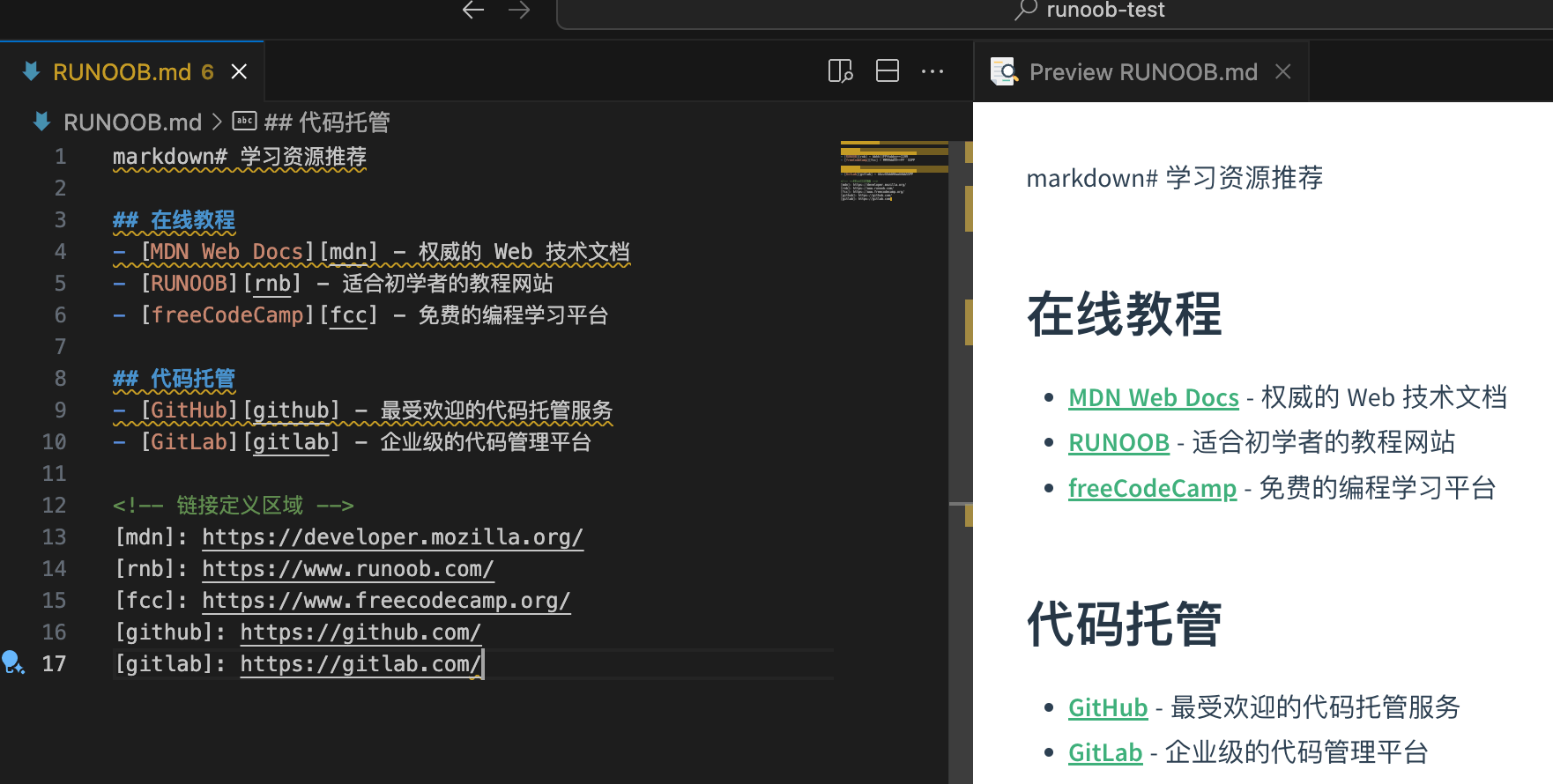
Organizational tips:
markdown# 学习资源推荐

## 在线教程
- [MDN Web Docs][mdn] - 权威的 Web 技术文档
- [EXAMPLE][rnb] - 适合初学者的教程网站
- [freeCodeCamp][fcc] - 免费的编程学习平台

## 代码托管
- [GitHub][github] - 最受欢迎的代码托管服务
- [GitLab][gitlab] - 企业级的代码管理平台

<!-- 链接定义区域 -->
[mdn]: https://developer.mozilla.org/
[rnb]: https://www.example.com/
[fcc]: https://www.freecodecamp.org/
[github]: https://github.com/
[gitlab]: https://gitlab.com/
Automatic Link Recognition
Modern Markdown parsers usually support automatic recognition of URLs and email addresses:
Automatic URL recognition:
markdown直接输入网址:https://www.example.com
用尖括号包围:<https://www.example.com>
Automatic email recognition:
markdown联系邮箱:example@email.com
或者:<example@email.com>
Notes:
- The automatic recognition feature depends on the specific Markdown parser
- To ensure compatibility, it is recommended to use standard link syntax
- Certain special characters may affect automatic recognition
Using Anchor Links
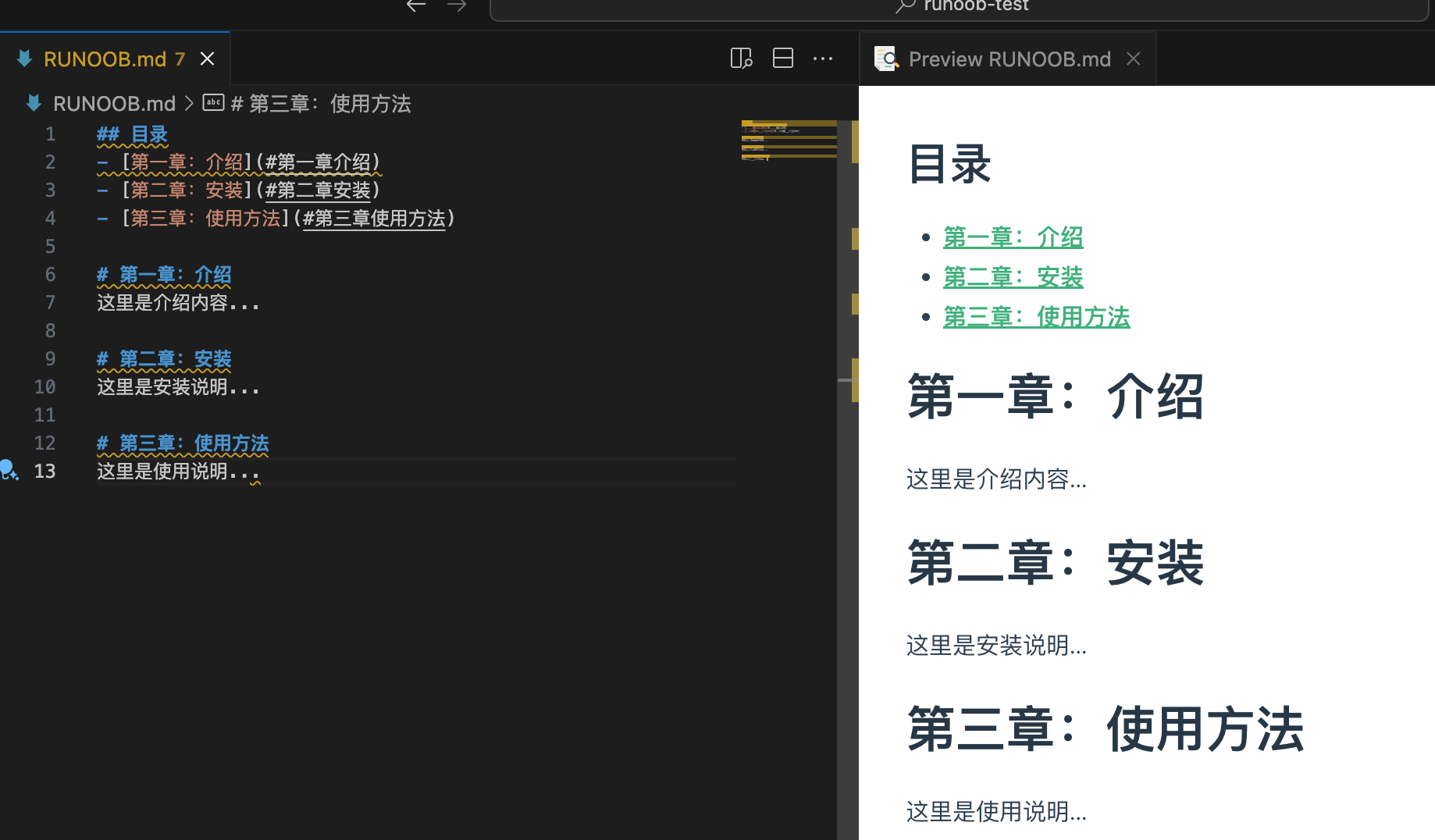
Anchor links are used to jump within the same document, and are especially suitable for navigation in long documents:
Jump to heading:
## Table of Contents
- [Chapter 1: Introduction](#第一章介绍)
- [Chapter 2: Installation](#第二章安装)
- [Chapter 3: Usage](#第三章使用方法)

# Chapter 1: Introduction
This is the introduction content...

# Chapter 2: Installation
These are the installation instructions...

# Chapter 3: Usage
These are the usage instructions...
Anchor rules:
- Headings automatically generate anchors
- The anchor name is usually the lowercase form of the heading
- Spaces are replaced with hyphens
- Special characters are removed
Manually creating anchors:
<a id="custom-anchor"></a>
## 自定义锚点位置

[跳转到自定义位置](#custom-anchor)
Return to top link:
[Back to top](#)Other Extensions