MacOS Docker installation
Install using Homebrew
On macOS, we can use Homebrew to install Docker.
Homebrew's Cask already supports Docker for Mac, so it is very convenient to use Homebrew Cask for installation:
$ brew install --cask --appdir=/Applications docker

==> Creating Caskroom at /usr/local/Caskroom
==> We'll set permissions properly so we won't need sudo in the future
Password:          # 输入 macOS 密码
==> Satisfying dependencies
==> Downloading https://download.docker.com/mac/stable/21090/Docker.dmg
######################################################################## 100.0%
==> Verifying checksum for Cask docker
==> Installing Cask docker
==> Moving App 'Docker.app' to '/Applications/Docker.app'.
🍺  docker was successfully installed!
After loading the Docker app, click Next. It may ask for your macOS login password; just enter it. Afterward, a prompt window will appear indicating Docker is running, and there will also be a small whale icon in the status bar ( )。
)。
Manually download and install
If you need to download manually, please click the link below to download.Install Docker Desktop on Mac 。

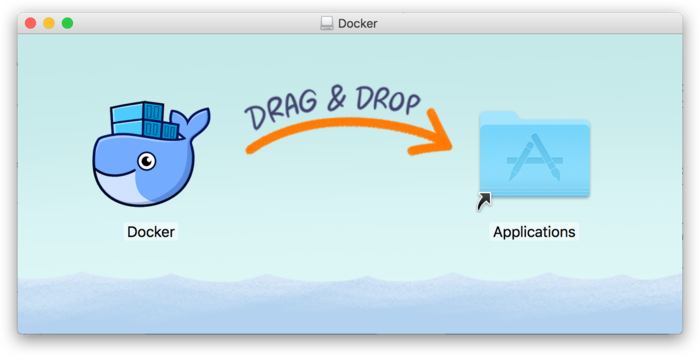
Just like other macOS software, installation is very simple. Double-click the downloaded .dmg file, then drag the whale icon into the Application folder.
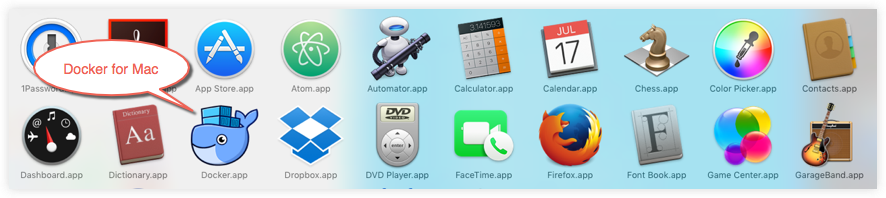
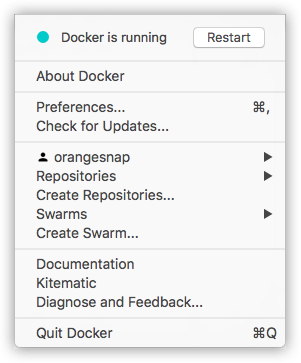
Click the whale icon in the top status bar to bring up the operation menu.

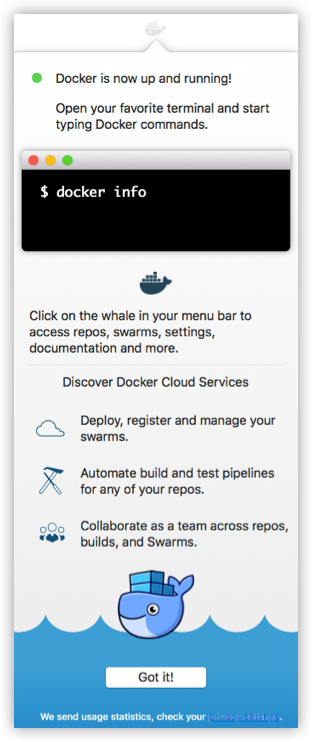
The first time you click the icon, you may see this installation success screen. Click "Got it!" to close this window.
After launching the terminal, you can check the installed Docker version via commands.
$ docker --version
Docker version 17.09.1-ce, build 19e2cf6
Image acceleration
Due to domestic network issues, pulling Docker images afterwards will be very slow. We can configure an accelerator to solve this. I use NetEase's mirror address:http://hub-mirror.c.163.com。
Click the Docker for Mac app icon in the taskbar -> Preferences... -> Daemon -> Registry mirrors. Enter the accelerator address in the list. After the modification is complete, click the Apply & Restart button, and Docker will restart and apply the configured mirror address.
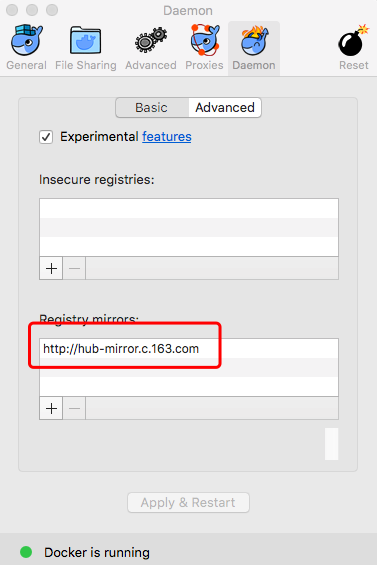
Afterwards, we can use `docker info` to check whether the configuration was successful.
$ docker info
...
Registry Mirrors:
 http://hub-mirror.c.163.com
Live Restore Enabled: false
other extensions