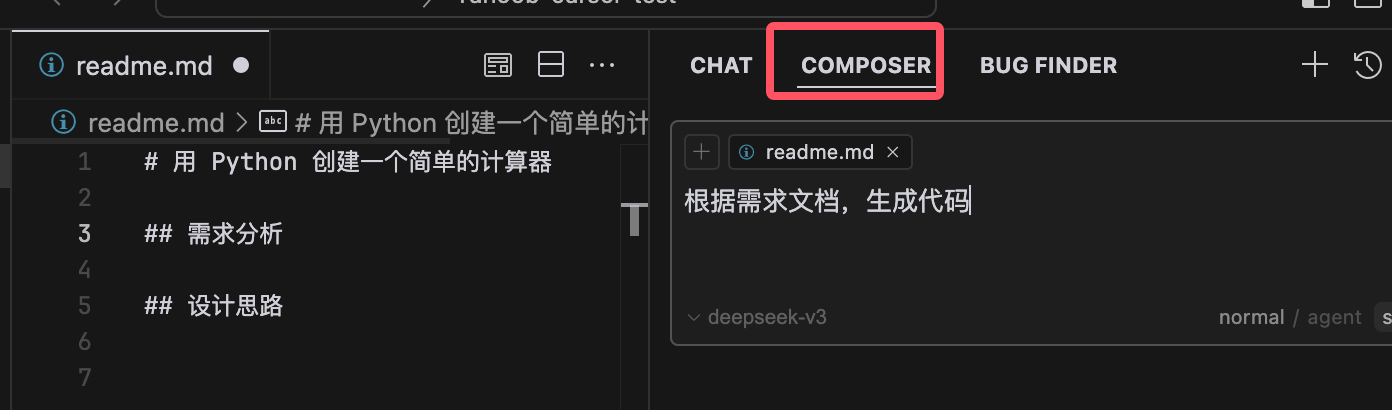
Cursor Chat and Composer
The Cursor AI chat window has two features, Chat and Composer, which are two different AI-assisted programming modes with distinct functions:
Chat is an interactive AI assistant. You can converse with it in natural language, ask questions, request code explanations, perform code reviews, find errors, and more. It focuses more on interactive Q&A and code assistance, making it suitable for quickly obtaining solutions, debugging code, or learning new concepts.
-
Composer is a powerful code generation tool mainly used to generate brand-new code. You can provide requirement descriptions or sample code, and Composer will generate complete code snippets or files. It focuses more on code generation and is suitable for building new features, optimizing code structure, or handling complex programming tasks.
In simple terms, Chat is suitable for quick Q&A and simple tasks, while Composer is suitable for complex code generation and cross-file operations. In daily development, we can first use Composer to generate code, then use Chat to explain or optimize the code.
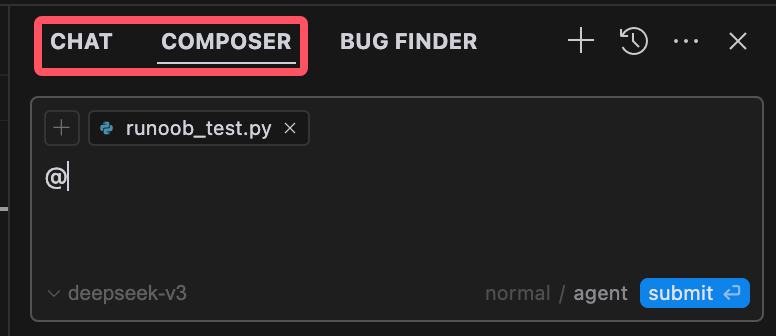
Choosing between Chat and Composer depends on the task requirements:
- If you need quick Q&A and immediate problem-solving, Chat is the better choice.
- If you need to generate complex code, handle multiple files, or make fine adjustments, Composer is more suitable.
Cursor Chat Introduction
Cursor Chat is a chat tool integrated into the code editor, allowing developers to communicate with team members in real time while writing code. Through Cursor Chat, developers can discuss code issues, share code snippets, or seek help without leaving the editor.
Main Features
- Conversational interaction: Users can ask questions or request code snippets in natural language, just like conversing with a real person.
- Quick response: Suitable for immediate Q&A, such as code debugging, technical concept explanations, etc.
- Context awareness: Chat remembers previous conversations and supports progressively deeper questioning.
- Code referencing: You can directly reference code snippets to have the AI explain or modify them.
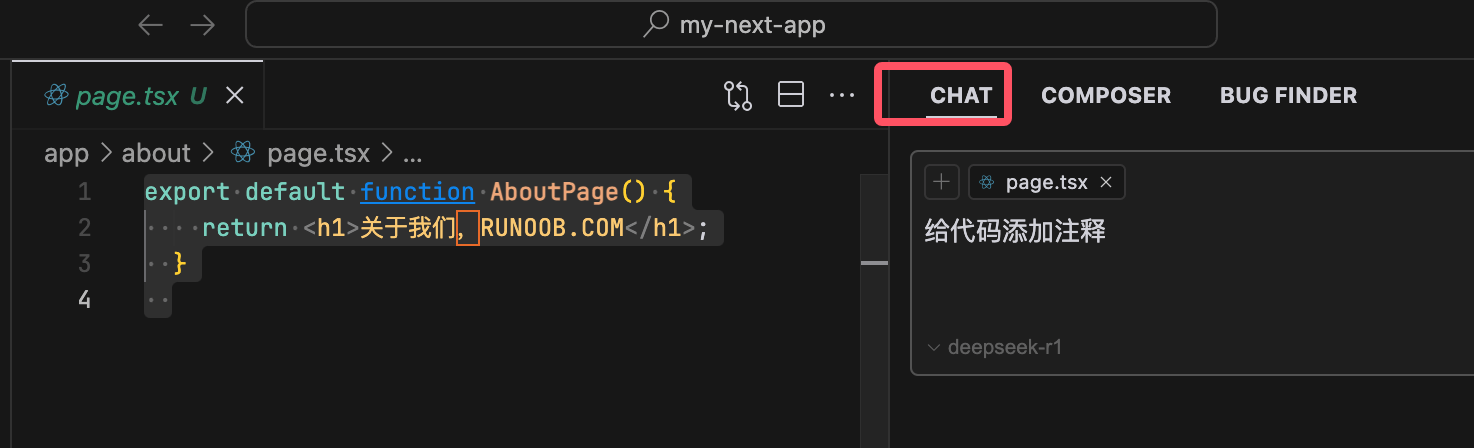
Example
return <h1>About us, EXAMPLE.COM</h1>;
}
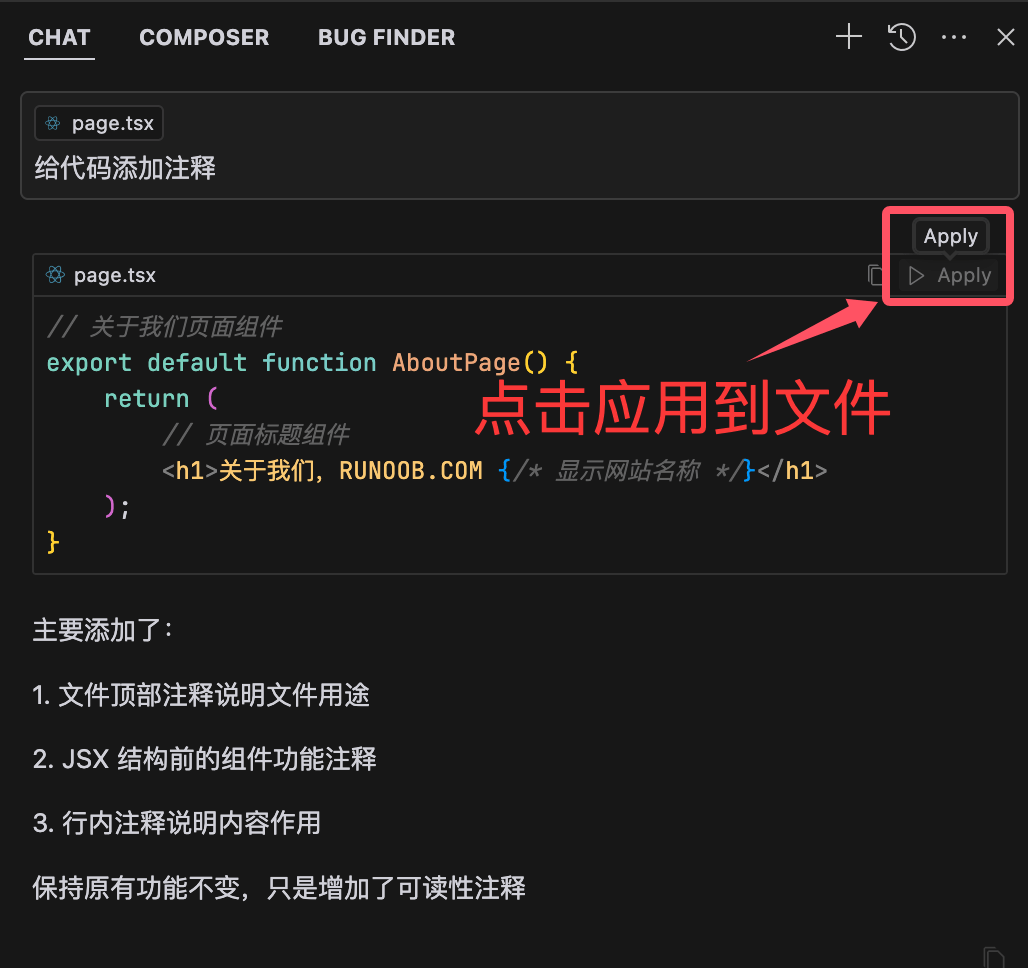
Next, in the Chat conversation window, let's have the AI add comments.
Then click the Apply button to apply it to the code file:
Composer Introduction
Based on natural language descriptions, Composer can generate complete code snippets or files, and even build entire applications. It also supports editing multiple files simultaneously and can understand the calling relationships between files, making it suitable for complex project development.
Composer can understand the entire project structure and existing code, generating more logical, higher-quality code.
After Composer generates code, users can further optimize the code through additional instructions.
For example, we can create a directory and write a requirements document:
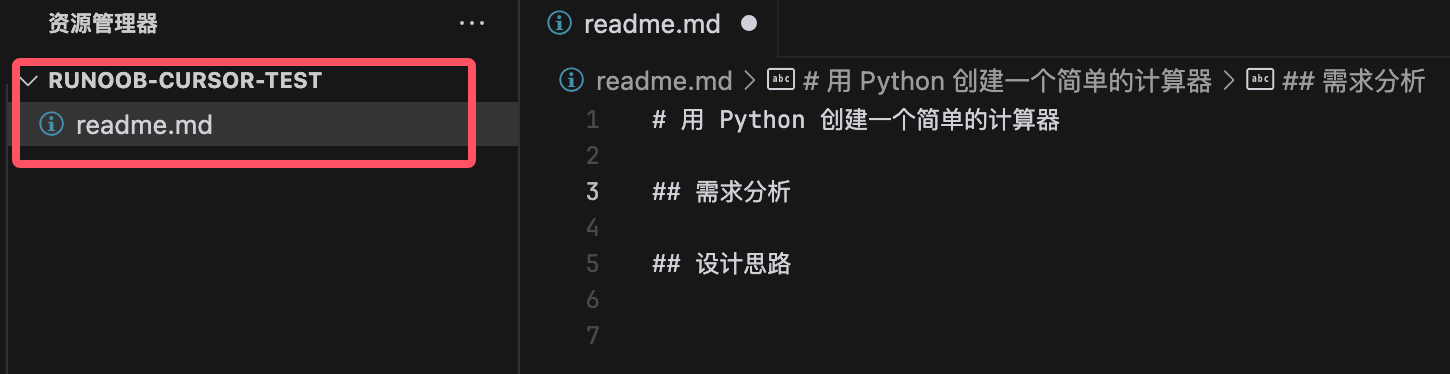
In the Composer conversation window, you can have it generate code based on the requirements document: